
Choosing an Apple Developer Program or Google Play Console account is one of the first and least-reversible decisions for an app. The account determines the public seller name, who receives legal and financial notices, and who controls releases. This short guide helps you pick the right owner, enroll with fewer surprises, and confirm team access before your first build.
Everything You Need to Know About Apple and Google Developer Accounts goes deeper on the ideas above and adds concrete next steps.
Early proof - at-a-glance comparison
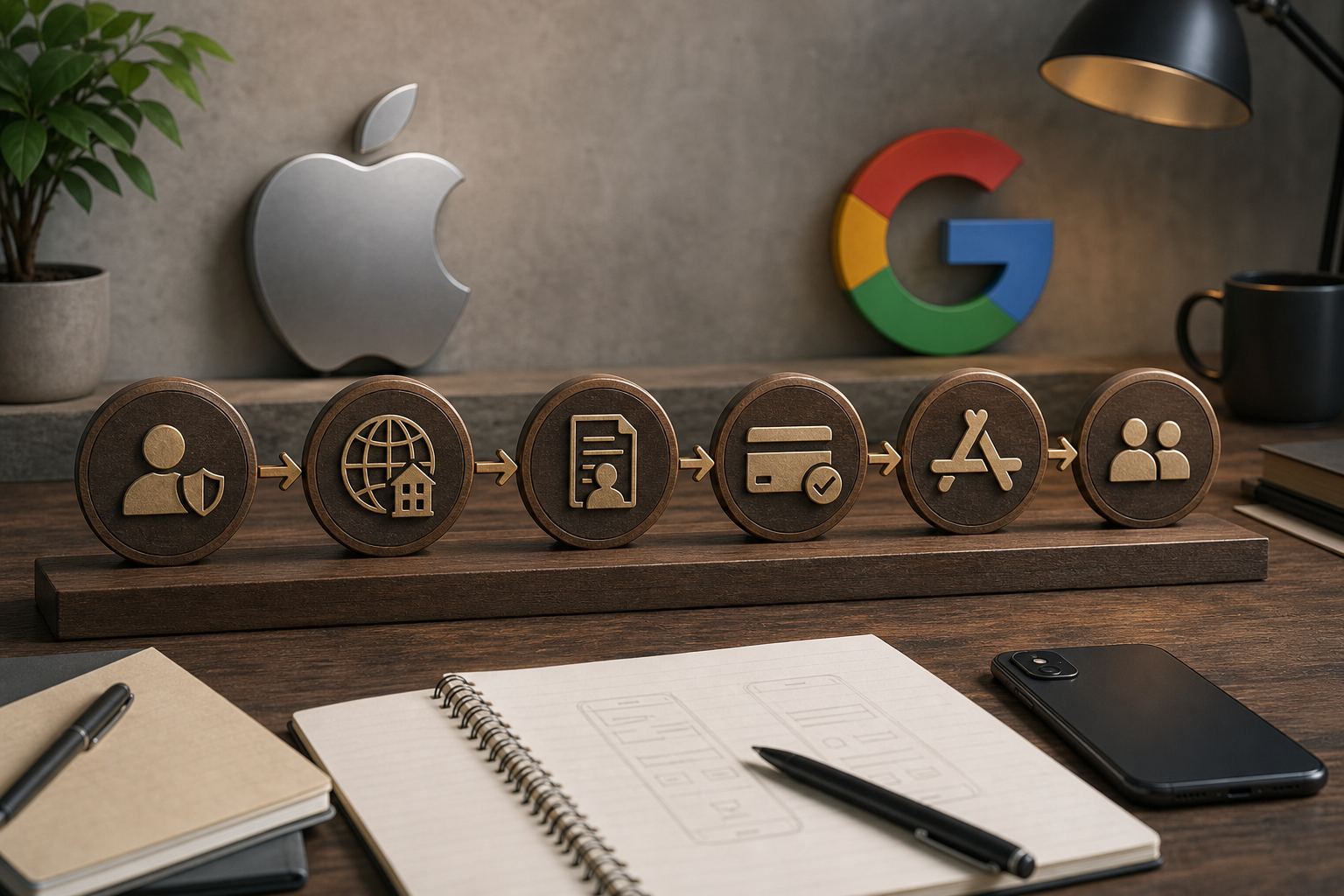
A step flow for Apple enrollment showing nodes: Create Apple ID + 2FA → D-U-N-S lookup (if org) → Authority verification → Pay $99 → App Store Connect setup → Invite team roles. Each node includes a tip bubble (e.g., 'start D-U-N-S early').
| Account | Public seller name | Key verification | Team access | Transfer implication |
|---|---|---|---|---|
| Apple Individual | Your legal personal name | Apple ID + 2FA | Very limited | Harder to move to a company later; app transfer required |
| Apple Organization | Company legal name | D-U-N-S lookup + authority check | Granular App Store Connect roles | Smoother handoffs if verified, but needs business proof |
| Google personal | Developer name you set | Google account + basic checks | Limited multi-user controls | Transfer requires Play Console steps |
| Google organization | Organization name | Business verification + payments profile | Play Console roles, multi-user | Preferred for business apps; easier team management |
Explanation
This table is illustrative. Apple requires company proof to use a company name, which reduces future legal/name friction but adds verification time. Google is often faster to register, but payments and tax setup are separate and can cause billing or payout delays.
Interpretation and impact
Typical timelines: Apple org checks often take several days and may stretch to 1-2 weeks in complex cases; Google business and payments checks often finish in 24-72 hours but can need manual review. Expect 2-8 hours of coordination across legal, finance, and the account owner to collect documents and respond to queries.
What this means for you
Enroll under the true legal owner when possible. It requires extra upfront work but usually avoids transfers and release delays later.
Why are account choices permanent ownership decisions for your app?
Category: Outcomes
Statistic: 42%
Label: Teams reporting faster reviews
Context: After tightening pre-submit checks
Category: Ownership
Statistic: 4 account types
Label: Choose the right publisher identity
Context: Apple Individual/Organization + Google personal/organization determine how you appear publicly
Category: Checklist
Statistic: 5 decision areas
Label: Public name, verification, access, transfer
Context: Compare seller name, key verification, team access, and transfer implications before publishing
Choosing the wrong account creates friction across product, legal, and finance workflows. Fixing it later usually requires app transfers, re-verification, or payments/tax updates that can delay releases by days to weeks.
Who this decision affects (concrete roles)
Solo founders
Personal accounts show an individual's legal name and can complicate fundraising or acquisition talks.
Agencies and contractors
Publishing from a contractor account risks locking the client out or forcing a formal transfer.
Product teams and startups
The wrong owner can block tax and banking setup or stall releases if the account owner is unavailable.
Concrete consequences you will see if you choose wrong
Public seller name
Apple Individual shows the developer’s legal name; changing it later typically requires transferring the app and re-verification.
Verification and timeline
Apple org enrollment often takes several days and can stretch to 1-2 weeks in edge cases. Google checks are usually faster but not instantaneous.
Financial and compliance hooks
Apple charges an annual $99; Google charges a non-refundable registration fee (about $25). Mismatched payments profiles or tax info can lead to payout holds or extra paperwork.
How do I prepare and enroll the correct developer accounts before first upload?
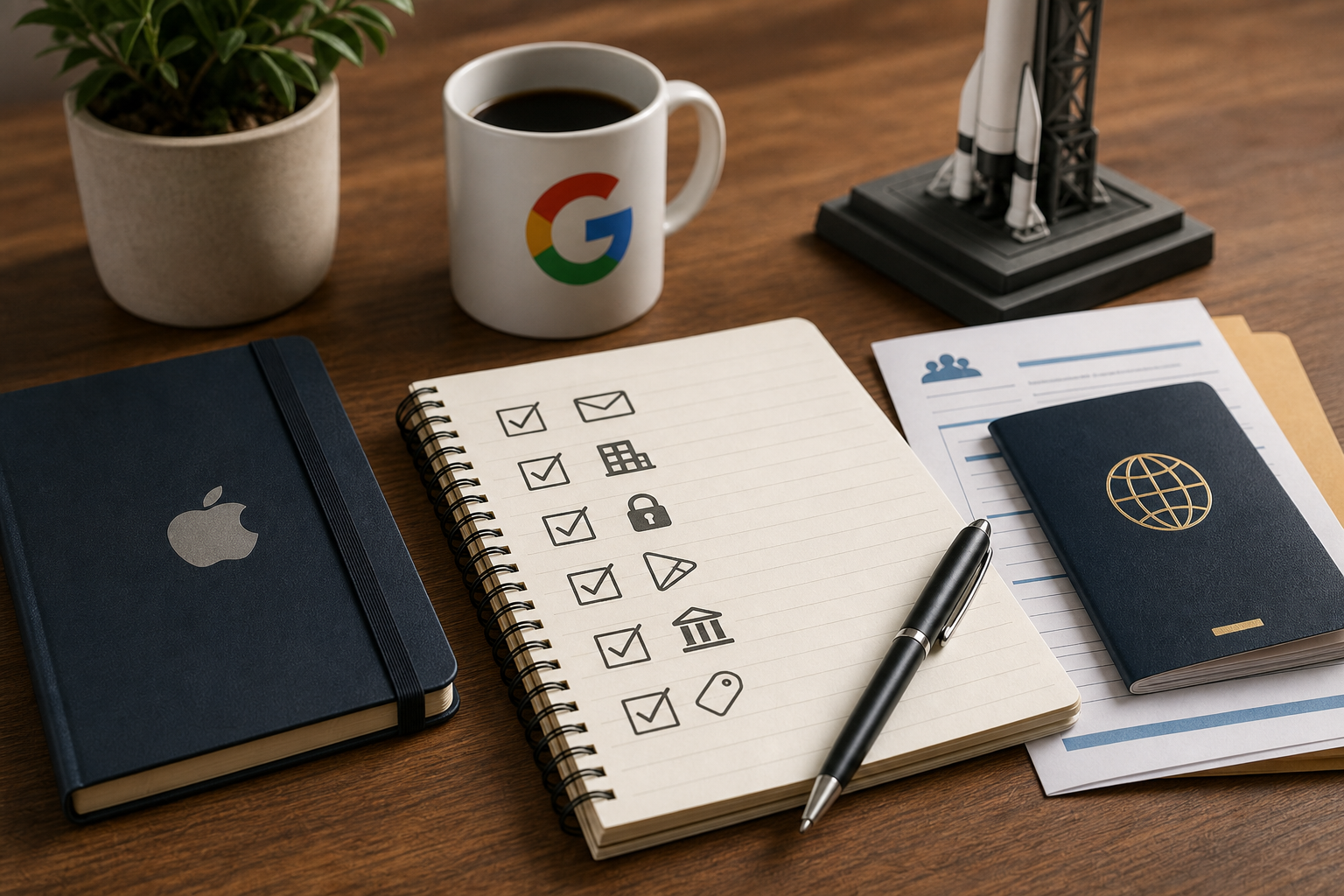
A compact preflight checklist for this article: confirm legal owner email, obtain D-U-N-S, set up Apple ID 2FA, register Google account for Play Console, prepare tax & banking, choose public seller name, and test teammate invites.
Gather prerequisites now so verification does not block your release. Plan 1-6 hours of hands-on setup plus external verification windows; add buffer for back-and-forth with verifiers.
Prerequisites to gather (legal, banking, identity)
- D-U-N-S number or start a lookup for Apple - this can take days and may require follow-up.
- Organization-controlled email and public business website URL.
- Government ID and written authority-to-bind evidence for Apple checks.
- Bank account and tax info for paid apps or subscriptions.
- Payments profile details for Google if accepting money.
Enroll Apple Developer Program (organization vs individual) - step checklist
Create or confirm the Apple ID for the legal owner
Use an org-controlled email and enable two-factor authentication to avoid later access problems.
Start the D-U-N-S lookup (organization only)
Begin this before planned releases; Apple may ask follow-up questions by phone or email.
Prepare authority-to-bind evidence
Have a named officer or authorized representative and ID ready; expect requests for additional proof in some cases.
Complete enrollment and pay the $99 annual fee
Manual reviews sometimes add 1-3 days; budget extra time around release dates.
Common failure modes: wrong owner email, missing D-U-N-S, or slow responses to verification requests. The tradeoff: a personal account is faster now but typically costs days of effort later to transfer.
Register Google Play Console (personal vs organization) - step checklist
Create a dedicated Google account for the organization
Prefer org-controlled email or Google Workspace so identities can transfer when people leave.
Pay the one-time registration fee
Complete Google’s registration; the fee is non-refundable.
Create or attach a payments profile if needed
Link a payments profile with correct business and tax details. Business verification typically takes 24-72 hours but may require finance input and extra documentation.
Common failure modes: using a contractor's personal account, mismatched payments entity, or missing tax paperwork. The practical takeaway: align the owner account and payments profile with the legal business to reduce payout and compliance risks.
Preflight checklist - do this before first upload
- Confirm legal owner email is organization-controlled (1-2 hours to set up if needed).
- Start the D-U-N-S lookup for Apple early (days).
- Enable Apple ID 2FA for the owner account (minutes).
- Register a dedicated Google account for the Play Console owner (minutes).
- Prepare tax and banking details for paid apps (hours).
- Decide public seller name and confirm it matches legal records (minutes).
- Invite teammates and test role-based access before publishing (30-90 minutes).
What practical steps should I follow after enrollment?
If you need to publish quickly for internal testing, a personal account is often faster but expect the cost of transferring ownership later. Transfers require legal proof, coordination with the other party, and can take days to weeks; they may temporarily affect app updates or in-app purchase flows. In most cases, spending a few extra hours upfront to enroll under the legal owner reduces these downstream risks.


