
Most Bubble mobile rejections happen because the reviewer’s first session is broken and they never see a working core flow. This short guide gives a 15-30 minute preflight, practical fixes, and realistic caveats so you reduce resubmissions.
How to Publish a Bubble Mobile App to App Store and Google Play goes deeper on the ideas above and adds concrete next steps.
Early proof: where Bubble mobile apps fail the reviewer’s first session
Category: Speed
Statistic: 10 sec
Label: Reach home after clean install
Context: Blank screens/spinners often fail the first session
Category: Clarity
Statistic: 30 sec
Label: Make app purpose immediately clear
Context: Empty repeating groups or missing demo data confuse reviewers
Category: Resubmission
Statistic: 1 - 2 uploads
Label: Builds to confirm rejection fixes
Context: Plan for at least one resubmission cycle after addressing blockers
Most rejections come from a fresh install showing a blank screen, broken auth, or premature permission prompts in the reviewer’s first 10 seconds.
| Reviewer checkpoint | Common Bubble failure examples |
|---|---|
| Clean install - reaches home within 10 seconds | Blank screen, long spinner, API timeout |
| First launch - app purpose clear within 30 seconds | Empty repeating groups, missing demo data |
| Core workflow - primary action completes | Disabled buttons, missing server data, workflow error |
| Authentication - reviewer can sign in/out | Expired magic link, SSO blocked, role-empty states |
| Permissions - prompts on user intent | Camera/location asked immediately on launch |
| Privacy/Data Safety - declarations match app | Declared analytics or IAPs not active or visible |
Explanation: Reproduce these failure modes on physical iOS and Android devices; emulators often mask network latency and permission timing. Practical interpretation: fix blank screens and auth failures first, then privacy and permission mismatches. Business impact: expect 1-2 build uploads to confirm fixes and plan 1-3 working days per resubmission; third-party changes can add more time.
How do I prepare a Bubble build for App Store and Google Play review?

A left-to-right process diagram showing the six steps: Fresh install test (iOS/Android), Core workflow execution, Authentication test, Permission timing check, Privacy/Data Safety audit, and Store submission with matching assets - annotated with quick validation checks for each node.
Run a six-step, review-safe workflow on physical devices and fix failures before submitting to the stores.
Prerequisites before you upload a build
- Create deterministic reviewer access: at least one persistent email/password account and include credentials in the store notes. Maintenance caveat: update creds and roles when your app changes.
- Choose guest access deliberately: provide a seeded demo guest path or remove guest entry points.
- Seed demo data programmatically where possible (CSV import, API workflow); expect 30-90 minutes to set this up and more when your data model changes.
The six-step review-safe launch workflow
Fresh install test
Install the exported mobile build on physical devices and confirm the app reaches a populated home screen within 10 seconds. If core APIs are slow, stub or cache critical content for the first view; tradeoff - stubbing reduces reviewer blockers but can hide downstream bugs.
Core workflow execution
Complete the app’s primary action with reviewer credentials and demo data and verify backend persistence. Expect 15-45 minutes to test the main happy path plus one common failure path.
Authentication test
Verify login, logout, password reset, and magic link flows; include an email/password fallback because magic links can expire. SSO users should document domain or region restrictions; fixing SSO often requires vendor coordination and extra testing time.
Permission timing check
Confirm permission prompts appear only when a user explicitly requests the feature. Rework flows that trigger camera, location, or microphone on cold start; premature prompts commonly cause rejections.
Privacy and Data Safety audit
Map plugins and API connectors to Play Data Safety categories and confirm App Store privacy answers match the build. This audit takes about 30-60 minutes and must be re-run after plugin or backend changes.
Store assets and clarity
Ensure screenshots, short descriptions, and the build match reviewer-visible experiences. Mismatched listings are low-effort fixes that prevent clarity rejections.
Run these checks sequentially during a single cold-device session to catch cross-cutting mismatches between the app and store listing.
What mistakes trigger review loops and how can I fix them?
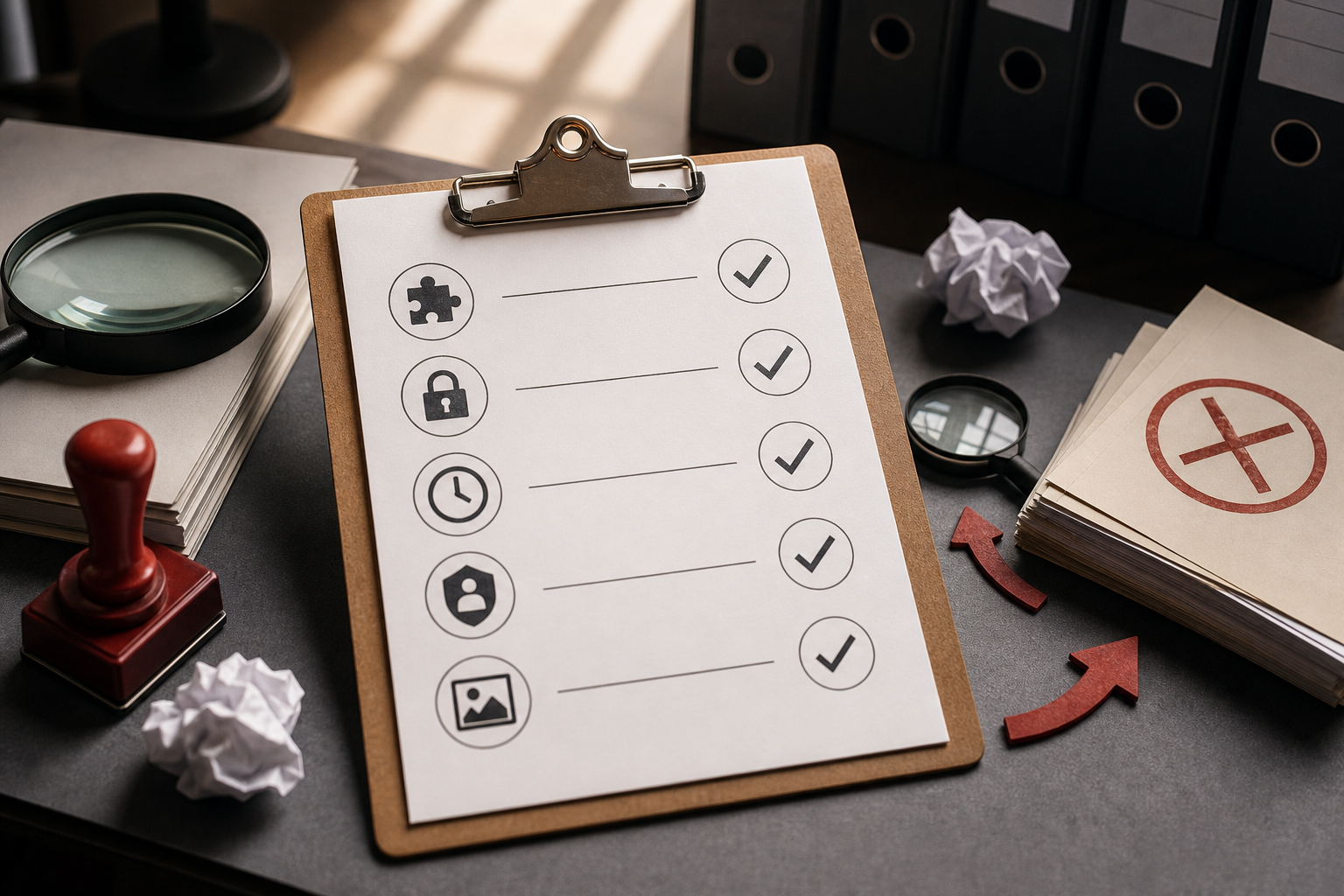
A compact checklist block that readers can copy: list Bubble plugins, map to Play Data Safety categories, confirm permission prompt timing, verify App Store privacy answers, and ensure screenshots reflect any data-collection features like payments or AI; designed specifically for Bubble app exports.
BLUF: Authentication gaps, privacy mismatches, and skipped final checks cause most review loops; fixing them is usually straightforward but requires ongoing attention and tradeoffs.
Authentication and test accounts (anti-patterns and fixes)
BLUF: Relying only on magic links or SSO will likely trigger rejections; always provide a persistent fallback test account and document it.
Avoid only-magic-link setups. Add a durable email/password test account or extend magic-link validity and include explicit credentials in review notes. Tradeoff: seeded reviewer accounts need housekeeping when roles or the data model change.
Privacy, permissions, and Data Safety mismatches (what to declare and when)
BLUF: Declare any plugin or API that touches user data in Play Data Safety and App Store privacy forms; mismatches cause rejections even if the use seems passive.
Map plugins and external APIs to Play categories before upload and treat analytics, crash reporting, and storage as data collection. Operational caveat: plugin updates or backend toggles can change required declarations, so re-run the audit after dependencies change.
Quick checklist:
- Inventory plugins and APIs in the build.
- Map each to Play Data Safety categories and update console fields.
- Verify permission prompts occur only on explicit user action.
- Confirm App Store privacy answers match active features.
- Update screenshots if you declare payments, AI features, or IAPs.
Final preflight and the one-minute re-check (stop second-order rejections)
BLUF: A single cold install run with a teammate reading the store listing catches final mismatches that cause follow-up rejections.
Run one final cold install, perform the six checks while a teammate reads the store listing, and fix mismatches before submitting. Expect 15-30 minutes for this pass; skipping it often adds another 3-7 day delay for fixes.
Conclusion
Run the six-step workflow, seed demo data, provide durable reviewer accounts, and keep privacy declarations in sync with plugins and backend changes. These focused preflight steps reduce the chance of resubmission, but plan for maintenance and occasional extra build cycles when third-party components change or new policies arrive.


