
This short guide helps product and engineering teams prepare reviewer notes and a seeded demo so an Apple reviewer can complete a booking without guessing. You should expect about 1-3 hours of setup plus 30-90 minutes per day of light monitoring while a build is under review. The practical outcome is fewer resubmits and lower calendar risk, though reviewer behavior and policy review can still introduce uncertainty.
What the App Store Review Team Actually Tests goes deeper on the ideas above and adds concrete next steps.
What metrics show your readiness for App Store review?
Category: Risk
Statistic: 38%
Label: First-pass approval rate
Context: Even with solid metadata and a seeded listing, approval on the first try isn’t guaranteed - plan launch buffers
Category: Speed
Statistic: 1 - 3 hrs
Label: Happy-path setup time
Context: Getting reviews flowing is quick when everything’s ready - ideal for fast-moving booking app releases
Category: Impact
Statistic: 3 - 10 days
Label: Delay per resubmission
Context: Each rejection can push a booking app update into the next booking cycle - avoid last-minute submissions
| Metric | Typical value | Practical interpretation |
|---|---|---|
| First-pass approval rate | 38% | Directional: seeded listings and clear credentials tend to improve first-pass outcomes. |
| Happy-path setup time | 1-3 hours | Minimal staging work usually takes a few focused hours if backend changes are not required. |
| Delay per resubmit | 3-10 days | Each resubmit commonly adds days to launch and increases triage effort. |
Explanation - these are directional figures from common mobile release workflows, not guarantees.
Interpretation - a focused few hours up front often reduces review friction but results vary by app and reviewer.
Business impact - fewer resubmits usually cuts calendar risk and support load, while occasional policy delays remain a realistic possibility.
When you move from outline to execution, The Founder's Complete App Publishing Checklist helps close common gaps teams hit here.
Why does App Store review matter for booking apps?
Who owns what, and the cost of inaction
Name a single App Review owner in product and give engineers and ops clear responsibilities. Product owns the notes, engineers provide TestFlight link, build number, entitlements, and webhook guidance, and ops/QA monitor the review window.
If you skip this work, expect the release owner to absorb most of the delay and context-switching. Small upfront effort trades one or two hours now for days saved later.
Step-by-step: reviewer notes and a reviewer-ready happy path
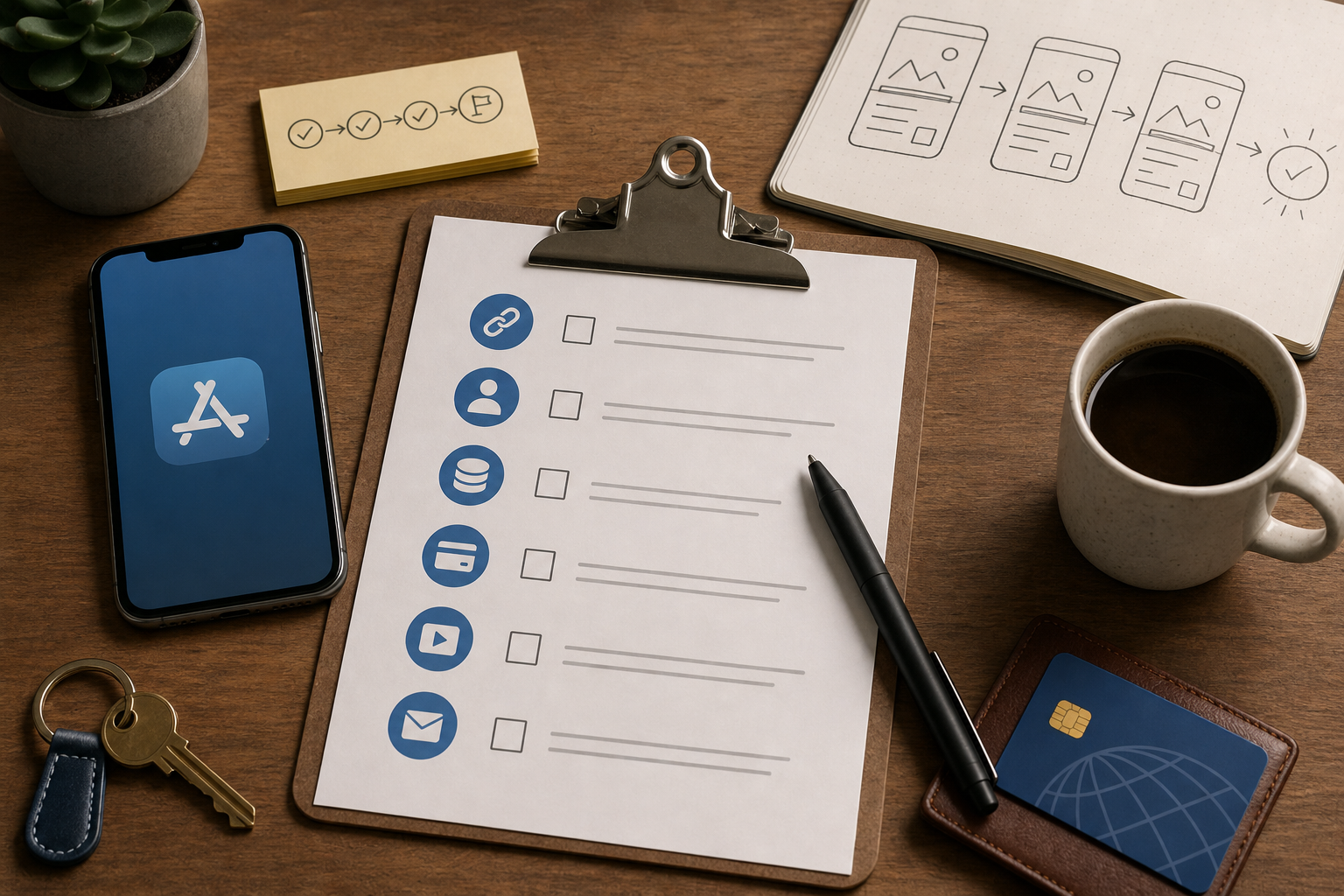
A copyable checklist block containing the precise items to paste into App Store Connect: TestFlight link + build, demo credentials, seeded listing IDs, sandbox card number, 30s screen recording, contact details, and fallback steps.

A simple flow diagram that maps the reviewer's path: TestFlight install → demo login (demo creds) → search seeded listing ID → select slot → sandbox payment → confirmation & booking history. Include a fallback branch for webhook delay with 'Force-sync' step.
Here is the thing - the goal is a clear 30-60 second booking flow a reviewer can follow without asking questions. That needs seeded data, stable staging endpoints, and reasonable webhook latency.
Prerequisites to prepare before writing notes
Seeded listing IDs
Create stable demo records that do not expire for the review window; pin them in staging and scope them to avoid leaking production data.
Demo credentials
Create one demo account with OTP bypass or a persistent session and clearly label it as a demo; restrict it to staging.
Payment sandbox and test card
Configure sandbox payments, list the test card and expected sandbox responses, and note any 3DS test inputs or sandbox differences.
Build and entitlements
Record the exact TestFlight/App Store URL, build number, entitlements, and any background/webhook requirements with a server contact for callbacks.
Expect 1-3 hours for these if backend changes are minimal; add days if you need new feature flags, mocks, or auth work.
Reviewer-ready happy path (exact steps to paste into App Store Connect)
Install
Open this TestFlight link:
and confirm build X.Y.Z. Log in
Use DEMO@example.com / DemoPwd!123. OTP is bypassed for this account.
Search
Enter DEMO-SF-APT-001 to surface the seeded listing.
Select a slot
Choose the earliest available slot shown.
Pay
Use sandbox card 4242 4242 4242 4242 and follow documented sandbox 3DS steps if prompted.
Confirm
Wait for the confirmation screen and verify the booking ID; check Booking History to confirm it appears.
Fallback
If confirmation is delayed, tap Force Sync and allow up to 30 seconds for server callbacks; if longer, contact the reviewer support person listed below.
The practical takeaway: paste these exact steps into App Store Connect so the reviewer does not need to guess credentials or where to tap.
For tradeoffs, checklists, and edge cases, How App Store Review Actually Works - A Step-by-Step Breakdown rounds out this section.
How do I avoid common App Store submission mistakes?
A focused 15-minute pre-flight often prevents days of delay. Run this checklist right before submission.
Pre-flight checklist (copyable actions before submission)
- Seed demo listing(s) and confirm staging returns DEMO-* IDs within 1 minute.
- Create and verify demo credentials; confirm OTP bypass or persistent session.
- Upload a 30s screen recording showing the seeded booking flow and attach it to App Store Connect.
- Add reviewer notes: TestFlight link, exact build number, demo credentials, seeded listing ID, sandbox card, expected confirmation window.
- Document entitlements, background modes, and Force Sync steps for webhook delays.
- Provide 1-2 contacts and their best contact hours for the reviewer.
Common mistakes and the explicit fix
Empty or expiring seeded inventory
Fix: pin demo listings and verify inventory every 24 hours while in review.Missing or inaccurate reproduction steps
Fix: paste exact search tokens and attach the short screen recording.Payment mismatch
Fix: document sandbox card numbers and 3DS inputs; test the flow end-to-end.Single point of failure for contact
Fix: include at least two contacts and their availability windows.
One thing worth noting: this setup reduces risk but adds small operational tradeoffs - longer TTLs, temporary mock endpoints, or a Force Sync fast-path increase surface area and need clear toggles and rollback plans.


