
If you need an Android presence quickly, you can convert a Replit-hosted PWA into a Play-ready AAB in a few days when you accept limited native features and prepare hosting and auth. This guide explains when that tradeoff makes sense, the concrete steps to produce a Trusted Web Activity (TWA) or minimal WebView wrapper, and the realistic checks and timelines founders should budget for.
| Item | Typical range | Why it matters |
|---|---|---|
| Google Play developer fee | $25 one-time | Low barrier to test demand |
| End-to-internal-test | 24 - 72 hrs | Time to exercise Play distribution and Vitals |
| PWA prep (manifest + SW) | 2 - 8 hrs | Fast if app is stable; more if auth/caching need rework |
| Bubblewrap init + build | 1 - 3 hrs | Automates TWA packaging; fails on manifest issues |
| Android Studio WebView wrapper | 2 - 6 hrs | Quick native entry, higher maintenance cost |
| Main gating factor | Hosting reliability | Play reviewers frequently fail apps that return 5xx or time out |
This table is a directional benchmark, not a guarantee. Fixing manifest, service worker, and hosting issues frequently removes a majority of common Play review friction, but the exact payoff depends on your auth complexity, third-party APIs, and reviewer variability. Expect at least 24-72 hours of internal testing and plan 1-3 additional days for remediation if hosting or auth problems appear.
When should I ship a Replit PWA to the Play Store?
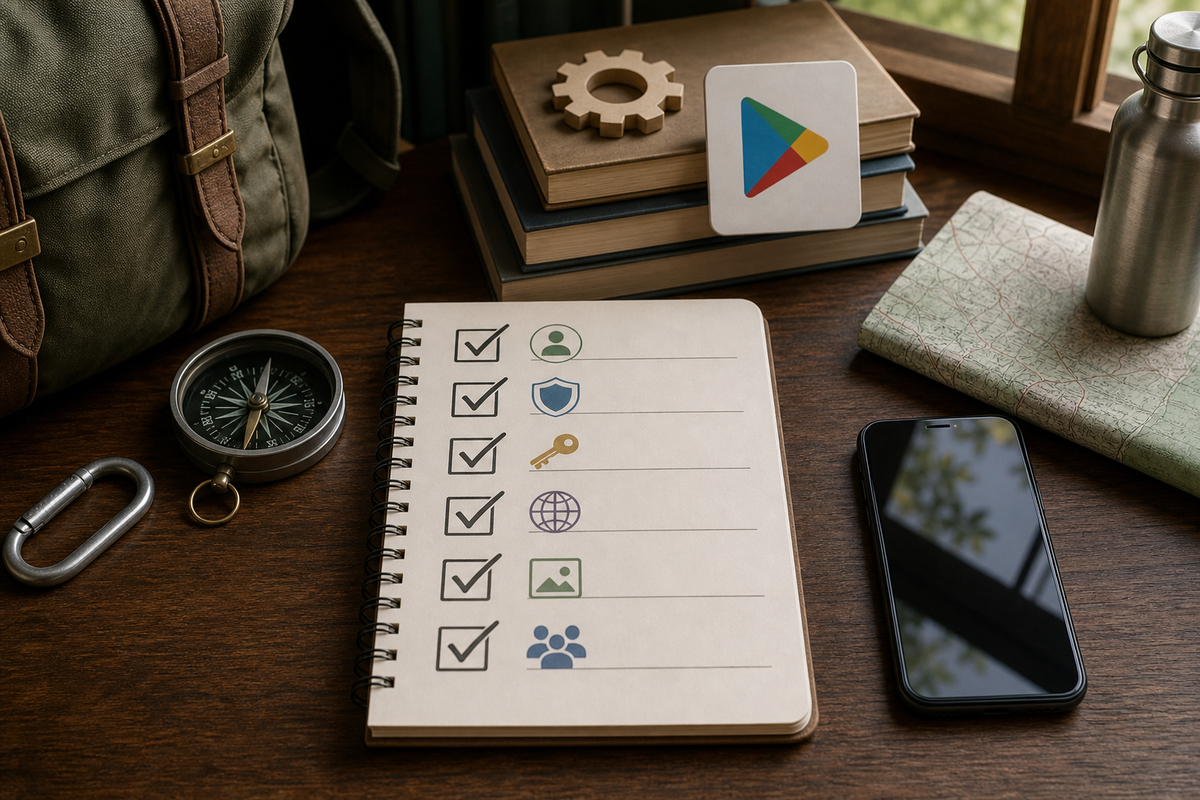
Compact checklist block with the exact items to complete before uploading: developer account ($25), Play App Signing opt-in, keystore backup, privacy policy URL, required Play listing assets, internal test track configured, and basic Android Vitals checks.
Ship a Replit PWA to Play when speed-to-user matters more than deep native integration. This approach is best for market validation, keeping a single codebase, and minimizing initial engineering effort.
What this means: prefer a TWA to preserve service workers and web updates; choose a WebView wrapper only if you must integrate native SDKs or platform push. Expect limits around background services, native push, certain hardware APIs, and performance-sensitive UX. Plan for a native rewrite when product-market fit demands those capabilities.
When you move from outline to execution, Everything You Need to Know About Apple and Google Developer Accounts helps close common gaps teams hit here.
How do I convert a Replit project into a signed AAB and upload it?
Category: Prep
Statistic: 2 - 8 hrs
Label: PWA prep (manifest.json)
Context: Ensure icons, start url, and display settings are ready
Category: Build
Statistic: 1 - 6 hrs
Label: Build wrapper (Bubblewrap/AS)
Context: bubblewrap build plus optional Android Studio wrapper steps
Category: Release
Statistic: 24 - 72 hrs
Label: Upload to internal test
Context: From AAB signing to Play Console internal testing availability
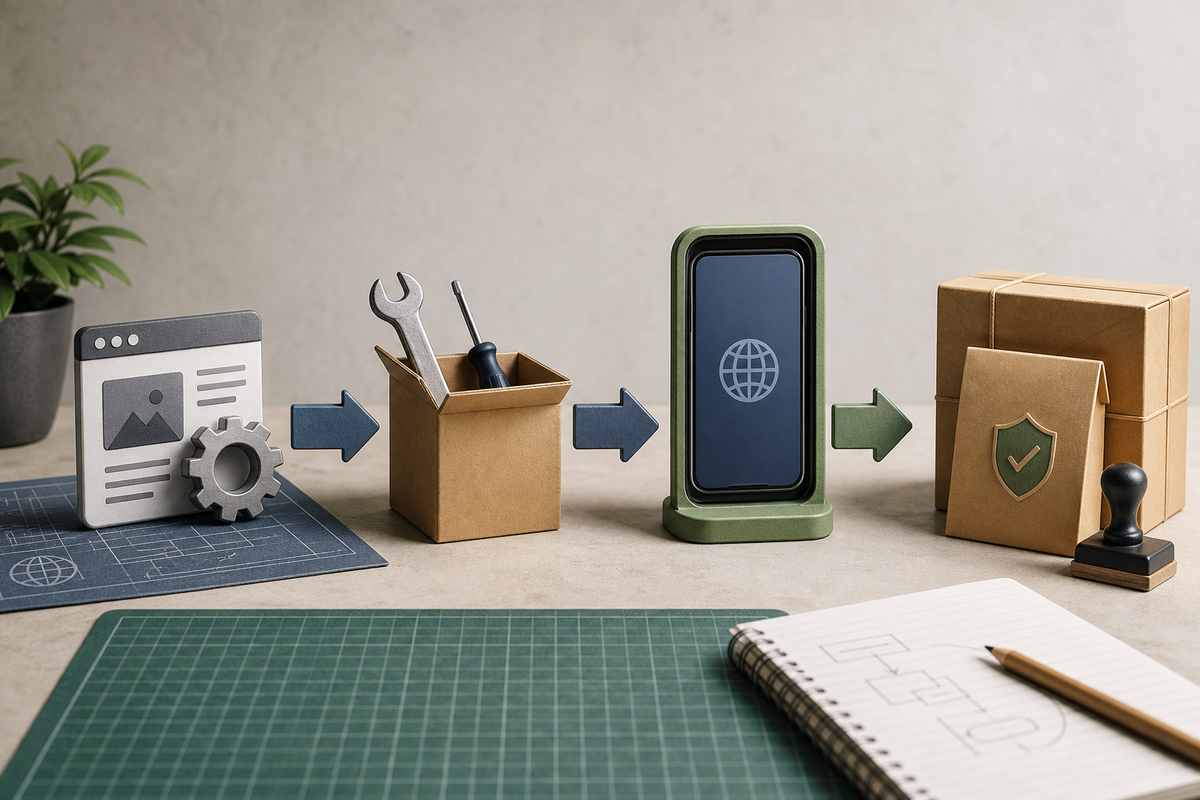
Left-to-right flow diagram specific to this article: Replit PWA prep (manifest.json + service worker) → Bubblewrap init/build (bubblewrap init, bubblewrap build) OR Android Studio WebView wrapper → keystore generation (keytool command) → signed AAB upload to Play Console internal test → staged rollout. Each node annotated with the key command or artifact name used in the article.
Follow these three focused steps. Each step includes realistic effort and failure modes so you can plan staff time and incident response.
Make your Replit project PWA-ready
Ensure a reachable /manifest.json, correct start_url and scope, display: standalone, and required icons. Add a service worker with a simple cache strategy: cache-first for shell, network-first for API. Run Lighthouse and aim for PWA >= 80 as a practical threshold.
Expect 2-8 hours if the app is already stable; allow more time if you must rework auth token refresh, session handling, or cross-origin APIs. Common failure modes are manifest mismatches, auth redirects that block the start_url, and intermittent 5xxs from hosting.
Use Bubblewrap to create a Trusted Web Activity (TWA)
Bubblewrap automates Android packaging while preserving service workers. Typical flow: install @bubblewrap/cli, run bubblewrap init --manifest=https://yourdomain/manifest.json, create or reuse a keystore, then bubblewrap build.
Builds and local device testing take 1-3 hours. Allow 24-72 hours for internal Play track testing. Bubblewrap will not fix hosting or manifest issues; those surface during Play review and require web-side fixes.
Alternative: minimal WebView wrapper via Android Studio
Create a simple Empty Activity with a WebView, set a WebViewClient, and mirror session handling. This takes ~2-6 hours for a basic wrapper, plus extra time to add native SDKs or to tune memory and startup on low-end devices.
Tradeoff: WebView gives native hooks but adds maintenance burden, security surface area, and platform-specific bugs you must own.
What should I monitor during rollout and how long will reviews take?
Upload and testing are fast, but the remediation and monitoring burden is real. Plan timelines and response steps in advance.
- Register Play developer account ($25) and choose Play App Signing or self-manage keys. Backup keystore and passwords in two secure locations.
- Prepare store listing: privacy policy on your domain, 512px icon, feature graphic, and copy.
- Use an internal test track first with a small cohort for 24-72 hours to surface Android Vitals issues.
What to monitor and expected thresholds:
- Android Vitals: aim for crash-free users > 98% in internal tests; ANRs near zero. Treat internal-track Vitals as an early warning, not a final pass.
- Offline/reconnect behavior and token refreshes: simulate token expiry and flaky networks.
- Cold start on low-memory devices: measure and fix obvious regressions before broader rollout.
Plan remediation windows: small fixes (manifest, redirect) can be hours; hosting or auth redesigns can take days. After public launch, monitor 7 days of real-user metrics before increasing distribution.
Common failures and quick fixes
- Missing privacy policy -> host a concise page on your domain.
- Manifest scope/start_url mismatch -> update manifest.scope to match app root and rebuild.
- Hosting timeouts or 5xxs -> upgrade hosting plan or move critical assets to a CDN and add health checks.
Final practical takeaway: treat the Play release as an experiment. Publish to an internal track, validate Android Vitals and user flows, be prepared to rollback or patch within 24-72 hours, and budget ongoing monitoring.


