
Moving a working Thunkable prototype into the App Store and Google Play felt like climbing two different bureaucratic ladders at once. This article walks through a real 14-day case where our small team turned a share link into store-ready builds, what blocked us, how we fixed it, and what you should schedule and budget for to make your own app store submission and Google Play submission smooth.
How to Publish Your Lovable App: From Export to Approval goes deeper on the ideas above and adds concrete next steps.
What changed between the prototype and the store-ready build?
Category: Outcomes
Statistic: 38%
Label: First-pass approval rate
Context: When metadata is complete upfront
Category: Speed
Statistic: ~14 days
Label: End-to-end pipeline time
Context: Our case: store-ready build after review + fixes
Category: Cost
Statistic: $198
Label: Developer fees (our case)
Context: Includes enrollment fees + asset production time
Before/after snapshot table (prototype → App Store + Play ready)
| Area | Prototype (Thunkable share link) | Store-ready (App Store + Play) |
|---|---|---|
| Distribution | Share URL for quick testing | App Store Connect + Play Console tracks; formal uploads |
| Identity & versioning | No enforced bundle id; ad-hoc versions | Bundle ID / Package Name locked, semantic versioning, build number aligned |
| Store assets | Single icon, ad-hoc screenshots | Platform-specific icons, multiple device screenshots and localized metadata |
| Permissions & privacy | Permissions toggled for prototype convenience | Completed privacy declarations, usage descriptions, and privacy policy URL |
| Review cycles | Instant feedback from users | Official review windows - expect 24-72 hours per review; resubmits add time |
| Time to complete (our case) | Hours to share | ~14 days end-to-end with 3 rejections and fixes |
| Costs (our case) | Free to prototype | $198 total in developer fees and asset production time |
What this proof means for a Thunkable creator
The practical takeaway is this: budget two focused work sessions for assets and metadata, and reserve at least one resubmit window of 48-72 hours for review turnaround. Account enrollment and identity verification are blocking tasks - you cannot proceed to TestFlight or internal Play testing until those are complete. In our case, the three rejections and account setup pushed a likely 3-5 day push into a 14-day pipeline.
When you move from outline to execution, Submitting vs Publishing an App: What's Different helps close common gaps teams hit here.
What account gates and listing pitfalls block Thunkable publishing?
Account gates and realistic timelines
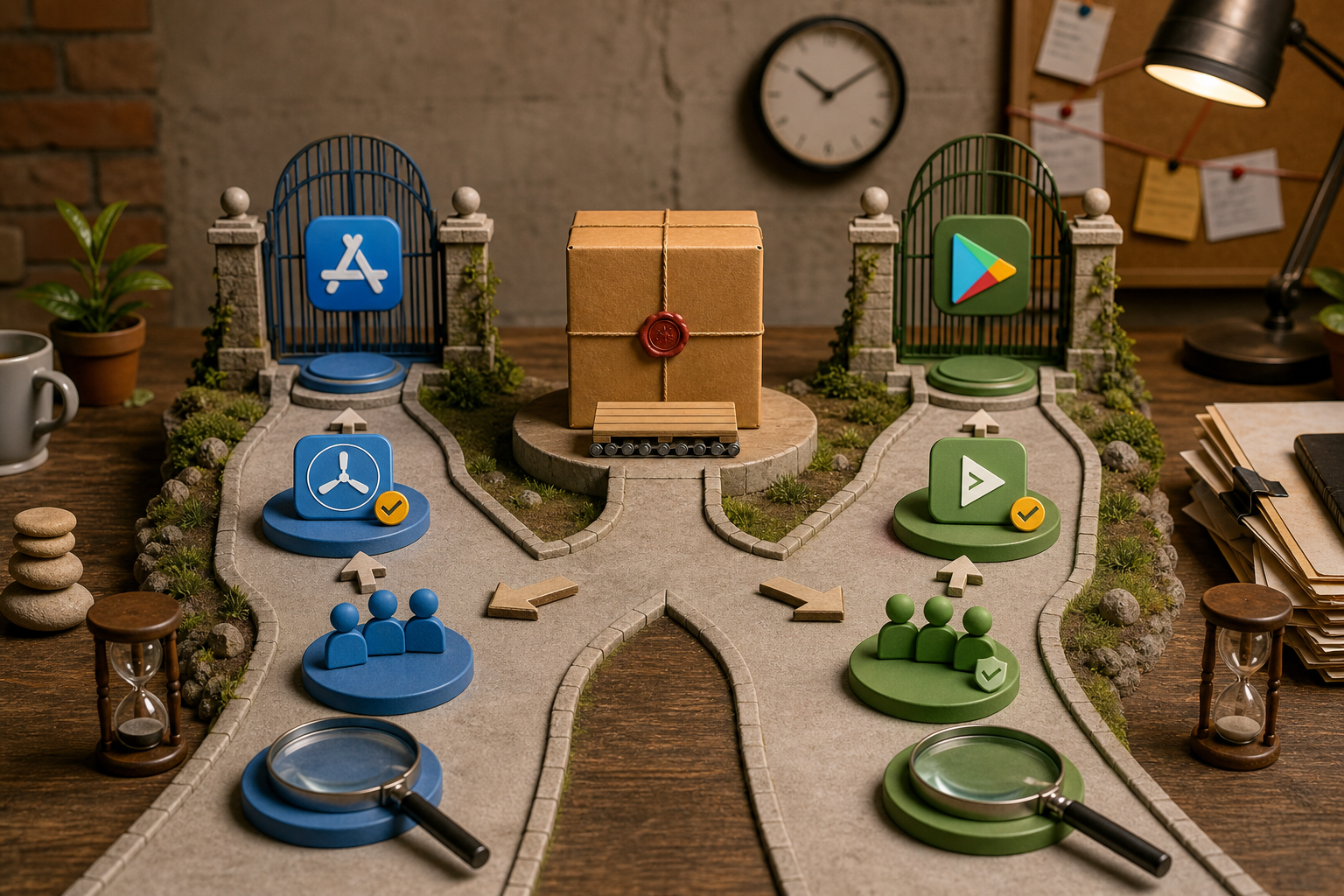
A clear flow from 'Thunkable Export (.ipa / .aab)' to two branches: 'App Store Connect → TestFlight → App Review' and 'Play Console → Internal Track → Play Review', with annotations for expected time windows and the required artifacts at each node.
Apple Developer Program
Expect identity checks and optional organization verification. Enroll early; TestFlight requires a validated account to invite external testers.
Google Play Console
One-time $25 registration plus identity verification. Play App Signing requires accepting a signing key during setup.
Practical outcome
Make account setup the first sprint task. Delaying this step will block every subsequent submission and can shift a 2-week launch to 4 weeks.
Identity, signing, and Thunkable Project Settings you must lock down
Bundle ID and Package Name
Set these in Thunkable Project Settings before first upload. Changing them later often forces a new app record and complex migration.
Versioning scheme
Pick semantic versioning (major.minor.patch) and align Thunkable build numbers with App Store Connect and Play Console.
Signing choices
Decide early whether to use Play App Signing; if yes, accept Google's signing key during Play Console setup to avoid later re-signing work.
Listing details that commonly trigger rejections
One thing worth noting: reviewers focus on metadata and declared permissions as much as on the binary. We fixed a permissions mismatch where a camera permission was marked required but only used in an optional flow. Also ensure you upload correct icon and screenshot sizes for iOS and Android, and complete privacy declarations with a reachable privacy policy URL.
A complementary angle worth comparing lives in Everything You Need to Know About Apple and Google Developer Accounts.
How did we publish our Thunkable app to App Store and Google Play?
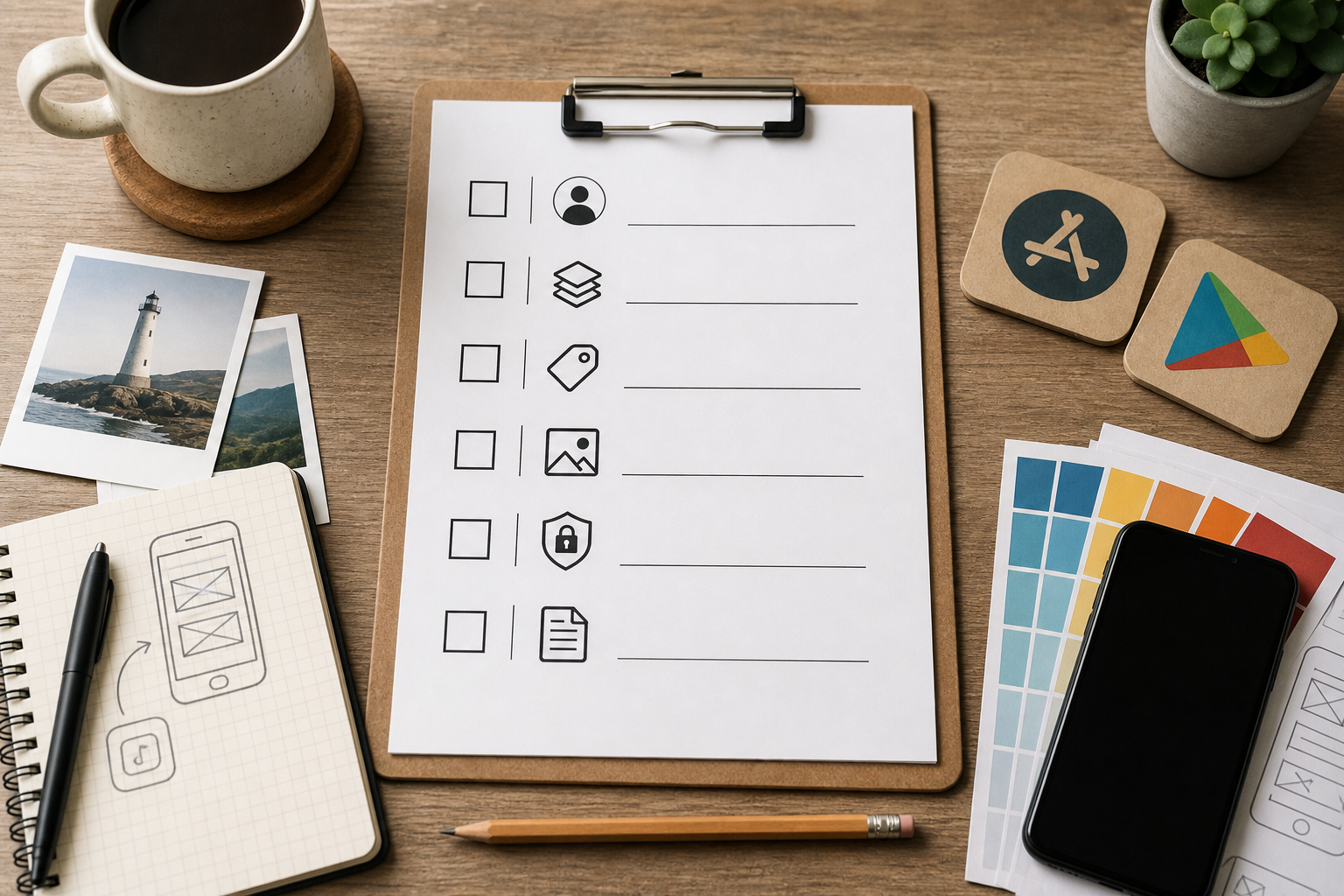
A compact, printable checklist block that lists the exact preflight items: create accounts, set Bundle ID/package name, versioning, icon + screenshots (with sizes), privacy policy URL, permission declarations, and test accounts for reviewers.
Preflight checklist: accounts, identity, assets, and privacy
Developer accounts and billing
Create Apple Developer account (Individual or Organization) and the Google Play Developer account; have legal name and DUNS ready if enrolling an org for Apple. Pay the one-time Play fee early to avoid delays.
Project identity and versioning
Finalize Bundle ID / Package Name and choose a semantic versioning plan. Lock these into Thunkable before exporting.
Assets and privacy
Produce platform-specific icons and screenshots, write a short privacy policy hosted at a public URL, and prepare short release notes and reviewer test accounts.
Platform-specific submission flow (exact sequence we used)
iOS - TestFlight and App Store Connect
Export .ipa from Thunkable. Upload with Transporter or Xcode to App Store Connect, create a TestFlight build, invite internal testers, then submit for App Store review once satisfied with testing.
Android - Play Console internal testing
Export AAB from Thunkable. Upload to Google Play Console internal testing track, enable Play App Signing, verify target API level, and roll out to internal testers.
Release tracking
Record build identifier, changelog, and tester emails in a single release sheet to speed future resubmits and keep everyone aligned.
Handling rejections: triage, fix, and resubmit (our three-resubmit sequence)
The practical takeaway: treat each rejection as a triage exercise. Capture the reviewer message verbatim, classify it as metadata, permissions/privacy, or binary, then apply the matching fix. Resubmit with a short "what changed" note in the submission comments and wait 24-72 hours. Our disciplined triage shortened each subsequent cycle.
Outcomes and lessons learned
In our March sprint we converted a Thunkable prototype into store listings in about 14 days, paid roughly $198 in combined developer fees and asset production, and survived three rejections that were all metadata or permission issues. The app passed once we aligned declared permissions with actual flows and supplied platform-specific assets.
The implication is simple: the technical export from Thunkable is usually the easy part. The majority of time and risk sits in account setup, identity, metadata accuracy, and reviewer expectations. If you treat those as first-class deliverables, you cut reruns and launch drift.
How to Publish Your Vibe-Coded App (Without Getting Rejected) reframes the same problem with a slightly different lens - useful before you finalize.


