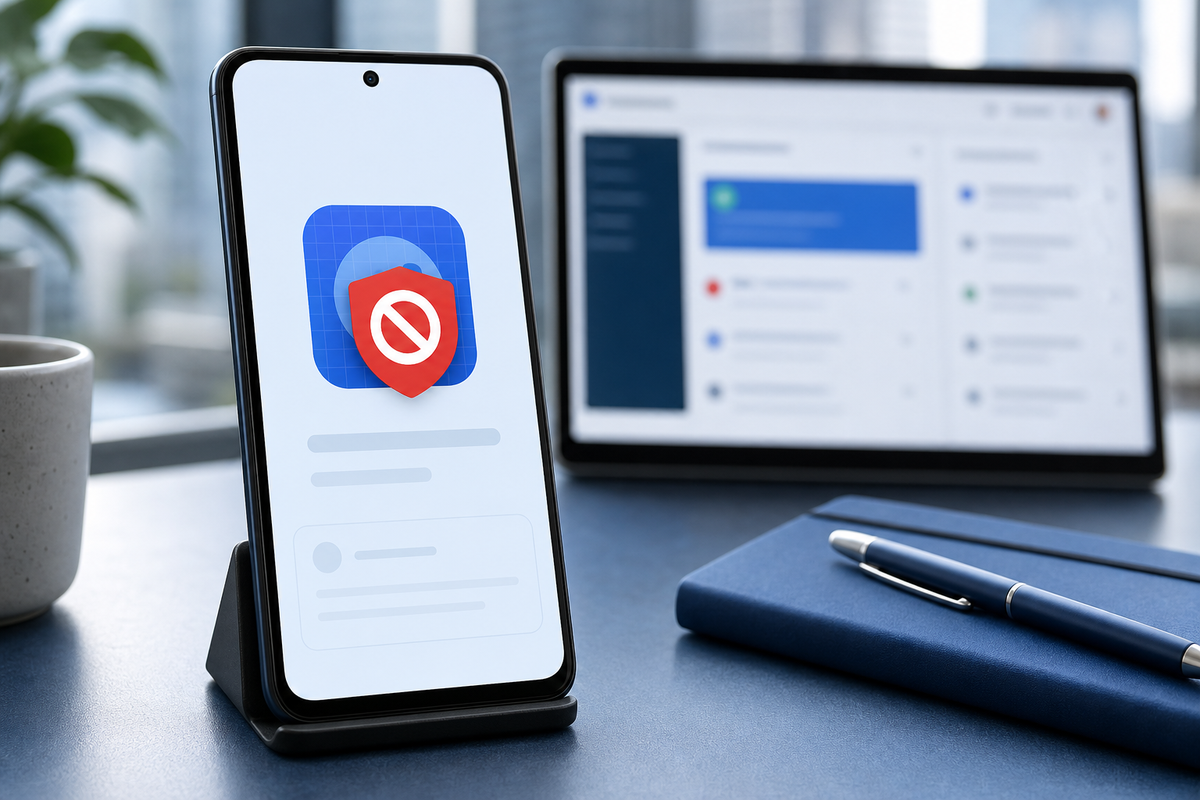
Treat a "Google Play Protect - harmful app blocked" flag as an active product-ops incident that reduces installs, raises support load, and damages user trust. This short guide gives a compact triage checklist, a 7-step recovery roadmap, and practical controls to reduce repeat blocks.
How to Protect Your App Store and Google Play Accounts goes deeper on the ideas above and adds concrete next steps.
How to confirm a Play Protect block quickly
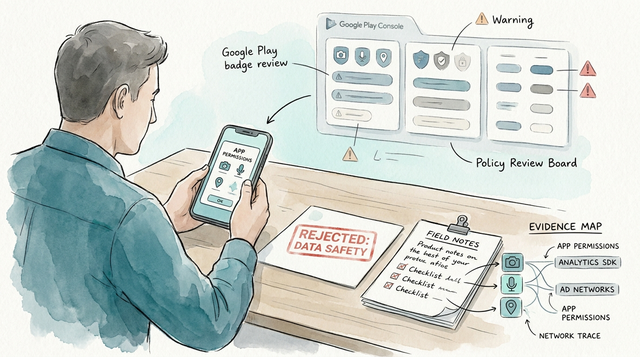
These three signals together are the fastest, practical confirmation that Play Protect action is real and business-impacting.
| Install drop indicator | Play Console flags | Device repro |
|---|---|---|
| Installs drop after the flag | Policy notice with attached device report | On-device Play Protect warning screenshot and adb logs |
Interpretation: if you see a Play Console policy message, a concurrent install drop, and repro on devices, treat it as an incident that needs immediate mitigation. Business impact: short install outage can last days without fast triage; teams that act within 48 hours usually recover installs several days faster, but outcomes depend on evidence and the fix.
When you move from outline to execution, Google Play Permissions Declaration Form Explained helps close common gaps teams hit here.
Why is a Play Protect flag a business emergency?
Category: Outcomes
Statistic: ↓
Label: Installs fall after block
Context: Illustrative drop indicator post-enforcement
Category: Compliance
Statistic: ⚠
Label: Policy notices attached
Context: Play Console flags/alerts accompany the listing
Category: User experience
Statistic: 📱
Label: On-device PP warnings
Context: Repro shows Play Protect warning screens
Play Protect blocks directly reduce acquisition and increase support and PR risk within hours. Even a false positive deters new users, hurts ratings, and can cascade into partners pausing distribution, so handle it like any other high-severity operational incident.
A complementary angle worth comparing lives in What is the AI policy for Google Play?.
What are the first 48-hour actions after a Play Protect flag?

A horizontal process diagram showing a time-boxed 48-hour sequence: Isolate → Gather evidence → Patch build → Submit appeal → Monitor staged rollout. Each node includes the primary artifact to collect (e.g., device logs, Play Console export) and the responsible role (eng, policy, support).
Do these compact triage steps to limit downtime and create an appeal-ready evidence set.
Triage and isolate
Pause staged rollouts for the affected APK/AAB and mark the incident on your status board. Check Play Console > Policy & App Integrity for the notice and download attached device reports.
Collect repro artifacts
Ask support to gather screenshots of on-device warnings, device model, Android version, Play Services version, and any user-provided adb logcat captures with timestamps.
Reproduce and identify cause
Reproduce the Play Protect warning on test devices that match the attached reports and inspect binary contents for recent SDKs, permissions, or suspicious API calls.
Remediate, appeal, and monitor
Build a minimal patched APK/AAB (remove or reconfigure suspect SDKs or reduce permission surface), sign it, and submit a focused appeal with before/after diffs, repro steps, and device reports. Resume a staged rollout at under 10% and monitor installs and policy messages closely.
What this means in practice: move from "investigate" to "evidence-backed action" within 48 hours. Faster action shortens user impact but can require tradeoffs - a rapid patch may increase QA risk, so balance rollout percentage and monitoring.
For tradeoffs, checklists, and edge cases, Why Most First App Submissions Fail - and How to Be the Exception rounds out this section.
Recovery roadmap and strategic controls

A compact checklist block enumerating the 7 recovery steps as checkboxes with short action phrases (e.g., 'Pause rollout', 'Collect Play Console export', 'Patch & re-sign', 'Implement Play Integrity API', 'Staged rollback <10%').
Use this concise 7-step roadmap to unblock distribution and reduce repeat hits, and expect modest engineering effort for a typical incident.
Stop and mark
Pause rollout, switch traffic to the prior signed variant if possible, and flag the incident for on-call engineers.
Export evidence
Pull Play Console exports, device reports, and recent install/crash metrics for the last 72 hours to define the impact window.
Reproduce
Recreate the Play Protect notice on matching devices and collect adb logs and installer bundle IDs.
Identify offender
Inspect recent SDKs, permission changes, and build-tool differences to find likely triggers.
Patch or remove
Build a minimal patch that removes or reconfigures the offending component and re-sign the binary.
Appeal and staged rollout
Submit a concise appeal with device reports and diffs, then resume distribution slowly while watching metrics and policy messages.
Post-incident controls
Add CI binary scans, SDK approval gates, and Play Integrity checks to catch similar issues before release.
Expected operational cost: typical engineering effort ranges from 4 to 16 engineer-hours for patching and QA, plus 1 to 2 hours for support coordination and communications; appeals can take 24 to 72+ hours depending on the clarity and completeness of attached artifacts. One thing worth noting: faster response reduces user impact but may require more tight monitoring and temporary process tradeoffs.
Strategic implications in brief: add Play Protect scenarios to incident playbooks, set an SLA for first response (for example, within 4 hours), and integrate pre-release scanning to reduce repeat false positives. These controls cost engineering time and procurement discipline, and they do not eliminate all risk.
Can You Publish an AI-Built App to Google Play? reframes the same problem with a slightly different lens - useful before you finalize.