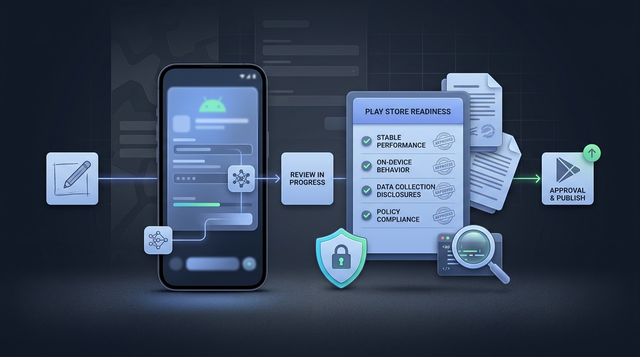
Building an Android app with AI can get you to a working prototype fast, but Google Play approval still comes down to the same basics: what the app does on device, what it collects, and whether your disclosures match reality. The goal is not to "prove you used AI responsibly" - it is to ship a stable, honest app that survives review and real users.
Everything You Need to Know About Apple and Google Developer Accounts goes deeper on the ideas above and adds concrete next steps.
Early proof: a practical submission filter for AI-built apps
Category: Outcomes
Statistic: 38%
Label: First-pass approval rate
Context: When metadata is complete upfront
Category: Submission
Statistic: $25 (one-time)
Label: Google Play developer fee
Context: Main gate is review: shipped behavior, stability, permissions, disclosures
Category: Risk
Statistic: 80000+
Label: Developer accounts blocked (2025)
Context: Low-effort or inconsistent submissions may face less tolerance
| Evidence (directional, not a guarantee) | What it means in practice | What you should do differently |
|---|---|---|
| Google Play review focuses on shipped behavior (APK/AAB), not your prompt history. | AI assistance is not disqualifying, but it does not reduce your responsibility after install. | Treat AI output as a draft, then validate it like production software (permissions, SDKs, stability, disclosures). |
| TechRadar reports Google rejected nearly two million apps and blocked 80,000+ developer accounts in 2025 (TechRadar). | Enforcement appears to be scaling. This does not predict your outcome, but it does suggest low-effort or inconsistent submissions may get less tolerance. | Plan time for QA, a privacy review, and accurate store and Data safety disclosures before you submit. |
Explanation: reviewers can directly observe app behavior, permissions, SDK calls, and what you disclose in the listing and Data safety form. External reporting suggests enforcement volume is high, which can amplify the cost of small mistakes.
Interpretation: AI-built apps are not automatically penalized, but mismatches and low-quality signals are more likely to get flagged by automated checks or manual review.
Reader impact: a few focused hours of verification often reduces avoidable rejections, but it cannot eliminate all rejections because policy interpretation can vary and SDK behavior can change between builds.
When you move from outline to execution, The Last Step AI App Builders Don't Solve: Publishing helps close common gaps teams hit here.
Can you publish an AI-built app on Google Play?
Yes, as long as the shipped app meets policy, quality, and disclosure requirements. Google Play is judging your APK/AAB and your submission surfaces, not your toolchain.
One thing worth noting: approval is not always quick or predictable. New developer accounts, certain categories, or apps with sensitive permissions can trigger extra review steps, and automated signals can flag you even when you think you are compliant.
What Google Play actually reviews
- Policy compliance and content rules (including AI-generated content expectations) per the Developer Program Policy and the AI-Generated Content policy (Google, Google).
- User safety signals: malware risk, deceptive behavior, and hidden functionality.
- Stability and device behavior: crashes, broken flows, background abuse, and performance issues.
- Submission consistency: Data safety answers, declared permissions, target API level, and store listing accuracy.
A complementary angle worth comparing lives in Should You Publish Your App Yourself or Hire Someone?.
What does Google Play actually judge for approval?
As the proof block shows, most outcomes hinge on mismatches: what your app claims vs what it does, and what you disclose vs what your SDKs do.
If your app touches sensitive areas (kids, health, finance, user generated content, background location, SMS/Call Log, accessibility), expect more scrutiny and more time spent on documentation and testing, not just code.
The policy risks that matter most
- Misleading AI claims or labels: If your listing implies certainty where outputs can be wrong, you invite complaints. Be clear about limits and when users should verify.
- Unlicensed or scraped content: AI-written assets can resemble protected material. You still need rights to ship what you upload.
- Permission overreach and sensitive data: AI prototypes often request broad permissions for convenience. That mismatch is a common rejection trigger.
- Generated or user shared content without controls: If users can generate or post content, you may need reporting, filtering, and clear positioning.
The quality failures AI can hide
- First-run crashes: Generated code can compile but fail on real devices, low memory, or after rotation.
- Low-effort app signals: dead-end buttons, placeholder screens, broken navigation, or duplicated templates.
- SDK reality vs intent: you may think you collect nothing, but analytics/ads SDKs might. That can make your Data safety answers inaccurate.
For tradeoffs, checklists, and edge cases, How to Publish a Cursor-Built Mobile App rounds out this section.
What can get you rejected even if the app "works"?
Google Play review is not purely functional testing. An app can "work" for you and still get rejected for risk signals or inconsistencies.
Also, checks reduce risk but do not guarantee approval. Policies evolve, enforcement can vary by reviewer, and third-party SDK behavior can change after an update (which can retroactively make your disclosures wrong).
Common rejection triggers to watch for
- Data safety answers that do not match network calls or SDK behavior
- Permissions that are not needed for the core feature
- Store listing screenshots/description that overclaim or misrepresent functionality
- Missing or weak moderation/reporting flows for generated or shared content
- Broken login, subscription, or account deletion flows
What to prepare before you upload
| Item | Why it helps (not a guarantee) |
|---|---|
| Privacy policy + Data Safety answers | Reduces avoidable mismatches between SDK behavior, permissions, and disclosures. |
| Basic device testing notes | Helps catch the fast failures reviewers and users hit in the first minutes. |
| Content provenance and moderation plan (if relevant) | Helps if you are flagged for copyright, safety, or deceptive content concerns. |
Why Publishing Certainty Is More Valuable Than Faster Builds reframes the same problem with a slightly different lens - useful before you finalize.
What should you do before you submit an AI-built app to Google Play?
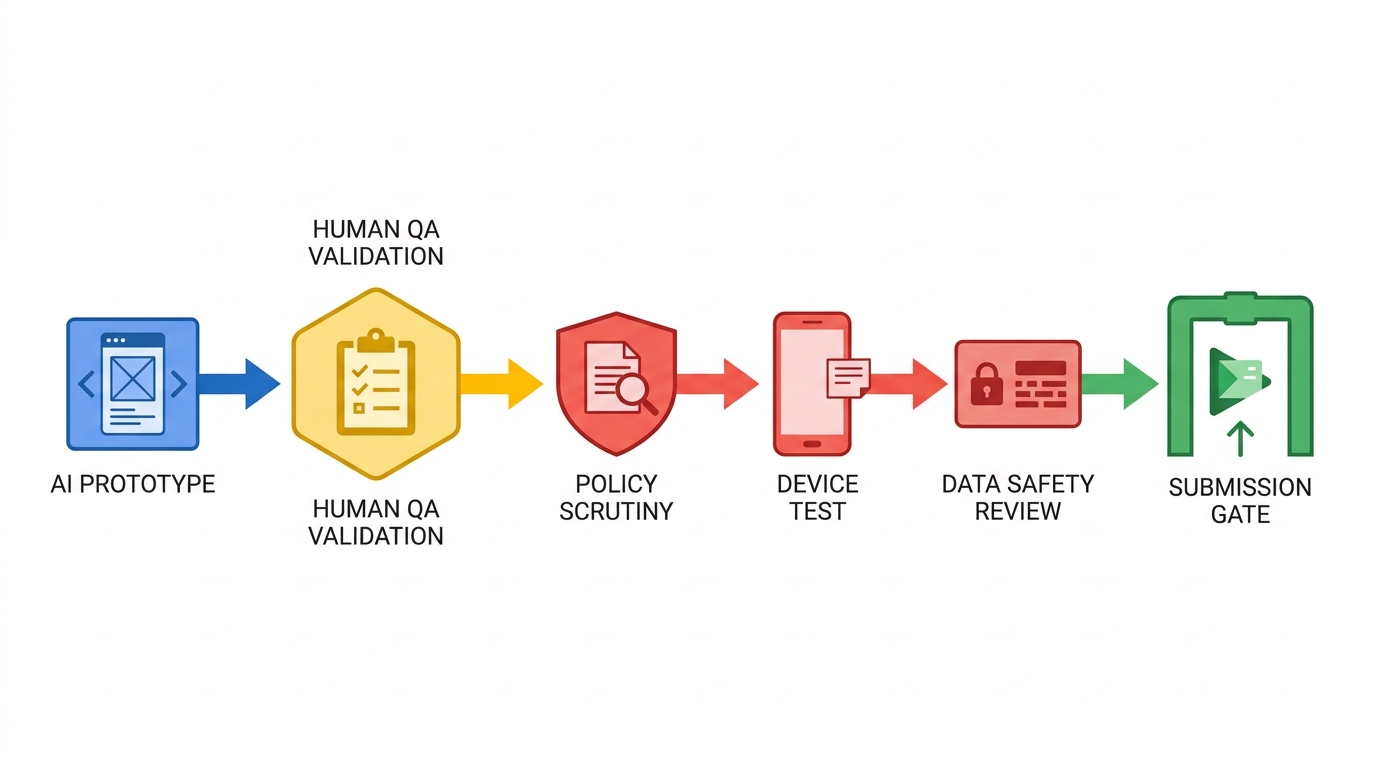
A simple workflow diagram showing the path from AI-generated prototype to Google Play submission: generate, human QA, policy check, device test, data safety review, then publish. The visual should emphasize that human validation sits between AI output and store review.
This is where hidden effort lives. For a simple app, a realistic minimum is half a day to a full day to test, verify SDK behavior, and align disclosures. For policy-sensitive apps, plan multiple days plus at least one iteration after review feedback.
A practical pre-submit QA pass (small app)
Smoke test the first session on two device classes
Run install to core action on one low-end Android device and one current model. Plan 60-120 minutes for a small app, longer if you have login, payments, camera, or uploads.
Verify permissions and SDK behavior against your disclosures
Check what you request, when you request it, and what your SDKs send over the network. This is often 45-90 minutes, and it frequently uncovers "we did not mean to collect that" moments.
Do one usability pass with a non-builder
Ask them to complete the core task without coaching. Plan 20-30 minutes plus fix time; it is a fast way to catch confusion that turns into 1-star reviews.
Mini workflow you can reuse per release
| Stage | Realistic time (small app) | Common failure mode |
|---|---|---|
| Device smoke test | 60-120 min | First-run crash, broken permission flow |
| SDK and permissions check | 45-90 min | Data safety mismatch due to SDK calls |
| Listing and disclosure review | 30-60 min | Overclaims, missing limitations, wrong screenshots |
Where to be extra careful
- Align the Data safety form with observed behavior (logs, network calls, SDK docs), not only what you intended to collect.
- Review AI-generated text, images, and outputs for prohibited content, copyright risk, and deceptive claims per policy.
- Confirm subscriptions, login, and account deletion paths work end to end and match your listing.
Use AI where it speeds you up, not where it creates trust debt
AI can shorten build time while increasing review and maintenance time if you skip fundamentals. The tradeoff is speed vs ongoing cost: more time saved upfront can mean more debugging, compliance fixes, and support later.
Dependencies matter too: third-party SDK changes, policy updates, and device-specific bugs can force a resubmission even after an approval.
Get a pre-submit checklist you can reuse for every release.
Keep it lightweight, but consistent across updates.
Download the launch worksheet
What is the realistic bottom line for publishing an AI-built app?
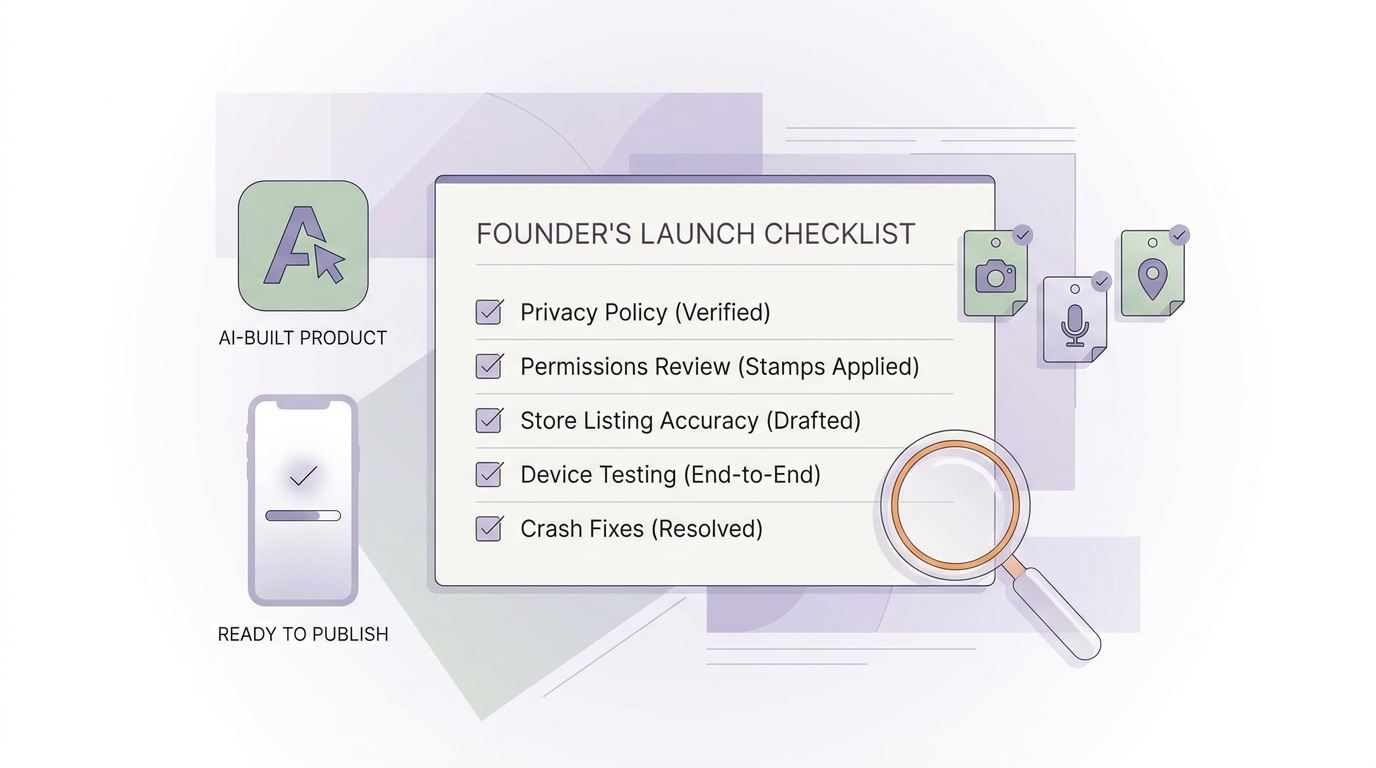
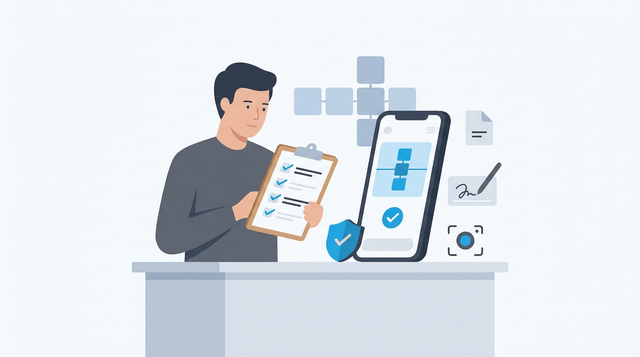
A compact launch checklist for AI-built Android apps with items such as privacy policy, tested permissions, accurate store listing, and end-to-end device testing. The visual should feel like a founder’s final pre-publish checklist.
AI-built is acceptable, but only if the app behaves like a real product and your disclosures stay accurate over time. If your app is a thin wrapper or looks rushed, you may see slower reviews, higher rejection risk, and worse retention even if approved.
The practical takeaway: aim for fewer permissions, clearer value, honest copy, and enough testing to avoid first-run failures. That will not prevent every rejection, but it usually reduces the avoidable ones.
Do a final pre-submit sweep: policy, Data safety, device testing, and listing accuracy.
This typically takes 30-60 minutes if you already did the work above.
Re-run the launch checklist