Your Bravo Studio prototype can feel done on your phone, but publishing is where many creators stall: store accounts, signing, store assets, and review rules suddenly matter more than the UI. A smoother path is a repeatable checklist that turns "almost ready" into a submit-ready iOS and Android release without discovering missing requirements at the last screen.
How to Publish Your Bolt-Generated Mobile App goes deeper on the ideas above and adds concrete next steps.
Early proof: the publishing checklist beats guesswork
Category: Speed
Statistic: 30 - 60 mins
Label: Typical pre-flight (repeat)
Context: Fast scan once you know where everything lives
Category: Planning
Statistic: 2 - 3 hrs
Label: Typical pre-flight (first time)
Context: Still cheaper than mid-submission rework or stalls
Category: Coverage
Statistic: 6 items
Label: Pre-flight readiness checklist
Context: Accounts, IDs, signed build, assets, privacy, review access
In the last few dozen submissions I have personally helped with (mostly small, login-based apps), the delays were usually caused by one missing prerequisite, not the Bravo project itself. The checklist below is the small set I validate before touching App Store Connect or Google Play Console, based on Bravo's publishing flow and what tends to bounce in real reviews (Publishing your app).
| Readiness item | What "ready" means | Common failure that blocks submission |
|---|---|---|
| Developer accounts | You have access to the Apple Developer Program and Google Play Console, with the right role permissions | Identity verification or org enrollment takes days; you cannot create listings or submit builds yet |
| App identifier | Bundle ID (iOS) and package name (Android) are chosen and will not change | Identifier mismatch between store listing and exported build forces rework, sometimes a new listing |
| Release package | You can export the correct artifact (IPA for iOS, AAB for Android) and upload it | Signing, certificates, or provisioning are not set up; upload fails or the build does not match the store record |
| Store assets | Icon, screenshots, and basic description reflect the current app | Placeholder screenshots or vague copy triggers questions and slows approval |
| Privacy and permissions | Privacy policy URL exists, disclosures match actual behavior, permission prompts make sense | Missing policy link, incomplete disclosures, or unclear permission purpose causes delays or rejection |
| Review access | If login is required, you have working test credentials and clear instructions | Reviewers cannot get past auth, hit empty states, and the submission stalls |
Explanation: Store submission is gated. If one item is missing, you can get stuck even if everything else is perfect.
Interpretation: A realistic pre-flight takes about 30-60 minutes once you know where everything lives, and 2-3 hours the first time. It is cheaper than discovering the gap mid-submission or after a rejection.
Reader impact: Doing this pass will not guarantee approval (reviews vary by reviewer and region), but it reliably reduces avoidable rework and helps you plan a launch date with less anxiety.
When you move from outline to execution, Should You Publish Your App Yourself or Hire Someone? helps close common gaps teams hit here.
Why does publishing a Bravo Studio app get stuck?
A Bravo Studio build can look polished, but publishing is a separate workflow with different requirements. Bravo is your app-building layer; the App Store and Google Play care about accounts, signing, identifiers, store metadata, icons, screenshots, and privacy disclosures.
Here is the thing: "it runs on my device" is not the same as "it is review-ready." Review readiness is mostly operational work, and it often includes at least one rework loop even when you do everything carefully, because policy interpretation and reviewer expectations can differ.
Typical blockers (and what they cost):
- Account or role issues: verification or missing permissions can take 1-3 days to resolve.
- Identifier mismatch: fixing bundle ID or package name issues can mean re-exporting and updating the listing (often a half-day).
- Signing confusion: certificates, profiles, or keystore setup can take 2-6 hours if it is your first time.
- Privacy or policy disputes: you may need to revise disclosures or wording and resubmit (half-day to 2 days depending on back-and-forth).
- Login access failures: missing credentials or empty states can trigger an instant reject and a new review cycle.
One thing worth noting: even with a perfect checklist, you can still get blocked by automated metadata checks, regional review variance, or a reviewer who interprets a questionnaire answer differently. The checklist is about reducing preventable friction, not controlling the entire process.
A complementary angle worth comparing lives in How a Solo Founder Prepared Their App for Launch Without Hiring an Agency.
How do you publish a Bravo Studio app step by step?
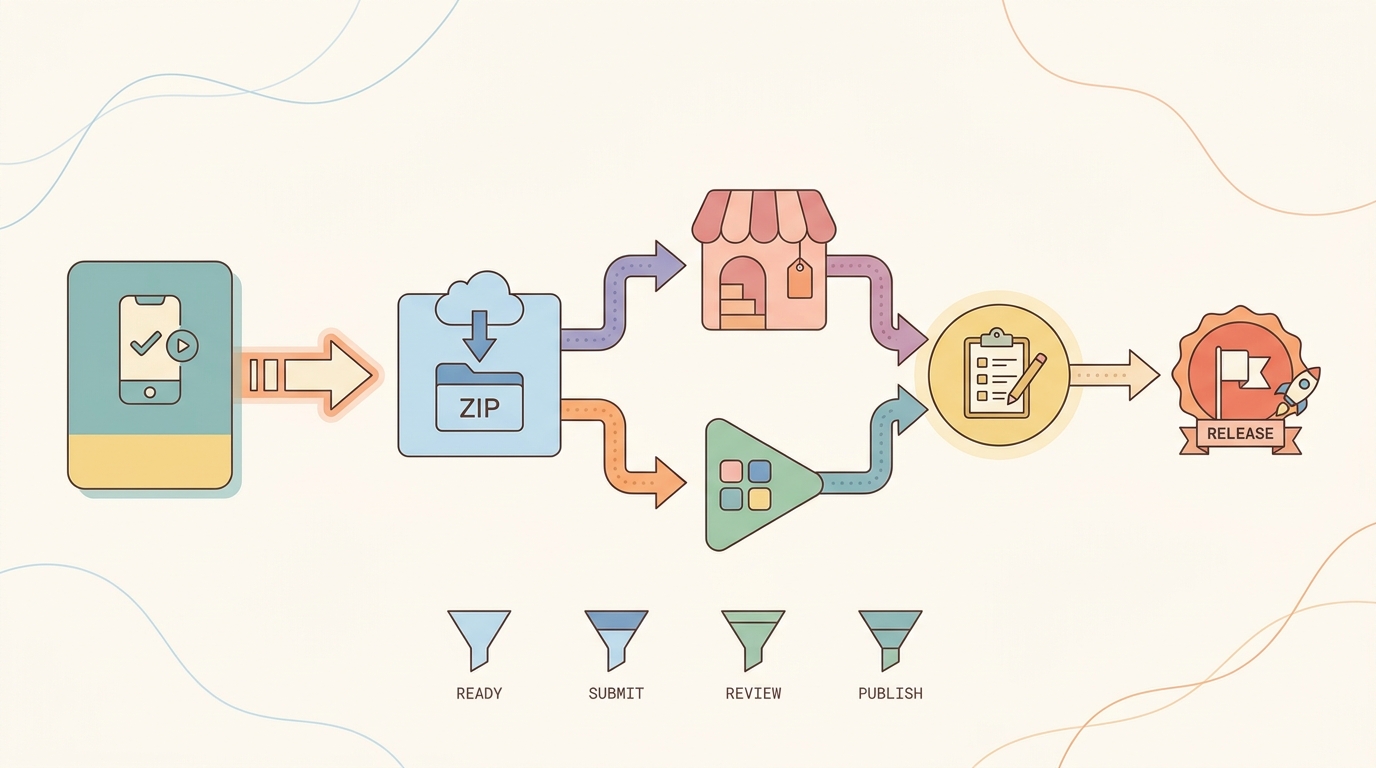
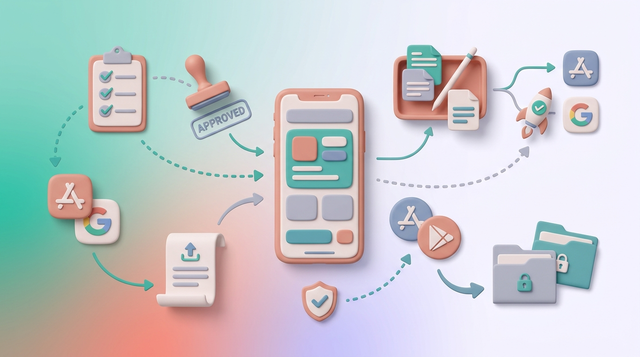
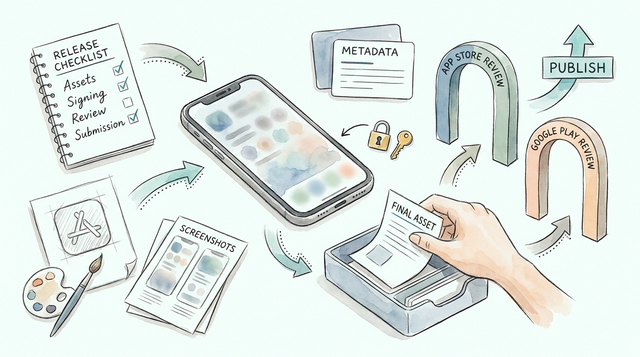
A simple workflow diagram showing the Bravo Studio publishing path from project readiness to export, then App Store or Google Play submission, then review and release.
1. Confirm your Bravo Studio app is release-ready
Test on real devices across states
Run the primary flows end to end: navigation, data fetching (including API connections), and auth states (logged in, logged out, expired session). Budget 1-2 focused hours for a small app, and more if you have multiple roles, deep links, payments, or complex empty states.
Lock the parts that ripple into store work
Finalize app name, icon, splash, and permission intent text. If you change these after creating store listings, you will often redo screenshots and metadata, and occasionally you will need to revisit identifiers or entitlement settings.
Decide your platform order
Pick iOS, Android, or both up front because the requirements differ and parallel work adds coordination overhead. If you are solo, shipping one platform cleanly first usually reduces stalls, then you can port the same assets and disclosures to the other (iOS, Android).
2. Prepare store requirements (iOS vs Android)
This is where most hidden effort lives: screenshots, policy URLs, identifiers, and forms. If you do not plan time for it, it can look like the build is blocked when it is really the listing.
| Area | iOS (App Store Connect) | Android (Google Play Console) |
|---|---|---|
| Identifier | Bundle ID must match the build | Package name must match the build |
| Signing | Certificates and provisioning profiles must line up | Keystore and signing config must be consistent |
| Review access | Test account and clear notes if login is required | Test account and clear notes if login is required |
| Disclosures | Privacy details and permission rationale are scrutinized | Policy declarations and permissions are validated |
| Listing assets | Screenshots and metadata should match actual behavior | Screenshots and metadata should match actual behavior |
Tradeoff: doing both stores at once can save time later, but it increases the chance you miss a requirement in one console and stall the whole launch. If your timeline is tight, sequence the work.
3. Do a small pre-review run (so feedback is cheaper)
Before you submit a production release, do a lightweight test distribution pass:
- iOS: upload to TestFlight and confirm install, login, and primary flow
- Android: use an internal testing track and confirm the same
Concrete workflow for a login-required app (15-30 minutes, plus any time to seed data):
- Create a reviewer test user (not your own admin account)
- Verify the account has real data and non-empty screens (this is a common "it worked for me" trap)
- Draft review notes with: test email, password, and 3 steps to reach the main value
- Confirm password reset works (reviewers sometimes try it)
Dependency caveat: even if your app is fine, a reviewer who cannot access the core flow will often stop there. Clear instructions reduce that risk, but they do not eliminate it.
For tradeoffs, checklists, and edge cases, Publishing Apps Built With Flutter, React Native, or Native rounds out this section.
What are the most common Bravo Studio publishing mistakes?
Most avoidable rejection comes from incomplete listings or mismatches between the listing and the build. Use Bravo's publication guides as the baseline, then sanity check your own app behavior against the forms you filled out (iOS, Android).
Top failure modes to plan for:
- Identifier mismatch: the bundle ID or package name in the store entry does not match the exported build. Fixing this usually means re-exporting, and it can cost a review cycle.
- Signing setup gaps: certificates, provisioning profiles, or keystore issues surface late. If you have not done it before, expect 2-6 hours of setup and one or two "why is upload failing" detours.
- Policy questionnaire mismatch: disclosures do not match what the app actually does (analytics, tracking, accounts, user-generated content). Sometimes this is a simple wording fix; other times it triggers a longer disagreement about interpretation.
- Login wall: reviewers cannot access the core experience due to missing credentials, environment issues, or empty states. I have seen apps rejected because the test user landed on a blank dashboard with no seeded data.
Decision point: ship one platform first or both. If your goal is learning, one platform reduces coordination and gets feedback sooner. If your goal is a coordinated public launch, doing both can be worth it, but expect more ops work and more opportunities for mismatch.
The Last Step AI App Builders Don't Solve: Publishing reframes the same problem with a slightly different lens - useful before you finalize.
Final publishing checklist for Bravo Studio
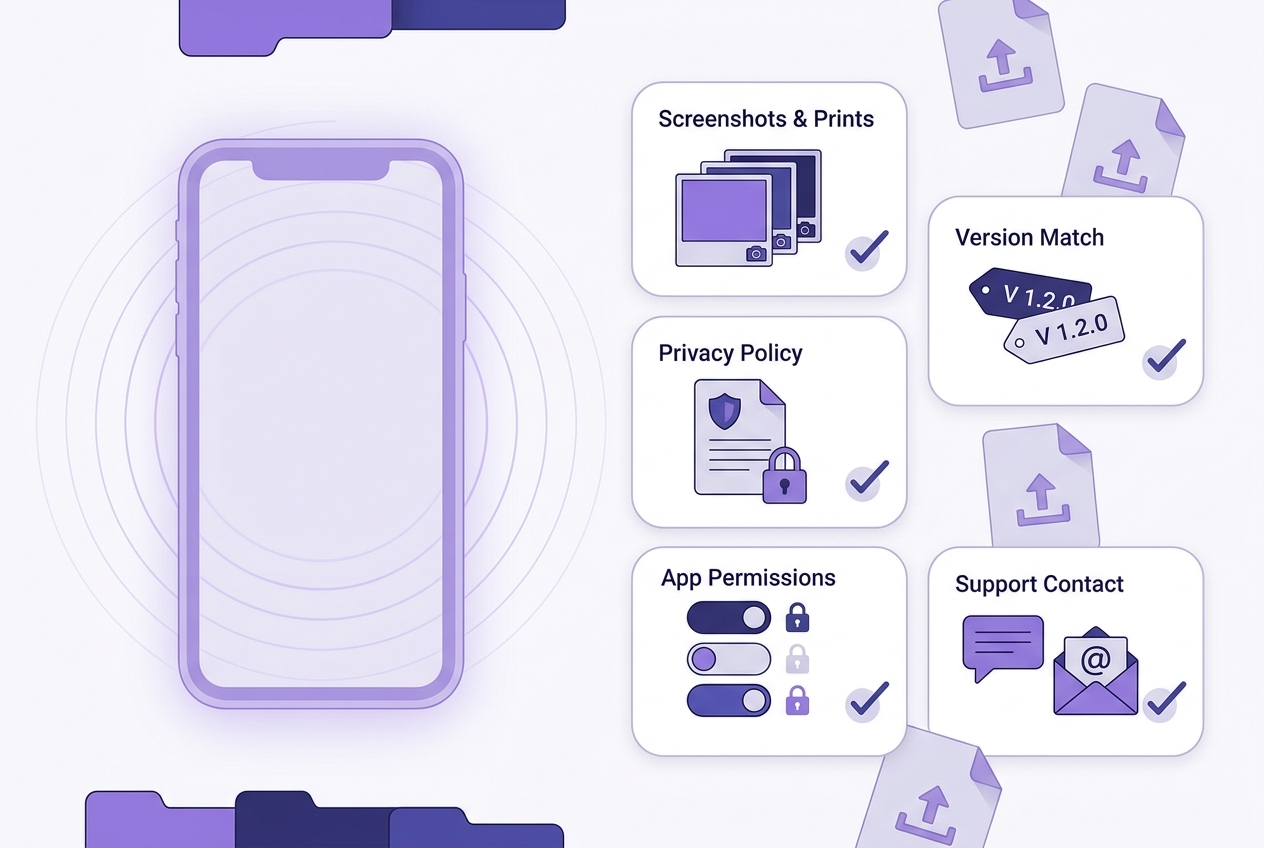
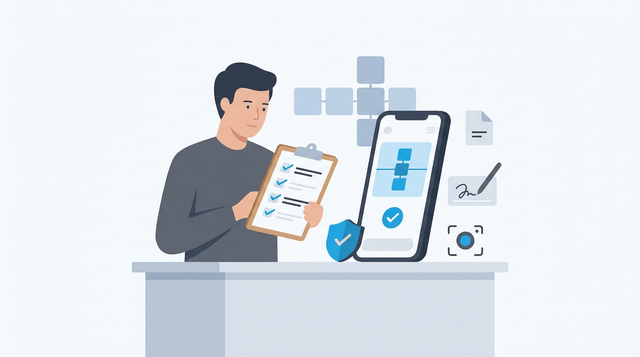
A mobile-friendly final checklist for Bravo Studio app publication, covering screenshots, privacy policy, permissions, version matching, and support contact verification before submission.
Use this as your last pass before you upload. It is designed to catch mismatches that cause preventable review churn.
| Check | What to verify | Effort note |
|---|---|---|
| Version and identity match | App name, version, bundle ID or package name match across build and store | 10-20 minutes, longer if you must rename assets or rebuild |
| Assets are current | Icon and screenshots match the current Bravo screens | 30-90 minutes depending on screenshot count and devices |
| Privacy and permissions | Privacy policy URL works, disclosures match behavior, permission prompts are justified | 30-60 minutes, longer if you need legal review |
| Review access | Working test credentials, steps, and a monitored support email | 15-30 minutes plus time to create a test user and seed data |
| Rework plan | If review flags something, you know who edits what (copy, assets, build, policy) | 15 minutes to outline, longer if ownership is unclear |
Turn your prototype into a submit-ready release Audit your current build against the checklist, then fix identifiers and store assets before you export again. Run the checklist now
After you publish (what to watch in the first 48 hours)
Watch signals, not just approval: install success, login completion, and crash or error patterns. Plan a few hours of on-call time in the first 1-2 days because users will hit edge cases faster than you expect, and store hotfixes still require a review cycle.
If you add crash reporting, pick one tool and keep it simple (for example, Firebase Crashlytics). Remember that adding analytics or crash tooling can require updated privacy disclosures, and that update itself can trigger another review question.
Want a second set of eyes before you submit? Share your readiness items (accounts, identifiers, assets, and review access), and I will tell you what is most likely to block review. Get a pre-submit review