
You can publish an Adalo app to both stores without a native engineering team, but signing, store review, and metadata usually determine your launch date. This guide gives directional timelines, common failure modes, a short prereqs checklist, and a practical workflow teams can use to plan a launch with realistic buffers.
Everything You Need to Know About Apple and Google Developer Accounts goes deeper on the ideas above and adds concrete next steps.
How long does publishing an Adalo app take and what commonly blocks it?
Category: Build speed
Statistic: <24 hrs
Label: Adalo cloud build time
Context: Most delays come from signing setup
Category: Publishing speed
Statistic: 24 - 72 hrs
Label: Google Play to production
Context: Keystore and release track checks can slow launches
Category: Review time
Statistic: 2 - 14 days
Label: App Store review window
Context: Metadata and compliance details are common blockers
Expect the Adalo cloud build to be fast, while signing and store reviews introduce multi-day delays - plan timelines accordingly.
Benchmark - Adalo build request -> store availability (directional ranges)
- Adalo cloud build completion: typically under 24 hours; plan 48-72 hours before a soft launch to allow retries or manual signing fixes.
- Google Play internal testing -> production: commonly 24-72 hours, longer if policy scans or staged rollouts are used.
- App Store review: commonly 2-7 days for routine updates; first-time or complex apps often take 7-14 days.
Interpretation and impact
- Schedule iOS submission earlier than Android to reduce risk of marketing delays; iOS reviews are the more common blocker.
- Common failure modes: signing/certificate errors, keystore mismatches, and missing or rejected metadata. Preparing these assets in advance reduces friction but does not guarantee review outcomes.
- Uncertainty note: these ranges are directional; account history, geography, app features, and prior rejections materially change timing.
Prerequisites
- Active Apple Developer Program account and App Store Connect access for your team.
- Google Play Console account with owner/editor access.
- Final bundle ID / package name set in Adalo and matching any existing store records.
- Either Adalo-managed signing enabled or distribution certificate, provisioning profile (iOS), and Android upload keystore ready.
- Store listing assets: icons, screenshots, privacy policy URL, and short/long descriptions.
- Team permissions recorded and stored in a password manager or access control tool.
How do you publish an Adalo app - step-by-step workflow and effort
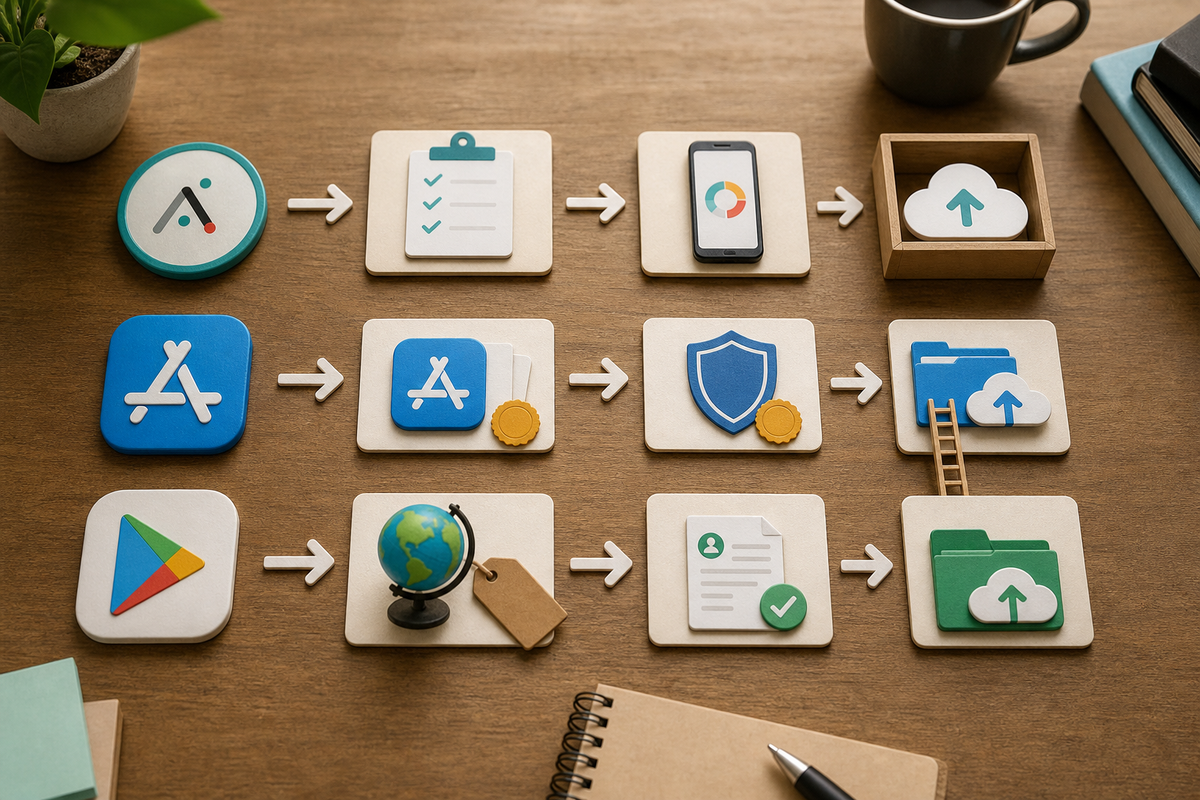
Linear process diagram showing three parallel lanes: Adalo actions (prepare app settings, request build), Apple lane (create App Store Connect record, certificates, upload), and Google lane (register app, upload keystore/AAB, staged rollout). Arrows indicate handoffs and decision points (Adalo-managed signing vs manual).
A first-time Adalo publish typically requires 4-12 hours of hands-on work and you should plan for 1-3 days of store review and fixes; experienced teams often complete repeat publishes faster.
Expected outcomes, hands-on effort, monitoring window
- Deliverable: app available on TestFlight/internal Play track and submitted to production tracks.
- Typical hands-on time: 4-12 hours for first-time publishers; if certificate or keystore issues occur, add 1-2 extra days for troubleshooting.
- Monitoring: 72 hours of focused analytics after release and a 24-72 hour hotfix window for critical issues.
iOS publishing sequence (recommendation and tradeoffs)
Use Adalo-managed signing to reduce manual steps; manual signing gives more control but requires ongoing certificate management and adds time.
Create App record and match bundle ID
Create an App Store Connect app record and use the identical bundle ID in Adalo so the binary attaches without ID mismatch errors.
Certificates and provisioning profile
Generate or export a Distribution Certificate and an App Store Provisioning Profile for the bundle ID. Upload these to Adalo for manual signing or authorize Adalo to manage signing; managing your own certs requires regular renewal and secure storage.
Request iOS build and choose upload route
Request an iOS build in Adalo and confirm the binary appears in TestFlight if Adalo uploads to App Store Connect. Expect an extra 1-3 days if re-signing or certificate fixes are needed after the first attempt.
Android publishing sequence (recommendation and tradeoffs)
Opt into Google Play App Signing and register your upload key to preserve recovery options; using Adalo's keystore may be faster but increases dependency on platform-managed keys.
Register app and choose package name
Create a Play Console app with a final package name. Do not change the package name after the first upload to avoid update conflicts.
Manage upload key and keystore
Choose whether to use Adalo's keystore or your own. Enroll in Play App Signing and register an upload key so you can request a reset if a keystore is lost; managing keys requires secure backups and processes.
Request AAB and verify API targets
Request an AAB from Adalo and ensure it targets current Play API level requirements before upload. AAB enables optimized delivery but may require you to meet newer SDK or permission rules.
A complementary angle worth comparing lives in How to Publish an Emergent-Built Mobile App Successfully.
How should you verify and monitor the build after release?
Do quick device checks and monitor the first 72 hours closely to catch regressions early; plan 2-4 hours of device testing and keep a hotfix plan ready.
Install and validate on devices
Install the build via TestFlight or Play internal testing and verify critical flows: push notifications, deep links, authentication, and analytics events.
Verify version identifiers
Confirm Android versionCode/versionName and iOS build number/version to avoid confusion during updates and rollbacks.
Track 72-hour early metrics and define rollback criteria
Monitor crash rate, beta retention, and first-open conversion for 72 hours. Typical rollback triggers are crash rates above about 2% or retention significantly below expectations; have a plan to patch and re-release within 24-72 hours when feasible.
Key data points, interpretation, and business implications for choosing Adalo
Adalo reduces engineering hours but shifts operational risk to signing, metadata, and store review; plan 4-12 hours for a first publish and add 1-3 days contingency for common issues.
Key data points (costs, account requirements, and expected effort)
- Fixed costs: Apple Developer Program $99/year; Google Play Console one-time $25.
- Typical hands-on effort for first-time publishers using Adalo: 4-12 hours across credentials, assets, and metadata; block a full day for initial publish and expect shorter times for follow-ups.
- Risk drivers: custom native plugins, third-party push providers, and lost Android keystores; if these apply, add 1-2 days contingency and some operational overhead.
Interpretation: when to stay on Adalo and when to plan native migration
Use Adalo for MVPs and pilots that need rapid iteration and modest performance needs - roughly under 50k monthly active users - and when you accept platform-managed constraints. Plan native migration when you require advanced background processing, tight native SDK control, or expect scale above ~100k MAU; native work adds cost and time but reduces platform dependencies.
Practical implications: launch planning and risk mitigation
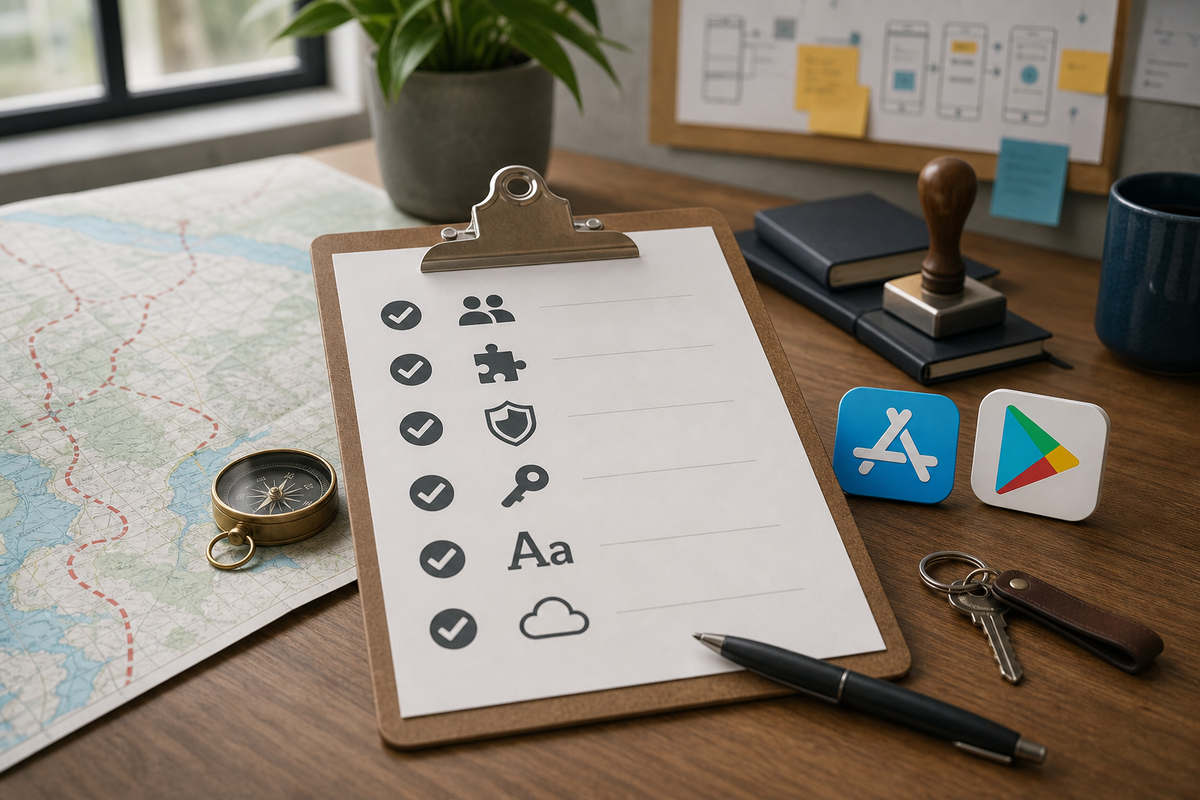
Checklist block enumerating the essential pre-publish items for this article: Apple and Google account access, bundle/package IDs match, distribution certificate/provisioning profile or upload key, AAB vs IPA choice, screenshots sized per store, privacy policy URL, and monitoring instrumentation.
- Add a 7-14 day buffer for iOS in go-to-market timelines and avoid large marketing pushes until approvals are confirmed.
- Backup upload keys and keystore files in a secure password manager and document recovery steps; recovering lost keys can be slow or require workarounds.
- Instrument builds with crash reporting and set automated alerts for spikes so you can act within your hotfix window.


