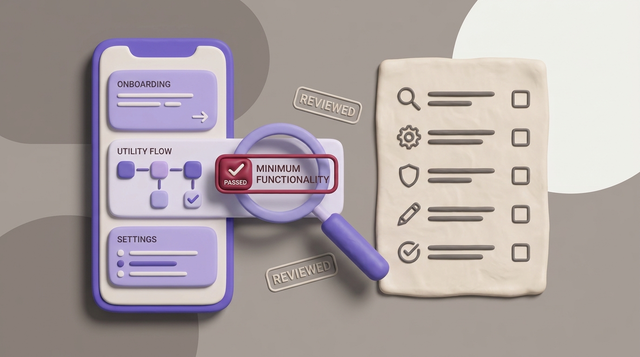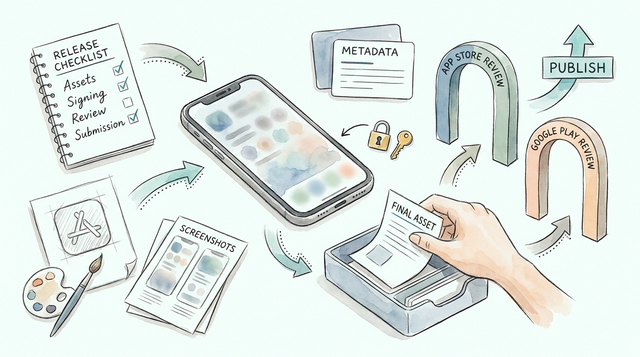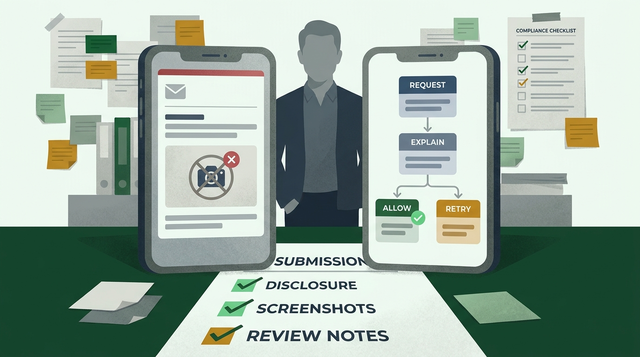
Uploading a camera-first social app to Google Play is more than producing an AAB and clicking publish. The real risk is losing users at first-open: request permissions too early or force sign-up before the first capture and you will see higher drop-off and weaker retention. This guide gives product, engineering, and QA a focused, runnable playbook to protect the first-capture loop and get a clean Play Store submission.
Early proof - quick benchmarking and signal cards
| Metric | Target |
|---|---|
| Install -> first capture | 60 - 90 seconds |
| Open -> first post | ≤ 7 taps |
| Reviewer friction when metadata is inconsistent | High - expect extra review rounds if test steps or credentials are missing |
Explanation: run a short device test on a clean device that goes from install to a started publish flow. The time and tap targets expose major UX blockers quickly.
Interpretation: if a clean device takes longer than 90 seconds or more than 7 taps, file tickets for permission timing, sign-in gates, or camera startup. Expect 5-20 minutes per device to run checks and 1-3 hours to triage and prioritize fixes.
Business impact: fixing these flow issues before public rollout reduces first-post drop-off and lowers the chance of reviewer rejections that can delay launch by days.
Camera Permission Rejection: App Store and Google Play Fix Guide goes deeper on the ideas above and adds concrete next steps.
Why do camera-first social apps lose users at first-open?
Category: Compliance
Statistic: 38%
Label: First-pass approval rate
Context: With complete Google Play metadata submitted
Category: Speed
Statistic: <60 sec
Label: Install to first capture
Context: Speed target for camera-first onboarding
Category: Friction
Statistic: ≤7 taps
Label: Open to first post
Context: Friction target to reach core action fast
Quick install -> first-capture benchmark
Run the 60-90 second test on two clean devices - include one representative low-end model. Steps: install, open, tap "Take photo", capture, edit, publish-start. Count taps and note Android version and device model when it fails. Expect 5-10 minutes per device plus any time to file issues.
What this means: surface UX blockers early - permission timing, sign-in gating, and camera warm-up are the usual culprits. Prioritize fixes in that order and flag anything that needs a hotfix window.
Why camera-first apps lose momentum at first-open
Here is the thing: permission timing and onboarding choices drive most early losses. Asking for CAMERA on launch causes many instant denials; just-in-time prompts tied to explicit actions work better. Allowing capture-as-guest reduces drop-off but increases moderation risk and abuse surface; requiring sign-in earlier tightens moderation but raises first-open friction. Document these tradeoffs and the expected moderation load before packaging.
One thing worth noting: Play reviewers expect consistent in-app wording, accurate Data safety entries, step-by-step reviewer notes, and demo credentials for gated paths. Reviewer behavior can vary by region; plan for 1-3 days of back-and-forth in some cases.
When you move from outline to execution, How to Publish Your Dreamflow App: Store Submission Done Right helps close common gaps teams hit here.
How do you submit a camera-first app to Google Play step by step?
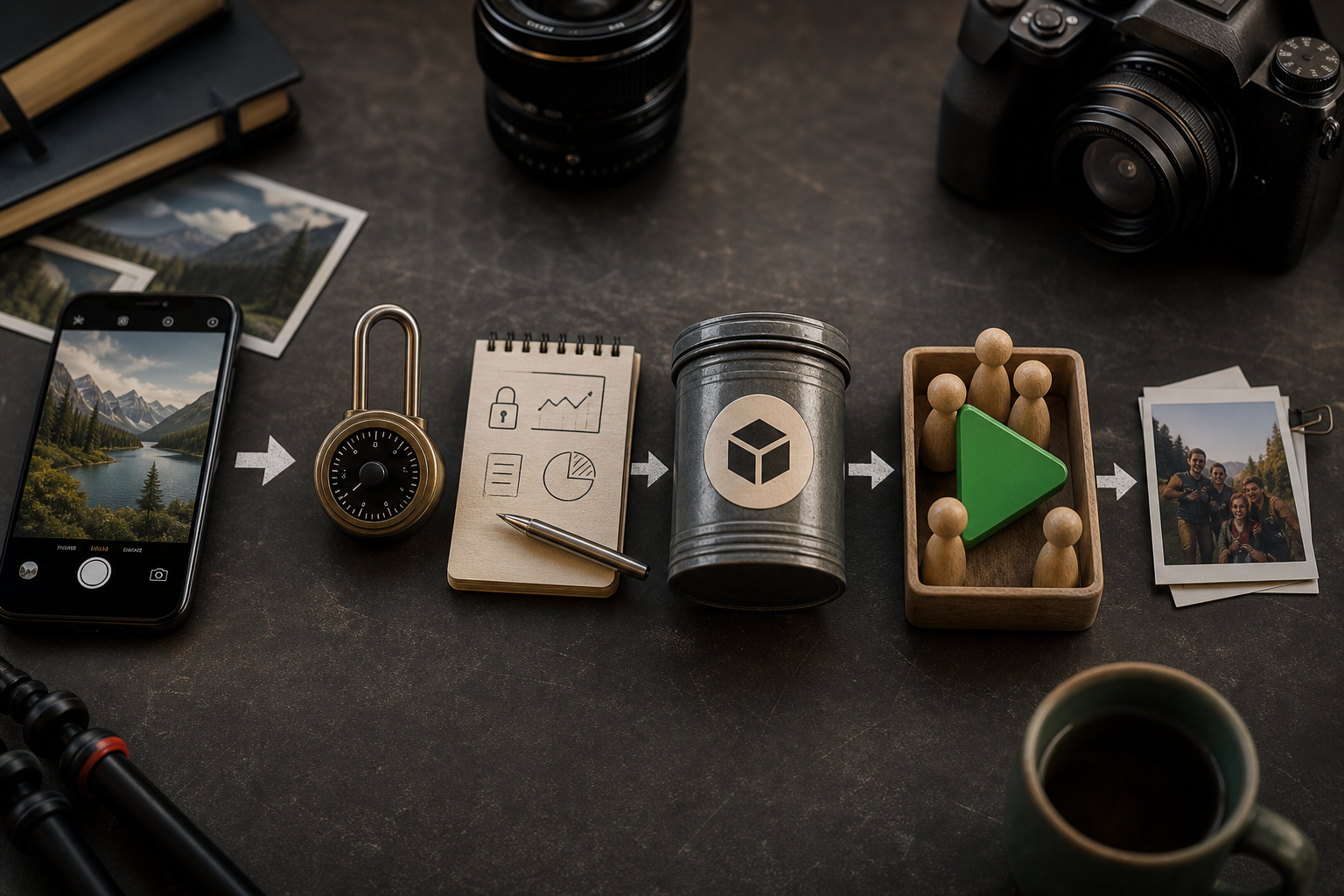
A process diagram tracing the exact submission path: Local device early-proof → lock permission timing and analytics → compile AAB (signed) → upload to Play Console internal track → add testers and pre-launch tests → staged rollout → monitor first_capture and permission-denied metrics.
Summary: prepare builds and metadata, upload a signed AAB to Internal testing, validate permission flows, then do a staged rollout with close monitoring. Expect 1-3 days from a ready codebase to a first staged rollout; more if QA or policy issues appear.
Prerequisites: code, permissions, and analytics to lock before packaging
Platform and versioning
Set targetSdkVersion and compileSdkVersion per current Play requirements and bump versionCode/versionName. This is often a 15-60 minute task but can take longer if API changes require code updates.
Permissions and just-in-time flows
Localize plain-language permission purpose strings and trigger permission prompts on explicit actions like "Take photo". If you need UX copy or flow changes, budget 1-3 days.
Analytics instrumentation
Instrument first_open, first_capture, permission_prompt_shown, permission_denied, and first_publish. Plan 1-2 days for implementation and QA; without these signals you cannot interpret post-launch behavior reliably.
Privacy and Data safety prep
Publish a live privacy policy URL and prepare the Data safety form with exact data types and usage details. Legal review and form filling can take hours to a few days depending on your org.
The practical takeaway: locking these items before you build reduces hotfixes and reviewer friction later.
Build, test, and upload an AAB to the Internal Test track
Create a release-ready AAB
Export an Android App Bundle with debuggable=false and signed with the correct key. Confirm the manifest contains only camera and related permissions you actually use. Expect 30-90 minutes including sign-off.
Upload to Play Console - Internal testing
Upload the AAB, add 10-50 testers across device tiers, and share device lists for QA. Provide demo credentials for any gated paths. Expect 1-2 days of iteration with QA if issues are found.
Run Play Console pre-launch checks and device tests
Use the Pre-launch report to catch crashes and startup delays, but prioritize real-device tests for camera warm-up and permission timing. Pre-launch reports are helpful but not exhaustive.
Validate flows end-to-end
Have QA run the early proof on at least one high-end and one low-end device and collect session traces. Allow 1-4 hours for focused validation and 1-2 days if fixes are required.
The practical takeaway: treat Internal testing as your final UX gate, not just a distribution channel.
Submission-day: review notes, staged rollout, and monitoring
Complete Play Console metadata
Fill App Content and Data safety accurately, ensure the privacy policy URL is live, and align wording with in-app strings. Metadata mistakes are a common cause of reviewer questions.
Add explicit reviewer notes
Include step-by-step test steps, demo accounts, moderation details, and any invite-only constraints. Example: "Open app -> tap Take Photo -> allow camera -> quick edit -> publish. Use demo@test.com / pass123." Preparing notes takes 15-60 minutes; precise steps reduce review rounds.
Choose staged rollout and alerts
Start with a 5-10% staged rollout for target countries and configure alerts for crash rate, permission_denial_rate, and first_capture for the first 72 hours. Plan on active monitoring for those 72 hours with 1-2 engineers on-call.
The practical takeaway: clear reviewer notes plus a conservative rollout reduce approval friction and let you observe real user behavior before wider release.
What reviewer traps and runtime mistakes should you avoid?
Summary: common anti-patterns and prevention steps tied to Play policy and camera-first UX.
Permission timing anti-patterns and fixes
- Prompting for CAMERA on app launch - fix by triggering permission on explicit "Take photo" tap and show a short rationale modal first.
- Requesting broad external storage permissions - move to scoped storage APIs like MediaStore or SAF to meet Play policy and reduce scope.
- Using vague purpose strings - replace them with explicit user-facing reasons such as "Needed to capture and share short videos with your followers."
One thing worth noting: inconsistencies between UI copy and Data safety entries commonly trigger rejections. Reviewer behavior can vary; factor in 1-3 days for clarification rounds.
Store listing and review workflow mistakes
- Uploading screenshots of empty feeds - provide visuals that show the capture UI and a minimal publish flow instead.
- Omitting review credentials - always include a working test account and a clear, step-by-step script in reviewer notes.
- Not declaring moderation - if content is moderated, declare it in App Content and the reviewer notes and explain your moderation approach briefly.
What this means: align everything reviewers see with the first-run experience to reduce unnecessary back-and-forth.
Post-release behavioral edge cases
- High permission denial rate (> 15% in internal tests): add a pre-permission rationale screen and re-run internal tests.
- Low first_capture despite installs: check sign-in gates, deep-link misrouting, or camera initialization errors; plan a hotfix window within 48-72 hours.
- Regional reviewer inconsistencies: ensure localized listings match permission and onboarding behavior and have localized reviewer notes.
The practical takeaway: convert signals into prioritized tickets and keep a tight on-call path for quick iterations.
Submission-day execution checklist and first-week monitoring playbook
Summary: a compact pre-flight and post-publish checklist for product, dev, and QA, plus a short playbook for the first 7 days.
Pre-flight checklist (hours before upload)

A compact checklist block with pre-flight items: run early proof, confirm Data safety and privacy policy, add reviewer notes and test credentials, upload AAB to internal track, start staged rollout, and assign 72-hour on-call.
- Run the 10-minute early proof on at least two clean devices and log failures to the issue tracker.
- Confirm Play Console App Content, Data safety form, and Privacy Policy URL match in-app wording.
- Attach reviewer notes with step-by-step test actions, test accounts, and gating/moderation details.
- Verify the AAB is signed with the correct key and debuggable=false.
- Ensure analytics events for first_capture and permission_denied fire in debug builds.
The practical takeaway: this checklist minimizes predictable reviewer friction and post-launch surprises.
Immediate post-publish monitoring playbook (0 - 7 days)
- Monitor installs, first_capture, and permission_denied_rate hourly for the first 24 hours; escalate if permission_denied_rate > 15%. Expect concentrated monitoring for 48-72 hours.
- Prioritize crashes and ANRs that mention camera or permission APIs; if a failure affects more than 1% of sessions, prepare an internal hotfix and rollback plan.
- Collect 10-20 first-run session traces across device tiers to confirm the install -> capture flow empirically.
- Keep the staged rollout low until first_capture and crash metrics are stable for 48 hours.
The practical takeaway: early detection and a ready hotfix path prevent a bad first run from causing long-term damage.