A minimalist app can be a competitive advantage, but in App Store and Google Play review it can also read as unfinished, a thin web wrapper, or "not enough app" to justify approval. Minimum functionality rejections are costly because they stall launches, disrupt acquisition plans, and force reactive product changes under deadline pressure. This guide focuses on the reviewer signals that tend to trigger that outcome and a practical pre-submit playbook to make simplicity look intentional and complete.
How to Fix App Store Minimum Functionality Rejection goes deeper on the ideas above and adds concrete next steps.
What patterns make a simple app look rejectable?
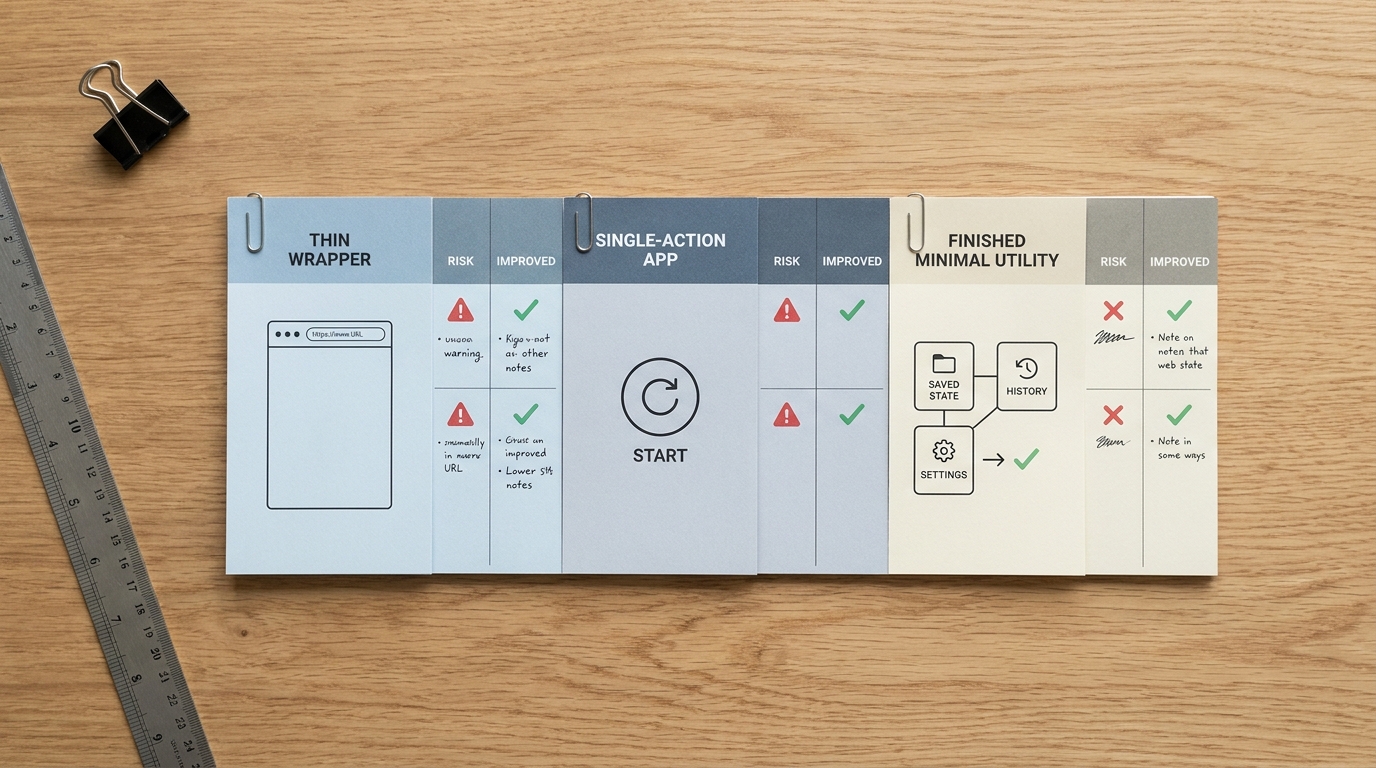
A compact review-risk benchmark table comparing a thin wrapper, a single-action app, and a finished minimal utility, with columns for what the reviewer sees, why it is risky, and what would improve the submission for App Store or Google Play approval.
| Pattern reviewers often flag | What the reviewer experiences | Why it reads as minimum-functionality risk | What typically improves the submission |
|---|---|---|---|
| Thin wrapper around a website or feed | Mostly web pages in an app frame | Looks non-native and low standalone value per Apple 4.2 and Google Play UX expectations (Apple, Google) | Add 1-2 native workflows (often 1-3 sprints, team dependent): saved items, offline handling, meaningful navigation, device integrations |
| Only one obvious action or screen | A single tap loop with no return path | Feels like a demo, not a product | Add a secondary workflow (history, settings, reminders) and a clear "return" reason |
| Sparse content or placeholder states | Empty screens after install | Signals "unfinished" more than "minimal" | Seed first-run content, implement honest empty states, and make onboarding prove the core job |
Explanation: These patterns are inferred from published policies and frequently reported reviewer feedback, not a formal scoring system. Time ranges are anecdotal and vary by category, reviewer, and dependencies.
Interpretation: Reviewers tend to ask: "Does this app deliver a complete loop on device, right now, without leaning on a website or future roadmap?"
Impact: Fixing one high-risk pattern can reduce the odds of a rejection loop, but it cannot prevent rejection. Each iteration can still take roughly 2-7 days for review plus rebuild, QA, and re-submission time.
When you move from outline to execution, How to Fix App Store Guideline 4.2 Minimum Functionality Rejection helps close common gaps teams hit here.
What are App Store and Google Play trying to prevent?
Apple Guideline 4.2 and Google Play's Functionality and UX expectations focus on avoiding apps that feel like shells, placeholders, or low-effort repackaging. Neither store publishes a hard "minimum features" threshold, and outcomes can vary by reviewer, region, and category.
One practical constraint: if your app depends on regulated flows (health, finance), hardware integrations, offline data rights, or enterprise provisioning, "just add a native workflow" can be non-trivial. In those cases, reviewer notes, testability, and clarity of the existing loop matter as much as adding scope.
Sources: Apple 4.2, Google Play UX.
A complementary angle worth comparing lives in Minimum Functionality: Avoid the 'Feels Like a Demo' Rejection.
What do reviewers consider real utility?
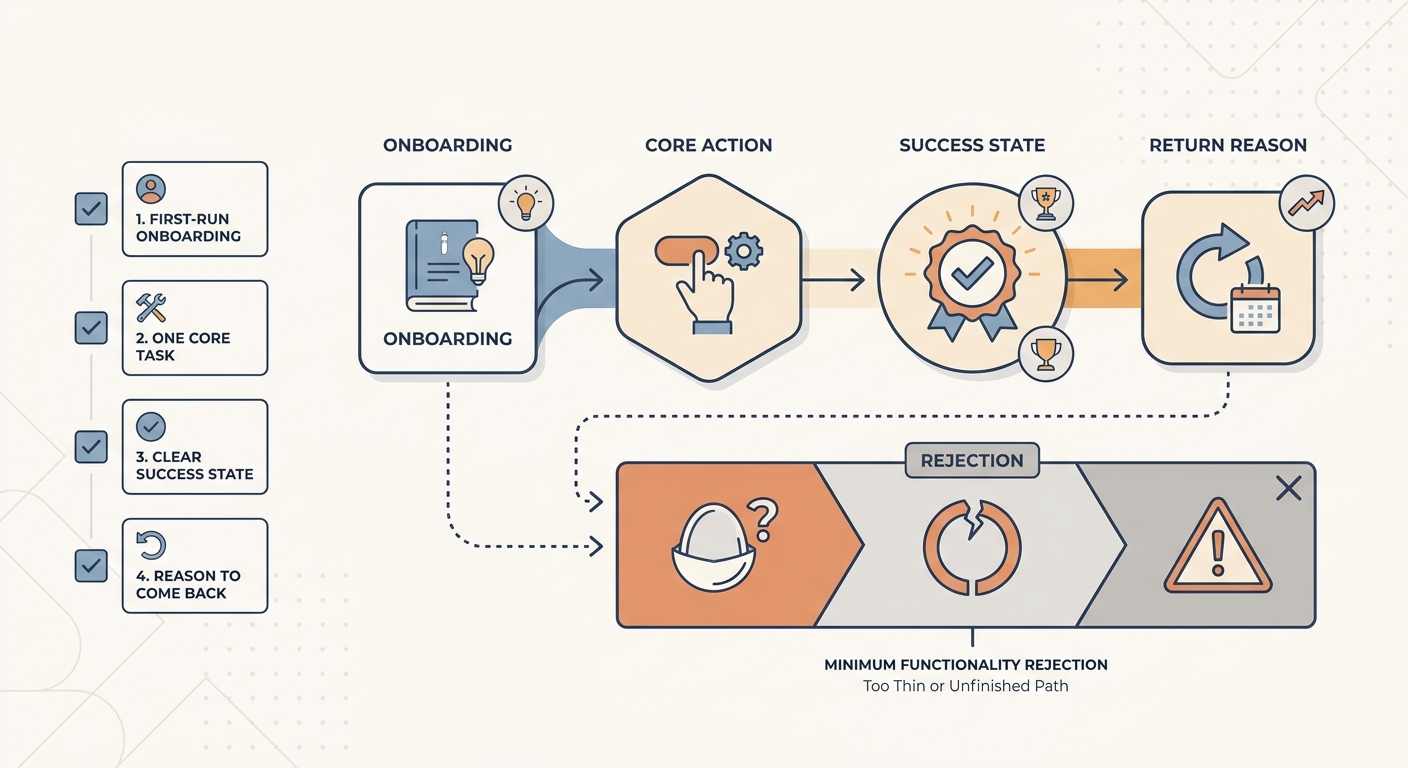
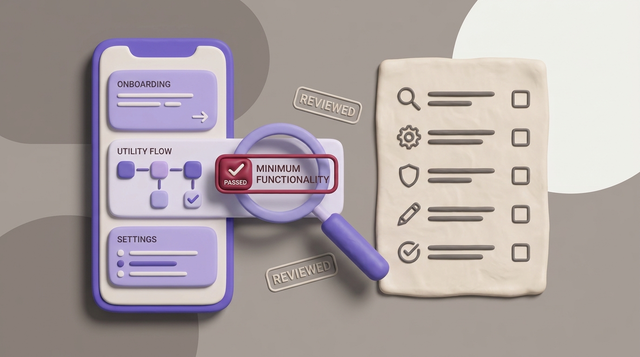
A simple process diagram showing the reviewer’s mental checklist for a minimal app: first-run onboarding, one core task, a clear success state, and a reason to come back, contrasted with the path that leads to minimum functionality rejection.
The three signals that make a simple app feel complete
Standalone usefulness
The app delivers a meaningful outcome without a companion site doing the real work. If a reviewer hits a login gate and then mostly sees web-like screens, it can read as "this could be a website."
Native value
You provide at least one mobile-specific benefit that shows up early. It does not need to be a long feature list, but it should be visible in the first session (for example: saved state, offline behavior, notifications, share sheet, deep links).
Workflow completeness
First run shows a closed loop: onboarding (or a clear first step), a primary action, a success state, and a reason to return. Missing empty states, broken back navigation, or "nothing here yet" screens are common failure modes.
Where simple is acceptable and where it becomes a problem
- Acceptable: narrow, polished utilities with a clear win state (field tools, calculators, single-purpose helpers) that work without special context.
- Borderline: apps that work but feel like a demo (one screen, one button, no history, no saved outcomes).
- Risky: one-page shells that mostly mirror another service or raw web content, a common trigger under Apple 4.2 and Google Play UX expectations.
For tradeoffs, checklists, and edge cases, How to Turn Your App Idea Into a Real Product in 30 Days rounds out this section.
How to avoid minimum functionality rejection before you hit submit
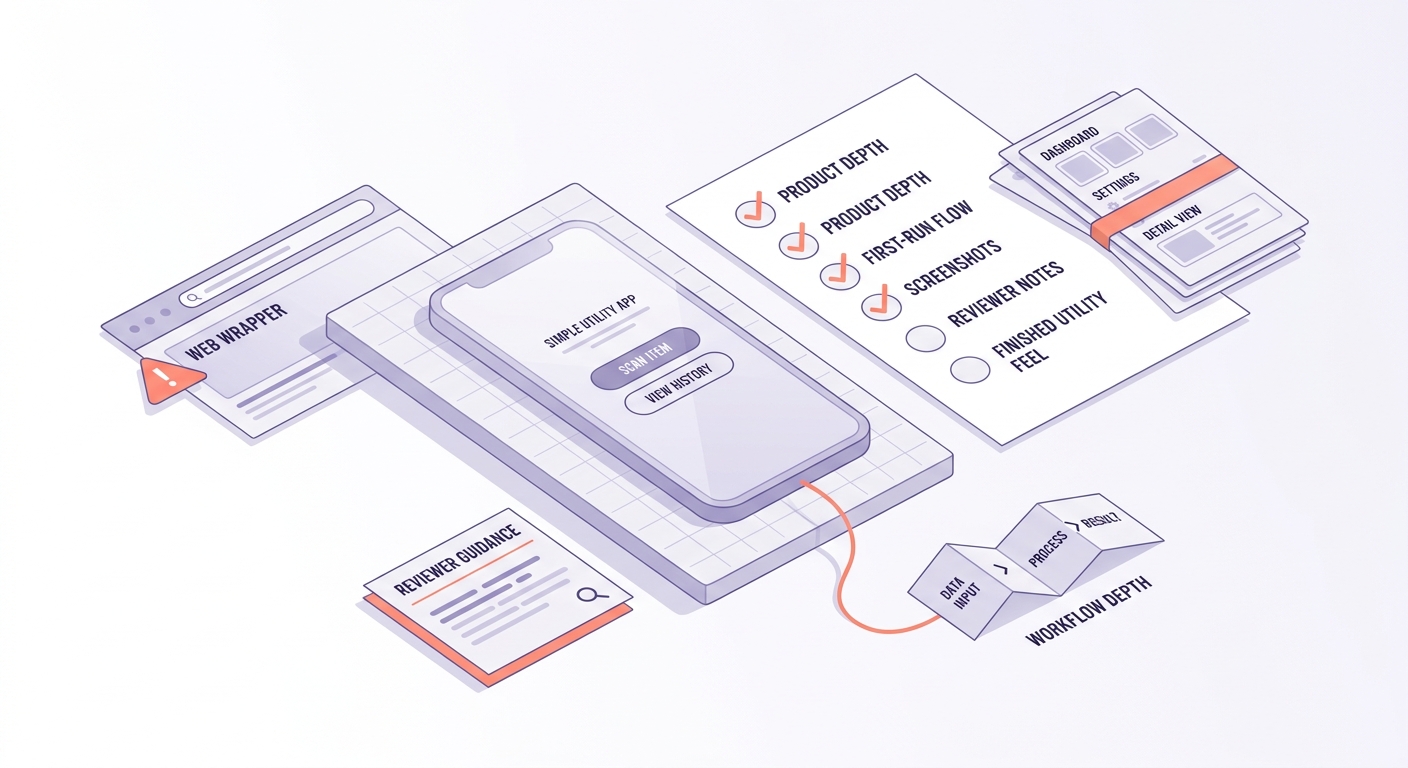
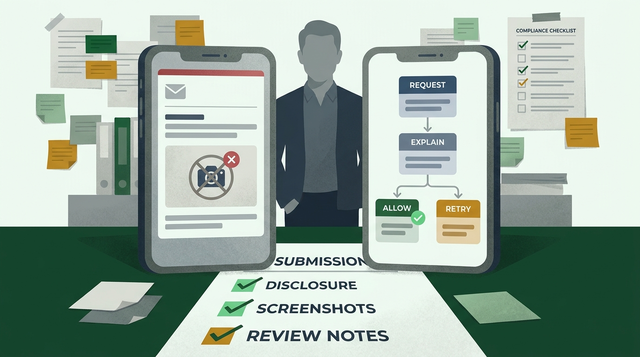
A submission readiness checklist for simple apps, covering product depth, first-run testing, screenshots, reviewer notes, and whether the app still looks like a website shortcut or a finished mobile utility.
Add enough depth to look finished (without inflating scope)
A realistic bar for many minimalist apps is one additional workflow plus solid first-run UX. For many teams, that is often 1-3 sprints, depending on backend readiness, design debt, app architecture, app review feedback, and QA coverage.
- Add a second meaningful workflow so the app is not a single dead-end action.
Examples: capture - review - export, create - share - remind, scan - save - search. - Ship onboarding, empty states, and a clear first success moment.
Common review failures: empty home screens, placeholder copy, broken back behavior, and unclear success states. - Time-box time-to-first-value.
A practical target for many consumer apps is under 60 seconds on a clean install. Some categories (regulated, enterprise, hardware-tied, data-import heavy) will be slower, so make progress visible and provide a guided path that reduces ambiguity.
Tradeoff to plan for: "more native" can increase maintenance. Offline support, caching, notifications, and device integrations expand QA surface area and can introduce edge-case bugs that reviewers hit first (fresh install, poor connectivity, permissions denied). Rushing these can swap a minimum-functionality risk for stability, privacy, or compliance issues.
Concrete operational example: a reviewer-friendly test workflow
| Step | Tooling | Metric to watch | Common failure mode |
|---|---|---|---|
| Fresh device install and first session | iOS TestFlight (Internal Testing) or Play Console Internal Testing | Time-to-first-value; first-session completion | Reviewer cannot access gated value; login/signup blocks core feature |
| Walkthrough of the main loop | Screen recording + basic event analytics | Drop-off before success | Empty-state content missing; success is not obvious |
| "Return visit" check | App resume flows; notifications only if truly needed | Day-1 return action exists and works | Notification prompts mishandled; offline/cache inconsistencies |
If your app requires special accounts, locations, hardware, or entitlements, you are adding dependencies that can slow review and increase failure modes. Plan 30-60 minutes to write clear reviewer instructions, and keep test accounts stable (no MFA surprises, no regional locks, no expired data).
CTA
Get a practical pre-submit checklist for minimalist apps
Use a one-page checklist to catch the common "unfinished" signals before review.
submission checklist
How to Publish Your Lovable App: From Export to Approval reframes the same problem with a slightly different lens - useful before you finalize.
Final pre-flight check before submission
Run a clean-install walkthrough on at least one device you do not use day-to-day. For most teams this takes about 30-45 minutes if you include screenshots, reviewer notes, and one full loop attempt, plus extra time if you need new builds or refreshed test data.
- No dead ends: every screen has a next action or a clear conclusion.
- No placeholders: empty states explain what to do next.
- No hidden value: reviewers can reach the core outcome without guessing.
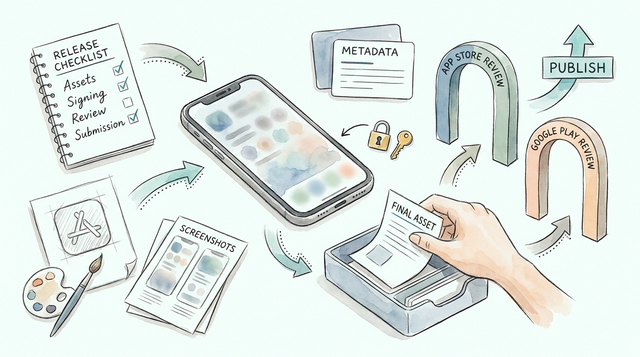
Also sanity-check store assets and metadata for a minimalist app: show an input - action - outcome loop, avoid "coming soon" language, and use reviewer notes to explain any login/setup required to reach value.
CTA
Want a fast read on rejection risk for a minimalist app?
Share your store listing and a 2-minute screen recording, and get targeted fixes based on common reviewer failure modes.
request a review