If you are dictating notes between meetings, replying to emails in the car, or turning client calls into follow-ups, the wrong voice-to-text app costs you time in cleanup and missed action items. This roundup compares four options mentioned in the research summary (Google on-device dictation, Otter AI, Dragon Anywhere, Rev) plus a practical wildcard category, using criteria that actually matter on a phone: capture speed, accuracy in noise, export handoff, and the time it takes to get to something you can send.
Top 7 AI Note-Taking Apps for iPhone in 2026 goes deeper on the ideas above and adds concrete next steps.
Early proof
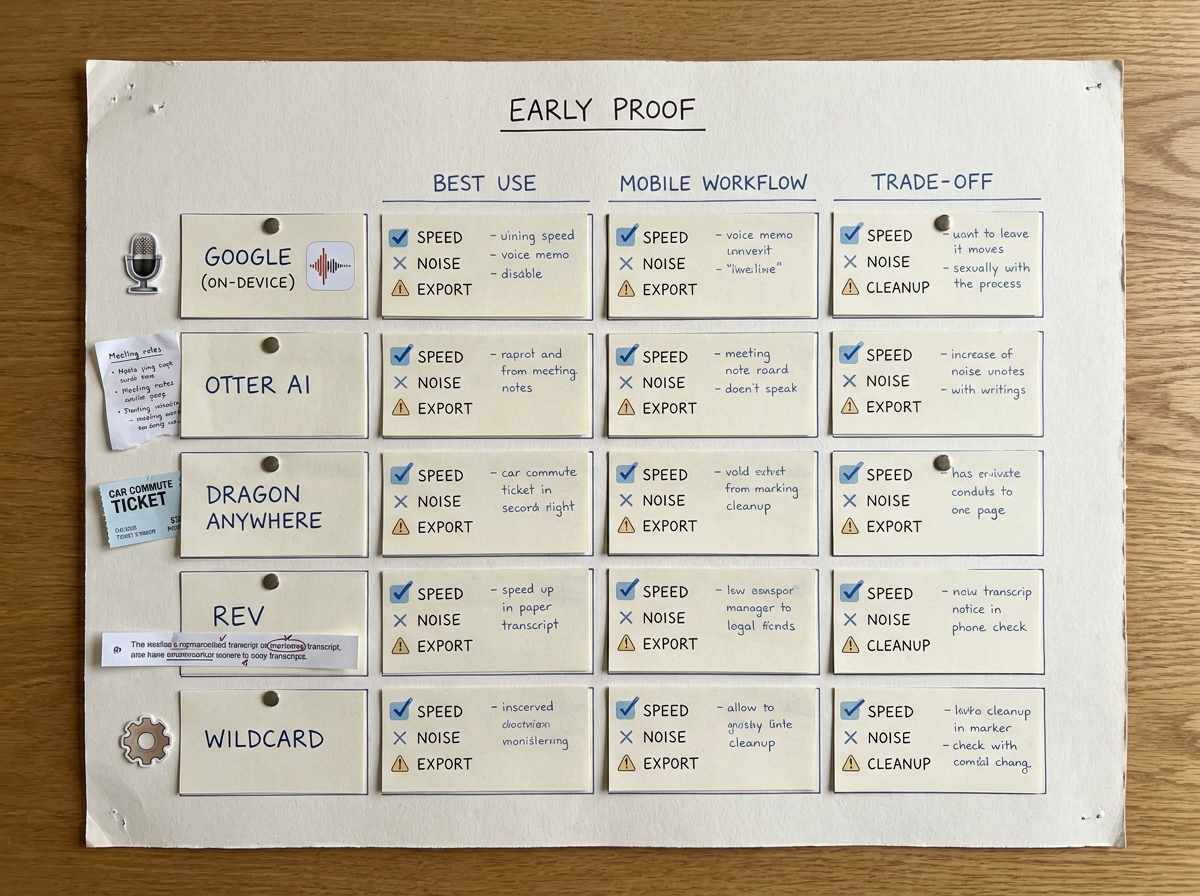
A clean comparison grid of the five voice-to-text apps showing best for, mobile workflow strength, and primary tradeoff for mobile professionals.
Directional benchmark snapshot (based on app docs + common operator usage)
| App/category | What I can verify quickly (docs + common usage) | Directional takeaway for mobile work | Reader impact |
|---|---|---|---|
| Google on-device dictation (Pixel Recorder / Gboard voice typing) | On-device dictation is available on some supported Android devices and languages; built for fast short-form input; copy/share flows are straightforward | Often the lowest-friction way to get text onto the screen quickly, but offline and on-device behavior varies by device and language | Faster capture with less workflow overhead, but you should still proof names, numbers, and dates |
| Otter AI | Recording, transcript review, search, and sharing are central; meeting-first workflow | Strong for longer calls when you need to find decisions later, assuming your org is OK with cloud processing and retention | Faster follow-ups from searchable notes, but expect diarization and naming errors in messy audio |
| Dragon Anywhere | Dictation-focused; supports vocabulary adaptation/training over time | Can pay off for specialized terminology if you are willing to standardize your setup and usage | Better domain accuracy after ramp-up, but it is not instant and performance can swing with mic quality |
| Rev (human transcription) | Human transcription is available; turnaround depends on service level | Most reliable when errors are expensive and you can wait for delivery | Lower risk for client-ready text, but not ideal for immediate post-call actions |
| Wildcard: on-device AI assistants and edge transcription (for example, Google AI Edge Eloquent, Atter AI) | Tooling exists in this category, but capabilities change quickly and device support is inconsistent | Worth a pilot if you need tighter data control or custom flows, but plan validation time | Potentially useful, but expect setup and troubleshooting before it is dependable |
This is not lab testing, and there is no universal accuracy winner because your mic, environment, and speaker behavior matter as much as the model. What holds up in real mobile work is simpler: pick the tool that reduces total time-to-send, including setup, permissions, editing, and getting text into email, CRM, or tasks.
One practical validation step: run a 2-minute test on your actual phone in airplane mode (if offline matters), then measure how long it takes to produce a clean, sendable paragraph.
When you move from outline to execution, Top Productivity Apps That Hit #1 on App Store This Month helps close common gaps teams hit here.
Selection criteria for mobile professionals
What matters most on a phone
- Capture speed and friction: lock screen access, widgets, and how many taps it takes to start and share.
- Messy-audio accuracy: names, numbers, and action items in a car, cafe, or hallway.
- Handoff into real work: copy/share into email, Notes/Keep, tasks, CRM, or cloud storage.
- Ops burden: accounts, permissions, background recording, and whether IT or compliance needs to sign off.
- Cleanup time: plan for editing. In noise or multi-speaker audio, many teams still spend meaningful cleanup time per minute of audio, even with good tools.
What are the best voice-to-text apps for mobile professionals?
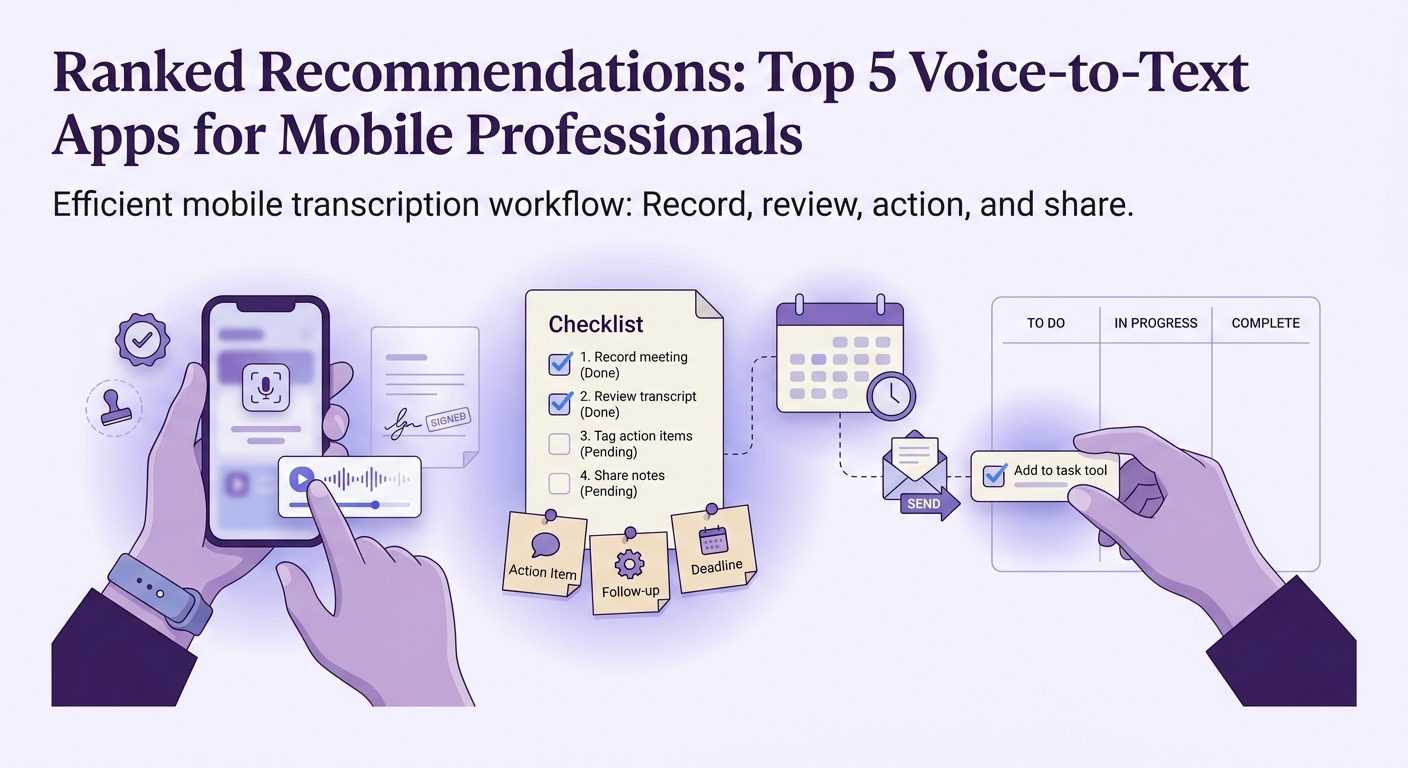
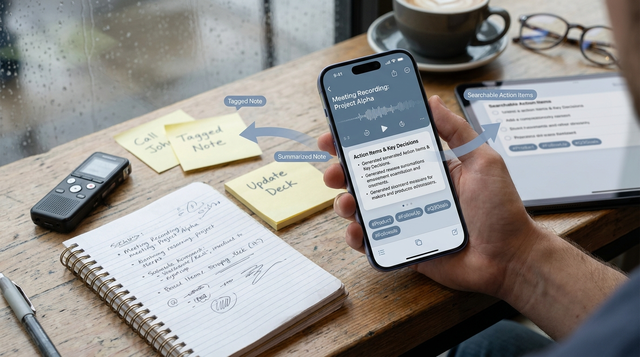
A mobile transcription workflow checklist showing how a professional records a meeting, reviews the transcript, tags action items, and shares notes to email or task tools.
1. Best for quick mobile dictation (especially when offline or data handling matters)
- Pick: Google on-device dictation (Pixel Recorder / Gboard voice typing)
- Best for: Fast notes, quick email drafts, and task capture when you need text on screen in under a minute.
- Why it ranks high: The capture loop is often the fastest, and on-device options can reduce what gets sent to the cloud, depending on device, settings, and language.
Realistic setup/ops burden: 5 to 15 minutes to enable the right keyboard/settings and test your language; another 10 minutes to build your share path (paste into email draft, tasks, CRM).
Tradeoffs and constraints: This is effectively Android-first, and Pixel features are not identical across all devices. Offline and on-device behavior is not uniform, so test on the specific phones your team uses before you depend on it.
Likely failure mode: Proper nouns and numbers still need a proof pass. In a moving car or with a weak mic, you may get fluent but wrong output.
2. Best for meeting transcription and review on mobile
- Pick: Otter AI
- Best for: Calls, interviews, and recurring meetings where you need searchable transcripts and a place to review on your phone.
- Workflow fit: Record, let it transcribe, then skim highlights and pull decisions before you send the follow-up.
Realistic setup/ops burden: 30 to 60 minutes to set up, connect calendar if desired, and run a real meeting test. Budget ongoing review time, especially for speaker names and action items.
Tradeoffs and constraints: It is typically cloud-first, so your retention, sharing, and compliance posture matters. If you are in a regulated environment, you may need security review before broad rollout.
Likely failure mode: Crosstalk, weak mics, and noisy rooms can break diarization (speaker separation). Longer recordings can also hit battery and data constraints.
Mobile meeting-to-action workflow (what actually works)
Record with intent
Get the phone close to the primary speaker or use a better mic when you can. A small audio improvement often saves more cleanup time than switching apps.
Skim for decisions first
Do not reread the whole transcript on mobile. Look for decisions, owners, dates, and open questions.
Extract 3 to 7 action lines
Copy the minimum useful set into email, tasks, or CRM. Full transcripts often become stranded content.
Verify the risky bits
Proof names, numbers, and commitments. This is where expensive errors cluster.
Send the follow-up while context is fresh
Same day is realistic for many teams if you keep the follow-up short. If you wait, you will spend more time re-parsing later.
3. Best for specialized vocabulary (if you can invest the time)
- Pick: Dragon Anywhere
- Best for: Domain language where generic dictation keeps failing (medical, legal, technical product names).
- Why it can be worth it: With training and consistent usage, it can outperform general tools on your specific terminology.
Realistic setup/ops burden: 30 to 60 minutes to set up and tune, then 1 to 2 weeks of steady use to see payoff. If multiple people use it, standardize mic and environment expectations or results will vary.
Likely failure mode: Sporadic usage and inconsistent setups erase the advantage. If the team will not commit to the routine, you are paying for potential you will not realize.
4. Best when the text has to be correct (and you can wait)
- Pick: Rev
- Best for: Deliverables where mistakes create real risk: client-ready transcripts, executive quotes, or compliance documentation.
- Why it ranks here: Human transcription can reduce error rates, but you are trading speed for reliability and cost control.
Realistic setup/ops burden: 10 to 20 minutes to confirm consent language, file handling, and turnaround expectations. Build in lead time for delivery and internal review.
Likely failure mode: Turnaround and cost are the obvious ones, but the hidden risk is process: unclear consent, messy recordings, or inconsistent naming conventions can still create downstream work.
How do you choose the right voice-to-text app?
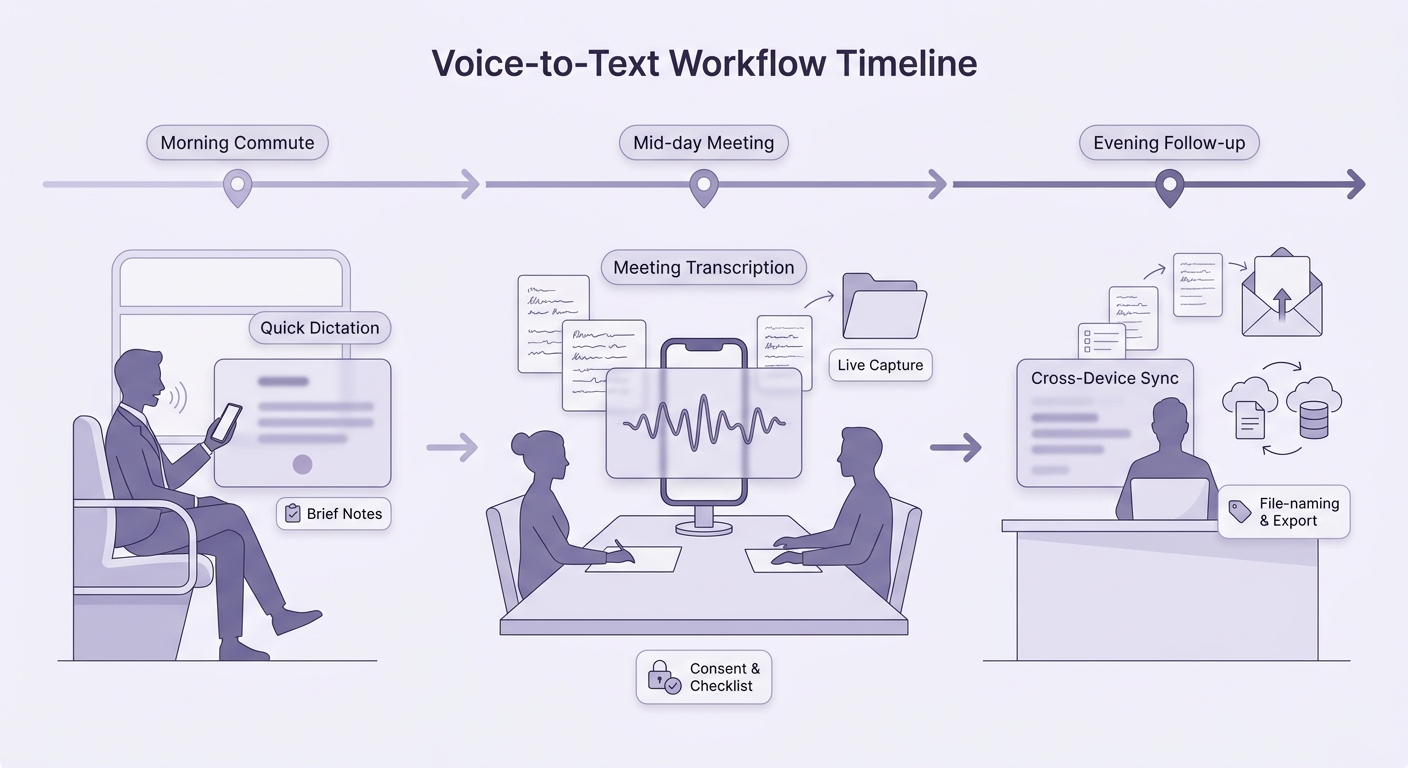
A simple decision timeline that maps a mobile professional's day from commute to meetings to follow-up, showing where quick dictation, transcription, and cross-device sync each fit.
Start with your dominant use case
Quick dictation (Google) vs meeting review (Otter) vs specialized vocabulary (Dragon) vs high-stakes accuracy (Rev). Pick the wrong category and you will feel it daily in cleanup time.
Run a 30-minute field test
Test one noisy scenario on purpose (car, cafe) and one normal scenario. Time the edit and export steps, not just transcript quality.
Check the non-obvious constraints
Background recording permissions, battery impact, offline requirements, export formats, and whether your org allows cloud storage, retention, and sharing.
Try one real workflow for 3 days (commute notes or post-call follow-ups).
shortlist your pick
Want a practical recommendation for your team?
Share your device mix (iOS/Android), meeting volume, and compliance constraints, and I will map the lowest-friction setup and the likely failure points to test first.
get a quick fit check