
If your videos still look like rough cuts after hours of trimming, captions, and effects, the issue is often workflow friction rather than taste. The right AI video editing app can compress repeat tasks (captions, reframes, rough cuts) into a faster first pass, with the tradeoff that you still need review time for accuracy, approvals, and brand consistency.
Early proof (benchmark ranges you can replicate):
| Task (short-form) | Manual baseline (typical) | AI-assisted baseline (typical) | What still takes effort |
|---|---|---|---|
| Captions + styling | 15-45 min | 5-20 min | Fix names, jargon, accents, timing |
| Reframe to 9:16 | 10-30 min | 2-10 min | Bad tracking, cutaway choices |
| Remove silences / tighten pacing | 10-25 min | 3-12 min | Overcuts, lost context, tone |
| Basic cleanup (audio/visual) | 10-30 min | 5-20 min | Noisy rooms, bad lighting, artifacts |
How to measure it in your workflow (operational metric): track edit minutes per 1 finished minute (for a 30-60 second clip, how many minutes from import to publishable export). Also track caption fix count per 60 seconds as a quick quality proxy.
Explanation: These are illustrative internal benchmarks from common creator and marketing workflows, not audited tool performance across the named apps. Your results will vary with source audio, number of speakers, footage length, device performance, and export queue time.
Interpretation: The biggest gains usually come from fewer repetitive touches per minute, not from AI making creative decisions for you.
Impact: If you publish weekly or daily, saving 20-40 minutes per video can raise throughput, but only if your input quality is decent and you protect time for review and approvals.
AI Music Apps Are Exploding - 5 Worth Trying in June 2026 goes deeper on the ideas above and adds concrete next steps.
What makes the best AI video editor worth ranking?
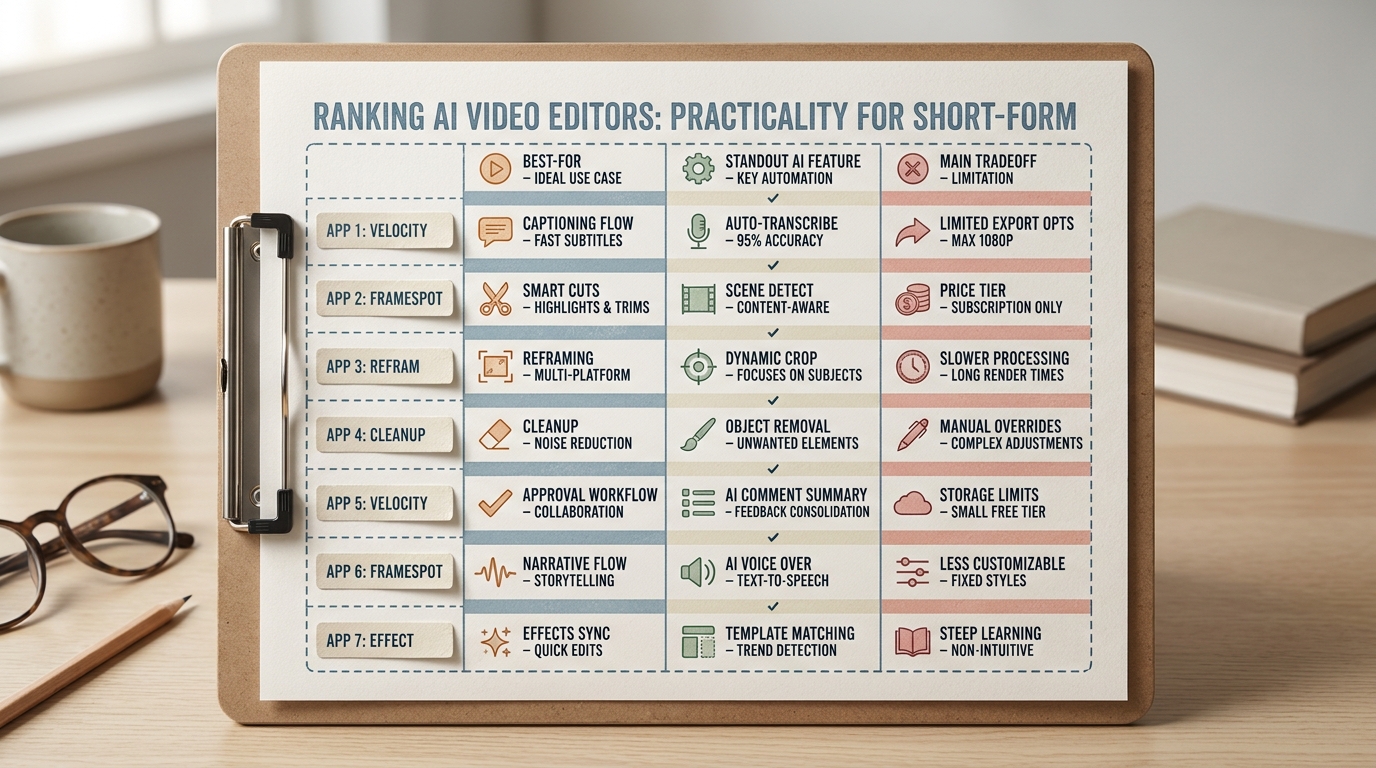
A compact comparison table showing the 7 ranked AI video editing apps, each labeled with its best-for use case, standout AI feature, and main tradeoff so readers can scan the shortlist quickly.
The filters used for this list
- Prioritize AI that creates visible improvement in 15-30 minutes: auto-captions, smart cuts, reframing, quick cleanup.
- Favor mobile-friendly or browser-based editors that fit TikTok, Reels, Shorts, and quick promo clips.
- Rank by use case fit and time-to-first-draft, not by claimed market share.
What "look pro" means in practice
In practice, "look pro" means cleaner pacing, correct framing for the target aspect ratio, readable subtitles, and fewer obvious production mistakes. AI can speed those chores up, but it still needs a human pass for meaning, tone, compliance, and brand style.
One thing worth noting: the "right" app depends on constraints like cloud upload policies, stakeholder review habits, and whether you can invest 30-120 minutes setting presets and templates upfront.
When you move from outline to execution, 7 Breakout Android Apps Making Waves in June 2026 helps close common gaps teams hit here.
Top picks at a glance: 7 AI video editing apps
Fast comparison grid
| App | Best for | 1 workflow step to test first | Main tradeoff | Setup time (realistic) |
|---|---|---|---|---|
| CapCut | Mobile-first social edits | Auto-captions + export 9:16 and 1:1 | Template look unless customized; caption errors with messy audio | 30-90 min to set brand defaults |
| Kapwing | Browser editing and teams | Upload + captions + share review link | Browser slowdowns on large files; export queues | 30-60 min to align review flow |
| Vizard | Long-to-short repurposing | Generate clips from 20-60 min source | Missed nuance or misleading snippets | 45-120 min to tune clip criteria |
| Descript | Talking-head editing | Transcribe + text cut + captions | Struggles with overlap/noise; workflow change for teams | 1-2 sessions to adopt reliably |
| Adobe Premiere Pro | Deep control with AI assist | Apply AI cleanup inside existing template project | Skill and project setup overhead | 2-6 hours if starting fresh |
| Runway | Generative edits | Create or replace b-roll with prompts | Iteration time adds up; consistency varies | 60-180 min to learn prompting |
| Movi AI | Guided cinematic assembly | One-tap assembly then adjust | Limited pacing/structure control | 15-45 min to test fit |
Where these tools fail (common failure modes)
- Bad audio in, bad output out: noise, crosstalk, and echoes drive caption fixes and awkward cuts.
- Approval cycles erase AI gains: if review takes 2 days, saving 20 minutes in editing may not change your publish cadence.
- Auto-reframe misses intent: fast motion, multiple faces, or product shots can choose the wrong focal point.
- Highlight clipping can distort meaning: context loss is a real brand and compliance risk for repurposed content.
Want a shortlist for your exact workflow?
Share your platforms, video length, and team setup, and I will map you to 1-2 tools to test first (plus what to measure).
Get a workflow match
A complementary angle worth comparing lives in How to Create App Preview Videos for App Store.
Ranked recommendations: 7 AI video editing apps, from fastest first-draft to deepest control
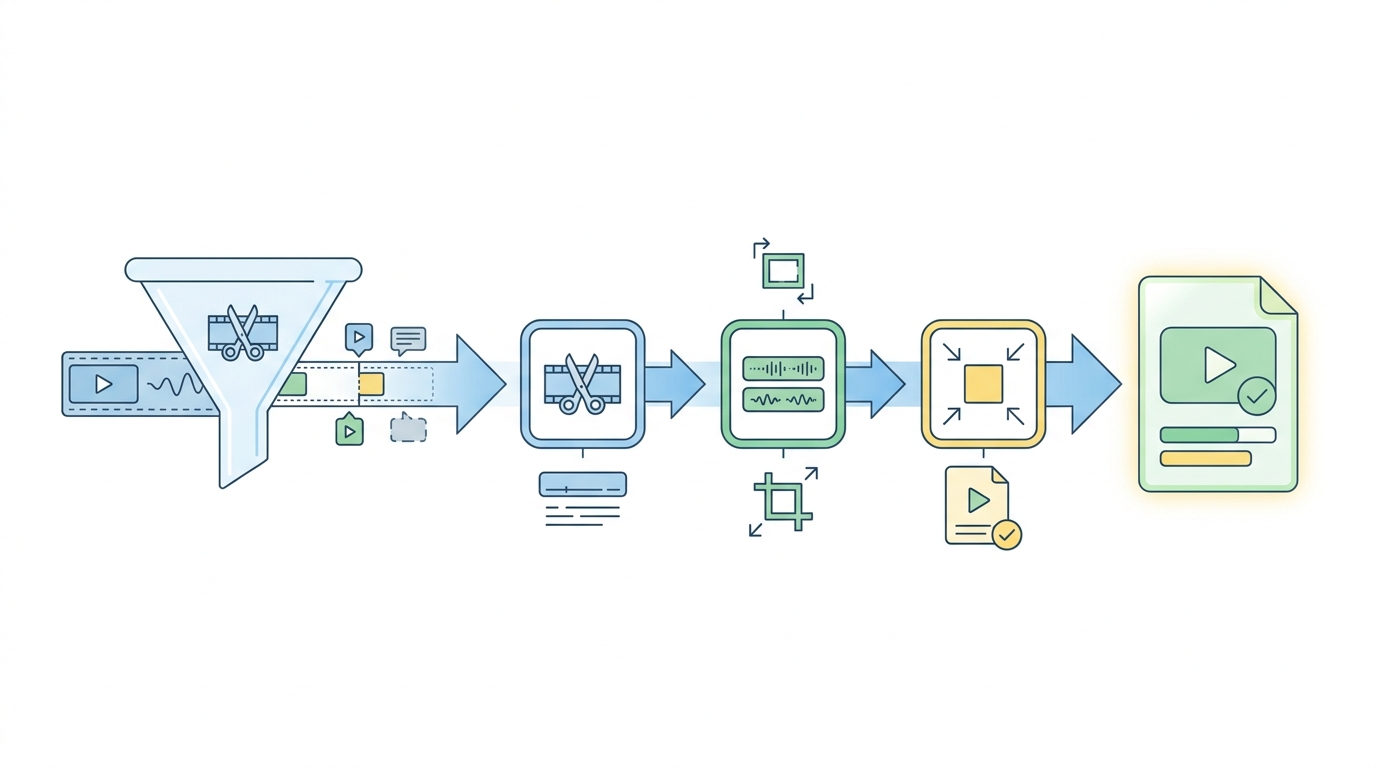
A simple process diagram showing how a raw clip moves through AI steps like trimming, captioning, reframing, and export, illustrating why certain apps rank higher for speed-to-polish.
1) CapCut (fast mobile first-draft)
CapCut is a practical choice when you need a publishable result quickly, especially on mobile. A realistic workflow is import, rough trim, auto-captions, adjust subtitle styling, then export platform variants (CapCut).
Tradeoff: caption accuracy and auto-cuts depend heavily on audio clarity, and template-heavy edits can look generic unless you invest time in brand presets.
2) Kapwing (browser workflow + collaboration)
Kapwing is strongest when approvals and iteration are your bottleneck. Link-based review keeps edits, comments, and versions in one place (Kapwing).
Constraint: uploads, long files, and complex projects can slow browser tools. Test with a representative file and confirm whether you need burned-in captions or separate subtitle files.
3) Vizard (repurpose long videos into shorts)
Vizard is built for "find highlights, then package": upload a long recording, generate candidate clips, then refine (Vizard.ai). A useful metric is "usable clips per hour of raw footage" after a fast human review.
Risk: auto-clips can miss nuance or pick cuts that change the meaning. Budget time to validate context (and any claims) before publishing.
4) Descript (talking-head speed via text edits)
Descript fits speech-led content where editing like a document is faster than moving timeline clips. It can reduce time spent on filler words and quick structural edits.
Tradeoff: transcription quality drops with overlap and noise, and teams usually need a couple of projects to settle on a repeatable process.
5) Adobe Premiere Pro (max control, AI as assist)
Premiere Pro makes sense when you need precision, complex timelines, or strict brand motion standards. AI features can speed cleanup, but final pacing and finishing are still manual.
Constraint: if you are not already in Adobe, setup and learning time are real, plus plugins and shared project standards can add coordination work.
6) Runway (generative and experimental workflows)
Runway is useful when the edit includes generative steps, like producing b-roll or stylized transformations. Expect experimentation and multiple iterations, not one-pass certainty.
Risk: output consistency, licensing comfort, and brand safety checks become part of the workflow, and that time can exceed conventional editing.
7) Movi AI (guided assembly with limited control)
Movi AI fits creators who want guided assembly for quick cinematic output (Movi AI). It can be a fast starting point when you accept the tool's structure.
Tradeoff: if you need tight beat timing, repeatable brand motion, or custom overlays, you may spend time fighting the defaults.
For tradeoffs, checklists, and edge cases, AI Remix Apps Taking Over the App Store in 2026 rounds out this section.
How do you choose the right AI video editing app?
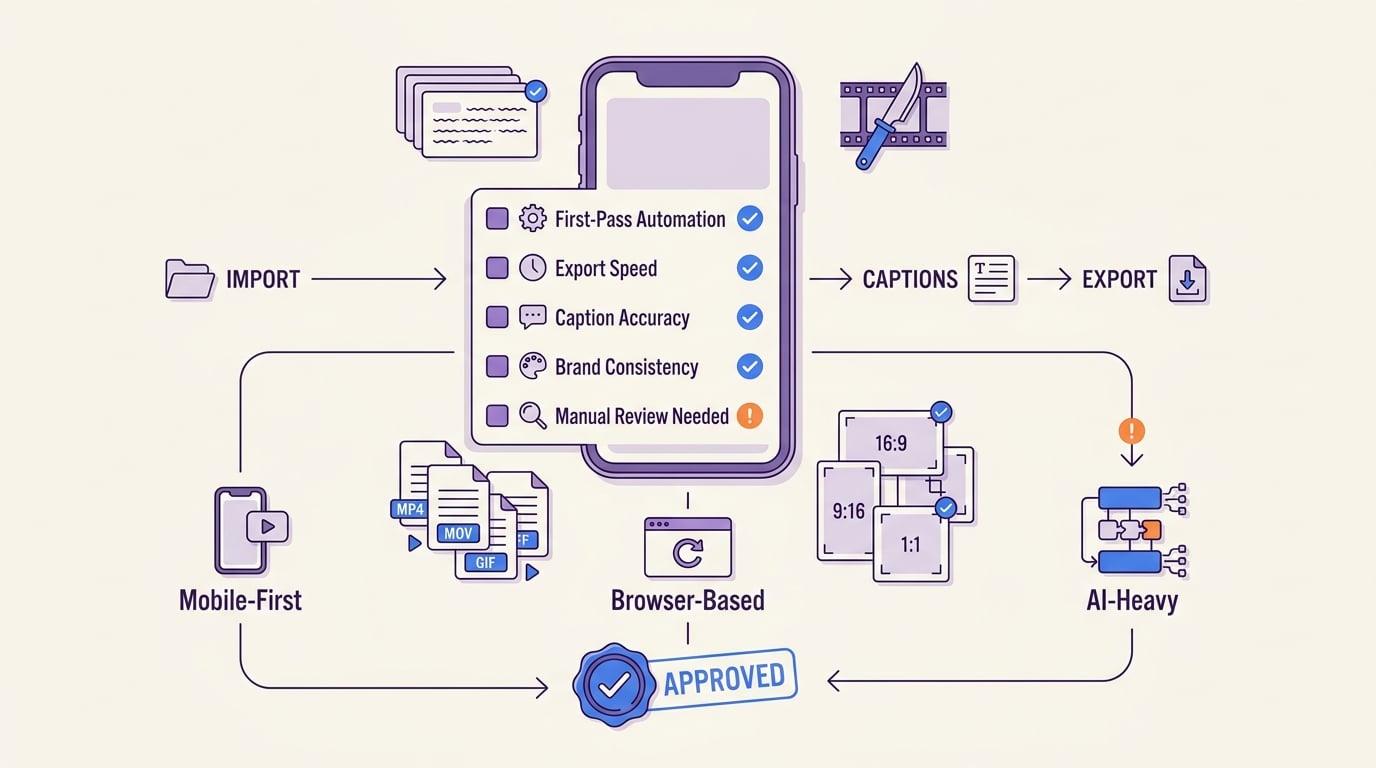
A practical checklist that helps readers compare mobile-first, browser-based, and AI-heavy editors against their own publishing workflow, export needs, and caption requirements.
The 30-60 second clip test (fast, comparable, realistic)
Pick one "worst normal" clip
Use a 30-60 second segment with your typical audio problems (two speakers, street noise, jargon). This avoids choosing a best-case clip that will not generalize.
Run the same edit in two tools
Do only: auto-captions, one reframe (9:16), one pacing pass (silence removal or smart cut), then export. Plan 20-45 minutes total for the first run if you are new to both tools.
Score it with three numbers
Track (a) edit minutes per 1 finished minute, (b) caption fixes per 60 seconds, (c) reframe redo count. If exports queue or crash, log that too because it becomes an operational constraint.
Make a decision based on your bottleneck
If captions dominate, pick the tool with fewer fixes. If approvals dominate, pick the tool with review links and versioning. If compliance is strict, favor the tool that supports local workflows or has acceptable cloud policies.
Common pitfalls and edge cases (worth planning for)
- Caption accuracy: accents, jargon, and crosstalk can force manual correction.
- Auto-cuts: silence removal can damage comedic timing or remove intentional pauses.
- Reframing: tracking fails with fast motion, multiple subjects, or obstructed shots.
- Privacy and compliance: many tools process media in the cloud; confirm policies before uploading client, regulated, or internal footage.
Ready to pick and test without overthinking it?
Run the same 30-60 second clip through 2 tools and track: edit minutes per 1 finished minute, caption fixes per 60 seconds, and how often reframes fail.
Test a clip
Top 5 AI Tools to Generate App UI Without a Designer reframes the same problem with a slightly different lens - useful before you finalize.
