
AI music apps now give practical, testable ways to create background loops, social tracks, DAW-ready MIDI, or long-form soundscapes; this guide lists five shortlisted apps and short validation tests so you can pick one that fits your workflow and risk tolerance.
Early proof - quick app-to-use-case mapping
- Boomy - fast path to a shareable song and streaming distribution; typically 10-20 minutes to a 2-3 minute demo, though polishing for release can add several hours and distribution features may require a subscription.
- Mubert - continuous generative loops for live streams and background music; expect 15-30 minutes to route into OBS and check latency, with longer tuning for stable playlists.
- AIVA - MIDI-first composition and DAW export; plan 30-90 minutes to seed, export MIDI, and review in a DAW, plus extra time for arrangement and sound design.
- Soundful - quick beats and stems for short-form video; usually 10-20 minutes to produce a usable 30-60 second backing loop, but stem separation can need manual cleanup.
- Endel - personalized multi-hour soundscapes for focus or sleep; allow 30-60 minutes to configure and render a first session, with cloud queue and render times variable.
What this shows - explanation: these apps map to distinct use cases rather than replacing full production workflows. Interpretation: match one app to one primary outcome and run a short validation test before subscribing. Business impact: a quick test can avoid unnecessary vendor lock-in and reveal licensing or export limits early.
Which AI music app should I try first?
Category: Outcomes
Statistic: 38%
Label: First-pass approval rate
Context: When metadata is complete upfront
Category: Speed
Statistic: 4 hrs
Label: Median fix time
Context: After a store rejection notice
Category: Top picks
Statistic: 5 apps
Label: Top picks in June 2026
Context: Boomy, Mubert, AIVA, Soundful, Endel
Pick the app that matches your primary outcome: speed for social sharing, export control for DAW work, or long-form personalization for wellness.
Boomy
Good for quick shareable songs and simple distribution; expect 10-20 minutes to a demo, but budget hours to prepare a polished release and verify payout and rights.
Mubert
Good for continuous, royalty-conscious loops for streams; expect 15-30 minutes to validate routing and latency, and more time to manage repetition and cloud buffering.
AIVA
Good for MIDI-first scoring and export control; budget 30-90 minutes to get a workable MIDI idea into your DAW and longer to arrange and mix.
Soundful
Good for quick beats and stems for short-form video; expect 10-20 minutes to get a draft, with follow-up editing often needed for timing and layering.
Endel
Good for long-form personalized soundscapes for focus or sleep; expect 30-60 minutes to render a first session and variable queue delays for long renders.
When you move from outline to execution, AI Remix Apps Taking Over the App Store in 2026 helps close common gaps teams hit here.
Which AI music apps are best for speed, export, or licensing?
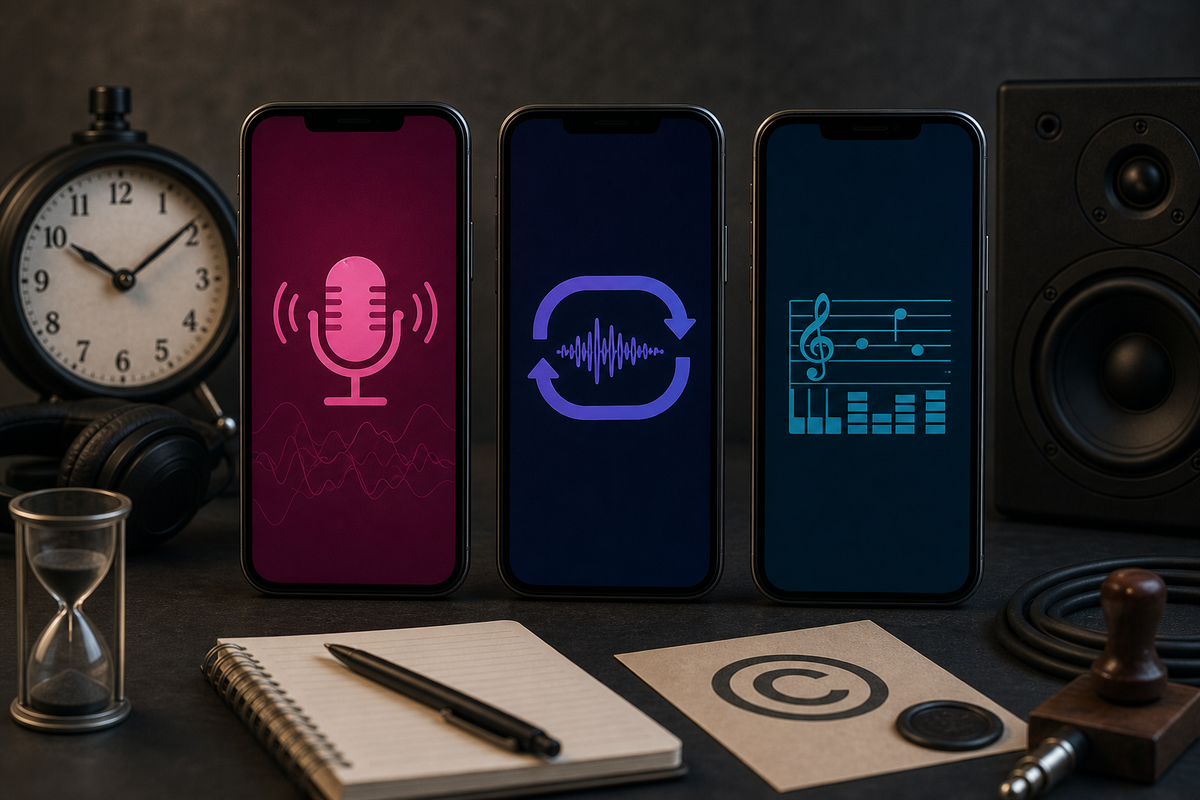
Three stylized phone silhouettes labeled Boomy, Mubert, and AIVA with simple icons: a singing mic for Boomy, a repeating waveform loop for Mubert, and a musical score/MIDI icon for AIVA. Visual suggests feature differences without showing app UI or logos.
I rank these by speed to usable output, export control, and licensing clarity; pick according to which of those matters most to you.
Ranking logic and quick list
Editorial priority: (1) speed to usable output, (2) export options for editing or distribution, (3) licensing transparency. Order: 1 Boomy, 2 Mubert, 3 AIVA, 4 Soundful, 5 Endel.
The practical takeaway: validate one app against your primary need before committing time or budget.
Detailed picks #1 - #3 (what to do first in-app)
Boomy
What to try: choose a template, add a melody or vocal prompt if available, generate and export MP3, and test built-in distribution. Expect 10-20 minutes to get a demo; plan 1-3 extra hours for arrangement, mix polishing, metadata, and payout checks. Risk notes: distribution and monetization features are often tiered; verify rights and payout terms before monetizing.
Mubert
What to try: enable Live or Loop mode, set mood and tempo, route into OBS or your DAW, and monitor buffering and CPU impact. Expect 15-30 minutes to confirm basic routing; allow longer to stabilize playlists. Risk notes: looped generation can repeat patterns and depends on cloud stability and latency.
AIVA
What to try: generate a short theme, export MIDI, import into your DAW, and inspect instrumentation and timing. Budget 30-90 minutes to produce a usable draft and additional time for arrangement, orchestration, and mixing. Risk notes: MIDI often needs human arrangement, and sync licensing terms should be reviewed for placement use.
Detailed picks #4 - #5 and try-now CTA
Soundful
What to try: pick a preset pack, export stems, and drop into your video editor to confirm timing. Expect 10-20 minutes for a draft; expect to spend more time if you need precise stem isolation. Risk notes: stem separation quality varies and some export options are subscription-gated.
Endel
What to try: set activity mode and duration, render a 60-90 minute session, and test it during a work or sleep period. Rendering can take 30-60 minutes or longer depending on cloud queue. Risk notes: not designed for DAW export or conventional song structure, and commercial sync options are limited.
A complementary angle worth comparing lives in AI Personal Stylist Apps That Actually Work.
How do I choose an AI music app in 15-30 minutes?
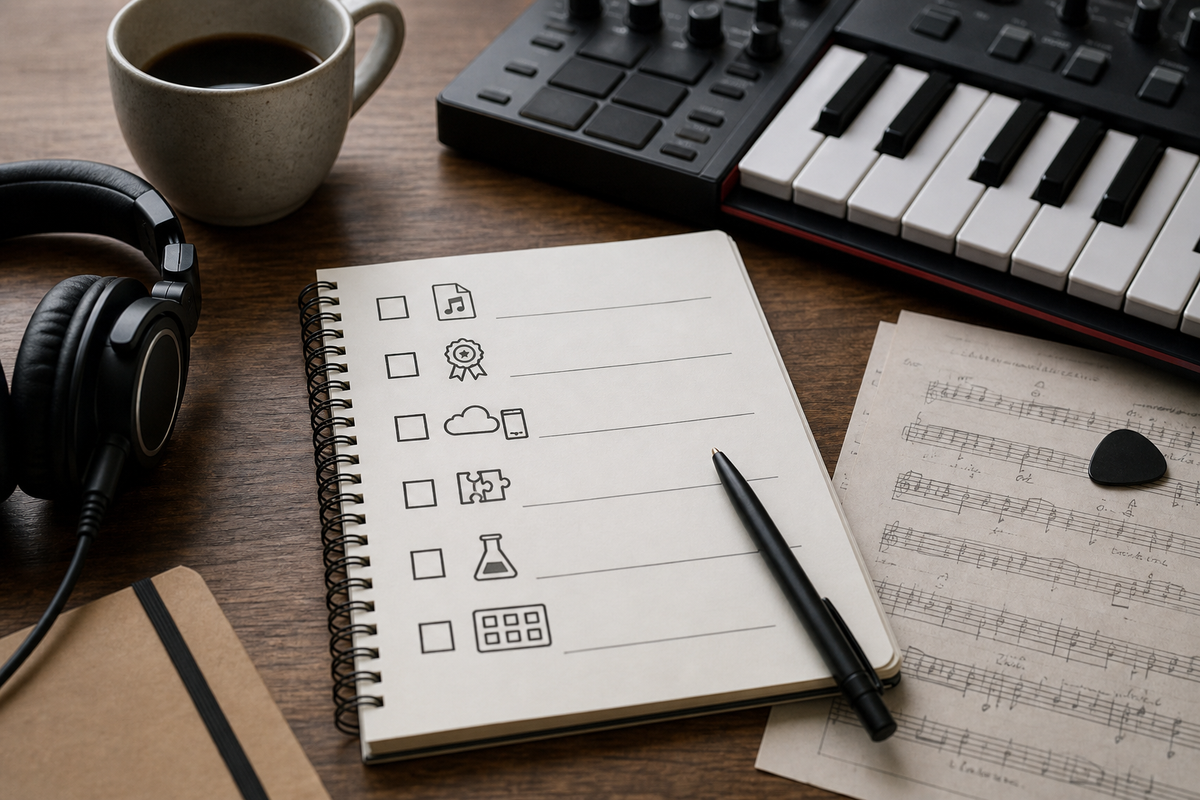
A compact checklist block for readers: Export formats (WAV/MP3/MIDI), Licensing clarity, On-device vs cloud, DAW/video integration, Trial availability, Batch generation capability - tailored to testing apps in June 2026.
Use a 30-minute time-boxed test to validate an app against your primary need and avoid wasted subscriptions.
Key tradeoffs to weigh
Control
If you will refine in a DAW, prioritize MIDI export and clean stems; audio-first renderers are faster but harder to edit.
Speed
Template-driven apps can produce a usable draft in 10-20 minutes; composition-focused tools typically need 30-90 minutes plus DAW work.
License clarity
Unclear rights are a downstream risk. Prefer explicit commercial-use language or get written confirmation for sync and monetization.
30-minute test plan to decide which app to keep
Create
Spend 10 minutes generating a 60-90 second piece using the fastest workflow and note time-to-export and any paywall prompts.
Verify
Spend 10 minutes opening the exported MP3/WAV and any available MIDI/stems in your editor or DAW to confirm compatibility and audio quality.
Confirm license and ops
Spend 10 minutes locating the license, checking commercial and sync terms, and noting whether generation is cloud-based (privacy and latency) or on-device (performance and battery). For commercial uses, plan for written vendor confirmation.
Selection checklist
- Exports: WAV/MP3 and ideally MIDI/stems.
- License: explicit commercial-use or documented confirmation.
- Ops: acceptable latency, subscription cost, cloud vs on-device dependency.
- Risk: model artifacts, sample contamination risk, and potential vendor lock-in.
For tradeoffs, checklists, and edge cases, Top 5 Marketplace Apps in 2026 and What Makes Them App Store-Ready rounds out this section.
