Most mobile apps do not lose user data because of Hollywood-grade hacking. They lose it through a handful of predictable exposure points: weak on-device storage, sloppy network transport, and rushed release settings that quietly ship secrets to production.
If you are moving fast, these risks stay invisible until a crash log, analytics payload, or misconfigured API turns into a breach, an app store issue, or a trust problem you cannot message away. This brief gives you a practical order of operations and a realistic pre-release workflow you can run without turning your roadmap into a security project.
| Exposure surface | What can leak | Why it is high risk | First check before release |
|---|---|---|---|
| Local caches and logs | PII, screenshots, debug traces | Data persists after logout or crash | Disable verbose logs, encrypt sensitive storage |
| Session tokens | Auth tokens, refresh tokens | Token replay can become account takeover | Short lifetimes, secure storage, rotate on sign-out |
| API traffic | PII in transit, headers, device IDs | Misconfig or weak TLS exposes traffic | TLS enforced, cert validation, least data per call |
| Third-party SDKs | Advertising IDs, events, attribution | Data leaves your control boundary | Inventory SDKs, minimize events, review defaults |
This is a fast triage list based on common failure modes in real teams and recurring OWASP themes around storage, communication, and third-party risk (OWASP Mobile Top 10). Read it as an order to investigate, not a claim that every app has every issue. The impact is practical: tightening these four surfaces early lowers the odds a launch gets derailed by an avoidable privacy incident and makes store disclosures easier to defend.
The Privacy Policy URL Trap: What It Must Include to Pass Review goes deeper on the ideas above and adds concrete next steps.
What are the first mobile data risks to fix?
What this article is measuring and where it stops
This brief focuses on the highest-risk paths where user data gets exposed in iOS and Android apps: on-device storage, API traffic, release configs, and third-party SDK behavior. It is grounded in common failure modes reflected in OWASP Mobile Top 10, especially around client-side storage and insecure communication (OWASP Mobile Top 10).
This is not a full enterprise security program, and it does not promise zero risk. In practice, small teams often land meaningful improvements in a few focused engineering days plus QA and a normal release cycle, but timing depends on your release process, who owns auth/backend, and how messy your current telemetry and SDK sprawl is.
Why data security changes product and launch outcomes
- Overbroad permissions and surprising prompts increase drop-off during onboarding.
- Data mistakes turn into recurring support tickets and trust debt you have to repay.
- Store review risk rises when disclosures or permissions do not match real behavior.
- Safer defaults reduce launch surprises when you add payments, recovery, or sharing.
When you move from outline to execution, How to Publish Your Dreamflow App: Store Submission Done Right helps close common gaps teams hit here.
How do you secure user data in a mobile app?
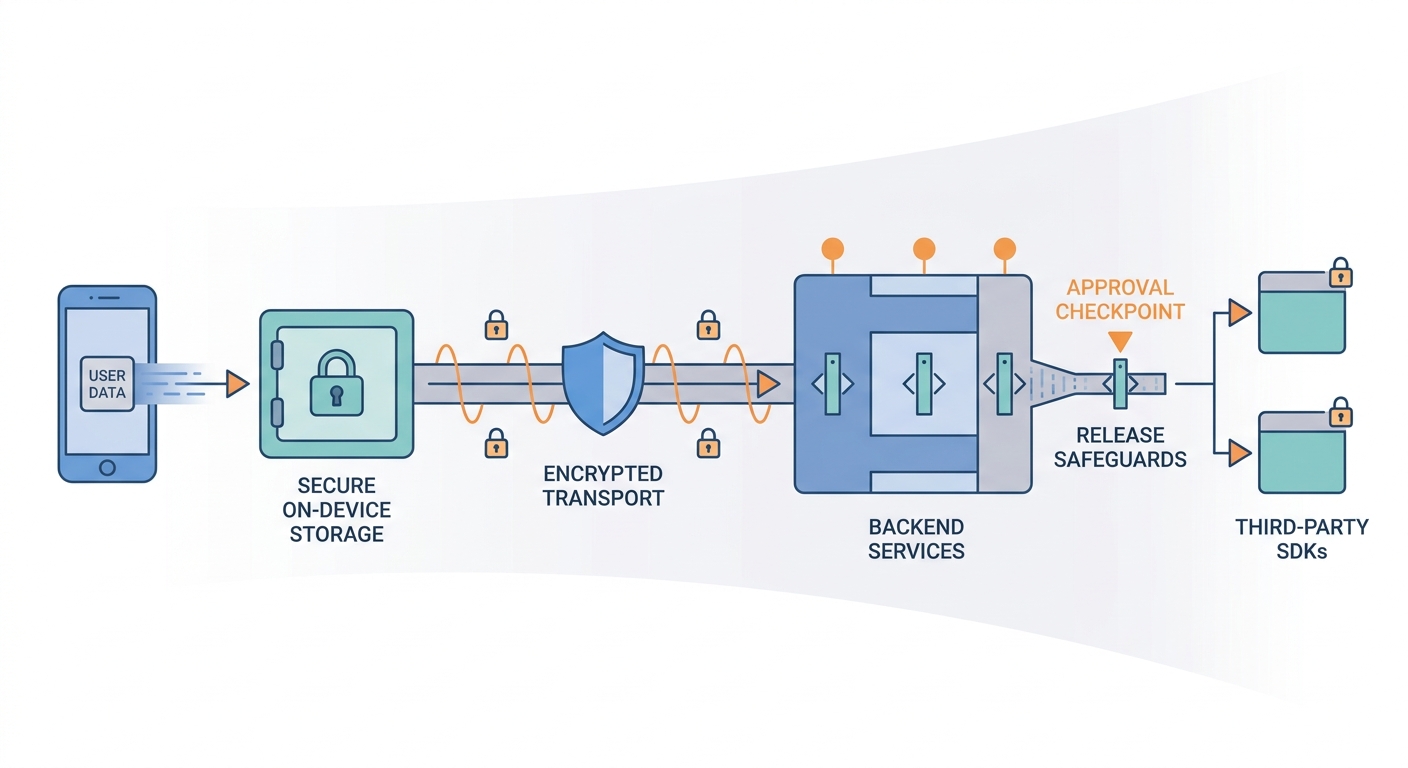
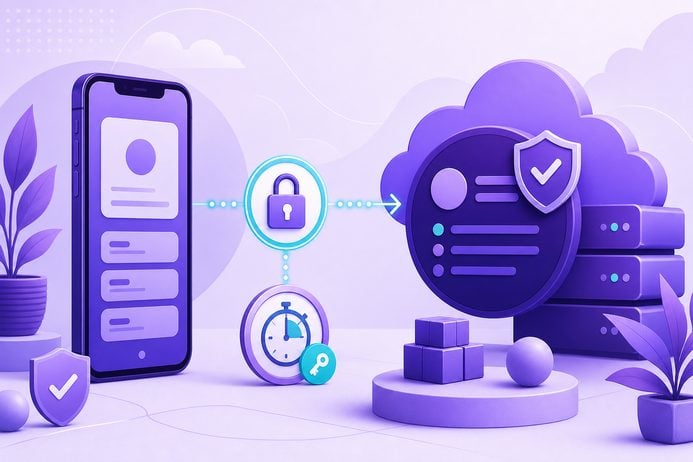
A process diagram showing user data moving from the mobile device into secure local storage, through encrypted API transport, into backend services, and onward to tightly controlled SDK integrations, with each checkpoint labeled as a place to limit exposure.
Lock down data on the device first
Minimize what you store locally
Treat the device as a hostile environment. Store only what you truly need for offline use, and avoid persisting sensitive fields (full IDs, payment details, recovery data) in plain text, logs, or long-lived caches.
The tradeoff is product feel and performance: less caching can mean more loading states, more backend calls, and harder debugging.
Use platform keystores for secrets
Store tokens, credentials, and encryption keys in iOS Keychain and Android Keystore (hardware-backed where available). This prevents the common "token in SharedPreferences/UserDefaults" failure, but it will not save you from a compromised device or a backend authorization bug.
Budget time for migration and edge cases: reinstall, device restore, OS version quirks, and biometric lockouts. If auth is shared across apps or services, expect coordination overhead.
Stop quiet data spread via backups and screenshots
Configure backup exclusions for sensitive files and set cache TTLs so user records do not linger after logout. Consider screenshot blocking for the most sensitive screens, but apply it narrowly because it can break real workflows (support, receipts, sharing).
One recurring failure mode: a "temporary" debug screen or verbose logger that captures full API responses and accidentally ships.
Harden transport, APIs, and SDK data flows (quick table)
| Problem you actually see | Check to run | Owner/tool | Tradeoff or dependency |
|---|---|---|---|
| Accidental HTTP or weak TLS config | Confirm TLS-only, no mixed content, cert validation enabled | QA + Eng with Charles/Burp | Dev builds often allow insecure traffic; ensure release config is stricter |
| Tokens that live too long | Short-lived access tokens, refresh rules, rotate on sign-out and privilege change | Backend + Mobile | Needs revocation/rotation support server-side |
| PII leaking via logs and crash reports | Redact identifiers and block logging of full responses | Mobile Eng | Harder debugging; you may need structured logs |
| SDKs sending more than you expect | Inventory SDKs and inspect actual payloads after upgrades | PM + Eng | Reducing events can create short-term analytics gaps |
A complementary angle worth comparing lives in How to Publish Your Bubble Mobile App: Launch Without Review Loops.
Practical implications: the release checklist that reduces data risk fast
A 30-minute pre-RC workflow (with owners and gates)
Run this once per release candidate. The goal is not perfection; it is preventing obvious regressions. If you have multiple flavors or environments, budget extra time to validate the release configuration specifically.
Also plan for a couple of common snags: proxy setup friction, encrypted traffic you cannot easily inspect, or a staging vs prod mismatch that hides what actually ships. When that happens, treat it as a signal to improve your test harness, not a reason to skip the check.
| Step (timebox) | Owner | Tooling | Pass/fail gate |
|---|---|---|---|
| Inventory sensitive fields (5 min) | PM + Eng | Data map doc | You can name which screens store or transmit PII |
| Scan for secrets in app artifacts (10 min) | Mobile Eng | MobSF, grep, CI secret scan | Fail if API keys, tokens, or credentials appear in bundle or logs |
| Inspect network payloads (10 min) | QA/Eng | Charles or Burp Suite | Fail if PII shows up in endpoints that do not need it, or if any HTTP/mixed content exists |
| Verify logging and analytics redaction (5 min) | Eng | Crash/analytics dashboards | Fail if emails/tokens/full responses appear in events or crash logs |
Two simple metrics to track over time:
- 0 secrets found in crash logs (release gate)
- % events redacted for PII-like fields (trend metric; aim up, not perfect immediately)
What to fix first before the next release candidate
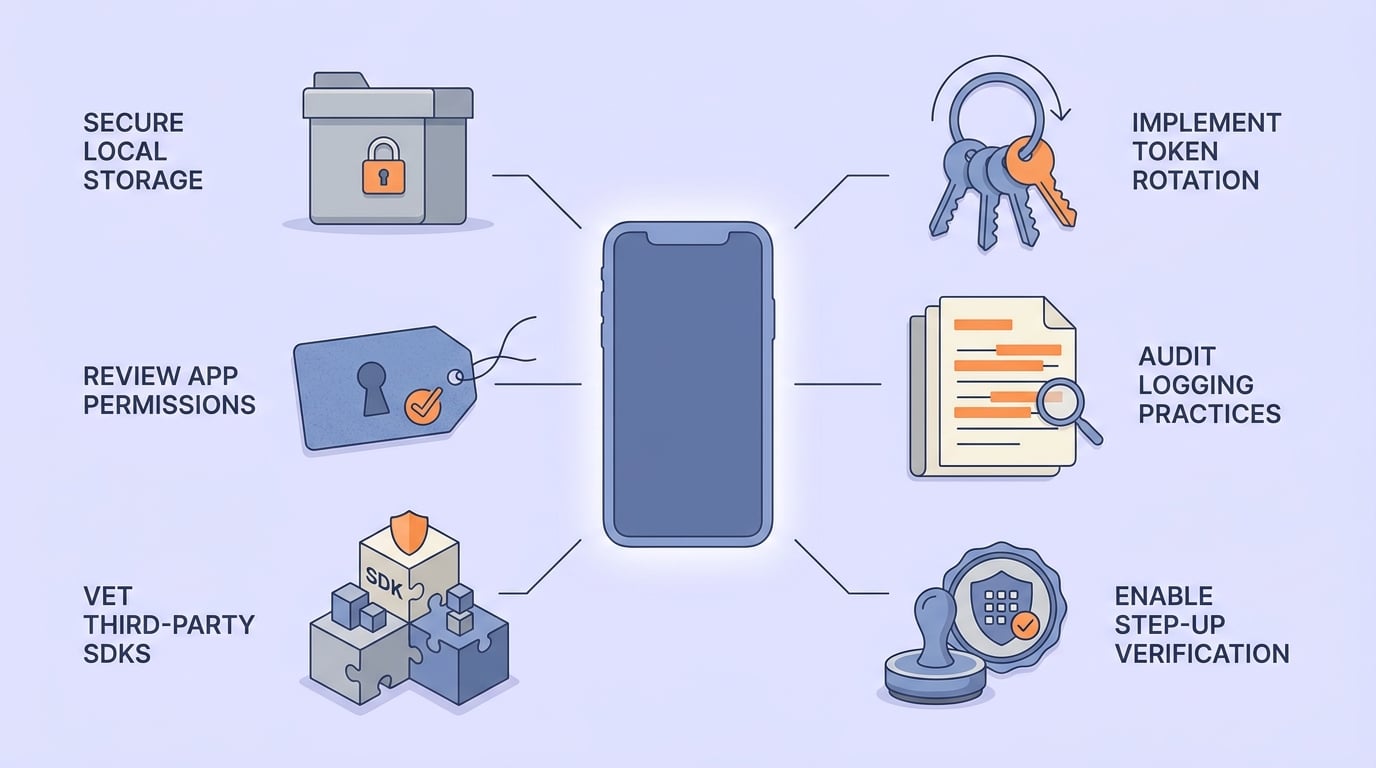
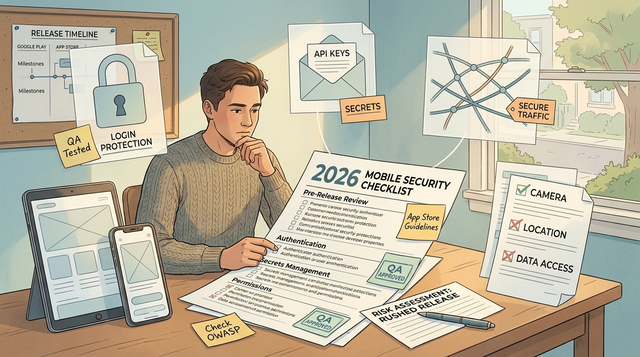
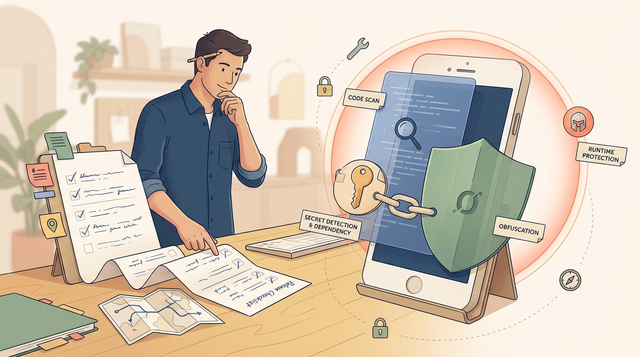
A pre-release mobile security checklist covering storage, permissions, token rotation, logging review, SDK review, and step-up verification for sensitive actions before launch.

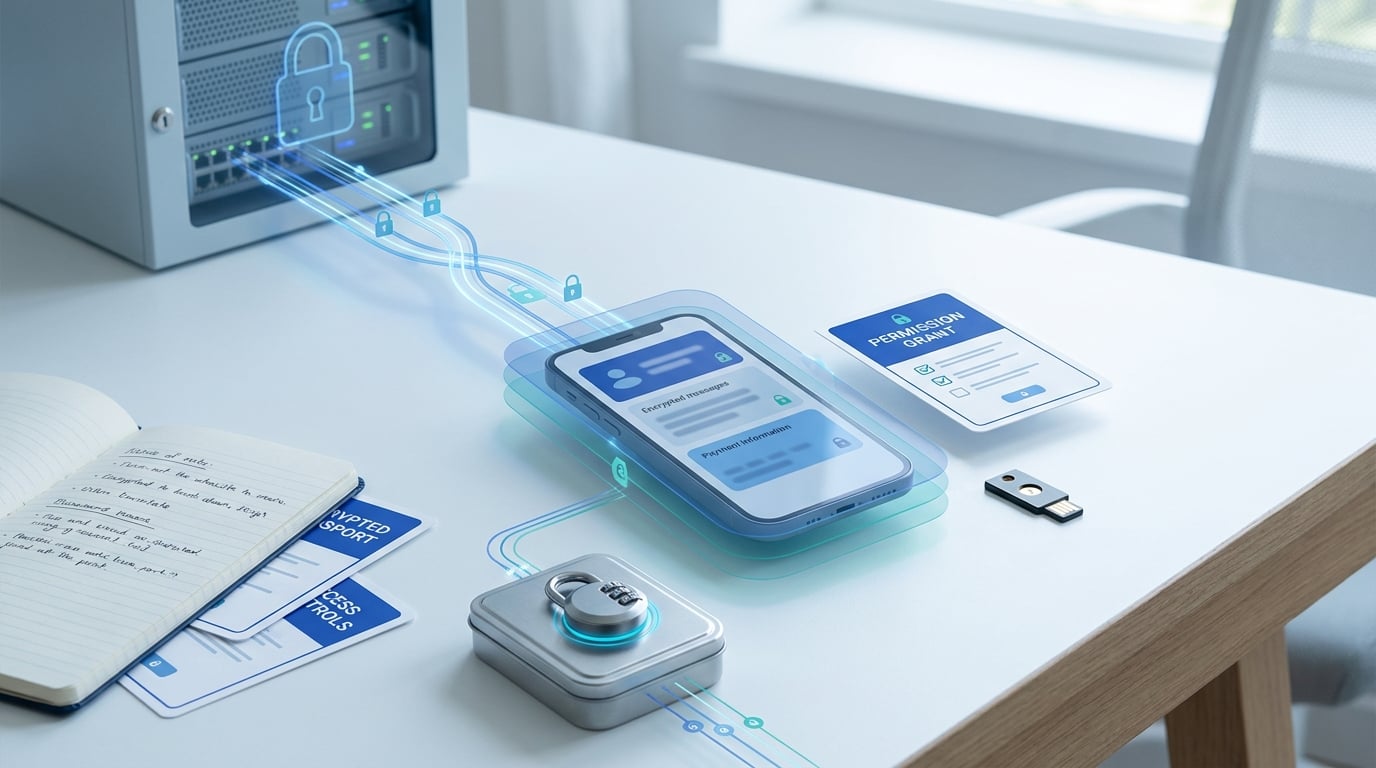
A compact comparison table showing the most common mobile user data exposure surfaces - local caches, session tokens, API traffic, and third-party SDKs - with simple notes on what each surface can expose and why it should be prioritized early in the release cycle.
Lock down local storage and tokens
Prioritize leaks from the device: cached PII, auth tokens, exported files, and debug artifacts. Many teams can ship the first pass in 1-2 engineering days plus regression testing, but token migration and logout edge cases often add time.
Tighten transport and data exhaust (logs, analytics, SDKs)
Enforce TLS-only, then scrub logs and analytics payloads for identifiers, then audit third-party SDK payloads. Do this incrementally, because some SDKs are hard to slim down without losing attribution or diagnostics.
Mid-article CTA: run the 30-minute mobile data review
Pick a release candidate, run the 30-minute checklist above, and assign a single owner per failed gate.
Run the review
For tradeoffs, checklists, and edge cases, How to Protect Your App Store and Google Play Accounts rounds out this section.
What mobile data security pitfalls should you check before shipping?
- Certificate pinning can reduce some interception paths, but it can also cause outages during certificate rotations if you do not have a safe rollout plan. Treat it as a later step unless you are protecting high-value transactions or regulated data.
- "Encrypt everything" is not free. It adds performance costs, migration complexity, and debugging friction. Encrypt secrets and high-harm fields first, then measure.
- SDK churn is real. Defaults change on upgrades, and payloads drift. Re-audit after major SDK updates and after any "quick" marketing instrumentation.
- Backend authorization still dominates outcomes. A secure app cannot compensate for insecure endpoints (IDOR, missing authZ checks). Mobile controls reduce exposure; they do not eliminate server-side risk.
Final CTA: ship a safer RC with realistic timeboxes
If you want help turning this into a repeatable release gate (owners, CI checks, redaction rules), we can usually get a first version in place over a few days plus QA and a normal release window, depending on your auth/token flows, backend dependencies, and SDK complexity.
Ship the next release
Writing a Privacy Policy That Actually Passes App Store Review reframes the same problem with a slightly different lens - useful before you finalize.