
Augmented reality on Android helps with shopping, quick measurements, navigation, and casual games. This roundup ranks the Top 10 AR apps and gives a short checklist so you can test an app in about 5-10 minutes and judge fit for your phone.
How did we choose these Top 10 AR apps?
Category: Top pick
Statistic: Google Lens
Label: Best for search & translate
Context: Compatibility: ARCore optional
Category: Top pick
Statistic: Pokémon GO
Label: Best for outdoor AR gaming
Context: Compatibility: GPS required
Category: Top pick
Statistic: IKEA Place
Label: Best for furniture try‑on
Context: Compatibility: ARCore recommended
We focused on apps that run reliably on common Android phones, solve clear everyday tasks, and receive regular updates. That biases toward practical utility over experimental demos and excludes some niche, hardware-dependent projects.
What we checked: recent update cadence, common permission and crash reports, clear use case (shopping, measurement, navigation, social, gaming), and whether the app relies on ARCore. The practical takeaway: you can sanity-test most candidates in under 10 minutes, but expect device-specific quirks.
Top picks at a glance
- Google Lens - Lookup
- Pokémon GO - Game
- IKEA Place - Furniture
- Houzz - Inspiration
- Snapchat - Filters
- Google Maps Live View - Directions
- Inkhunter - Tattoos
- AR Ruler - Measure
- SketchAR - Tracing
- Wikitude - POI
Use the two-word cues to pick which app to try first, then run a short tracking test to confirm performance on your phone.
When you move from outline to execution, 7 Breakout Android Apps Making Waves in June 2026 helps close common gaps teams hit here.
Which are the best AR apps for Android right now?
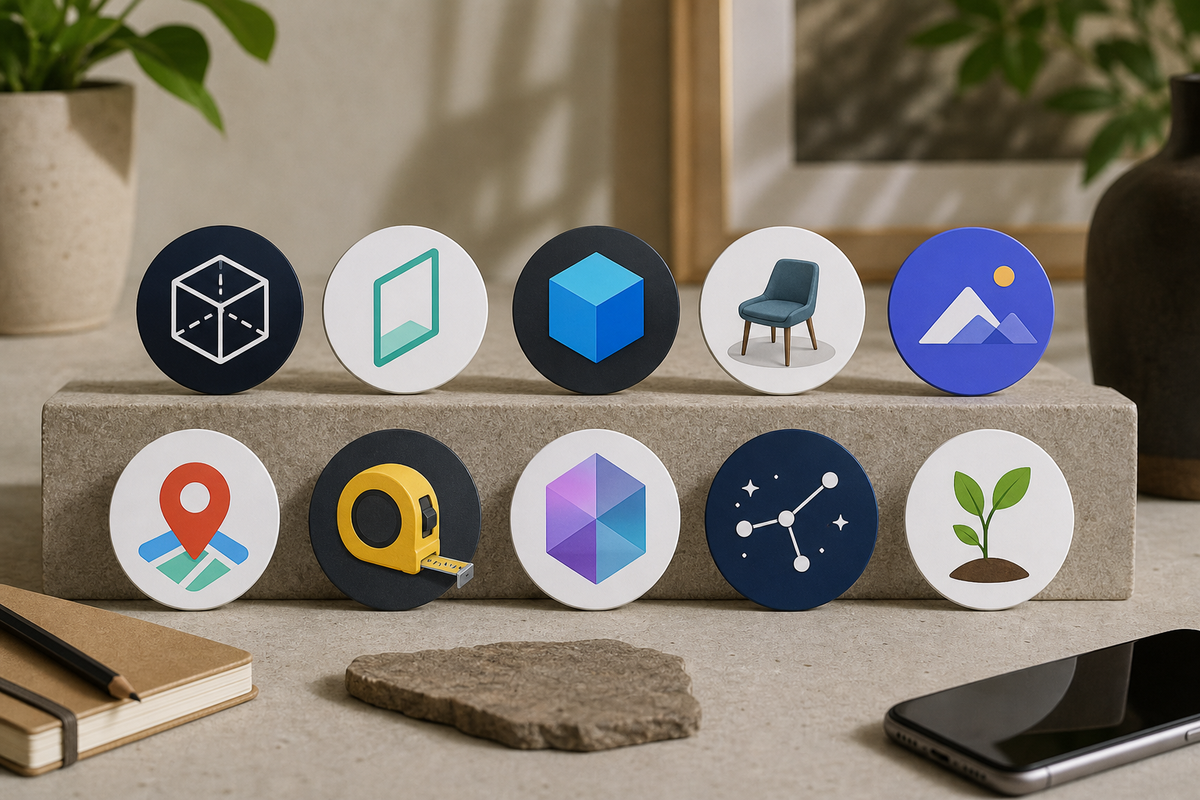
A clean, non-branded collage showing ten circular icons representing the Top 10 apps (stylized icons only, not real screenshots) arranged in two rows, with a short caption 'Top 10 AR apps for Android - quick visual'. The image is purely illustrative to help readers scan choices.
These are the top 10 for everyday usefulness and reliability; expect about 5-10 minutes hands-on per app for a basic evaluation.
- Google Lens - Fast visual lookups and on-screen translation; OCR accuracy drops in dim light.
- Pokémon GO - Polished location-based AR game; heavy on battery and data for long sessions.
- IKEA Place - Visualize furniture in-room; good for brand items, catalog and tracking vary.
- Houzz - Room visualizer plus shopping links; great for inspiration, partner listings can bias results.
- Snapchat - Quick social lenses and filters; easy to use, but privacy and battery tradeoffs apply.
- Google Maps Live View - Useful AR walking directions in supported cities; needs good GPS and view of surroundings.
- Inkhunter - Fast tattoo mockups; helpful for previewing ideas, not a substitute for pro consultation.
- AR Ruler - Quick distance and area checks; fine for estimates, confirm critical dimensions with physical tools.
- SketchAR - Drawing guides and tracing overlays; helpful practice tool, best with a stable mount.
- Wikitude - Flexible POI overlays and developer layers; powerful but can require more setup.
One thing worth noting: top entries are strongest for shopping, quick measures, or navigation; hobby-focused apps often need better sensors or more setup.
A complementary angle worth comparing lives in 5 AI Avatar and Profile Picture Apps Worth Trying.
How do I choose the right AR app for my Android phone?
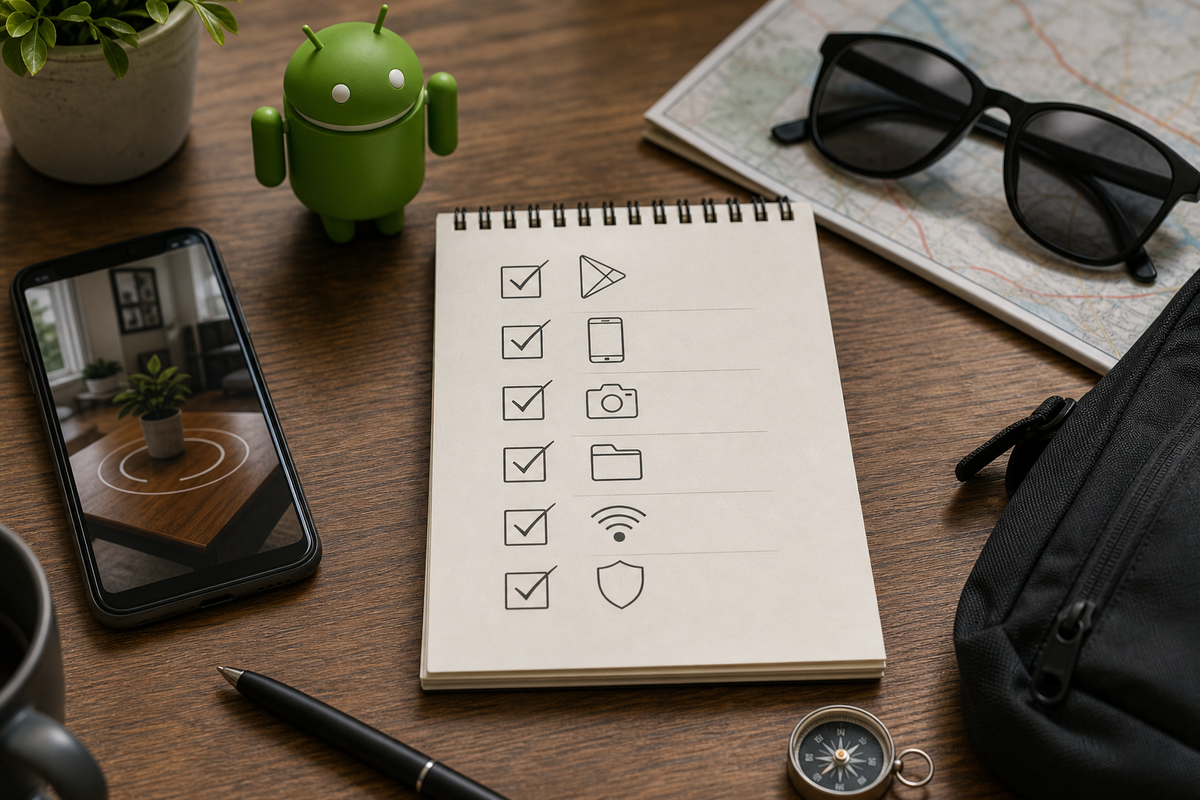
A compact checklist block with 6 bullet items tailored to Android AR installs: 1) Confirm ARCore support on Google Play, 2) Check Android version, 3) Test camera autofocus, 4) Free 200 - 500MB storage, 5) Set location permission to 'While using', 6) Charge to >50% before long sessions.
Choose by task first, confirm-device support second, and run a short hands-on test. Expect 5-10 minutes for a basic check and up to 30 minutes if you test across rooms or outdoors.
Must-have device and Play Store checks
- Check the app page for AR compatibility and consult the ARCore supported devices list if mentioned. Unsupported phones may have degraded tracking.
- Test the stock Camera app for autofocus and exposure; poor low-light cameras will struggle.
- Plan for resource impact: AR uses camera, sensors, and sometimes GPS; expect faster battery drain and hundreds of MBs of temporary cache.
- Review permissions and privacy notes before granting camera, motion, or location access.
Pre-install checklist - 3 quick steps
Confirm AR support on your device
Check the Google Play app page and ARCore supported devices list when the app mentions ARCore. Unsupported phones may not run all features.
Free space and battery
Free 200-500 MB for temporary cache and start testing with battery above 50% or keep a charger handy. Older batteries shorten session times.
Quick tracking test
In bright, static conditions, point the app at a floor or wall and move the camera slowly for 5-10 minutes to check placement, persistence, and occlusion under your usual lighting.
For tradeoffs, checklists, and edge cases, 7 AI Video Editing Apps That Make You Look Pro Instantly rounds out this section.
Pick-by-goal quick rules
Pick the app that matches your immediate goal; then confirm compatibility and run the quick tracking test.
- Shopping and furniture - Try IKEA Place for brand items, Houzz for broader catalogs. Note: catalog coverage and virtual scale accuracy vary by app and model.
- Measure and DIY - Use AR Ruler for quick sanity checks; always verify critical measurements with a tape or laser measure.
- Navigation and discovery - Use Google Maps Live View in supported cities or Wikitude for custom POI layers; both need solid GPS and clear sightlines.
- Social content - Use Snapchat or Google Lens for fast, shareable effects; expect higher battery use and data.
- Gaming - Use Pokémon GO for outdoor AR; check permissions, bring power, and watch data usage.
Best Real Estate Apps Launched in 2026 - Ranked reframes the same problem with a slightly different lens - useful before you finalize.


