
Most AI avatar apps promise a better profile picture, but in practice you are trading off realism, style control, privacy, and how much setup time you can tolerate. If you are tired of blurry selfies, inconsistent avatars across platforms, or results that look obviously AI, this ranked shortlist helps you narrow options without downloading five random generators. I break down five apps by best-fit use case, effort, and limitations so you can land on a headshot or avatar that fits your brand and platform.
AI Remix Apps Taking Over the App Store in 2026 goes deeper on the ideas above and adds concrete next steps.
How we tested these AI avatar apps
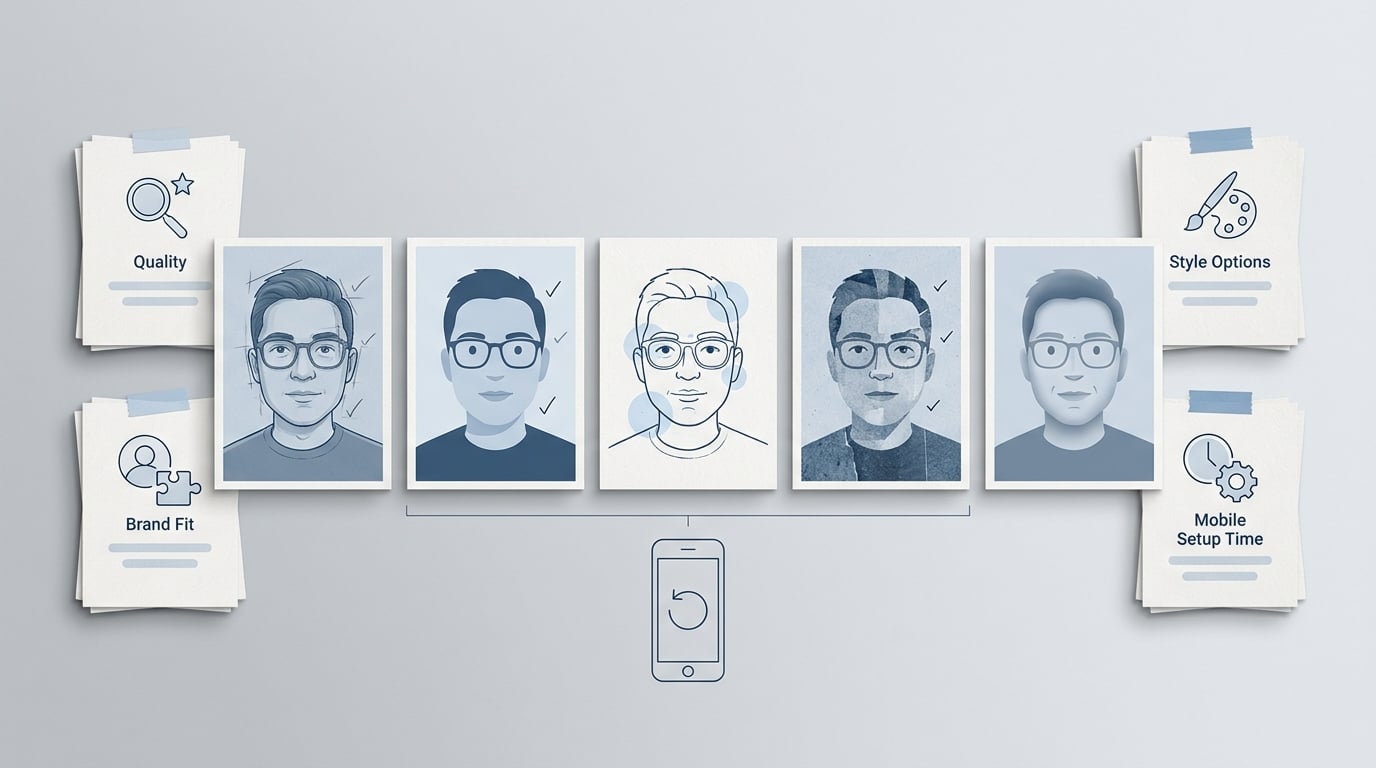
A compact proof-style callout summarizing the selection lens for the five apps: selfie-to-avatar quality, profile-picture usefulness, style range, and ease of trying on mobile.
Benchmark snapshot (how I tested, and what that means for your effort)
Method (lightweight, not a lab study): I ran the same selfie set through multiple apps, then evaluated results the way people actually see them. I square-cropped head-and-shoulders, previewed at about 256 x 256, and checked hairlines, glasses edges, and jawlines for drift or artifacts.
| Check | What "good" looks like | Common failure mode |
|---|---|---|
| Face consistency | Recognizable across many renders | Age drift, jawline changes |
| Hair + glasses edges | Clean edges, no halos | Smearing, doubled frames, glare |
| Skin texture + lighting | Natural tone, believable shadows | Plastic skin, odd highlights |
| Crop + export quality | Square-friendly, sharp thumbnail | Soft output, awkward framing |
| Retry cost | Easy regen, clear pricing | Locked packs, slow queues |
Interpretation: In my testing, most apps produce something "fun" quickly, but getting 1-2 profile-ready options usually took a focused session, multiple regenerations, and a bit of manual cropping. Your results can swing a lot based on lighting, selfie variety, paid tier limits, and whether you wear glasses (glare is a frequent dealbreaker).
Reader impact: If this is for a team page, press bio, or anything with strict "must look like me" requirements, plan for retries and have a fallback (a real headshot, or a simpler stylized avatar). If you just need a solid social PFP, you can often get there in one sitting.
When you move from outline to execution, Top 5 AI Tools to Generate App UI Without a Designer helps close common gaps teams hit here.
What we’re comparing: the 5 best AI avatar and profile picture apps
Why these 5 apps made the shortlist
- Low setup, usable output: each can take selfies and produce profile-ready images without a complex workflow (still expect some retries).
- Profile picture first: tools that can land clean, centered headshots or avatars that work in small circles on LinkedIn, X, Instagram, or Discord.
- A real balance of looks: realism, stylization, and speed are all represented.
- Editorial ranking by fit: the order reflects common PFP jobs, not a universal score. For a broader landscape, see: https://www.timtis.com/blog/16-best-ai-avatar-tools-for-videos-profiles-and-vtubing
The features that matter most for profile pictures
- Face consistency: do you still look like you across multiple outputs, or does it drift?
- Edge quality: hair, glasses, and shoulders show artifacts first in a small circle crop.
- Output friction: how many selfies, how many regenerations, and whether you hit paywalls quickly.
- Export quality: crisp enough for a thumbnail and easy to square-crop without chopping chin or hair.
Who this list is for
If you want to replace a weak selfie with a sharper profile picture, test a few avatar styles before committing to a personal brand look, or pick a solid app without guesswork, this shortlist is for you.
A complementary angle worth comparing lives in AI Music Apps Are Exploding - 5 Worth Trying in June 2026.
Which AI avatar app is best for you?
| Rank | App | Best for | Effort (typical) | Key risk / constraint |
|---|---|---|---|---|
| 1 | Fotor AI Avatar | Balanced, profile-ready options | Low to medium (one focused session) | Likeness drift in some packs |
| 2 | Lensa | Polished, trendy avatar packs | Low (fast packs, some sorting) | Beautification can reduce accuracy |
| 3 | D-ID | Talking avatars (beyond PFPs) | Medium (setup + first render cycle) | Lip-sync can feel uncanny |
| 4 | Liva | Realistic, animated presence | Medium (multiple takes) | Motion magnifies small artifacts |
| 5 | Magic AI | Fast experiments and playful styles | Low (quick tests, more misses) | Face drift and background noise |
This is a fit-based snapshot, not a universal benchmark. Pricing, queues, and output quality can vary by device, lighting, and paid tier.
For tradeoffs, checklists, and edge cases, 7 Breakout Android Apps Making Waves in June 2026 rounds out this section.
Ranked recommendations: the 5 apps worth trying
1. Fotor AI Avatar (best overall for most people)
Category: Coverage
Statistic: 5 apps
Label: Ranked picks in this list
Context: From profile-photo packs to speaking avatars
Category: Criteria
Statistic: 4 qualities
Label: Compared across every pick
Context: Realism, stylization, ease, best-use case
Category: Effort
Statistic: 10 - 20 selfies
Label: Typical training upload for Fotor
Context: A practical baseline for effort vs. results
- Best for: a practical mix of LinkedIn-friendly headshots plus a few stylized options.
- Effort: expect to upload a small set (often 10-20 selfies), run a couple packs, then sort and crop. In my experience, this is usually one sit-down session if you are not chasing perfection.
- Watchouts: some packs drift on face shape, and glasses can introduce weird edges or reflections.
- Dependency: consistent inputs matter (same glasses on or off, similar lighting) more than people expect.
| Quality | Read on this pick |
|---|---|
| Realism | High (for an app) |
| Stylization | Medium-high |
| Ease | High |
| Best use case | Versatile profile refresh |
Try a quick 2-app shootout
Run the same 12-15 selfies through Fotor and one other pick below, then compare the best 3 outputs at thumbnail size.
Start the shootout
2. Lensa (best for polished, trendy avatar packs)
- Best for: creator and social profiles where you want a "designed" look quickly.
- Effort: fast to generate, but budget a little time to pick winners and reject the overly smoothed ones.
- Watchouts: beautification can change features enough that coworkers will notice.
- Tradeoff: great style velocity, weaker if you need strict identity accuracy for company use.
3. D-ID (best when you need a speaking avatar, not just a PFP)
- Best for: talking-head videos, onboarding clips, lightweight demos, or content when filming is not realistic.
- Effort: the first run takes longer because you will tweak script pacing, pronunciation, and renders.
- Watchouts: lip-sync and eye movement can get uncanny, especially with longer scripts or a weak source portrait.
- Dependency: quality is tightly coupled to the input image. If the base portrait is off, the video will be off.
4. Liva (best for realistic, animated presence with more setup)
- Best for: intros or short clips where motion and voice matter and you are willing to do a few takes.
- Effort: plan time for setup plus multiple takes. Realistic motion is less "set and forget" than avatar packs.
- Watchouts: blinking, teeth, and hair edges can become distracting fast.
- Tradeoff: more believable motion often means more tweaking and more failed attempts.
5. Magic AI (best for fast experiments and playful styles)
- Best for: Discord, gaming, and brand-forward profiles where "character" matters more than exact likeness.
- Effort: quick style testing, but expect more throwaways if you want it to still read as you.
- Watchouts: drift, over-stylized skin, and messy backgrounds.
- Practical tip: judge at small size. If it only looks good zoomed in, it usually fails as a profile icon.
Best Free Figma Templates for Mobile App Design reframes the same problem with a slightly different lens - useful before you finalize.
How do you choose the right AI avatar app?
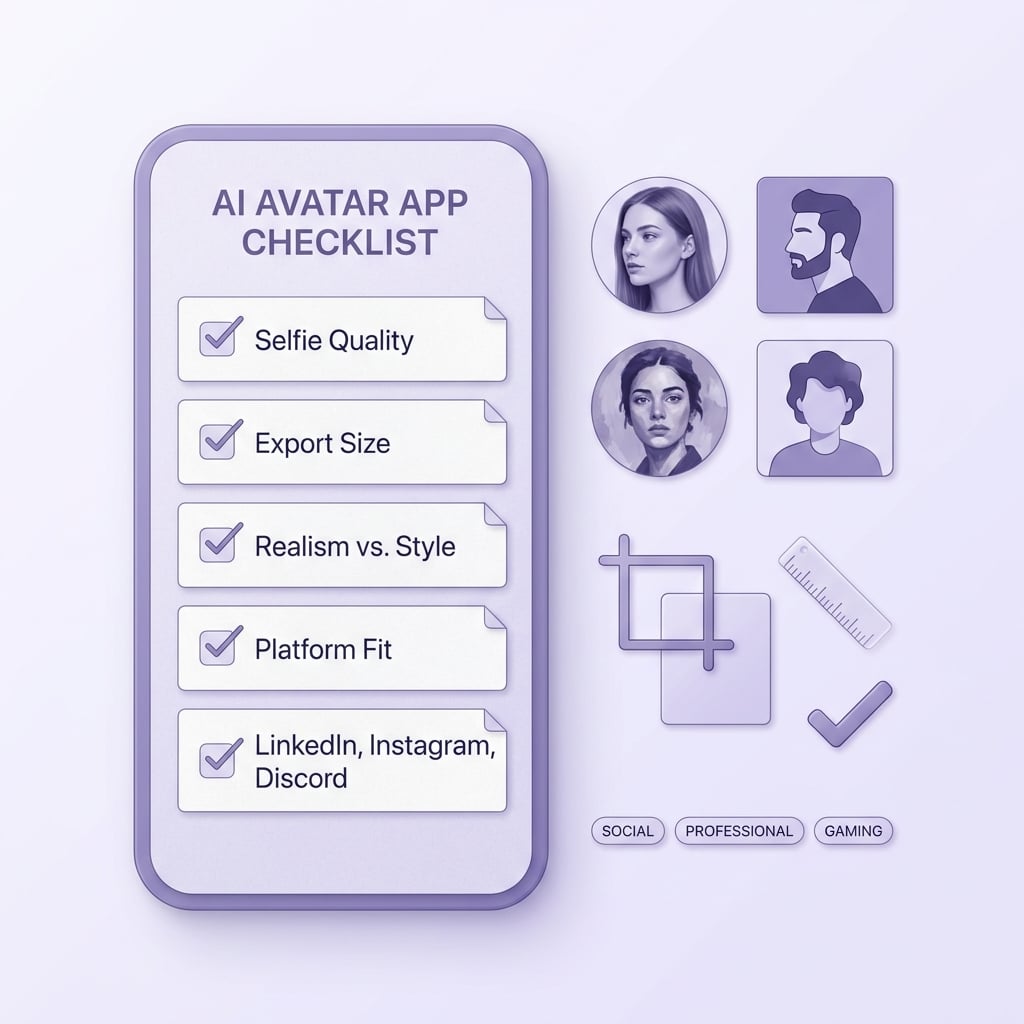
A mobile-friendly checklist for choosing an AI avatar app, focused on selfie quality, export size, realism versus stylization, and whether the result fits LinkedIn, Instagram, or Discord.
Pick your primary platform first
LinkedIn and team pages reward realism and trust signals. Discord and gaming reward bold shapes and contrast that reads in a tiny circle.
Do a 12-selfie input set (not 1 perfect selfie)
Use consistent lighting, neutral background, and a few mild angles. This usually takes 10-20 minutes and reduces drift, but it is still not foolproof.
Plan for a couple regen cycles, then stop
Chasing "the perfect one" can easily turn into an hour. Pick the best 1-2, crop cleanly, and move on unless this is a major rebrand.
Treat cost, speed, and privacy as real constraints
Queues slow down, packs cost money, and exports can be softer on mobile. For privacy, assume uploads are sensitive even if deletion is promised, and avoid identifiable items in-frame (kids, badges, mail).
One operational detail that saves time: export a square around 1024 px if available, then pick 3 finalists and preview them at 256 px before you commit. You will catch "AI edges" early without over-editing.
Want a cleaner PFP with fewer retries?
Use the rubric above, run two apps with the same selfie set, and pick based on thumbnail realism, not the coolest full-size render.
Get the checklist


