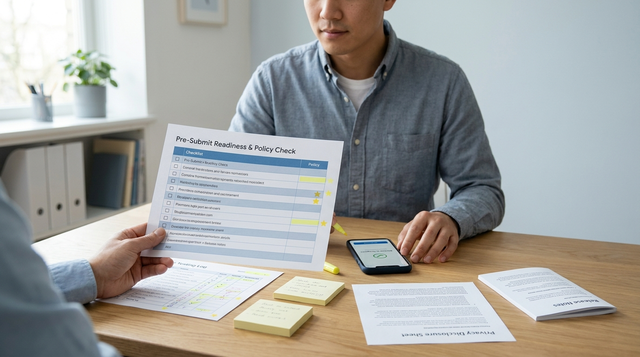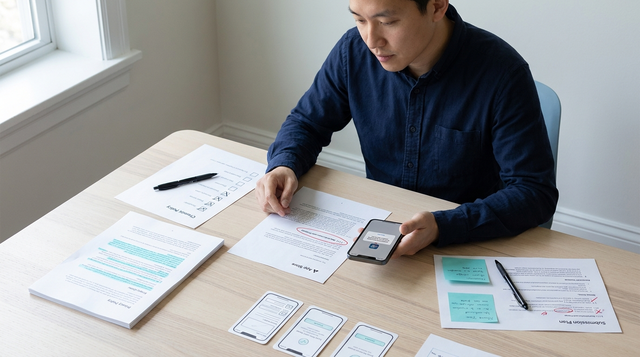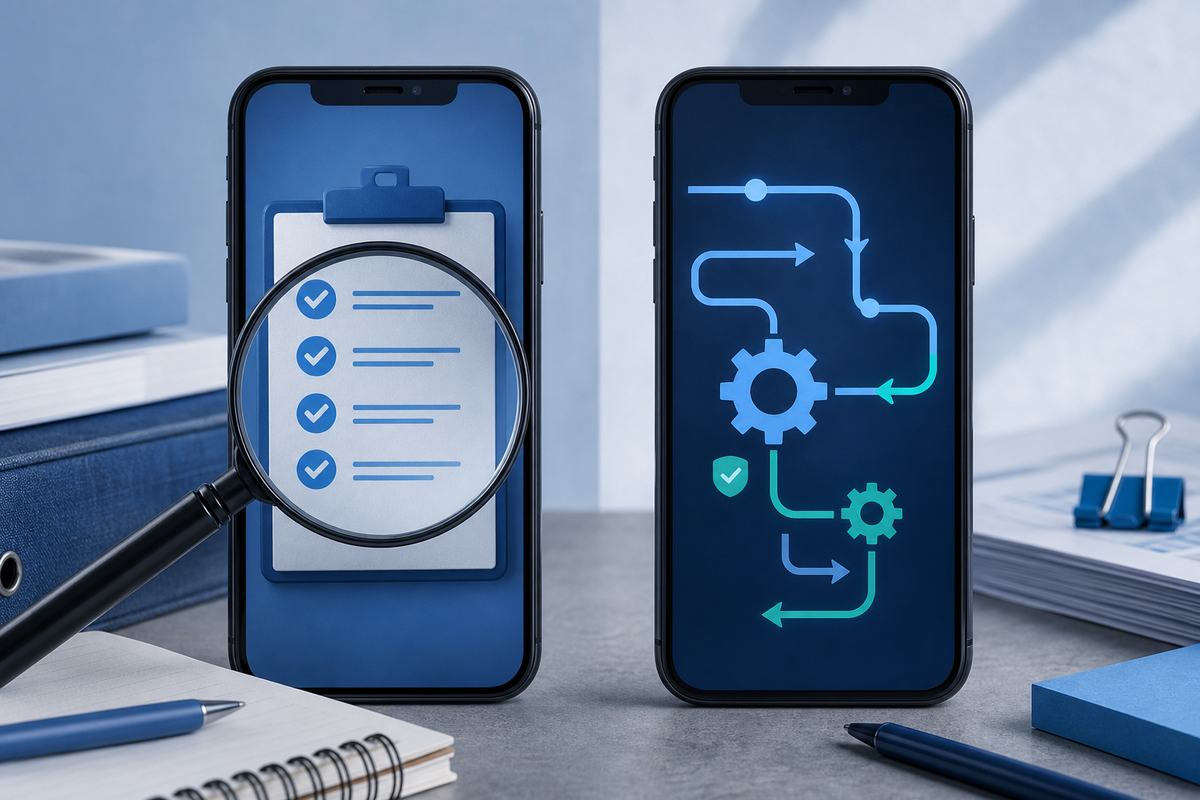
The App Store and Google Play reject apps for different, predictable reasons in 2026 - treating them the same wastes engineering time and slows releases. This guide explains the practical differences, the quickest checks that prevent rework, and realistic timelines and tradeoffs so you can plan releases that survive review.
Early proof - directional signals and impact
- What we see most often
- App Store: rejections usually come from subscription or IAP UX, unclear privacy/consent, and metadata that contradicts app behavior.
- Google Play: rejections usually arise from SDK telemetry or permission misuse, target-API mismatches, and automated binary flags.
- Interpretation
- Apple failures are often fixed with copy, UX tweaks, and reviewer communication. Play failures usually require code or dependency changes and a rebuilt binary.
- Business impact
- Expect metadata fixes to close in about 48-72 hours; binary-level fixes typically cost 1-3 engineer days plus a 2-4 day verification window on Play. Plan accordingly to avoid wasted cycles.
Google Play vs App Store Approval Process - What's Different in 2026 goes deeper on the ideas above and adds concrete next steps.
What actually separates App Store and Google Play rejections in 2026?
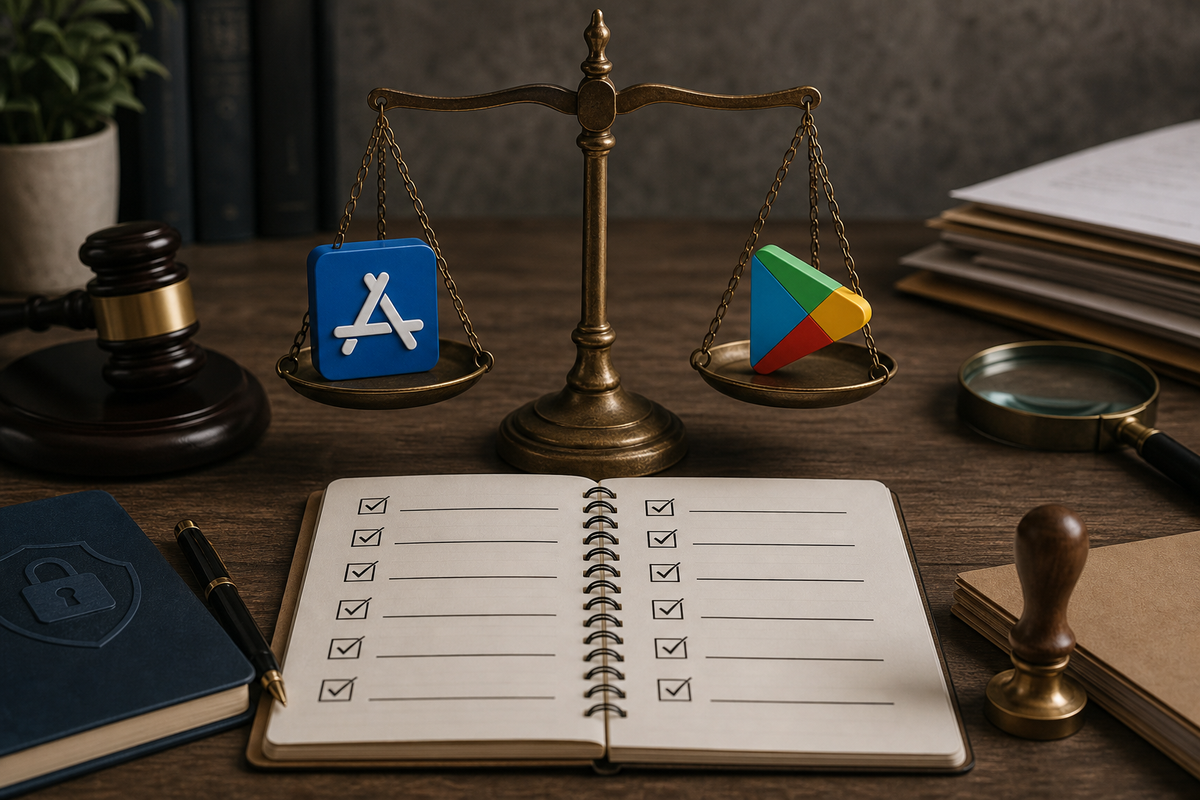
A compact, exportable checklist block with 8 high-priority items mapped to platform priority (Apple / Play labels), e.g., 'Attach screen-recording (Apple)', 'Update Data Safety form (Play)', 'End-to-end IAP sandbox test (Apple/Play)', 'Remove unnecessary sensitive permissions (Play)'. Designed to be pasted into PR templates or release tickets.
The short answer - Apple rejects for user-facing clarity and privacy; Play rejects for binary behavior and automated signals. Apple reviewers prioritize clear subscription flows, permissions presented to users, and store metadata that matches the app. Play's pipeline flags mismatches between manifest, SDK behavior, and automated safety detectors.
What this implies
- Run different pre-flight checks per store.
- Expect quicker turnaround for metadata edits and longer cycles when you must rebuild binaries.
- First triage steps: audit store metadata, inventory SDKs and permissions, and validate all IAP/subscription flows end to end.
Quick founder triage - first three checks before you hit Submit
- Run a metadata audit
- Confirm screenshots, descriptions, and release notes match the shipped UX. Apple flags contradictions quickly.
- Inventory third-party SDKs
- List analytics, ads, and consent SDKs, log versions, and note their runtime permission needs and known issues.
- Validate payment flows
- End-to-end sandbox tests for purchases, restores, refunds, and entitlement checks with fresh test accounts.
When you move from outline to execution, Subscription App Rejected: Paywall and Restore Purchases Fixes helps close common gaps teams hit here.
How do reviews and automation create different failure patterns?
Category: Apple
Statistic: 2 of 5
Label: Apple’s top drivers: privacy + IAP
Context: Directional: consent/ATT and subscription flows dominate iOS review friction
Category: Google Play
Statistic: 2 of 5
Label: Play’s top drivers: SDK + permissions
Context: Directional: policy-linked permissions and SDK declarations trigger many denials
Category: Overlap
Statistic: 3 of 5
Label: Shared technical flags in both stores
Context: Target-API/binary issues plus malware/obfuscation checks recur across both pipelines
Direct answer - the stores' review mechanics create reproducible, addressable patterns rather than random outcomes. Apple uses human review plus policy sweeps, so clear reviewer guidance and recordings reduce friction. Play uses automated ML and pre-launch scans, so static analysis and permission minimization matter more.
Common failure modes and realistic caveats
- Apple
- Source: human review of UX and copy. Fixes: metadata edits, reviewer notes, screen recordings.
- Caveat: even with perfect notes, reviews can still take extra cycles for edge cases; expect occasional back-and-forth.
- Google Play
- Source: automated scans and ML signals that inspect binaries and telemetry. Fixes: SDK updates, permission removals, rebuilds.
- Caveat: false positives happen with security tools, and SDK vendors may delay fixes - plan vendor lead time into your schedule.
Practical defenses
- Attach a short, focused screen-recording when privacy, consent, or payments are involved - it costs minutes but often saves a resubmission.
- Run a dependency and manifest scan as part of CI - this is usually a few CI minutes and catches many Play issues before upload.
- Track rejection root causes in your issue tracker so you fix the underlying process, not just the symptom.
Process outlines to follow when rejected
- Apple review path
- Triage: metadata vs binary - attach screen-recording and concise reviewer notes for metadata or UX issues; if binary, prioritize the fix and resubmit. Typical re-review 48-72 hours, though complex cases can take longer.
- Google Play path
- Triage: run Play Console reports, remove or update offending SDKs, rebuild AAB, and use a staged rollout at 5-10% to monitor. Verification often appears in 24-72 hours; full circulation can be longer after binary changes.
A complementary angle worth comparing lives in App Store Connect vs Google Play Console: Key Differences.
How should founders adapt their release playbook for 2026?
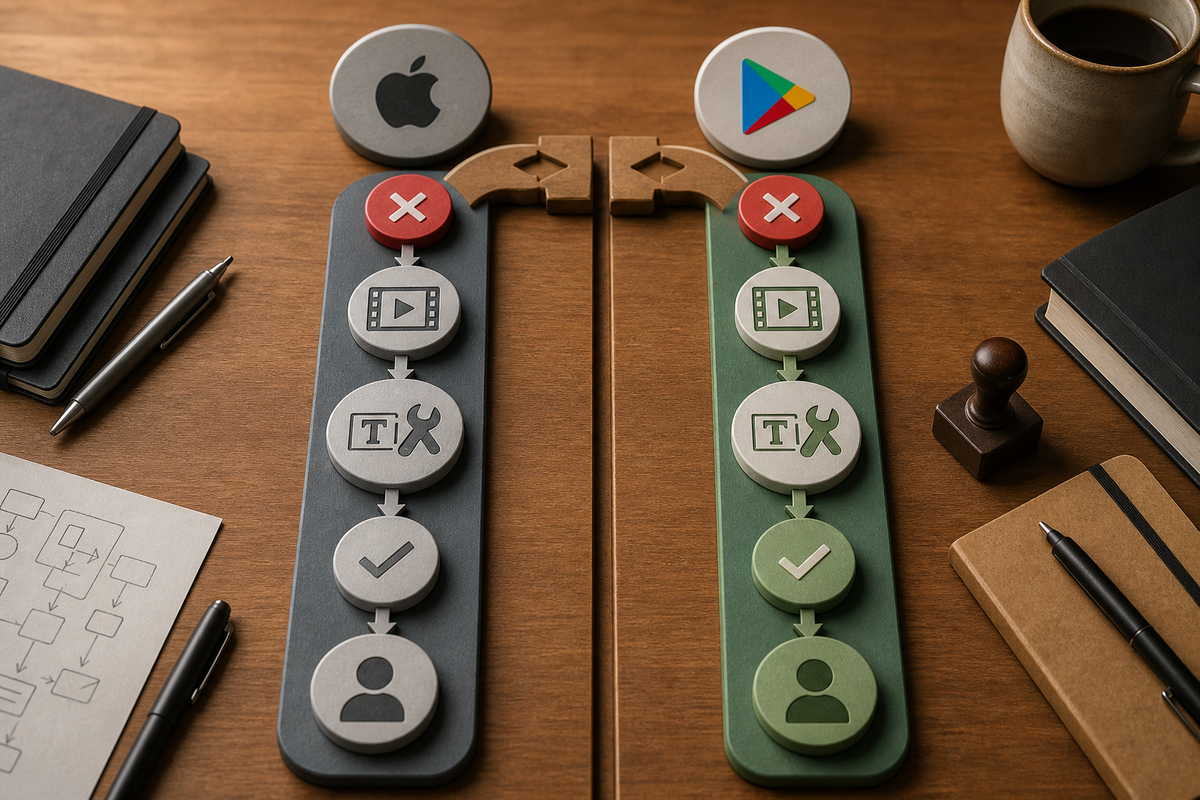
A two-track process diagram showing parallel remediation flows: left track labeled 'Apple review path' (rejection → attach screen-recording → metadata edit or binary fix → resubmit → escalate to App Review board), right track labeled 'Google Play path' (rejection → run pre-launch report → remove offending permission/SDK → rebuild AAB → staged rollout → monitor automated verification). Include expected time windows next to each major node.
Direct answer - bake platform-specific gates and realistic buffers into your release process to reduce firefights and engineer churn. Treating both stores identically creates repeated work and missed signals.
Operational checklist to enforce in each release ticket
- Privacy and consent
- Automated check for consent UI presence and a human spot-check for complex flows.
- Payments and subscriptions
- End-to-end sandbox tests and store listing parity checks for pricing and trial language.
- SDK and permission audit
- Automated dependency scan and permission-minimization pass; remove sensitive permissions unless explicitly needed.
- Reviewer communication
- One concise reviewer note plus a short screen-recording for any subjective or complex flows.
Roadmap and timeline adjustments to expect
- Platform buffers Add a 3-5 business day buffer for App Store when you change privacy or IAP flows, and a 2-4 day buffer for Play when binaries or SDKs change.
- Release sequencing Push metadata-only fixes on Apple first when possible; on Play, use 5-10% staged rollouts to detect automated flags before wide exposure.
- Post-release monitoring Run a 72-hour watch on crash rates, telemetry spikes, and consent toggles after SDK or permission changes.
One thing worth noting about tradeoffs
- Adding reviewer notes and recordings reduces rejections but increases pre-release QA time. Staged rollouts limit blast radius but do not reduce initial rejections. Balance speed and risk based on your user base and release cadence.
Mid-article CTA - start a 10-minute pre-submission audit
Final operational note
Treat App Store and Play as different operational problems - fixing process and tooling saves repeated engineer days and reduces customer impact. Expect to invest a little prep time up front to avoid costly rebuilds later.
For tradeoffs, checklists, and edge cases, App Store vs Google Play: Where Should You Launch First rounds out this section.