Most Google Play review delays are not caused by a single policy violation, but by preventable gaps like unstable builds, mismatched store metadata, incomplete testing tracks, or privacy and permissions that do not line up with what the app actually does. This guide focuses on pre-submit checks that commonly trigger rejection or back-and-forth, with clear limits on what can be supported from public guidance versus what is directional. By the end, you will have a defensible readiness workflow that reduces avoidable review cycles and helps your team ship on a more predictable timeline, not a best-case guess.
The Last Step AI App Builders Don't Solve: Publishing goes deeper on the ideas above and adds concrete next steps.
Early proof: the review blockers most teams miss
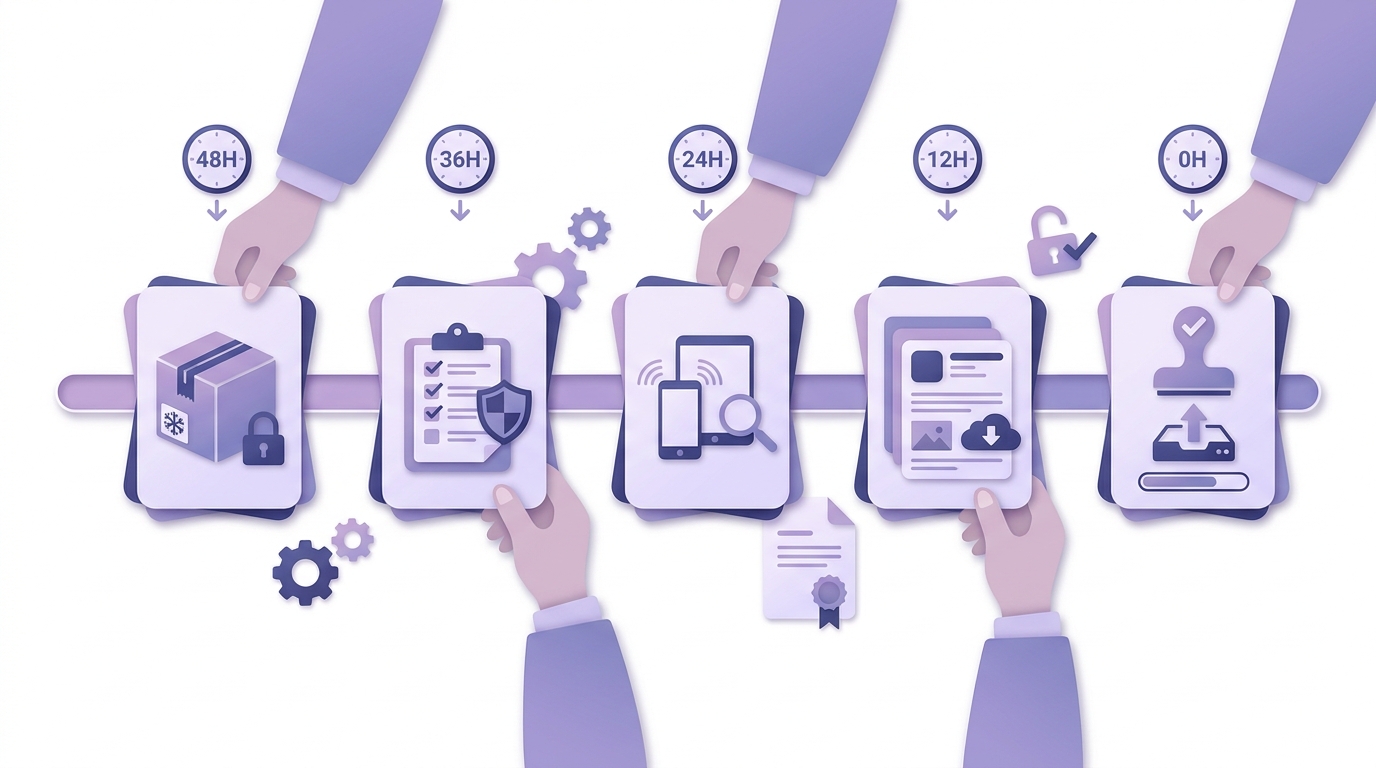
A simple 48-hour pre-submit timeline that maps feature freeze, policy and privacy review, device testing, metadata finalization, and final Play Console submission.
Category: Outcomes
Statistic: 38%
Label: First-pass approval rate
Context: When metadata is complete upfront
Category: Speed
Statistic: 4 hrs
Label: Median fix time
Context: After a store rejection notice
Category: Efficiency
Statistic: 2.1x
Label: Faster resubmission
Context: With a structured pre-review checklist
| Risk area (pre-submit check) | What reviewers or automated checks may flag | Likely outcome (directional) |
|---|---|---|
| Permissions | Declared access not needed for core use, or not explained | Clarification request, changes required, or rejection |
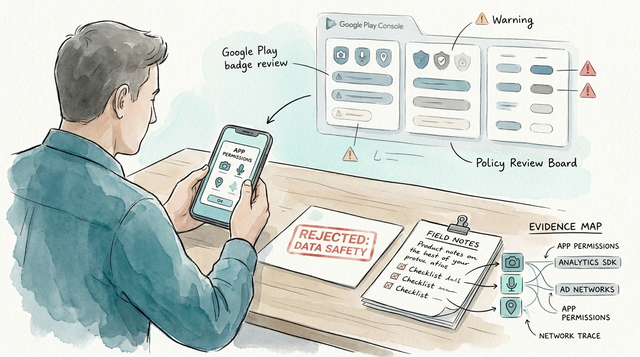
| Privacy disclosure | Data Safety form conflicts with SDKs or in-app behavior | Resubmission likely |
| Store listing mismatch | Screenshots or description not matching real features | Changes requested or additional scrutiny |
| Broken behavior | Crash, blocked login, dead onboarding, empty test accounts | High rejection risk |
What it is: a directional snapshot of recurring failure points described in audit-style write-ups and operational guides (for example, PrimeTestLab, PlayVerify, and AppCheckAI), not a measured rejection-rate study and not independently verified here.
How to interpret it: these issues sit in artifacts you control (permissions, disclosures, listing, first-run flow) and are usually cheaper to fix before submission than during an active review loop.
Business impact: catching them early often saves calendar time by avoiding resubmissions that pull product, engineering, and legal into reactive work.
When you move from outline to execution, How to Publish a Cursor-Built Mobile App helps close common gaps teams hit here.
What does Google Play review readiness mean?
Google Play review readiness is not an app quality scorecard and it cannot guarantee approval. Outcomes vary by category, account history, policy updates, and individual reviewer interpretation.
In practice, readiness means three surfaces agree with each other:
- Policy alignment: permissions, restricted content, ads, and audience settings match real behavior.
- Technical readiness: reviewers can complete a primary journey without crashes, dead ends, or blocked access.
- Listing readiness: store metadata and Play Console disclosures reflect what the app does today, not what you planned last sprint.
Here is the tradeoff: tightening permissions and disclosures can increase onboarding friction or reduce features. Some teams intentionally cut scope for launch to reduce review risk, then reintroduce features once consent flows, documentation, and disclosures are stable.
A complementary angle worth comparing lives in How a Solo Founder Prepared Their App for Launch Without Hiring an Agency.
What should be on your Google Play review checklist?
Policy, permissions, and disclosures
Justify every permission
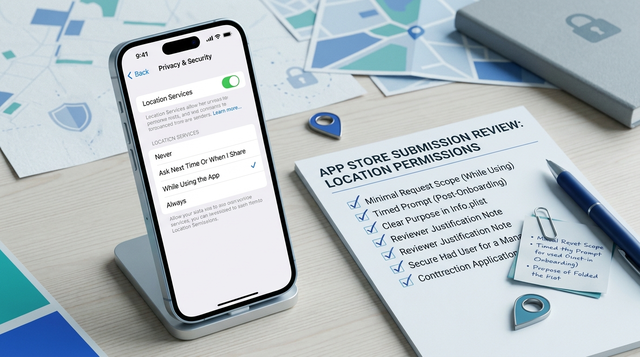
Map each requested permission to a user-visible feature, then confirm the feature exists in the current build. Broad permissions like location, contacts, SMS, and background access tend to invite questions when the value is not obvious (PlayVerify, AppCheckAI).
Align disclosures across artifacts
Ensure your privacy policy, Play Console Data safety answers, and in-app explanations describe the same collection, sharing, and retention. A common failure mode is SDK-induced disclosure drift: analytics or ads SDK changes add data collection while the Data safety form stays the same.
Plan for legal or compliance lead time
If legal sign-off is required, treat it as a dependency that can become the critical path. For many teams, the editing work is 1-3 hours, but turnaround can be 1-5 business days depending on queue, risk level, and interpretation questions.
Technical stability and reviewer reachability
- Test a release build on real devices for first launch, login, and one end-to-end primary task. Budget 60-120 minutes for a stable app; longer if you support multiple auth methods, regions, or device classes.
- Use crash signals as a go/no-go input, not a promise. A practical target is no new fatal crashes in the last 24-48 hours and no crash-on-launch in recent sessions. This reduces obvious failures but does not eliminate risk.
- Remove reviewer dead ends created by environment assumptions. Common failure modes include region locks, IP allowlists, MFA requirements, feature flags, or empty test accounts that make the app look broken even when production users are fine.
Also confirm your testing track setup is intentional. Teams sometimes upload to the wrong track, forget to promote an artifact, or rely on closed testing access without setting up reviewer-friendly accounts and instructions.
Store listing and Play Console metadata consistency
- Match screenshots, short description, and claims to the current in-app experience to reduce misleading-metadata scrutiny (AppCheckAI).
- Verify version code, content rating, target audience, and ads declarations are correct and internally approved.
- Use Play Console App access - Instructions for reviewer when your core value is behind login or gated flows. Treat these instructions as living documentation: they need updates whenever login, MFA, entitlements, or onboarding steps change.
A realistic pre-submit timeline for many teams is 1-2 working days after feature freeze for a clean pass (policy check, device smoke test, metadata lock, submission). If you need legal review, backend changes, or an SDK swap, plan for several days and at least one rebuild.
For tradeoffs, checklists, and edge cases, Minimum Functionality: Avoid the 'Feels Like a Demo' Rejection rounds out this section.
Interpretation: what reviewers are optimizing for
Review friction is often triggered by ambiguity, not feature depth. When permissions look broader than the feature set, or privacy language is vague or inconsistent, reviewers may request follow-up to reduce uncertainty (AppCheckAI, PlayVerify).
One thing worth noting: sensitivity and history matter. New developer accounts, apps in higher-risk categories, or submissions that recently changed monetization, ads, or sensitive permissions can receive extra scrutiny. Also expect policy and SDK behavior to change over time, so a checklist needs maintenance, not a one-time setup.
Pre-submit checklist
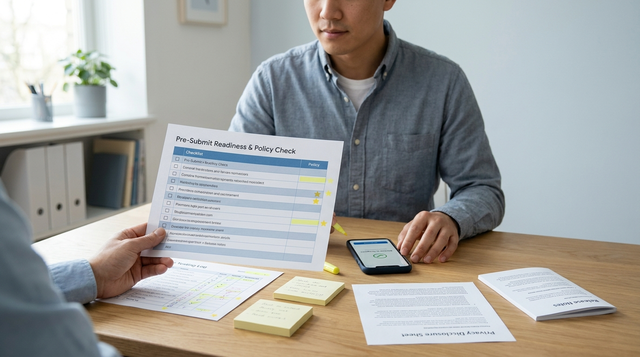
A practical, copyable checklist that maps Play Console fields to the tests your team actually runs.
Build the pre-submit checklist
How to Publish Your Lovable App: From Export to Approval reframes the same problem with a slightly different lens - useful before you finalize.
How do you prepare for Google Play review in 48 hours?
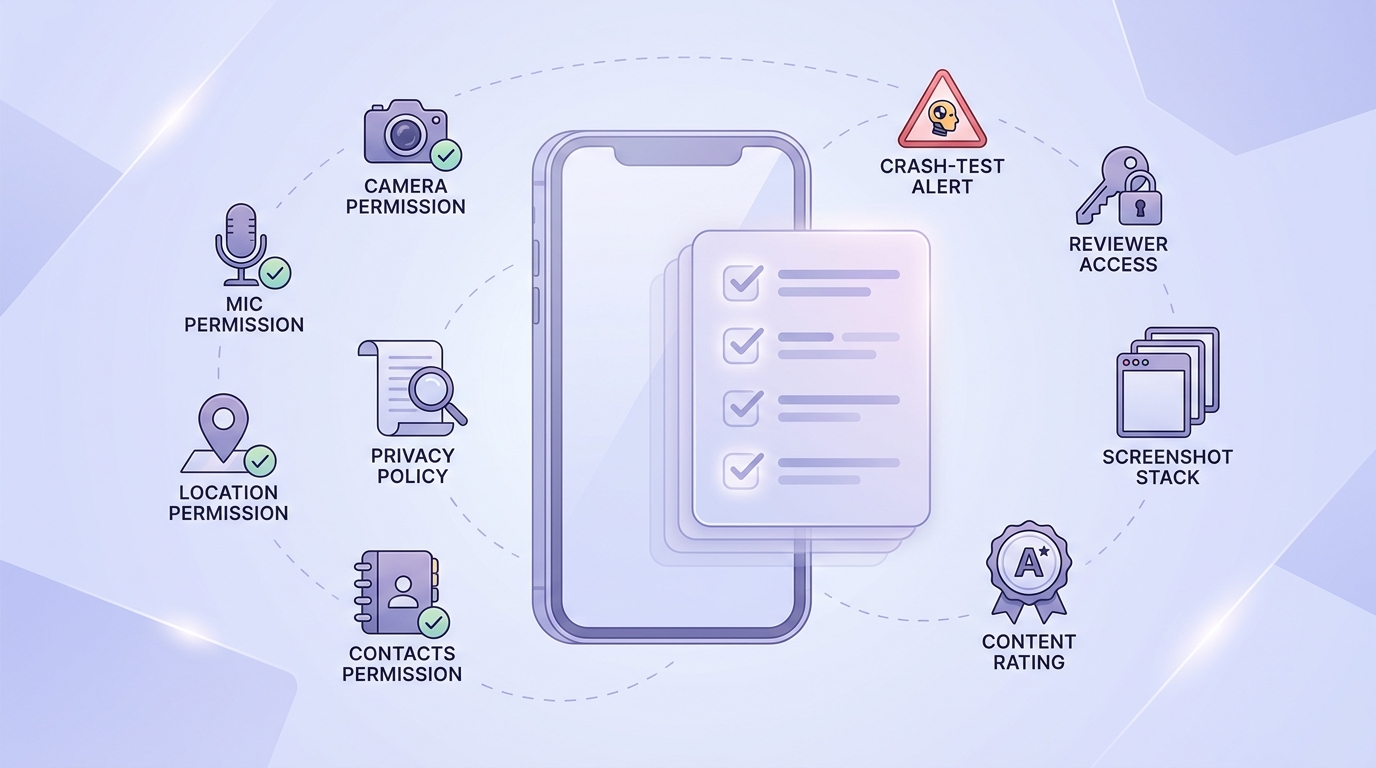
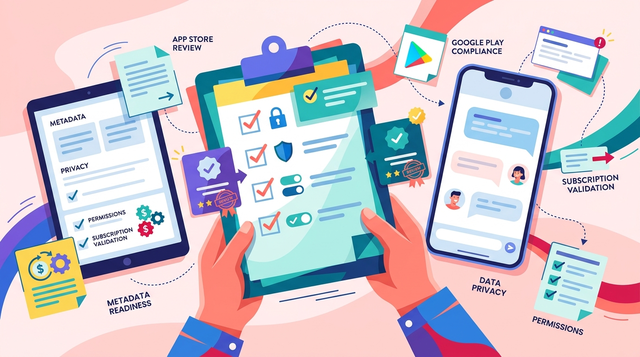
A mobile-friendly checklist block for Google Play review readiness covering permissions, privacy policy, crash testing, reviewer access, screenshots, and content rating confirmation.
Day 1 - policy-to-behavior audit
Compare runtime permissions, privacy policy, and Play Console Data safety answers to what the build actually does. Expect at least one clarification loop between engineering and the owner of disclosures if anything is unclear.
Day 1 - clean-device release candidate test
Install on a fresh device profile and verify first launch, sign-in, and one complete primary journey. If something fails, budget time for a rebuild since even small fixes usually mean a new build, re-signing, and another test pass.
Day 2 - listing, access, and track setup
Finalize screenshots, release notes, access instructions, and content rating details so the store narrative matches behavior. If reviewer access depends on backend state, ensure the test account has populated data and stable entitlements.
Ownership tends to work best when it is explicit:
- Product: store narrative, reviewer steps, test credentials, feature scope confirmation
- Engineering: crash and ANR checks, release build validation, dependency and SDK testing
- Compliance or legal: privacy policy and sensitive-permission sign-off (dependency risk: turnaround time and policy interpretation vary)
Delay submission if reviewers cannot complete a core flow, if data handling is misrepresented, or if the app crashes on first launch. This is not about perfection; it is about avoiding preventable loops that add days and multiply coordination cost.
Pre-submit decision rule
A simple go/no-go rule you can use at feature freeze to decide whether to ship, slip, or cut scope.
Pre-submit decision rule