If your iOS app asks for location at the wrong time, with the wrong level, or with vague messaging, you can trigger App Store review questions and lose user trust early. This guide gives you a repeatable checklist to audit prompts, Info.plist strings, and review notes so your request is defensible, minimal, and ready to ship with realistic QA and support expectations.
How to Prepare a Fitness App for App Store Privacy Review goes deeper on the ideas above and adds concrete next steps.
Early proof: the quickest location review signals to check first
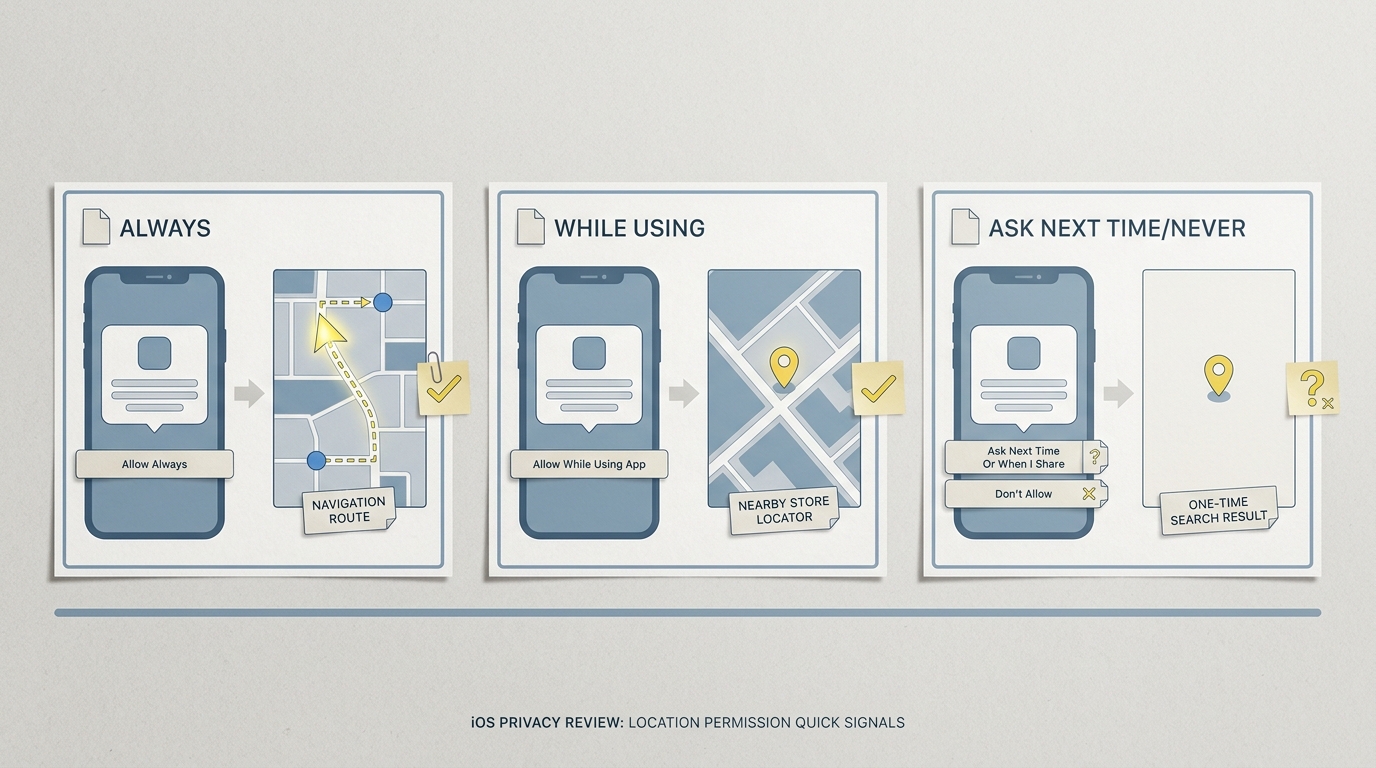
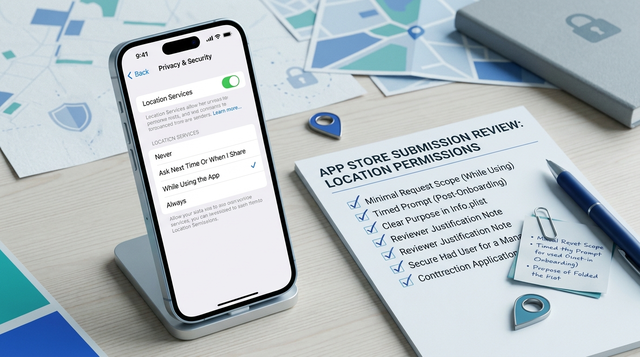
A compact comparison block showing three iOS location permission patterns - Always, While Using, and Ask Next Time/Never - mapped to typical app cases like navigation, store locator, and one-time search.
The table below is a directional heuristic based on common App Review patterns and shipping experience, not a guarantee of outcomes. Use it to triage risk and effort before you rewrite copy or refactor flows.
| Permission pattern | When it is usually justified | Review and opt-in risk signal (directional) |
|---|---|---|
| Always | Passive safety features, background alerts that must fire off-screen, continuous tracking that users explicitly enable | Highest scrutiny. Plan for extra QA (often 0.5-2 days) plus at least one review clarification if background behavior is hard to verify quickly. |
| While Using | Navigation on the active screen, nearby search, in-session delivery ETAs | Lower risk if value is obvious at the moment of asking and the app remains useful when denied. Still requires clean fallbacks and consistent strings. |
| Never or Ask Next Time | Browsing without personalization, one-time local search via manual entry, city-level discovery | Lowest friction. The cost is UX and engineering time to avoid dead ends (manual entry, saved locations, limited results). |
Explanation: Review outcomes often hinge on (1) the permission level, (2) whether the value is visible when you ask, and (3) whether denial breaks a core flow.
Interpretation: If you are requesting Always, assume more documentation, more device testing, and more reviewer variability. If you can ship with While Using (or no location), you typically reduce review friction and support pushback, but you may give up background automation or add UI (toggles, reminders, saved places).
Reader impact: Use this as a gate. If you cannot demonstrate a user-visible off-screen benefit in minutes, downgrade from Always or budget time for review back-and-forth, plus ongoing maintenance of fallbacks.
Operational metric to validate the change (illustrative): Track opt-in rate by trigger screen (for example, onboarding vs "Find nearby") and track downstream completion after denial (for example, search success with manual entry). Expect 1-2 implementation cycles to get both acceptance and completion to acceptable levels.
When you move from outline to execution, How to Fix App Store Guideline 5.1.1 Privacy Rejection helps close common gaps teams hit here.
Why do iOS location permission reviews need a checklist?
Who should use this checklist
- App Store release owners shipping a build that touches Core Location or privacy disclosures
- Product, QA, and engineering leads deciding whether you need Always vs While Using (Apple Developer)
- Growth or onboarding owners tying the prompt to a clear user action (not a surprise at launch)
What goes wrong when location access is not reviewed
- Review delays: Always requests without a reproducible, user-facing background feature can trigger follow-ups under the App Review Guidelines.
- Silent product breakage: Early prompts raise denial rates, which can quietly break maps, delivery ETAs, or local discovery unless you built fallbacks.
- Trust and support cost: Users do ask "why are you tracking me?" Expect some tickets and ratings impact if copy is vague or background access affects battery (Apple Support).
The decision this article helps you make
For each location touchpoint, decide whether to remove it, downgrade it, or keep it with tighter copy and a narrower trigger. The practical target is: minimal permission, clear timing, and a verified denial path.
A complementary angle worth comparing lives in The Privacy Policy Page That Prevents Rejections.
What is the step-by-step iOS location permission review workflow?
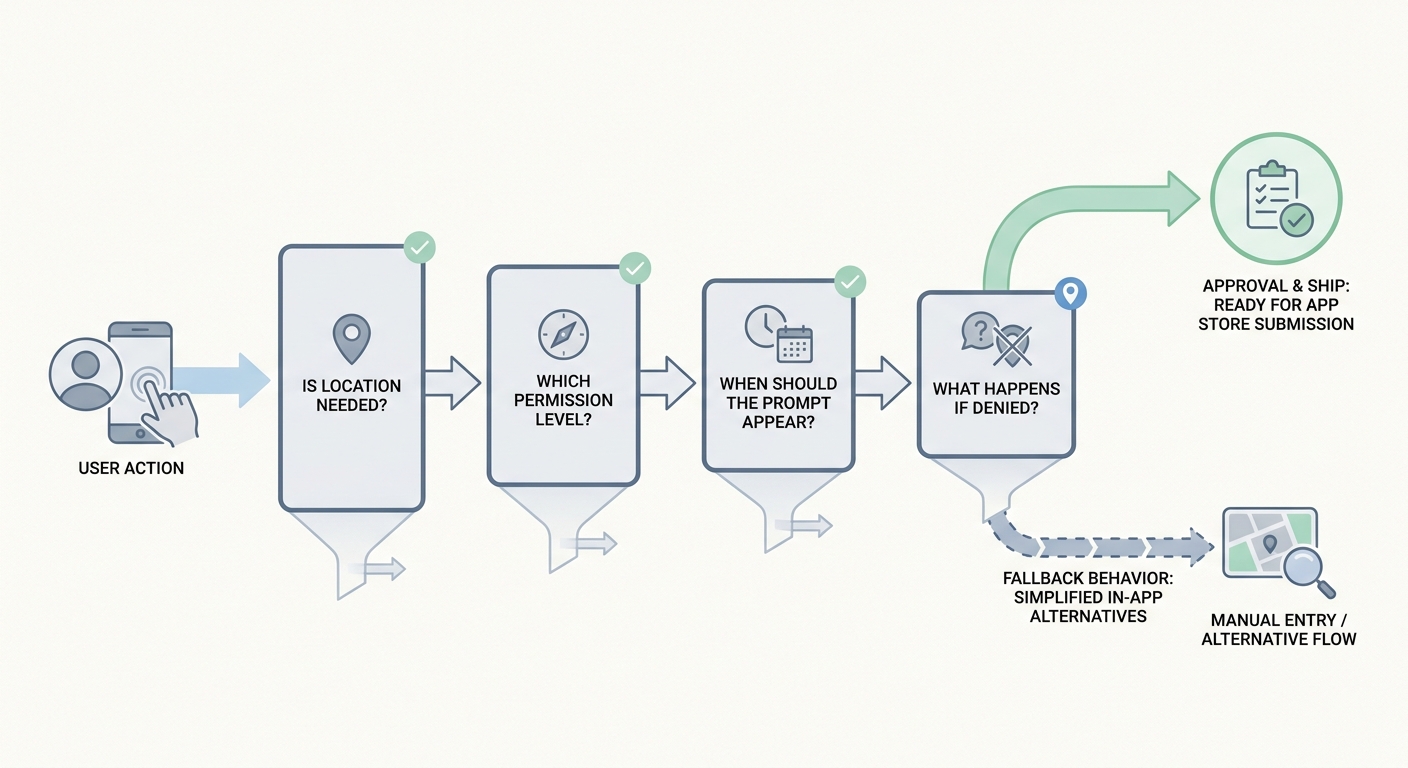
A simple flow diagram that starts with a user action, then routes through feature need, permission level, prompt timing, and fallback behavior for denied access.
Map every location touchpoint
Start from real user flows, not just code assumptions. List each screen and background job that can touch
CLLocationManager, plus what triggers the system prompt. For a small app, expect 1-3 hours; if multiple teams own different flows, add coordination time.Write the one-sentence user value (per touchpoint)
Use concrete outcomes like "show nearby pickup points" or "calculate delivery ETA." If the real purpose is analytics or internal convenience, expect lower opt-in and more scrutiny, and consider designing out location.
Decide the minimum authorization and accuracy
Default to While Using when the feature is on-screen and still useful with approximate location. If you need precise location, be explicit about what degrades with approximate (for example, turn-by-turn, exact pickup pin). This is a product tradeoff: higher accuracy can improve UX for some users but increases perceived intrusiveness.
Prove the app works when denied (and when restricted)
Test "Don’t Allow," "Allow While Using," approximate vs precise, and a restricted state on at least one real device. Budget 2-4 hours for a basic matrix, longer if you need seeded data, test accounts, or multiple iOS versions. If denial breaks critical flows, fix that before polishing copy.
Prepare for Always as an operational commitment (not just a toggle)
If you request Always, plan for extra QA, edge-case handling, and maintenance of fallbacks. Background location can have battery impact and can be inconsistent in the simulator, so device testing and clear user controls (on/off, explanation screen) matter as much as the prompt itself.
For tradeoffs, checklists, and edge cases, Top 5 Things Every Founder Must Do Before Submitting an App rounds out this section.
What common mistakes cause location permission reviews to fail?
Over-asking for background access
Always location without a user-visible background use case increases scrutiny and usually depresses opt-in. If your store locator, booking flow, or route preview only works while the app is open, request While Using.
One thing worth noting: even with good justification, Always can still get questions if reviewers cannot reproduce geofences quickly, if notifications do not clearly map to location triggers, or if your privacy details and in-app messaging do not match.
Using vague prompt copy
- Avoid "for a better experience" without naming the feature.
- Use the exact action: "show nearby stores" or "find local inventory."
- Keep wording aligned with what appears in Settings and what your app actually does (Requesting authorization).
Triggering the dialog before context exists
- Avoid first-open prompts unless the core value is immediately blocked without location.
- Trigger after intent: tap map, run nearby search, start delivery tracking, enable a location-based setting.
- Retest after refactors: shared components can accidentally move the prompt earlier than you think.
Title: Release gate template
Description: Turn this into a lightweight release gate for product, QA, and publishing. Assign one owner for permission level, timing, and wording, and rerun it after any maps, geofencing, or nearby search change (typically 20-40 minutes per release once the checklist exists).
Make it a gate
How to Publish a Replit-Built Mobile App reframes the same problem with a slightly different lens - useful before you finalize.
Execution checklist for App Store submission and post-launch
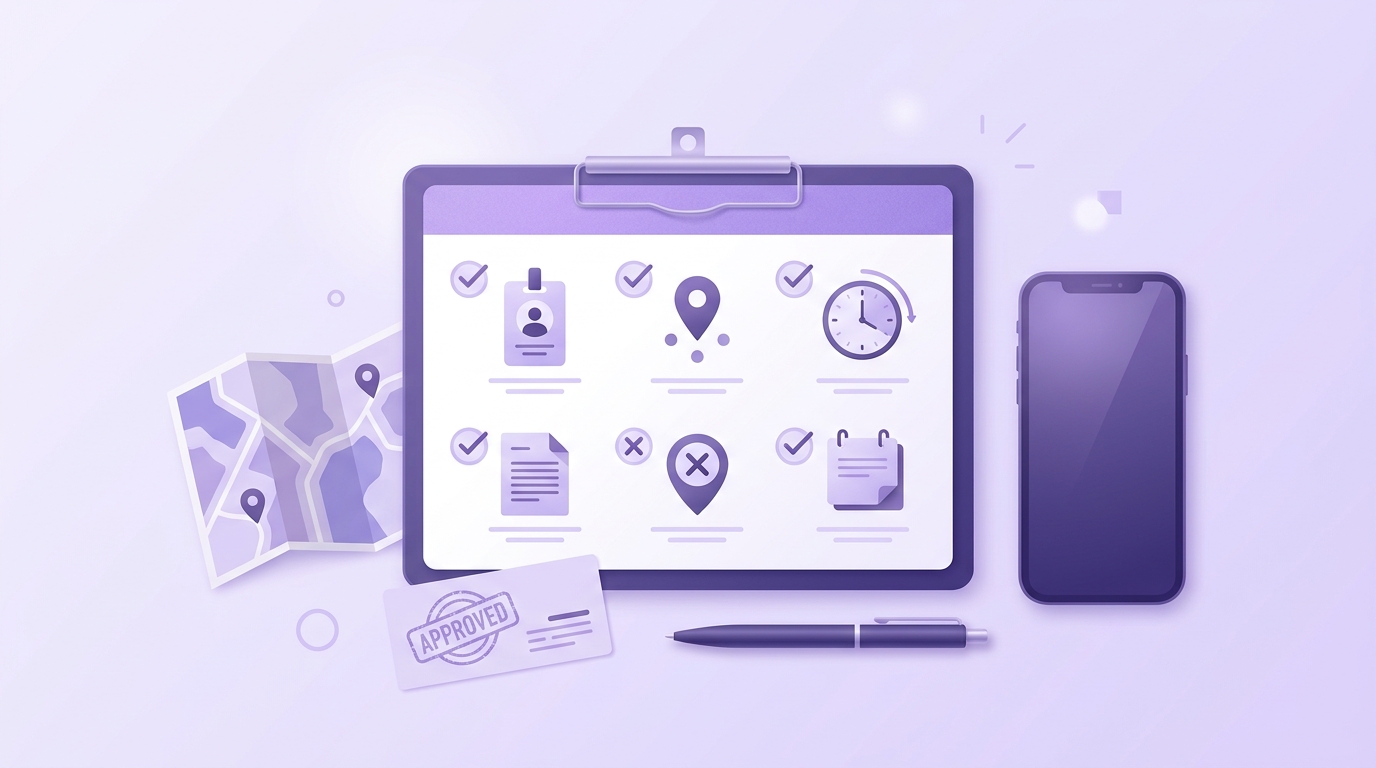
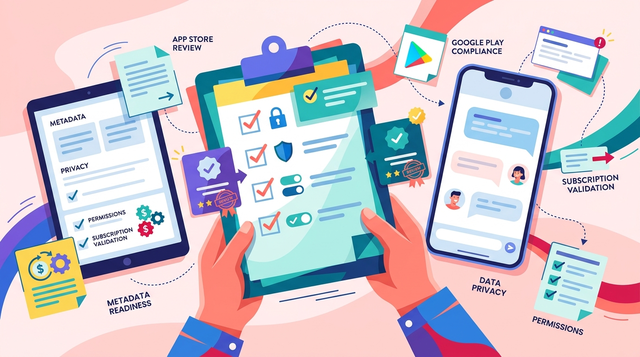
A release-day checklist for iOS location permissions covering feature owner, permission level, prompt timing, privacy text, denial testing, and App Store review notes.
Pre-flight checks before submission
- Confirm each location request has a feature owner and a plain English purpose that matches your
NSLocation*UsageDescriptionstrings (Requesting authorization). - Verify App Store Privacy Details and App Review Notes reflect real behavior, especially background use and Always justification per the App Review Guidelines.
- Test a realistic matrix: fresh install, upgrade install, deny, allow while using, approximate vs precise, restricted. Plan for coordination time if QA needs special builds, toggles, or seeded data.
Post-launch signals to watch
- Prompt acceptance rate by screen (not just overall). Expect variance by country, device, and acquisition channel.
- Feature completion after denial (for example, nearby search success using manual entry).
- Support volume and reviews mentioning privacy confusion, tracking concerns, or battery drain (especially if background modes are involved).
Decision points and pitfalls (what usually slows teams down)
- Cross-team ownership: Location spans onboarding, maps, notifications, and analytics. If no one owns end-to-end behavior, you will ship inconsistent prompts and strings. Expect at least one working session (30-60 minutes) to align owners, triggers, and copy.
- Reviewer reproducibility dependency: If reviewers cannot reach the feature quickly, you can get questions even with a correct implementation. Add App Review Notes with steps, test data, and what should happen on denial.
- Fallback maintenance: Manual entry, saved locations, and approximate-mode UX add ongoing QA cost. If you change search providers or map SDK behavior, revalidate denial paths to avoid regressions.
Title: Review notes checklist
Description: Want a one-page set of App Review Notes prompts (steps, test accounts, denial behavior, and why the permission is needed) you can paste into App Store Connect and reuse each release?
Get the checklist