Getting an iOS app through Apple review is rarely blocked by big architectural mistakes. More often it is small, preventable gaps like missing reviewer access, mismatched privacy disclosures, or metadata that does not match what the build actually does. Each rejection can push a launch by days and force extra QA, rebuilds, and re-submissions. This guide turns recurring failure points into a readiness workflow you can run before you hit submit.
How App Store Review Actually Works - A Step-by-Step Breakdown goes deeper on the ideas above and adds concrete next steps.
What Does Apple Review Readiness Mean?
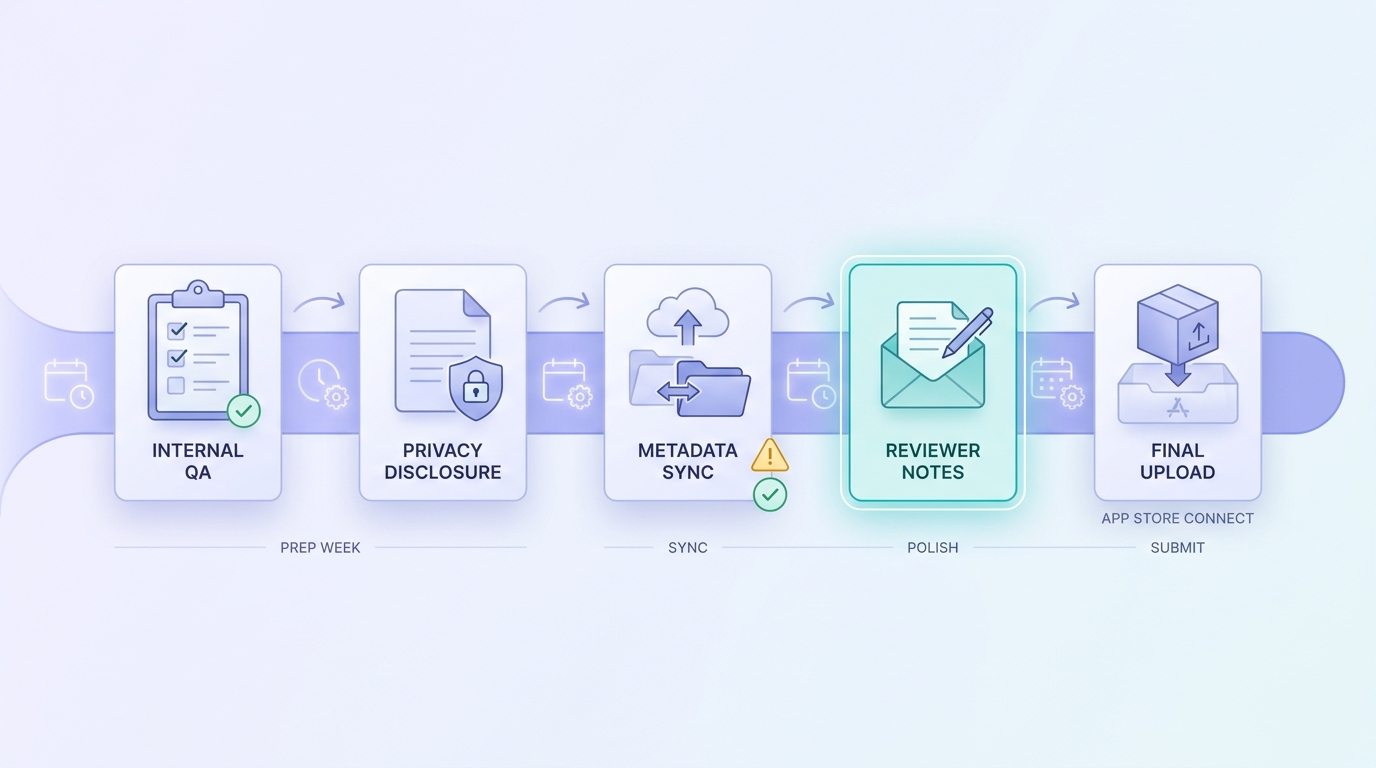
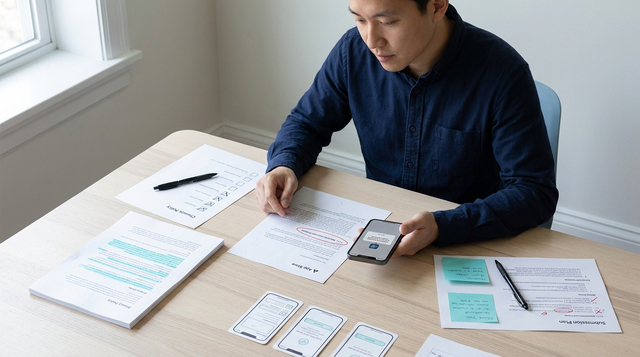
A simple pre-submit timeline showing the sequence from internal QA to metadata sync, reviewer notes, and final upload in App Store Connect before Apple review.
Review readiness is a release discipline, not paperwork. The goal is not to guarantee approval (you cannot), but to reduce avoidable back-and-forth by making your build easy to evaluate and your submission package internally consistent. It matters most when you are shipping on a schedule (campaigns, weekly iterations, partner deadlines) where a few days of slip hurts.
Outcomes vary by category (payments, kids, health), account history, and reviewer interpretation. Treat this as a practical gate that lowers operational risk, not a shield.
Scope and limits of this checklist:
- Focus: build behavior, metadata, privacy disclosures, and reviewer access
- Not legal advice, and not a replacement for reading the App Review Guidelines
- Evidence here is directional (based on recurring Apple guidance themes, not audited rejection-rate data)
- Most useful for first submissions, major releases, and policy-sensitive updates (paywalls, new data collection)
- Metadata-only updates can still be rejected if they do not match the current binary
When you move from outline to execution, What the App Store Review Team Actually Tests helps close common gaps teams hit here.
Early Proof: The Most Common Pre-Submission Gaps
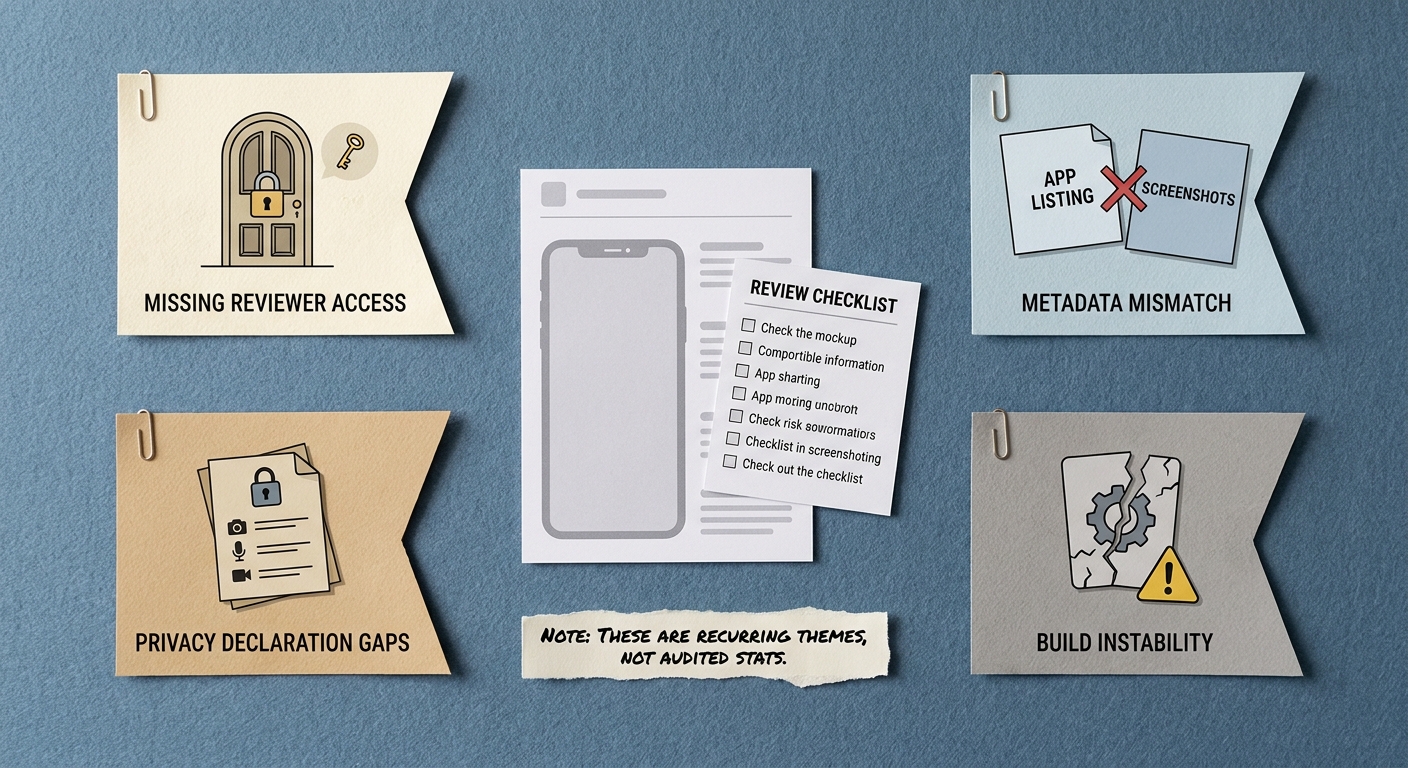
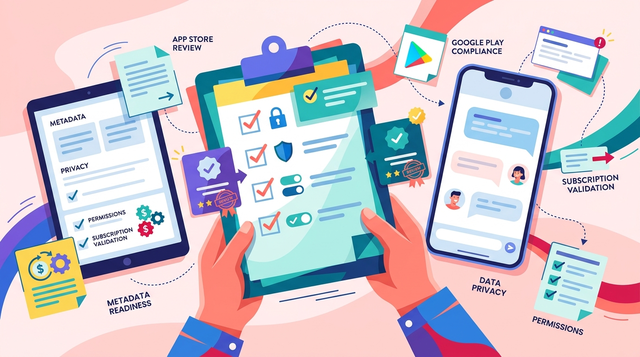
A compact stat-style callout showing the most common Apple review blockers: missing reviewer access, metadata mismatch, privacy declaration gaps, and build instability, with a short note that these are directional operational patterns.
Directional benchmark (based on recurring Apple guidance themes, not third-party stats): the fastest review stops are often access and consistency issues, because the reviewer cannot evaluate the app.
| Gap | What reviewer sees | Pre-submit check |
|---|---|---|
| Reviewer access blocked | Paywall, login wall, 2FA loop, region lock, or role gate with no path forward | Provide demo credentials, a backup account, and step-by-step Review Notes |
| Metadata mismatch | Screenshots or description do not match the current UI or feature set | Compare your App Store listing to the exact build you are submitting |
| Privacy declaration gaps | Permission prompts or data flows that do not match privacy labels | Audit SDKs and confirm shipped config matches labels and prompts |
| Build instability | Crashes, broken links, placeholder content, blank states | Clean-install run + crash spot check + basic navigation sweep |
Explanation: These are "cannot evaluate" failures. Reviewers get blocked before they can validate core functionality.
Interpretation: Fix access first, then align what you claim in App Store Connect with what the binary does today.
Reader impact: A focused pre-submit pass (often 60-120 minutes for a simple update, longer with paywalls or new SDKs) can prevent a rejection that costs days: waiting for a new build, re-testing, and re-entering the review queue. It will not prevent subjective or category-specific rejections, but it reduces avoidable rework.
A complementary angle worth comparing lives in How a Solo Founder Prepared Their App for Launch Without Hiring an Agency.
What Should You Check Before Submitting to Apple?
Run this 1-2 days before submission so you have time to fix issues and cut a new build if needed. If you are solo, a light pass might fit into 60-120 minutes, but paywalls, login changes, new SDKs, or new data collection can easily take half a day once you include QA and a TestFlight pass.
Use this as a small-team checklist you can assign and timebox:
| Check | Owner | Timebox (typical) | Notes |
|---|---|---|---|
| Clean install + core flow | iOS dev or QA | 30-60 min | Fresh install, basic navigation, no dead ends |
| Reviewer access package | PM or iOS dev | 20-45 min | Credentials, 2FA plan, gated feature steps |
| Metadata alignment | PM or marketing | 30-60 min | Screenshots, description, age rating, support URLs |
| IAP and subscriptions sanity | iOS dev | 30-90 min | Products load, purchase path reachable, restore works |
| Privacy labels vs. shipped behavior | iOS dev + whoever owns analytics | 45-180 min | Depends on SDK count and configuration complexity |
Dependencies to plan for: backend stability (demo accounts need real data), IAP setup status in App Store Connect, and having a build you can actually test on a clean device.
1. Verify the build reaches core value on a clean install
Run a clean-device review simulation
Install fresh (no cached state) and run the main "first session" flow. Track where a new user would get stuck due to network, permissions, or missing content.
Prove there are no dead ends
Walk onboarding, login, and the main flow end to end. If something is intentionally gated (account type, region), make the block explicit and provide an alternate path the reviewer can test.
Do a basic crash and regression pass
Use what you already have: Xcode Organizer signals, TestFlight internal testing, and a quick navigation sweep on at least one older device or OS version you support. This will not catch everything, but it helps you avoid shipping obvious crashers.
2. Make reviewer access boringly easy
- Provide a working demo account and a backup account if possible.
- If 2FA exists, give a reviewer-safe path (for example, a demo user without 2FA, or a documented review-only workflow).
- If features are gated by region, device, role, or account state, explain the gates and the shortest path to a testable state.
Concrete example (what "good" looks like in Review Notes):
- Demo login:
demo+review@yourapp.com/TempPass!234 - After login, tap Explore then Upgrade
- Use test product: Pro Monthly (shows Apple IAP sheet)
- If the paywall does not appear, go to Settings - Restore Purchases
- Demo account is seeded for US region only
Risk note: if your app relies on live backend data, seed the demo account and verify it works from a clean install. A flaky staging environment can look like a broken app to a reviewer.
3. Align metadata and disclosures with the binary
- Screenshots and description match the current UI and features (avoid "coming soon" claims).
- Age rating and content notes reflect what can be reached in the submitted build.
- IAP products and subscription terms shown in-app match what is configured in App Store Connect.
- Privacy labels reflect what your SDKs and runtime configuration actually collect (including analytics and crash reporting).
Tradeoff: tightening privacy alignment sometimes means removing an SDK, changing prompts, or shipping a config change. Those can be real engineering tasks, so do not leave them for the final hour.
For tradeoffs, checklists, and edge cases, Top App Store Rejection Reasons and What to Do About Them rounds out this section.
Where Do Teams Usually Fail During Apple Review?
Payments, login, and subscriptions
- Make monetization reviewable end to end on a fresh install: products load, paywall shows, and purchase flows are reachable without hidden steps.
- Test subscription state changes you depend on: restore purchases, entitlement transitions (active, expired), and messaging for trials and renewals.
- Avoid unsupported payment routing for digital goods. If you are near a policy edge case, budget time to re-read the current guideline and adjust UI copy or flows.
Tradeoff: making paywalls fully testable may require a review-mode flag, test entitlements, or extra logging. That adds engineering and QA overhead, and it creates risk if a debug pathway ships accidentally, so keep it explicit, code-reviewed, and gated.
Privacy, permissions, and device constraints
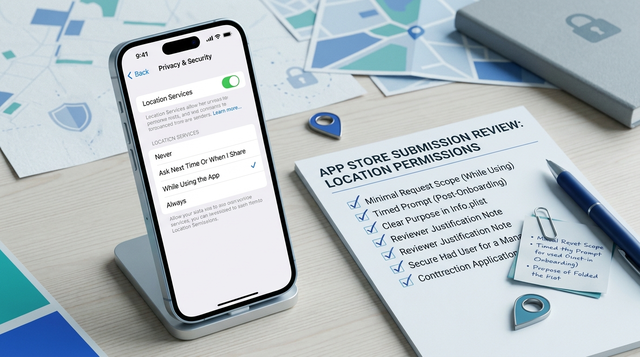
- Trigger permissions in context (camera when scanning, location when using a nearby feature) with clear purpose text.
- Make sure App Store Connect privacy labels and in-app behavior align, especially for third-party SDKs.
- If a feature requires specific hardware, OS versions, or countries, state it plainly so "missing capability" is not mistaken for incomplete functionality.
How to Publish a Game on App Store - What's Different reframes the same problem with a slightly different lens - useful before you finalize.
A Realistic 24-Hour Pre-Submit Workflow
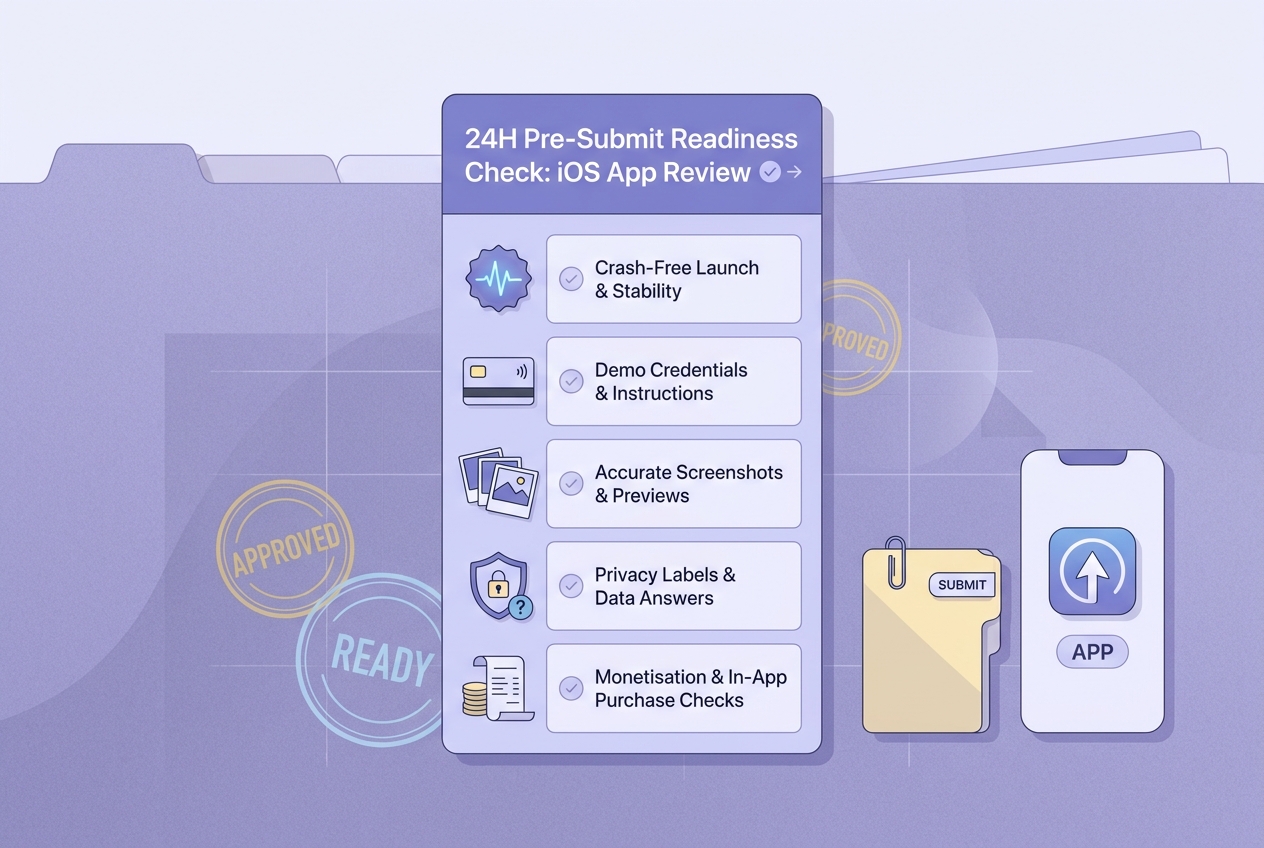
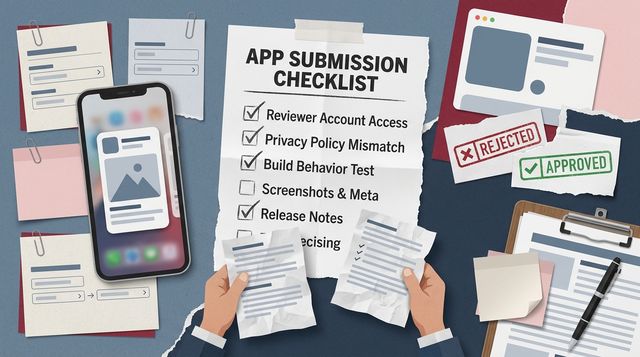
A mobile-friendly checklist block for final Apple review readiness, covering crash-free launch, demo credentials, accurate screenshots, privacy answers, and monetisation checks.
This cadence works for small teams shipping a meaningful update. Adjust based on app complexity and how often you cut builds.
- T-24h (60-120 minutes): clean-install run, core flow script, crash spot check (Organizer, TestFlight internal)
- T-8h (45-120 minutes): App Store Connect audit: screenshots, description, age rating, IAP config, privacy labels
- T-2h (15-30 minutes): reviewer package finalization: credentials, Review Notes steps, known constraints, go/no-go
Decision point: if you find a core-flow break, login issue, purchase issue, or privacy mismatch, assume you will need a new build and at least one more TestFlight pass. Plan for that time instead of trying to solve a binary problem with metadata.
Build your App Store review pack before the next upload
Create one reusable doc with test credentials, Review Notes steps, privacy decisions, and policy checks so launches do not depend on tribal knowledge.
Build your review pack
FAQ
How long does Apple review usually take?
What should I put in App Store Connect Review Notes?
What are the most common rejection reasons teams can prevent?
Do I need Sign in with Apple?
Can I "review apple products for free" by submitting an app?
> Share your app type (paywall, login, kids, health), your reviewer access plan, and what changed in this build, and I will suggest the highest-risk checks to run first.
> [Get a focused pre-submit checklist](#)