
If your fitness app touches HealthKit, motion, location, or even a login email, App Store privacy review can stall when your disclosures, permission prompts, and real data flows do not line up. Most delays come from mismatches across three places Apple typically checks: what your SDKs transmit, what your in-app consent screens say, and what you declare in App Store Connect. This guide gives you a practical pre-flight workflow to map data and trackers, tighten consent copy, and submit privacy answers that match the build so you can reduce back-and-forth, even though reviewer discretion and SDK behavior can still introduce variance.
Early proof: quick mismatch-to-fix map (fitness apps)
| Fitness data or permission | Where the user sees it disclosed | Review-ready outcome if it matches |
|---|---|---|
| GPS route and background location | iOS location prompt plus an in-app explanation before tracking starts | Privacy label and prompt describe the same purpose, fewer follow-up questions |
| Workout history and training logs | Onboarding privacy screen and settings page (export/delete) | Review notes typically focus on UX, not undisclosed collection |
| Health metrics (via HealthKit) | Pre-permission screen describing what is read or written, and why | Clear necessity and user control, lower escalation risk |
| Push notifications | Notification prompt after a value moment, not on first launch | Consent looks intentional, not coercive |
What this shows: reviewers look for one consistent story across prompts, in-app copy, and App Store Connect privacy details.
How to interpret: if the build does something that is missing or vague in disclosures, expect questions, a metadata rejection, or a request for clarification.
Impact: alignment reduces avoidable rework and schedule risk, but it cannot guarantee approval because reviewer interpretation varies by reviewer, region, and what they can observe in your build.
Writing a Privacy Policy That Actually Passes App Store Review goes deeper on the ideas above and adds concrete next steps.
Why do fitness apps get flagged in App Store privacy review?
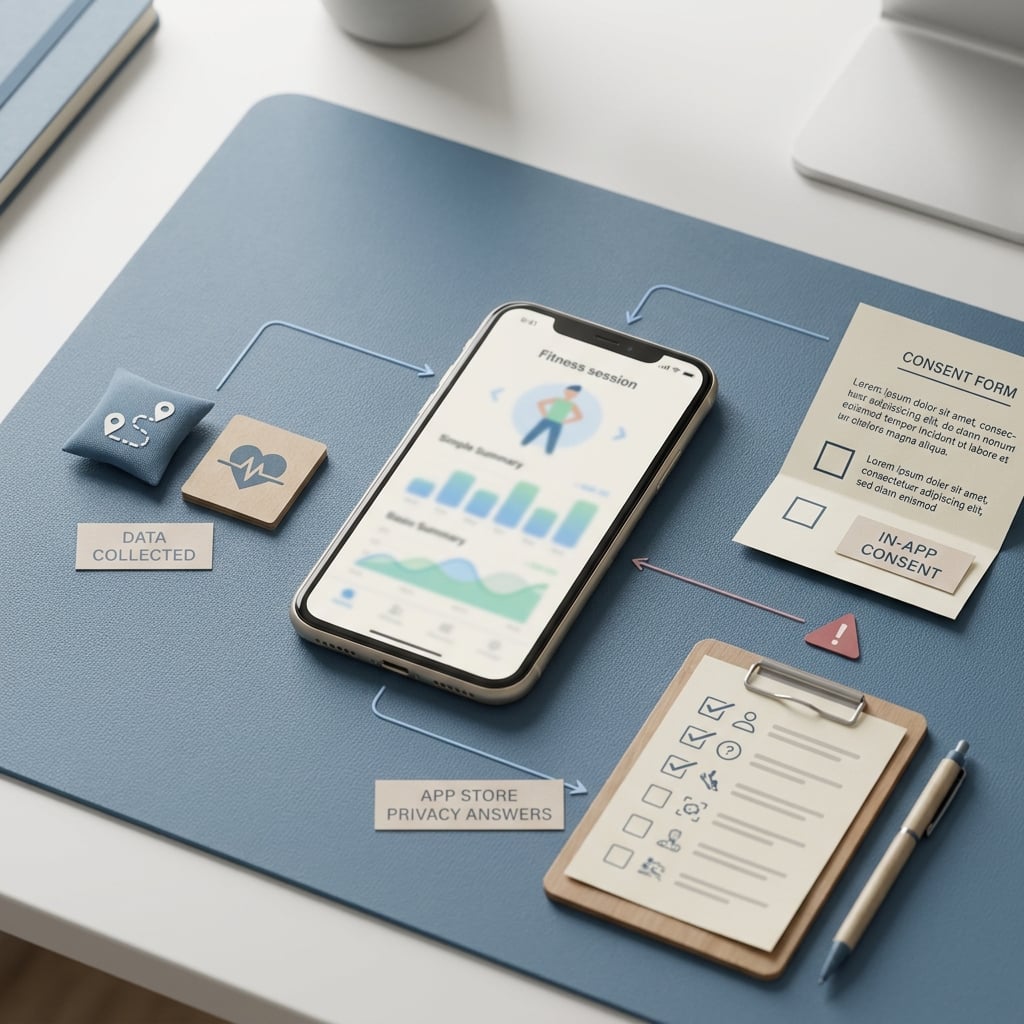
A compact callout visual showing the three common mismatch points for a fitness app submission: collected workout and location data, in-app consent text, and App Store Connect privacy answers.
Fitness apps get extra scrutiny because common features can imply sensitive collection: health signals, location history, and activity patterns. Reviewers typically compare your on-device behavior, what your servers receive, and what you declare in App Store Connect (App Privacy Details, App Review Guidelines).
Common flagged areas:
- HealthKit and health metrics (workouts, heart rate, activity)
- Location and location history (routes, background updates)
- Motion and fitness signals (steps, activity classification)
- Account identifiers (email, subscription IDs)
- Embedded SDK collection (analytics, attribution, subscriptions)
One thing worth noting: some SDKs add fields or identifiers by default, and documentation can lag versions. Also, network captures might not reveal vendor-side enrichment (for example, server-side joins), so treat validation as risk reduction, not proof of zero collection.
When you move from outline to execution, How to Fix App Store Guideline 5.1.1 Privacy Rejection helps close common gaps teams hit here.
How does a fitness app stay aligned with privacy disclosures?
The core goal is consistency: what the app does, what the user is told, and what you disclose should describe the same reality. When those diverge, you can end up in a loop of copy edits, metadata updates, and sometimes a new binary.
Typical failure modes:
- SDK default collection or drift: an SDK update starts sending new fields you did not map.
- TLS pinning blocks verification: proxy tools cannot see payloads, so you rely on backend logs and vendor docs.
- Background entitlement mismatch: you request "Always" or background location but only justify foreground use.
- Reviewer cannot reach the flow: paywalls, login walls, or empty states block the feature that explains why HealthKit or location is needed.
Tradeoff: delaying permissions and tightening prompts usually improves review posture and user trust, but it can reduce early funnel conversion. Many teams accept a small activation hit to lower rejection risk and support load, especially around launches.
Privacy pre-flight worksheet
Use this with your release checklist to reduce mismatch risk before submission.
Get the worksheet
A complementary angle worth comparing lives in Privacy Made Simple: Map Your App Data Flows in 30 Minutes.
How do you prepare a fitness app for App Store privacy review?
Category: Prevention
Statistic: 64%
Label: Issues caught pre-submit
Context: With an internal QA pass
Category: Timeline
Statistic: 72 hrs
Label: Typical review delay
Context: When issues need a second pass
Category: Data scope
Statistic: 4 sensitive signals
Label: Fitness apps often collect
Context: Health, motion, location, and device identifiers typically trigger more detailed privacy declarations
1. Build a data inventory before you open App Store Connect
List your real data types
Include derived data, not just obvious fields: workout logs, routes, step counts, heart rate, age or weight (if collected), email, crash logs, device identifiers, and computed scores.
Map the lifecycle and owners
For each item, note collection source (device, HealthKit, wearable), storage (on-device, backend), sharing (analytics, attribution, support), and deletion or retention. Capture the exact SDK or vendor and an internal owner so someone can answer reviewer questions quickly.
Convert the map into disclosures
Use the map to fill App Store Connect privacy details so your disclosures reflect the shipping build, not intentions. This reduces mismatch risk against Apple’s App Privacy Details, but reviewer judgment can still vary.
Realistic effort: plan 2-6 hours for a first pass if you have multiple SDKs and a backend event pipeline, plus 1-2 hours to reconcile disagreements across product, engineering, and marketing. If the inventory triggers code changes, the timeline is usually gated by engineering and QA, and it can push a release if you are late in the cycle.
2. Verify what the app and SDKs actually transmit
This is where teams find gaps between "what we think we collect" and "what gets sent." Use at least one method, and two if third-party SDKs are a big part of your stack.
| Method | What it catches well | Common blind spots |
|---|---|---|
| Xcode Privacy Report | Accessed API categories during test runs | Does not show all payload fields or vendor-side joins |
| Network proxy (Charles, Proxyman) | Outbound payload fields, endpoints, frequency | TLS pinning, encrypted blobs, server-side enrichment |
| Backend log sampling | Real event payloads at ingestion | Misses client-side collection not transmitted yet |
Decision point: if you see precise location, device IDs, or tracking-like identifiers, pick one path and document it:
- Limit or remove collection (lower risk, potentially weaker analytics or fraud detection)
- Gate behind a clear feature and consent (better necessity story, more UX work)
- Disclose clearly and accept it (fastest, but can raise trust and review questions)
3. Align permission prompts and purpose copy to the feature path
Reviewers usually respond better when prompts are tied to a visible benefit. In practice, ask for location when starting a route, and ask for HealthKit when the user chooses "Sync with Apple Health."
Pitfalls to avoid:
- Asking for HealthKit, motion, and location on first launch "just in case"
- Generic purpose strings ("improve your experience") instead of specific use ("track runs on a map")
- Initiating collection before the user reaches the consent screen (even briefly)
Risk note: background services, SDK initialization, cached permissions, or race conditions can create early signals. Test a true fresh install on a clean device and record the first-run flow; do not rely on simulator-only behavior.
4. Add reviewer-ready notes and a usable demo path
If a reviewer cannot access the relevant flow, they cannot validate your disclosures. Provide:
- A demo account or a clear skip path past onboarding and paywalls
- Review notes explaining why HealthKit or location is needed and when prompts appear
- A settings screen where users can disable tracking features without breaking navigation
Expected effort and dependencies (typical):
- People: 1 PM or QA lead to coordinate, plus 1 engineer for SDK verification and prompt timing
- Time: 2-6 hours for the first complete pass; 30-90 minutes per iteration once the map exists
- Dependencies: App Store Connect access, vendor documentation, and either proxy visibility or backend logs
For tradeoffs, checklists, and edge cases, App Store Privacy Nutrition Labels Explained Simply rounds out this section.
Where fitness apps usually fail privacy review, and the final submission checklist
Mistake patterns that trigger avoidable rejection
- Vague location prompts without a clear purpose (route mapping, safety features, nearby gyms) can lead to requests to revise copy.
- Privacy details that omit data collected by embedded SDKs (analytics, attribution, subscriptions) can create a mismatch against App Privacy Details.
- Over-requesting permissions at first launch can weaken necessity arguments under the App Review Guidelines and can increase user opt-out rates.
Pre-flight checklist before you hit submit
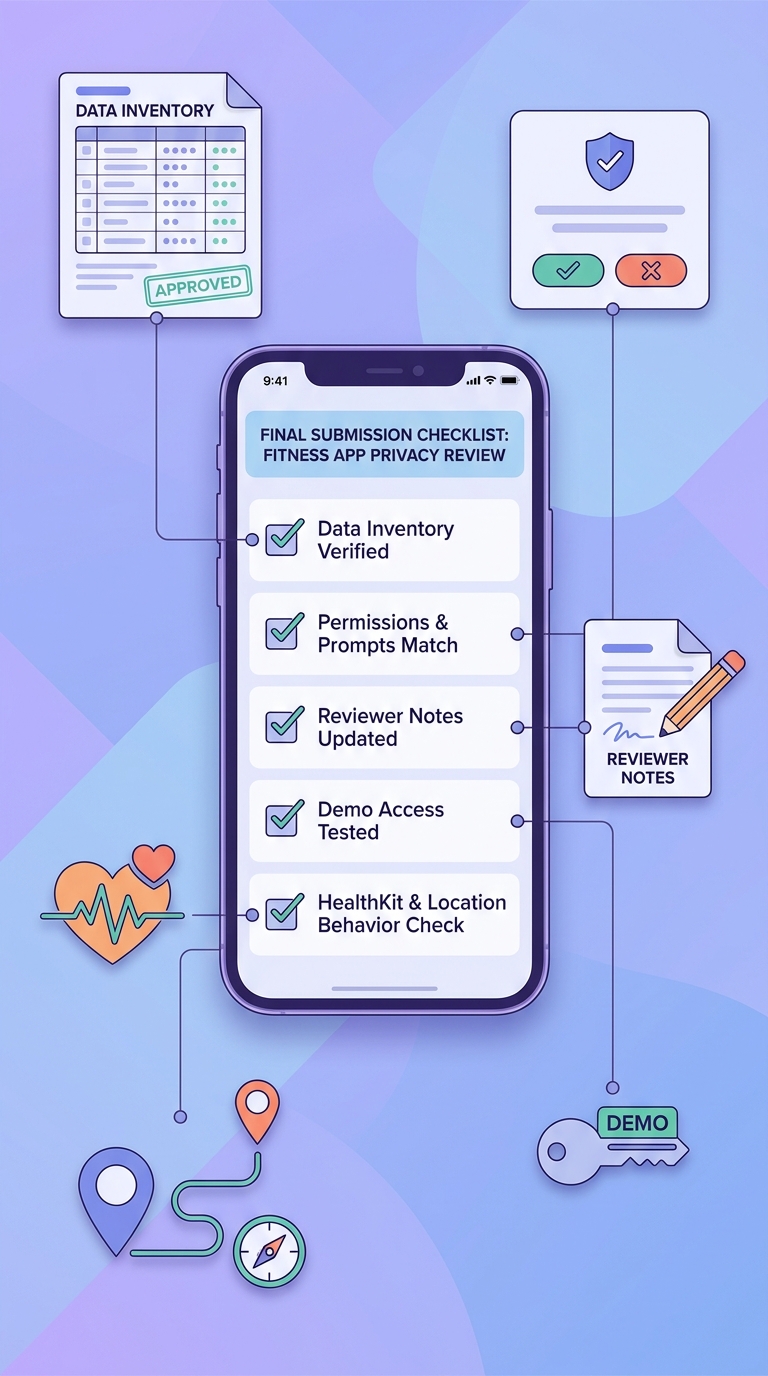
A mobile-friendly checklist block for the final pre-submit pass, including data inventory check, permission prompt review, reviewer notes, demo access, and HealthKit or location verification for a fitness app.
| Check | How to validate quickly | If it fails |
|---|---|---|
| Data map matches reality | Proxy capture or backend sample vs inventory | Update disclosures, reduce fields, or change SDK config |
| Prompts match feature timing | Fresh install screen recording | Delay prompts, rewrite purpose strings, add pre-permission screen |
| Reviewer can verify | Demo account + clear path in review notes | Add skip paths, seed demo data, or include step-by-step notes |
| App Store Connect answers align | Cross-check labels vs SDK list | Expect metadata questions or a resubmission if inconsistent |
Constraint to plan for: some fixes require a new build (prompt timing, entitlements, SDK configs, collection logic). If you change privacy behavior close to launch, assume at least one extra QA pass and build review cycle, and keep marketing dates flexible.
Release gate checklist
Assign an owner for the data inventory, prompt copy, and App Store Connect answers so privacy review becomes a repeatable step, not a last-minute scramble.
Share the checklist
How to Publish Your Dreamflow App: Store Submission Done Right reframes the same problem with a slightly different lens - useful before you finalize.


