
Mobile app teams pick Backend-as-a-Service to ship faster, then run into costs and constraints that only show up after launch: pricing tied to reads and writes, offline edge cases, store-compliant auth flows, and migration pain if you outgrow the first choice. This ranking compares the BaaS tools mobile teams actually shortlist, then translates the evidence into practical tradeoffs for launch speed, reliability, and long-term control. By the end, you will know which platforms are worth evaluating first for your app, plus what you are implicitly signing up for in time, money, and ongoing ops.
Top 7 Tools to Build Your App Backend Without Code goes deeper on the ideas above and adds concrete next steps.
Early proof
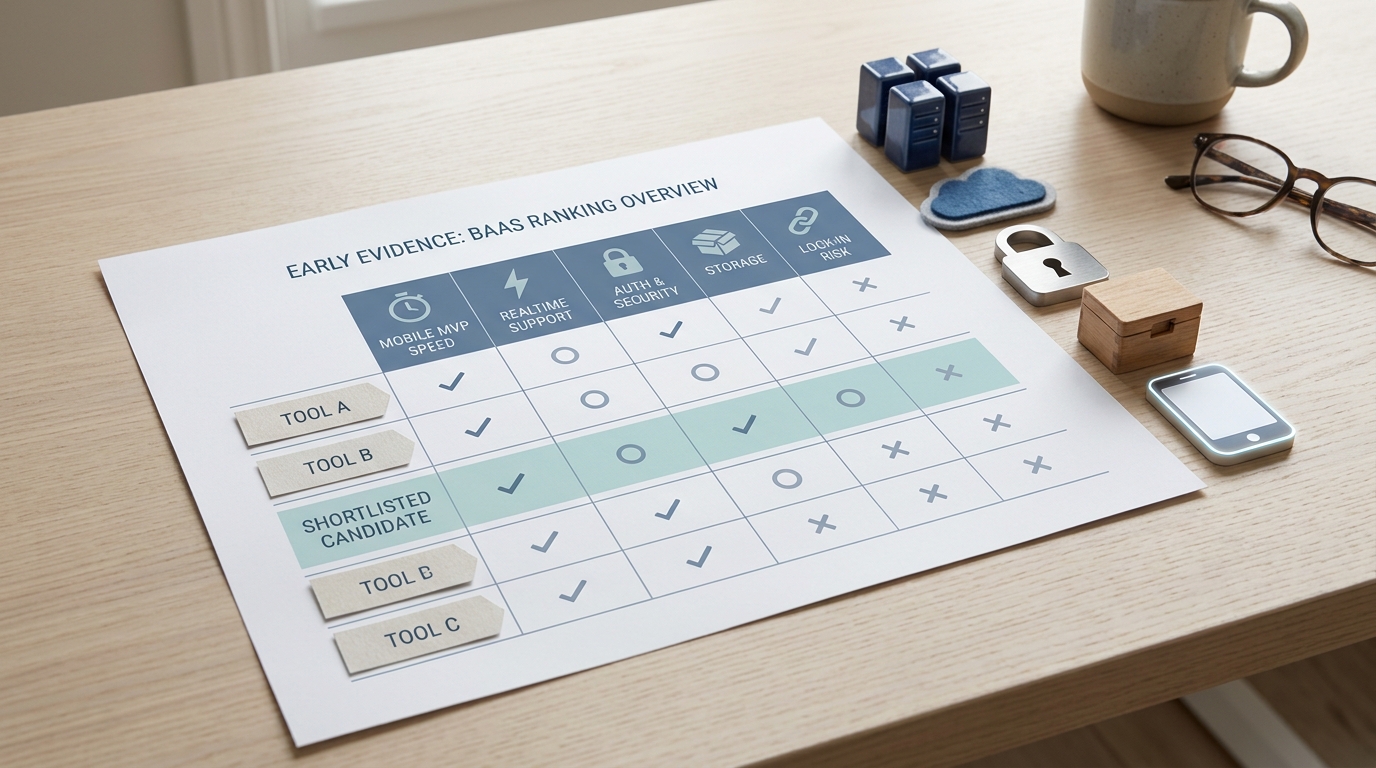
A compact comparison table showing the top backend-as-a-service tools for mobile apps, with columns for mobile MVP speed, realtime support, auth, storage, and lock-in risk to establish the article's ranking logic early.
| Proof item | What we saw in 2026 roundups | What it suggests for mobile teams |
|---|---|---|
| Repeated shortlist across sources | Firebase, Supabase, Appwrite, Back4App, and AWS Amplify appear consistently, with Convex and Xano increasingly mentioned for fast iteration (Cotera, Back4App, Spawned) | You probably only need to seriously test 2-3 options. The differentiator is fit-to-workflow, not novelty. |
| Mobile time-to-first-production gap | The separator is getting real mobile flows working: login, access control, reads-writes, push, and a basic server hook | Expect meaningful differences in integration time, usually 3-10 working days for a small team. Heavier permission models or offline requirements can push this to 2+ weeks. |
| Control versus convenience shows up early | Self-hostable options often trade some initial speed for portability and deeper control | If you anticipate compliance reviews, custom workflows, or vendor constraints, budget extra setup time and ongoing operational work (monitoring, upgrades, incident handling). |
This is not a performance benchmark. It is a synthesis of which platforms repeatedly show up in current comparisons and what those sources emphasize as mobile-critical gaps.
- Interpretation: Use the ranking below as a proxy for execution risk in your first release cycle. If two options are close, run a short spike instead of debating features.
- Impact: You can focus evaluation on a handful of likely fits, then validate the high-risk parts (auth, access control, offline, and costs) before your client code hardens around one platform.
When you move from outline to execution, Top 7 API Tools That Make Mobile Development Faster helps close common gaps teams hit here.
What are the best BaaS tools for mobile apps, and what did we rank them on?
This ranking is for mobile product teams that need to ship, iterate, and stay aligned with App Store and Google Play realities. The goal is to reduce backend setup for common needs (auth, database, file storage, push, and some server-side logic) without pretending you get free engineering. Even with BaaS, you still spend real time on data modeling, access control, and debugging client-server behavior under real networks.
What this covers and does not cover:
- Focused on BaaS used directly by mobile apps, not fully custom backend stacks.
- Assumes typical app needs: auth, data, storage, messaging, and functions.
- Pricing, quotas, regions, and SDK maturity change, so recheck before committing.
- Scores are directional. Your results depend on your data model, permission rules, and user geography.
- If you need regulated compliance, multi-region, or on-prem constraints, expect the ranking to shift and timelines to lengthen (due diligence and reviews take time).
Criteria used (and what it costs in real time):
Integration speed
How quickly a small team can get first login + secure read-write working on iOS and Android, including access control and basic error handling. For many teams, this is 3-10 working days, not a single afternoon.
Mobile SDK quality
SDK stability, docs, community examples, and how often you hit edge cases (backgrounding, flaky networks, app updates). Lower-quality SDKs cost you time in subtle bugs and support load.
Realtime and offline fit
How realtime subscriptions behave and what breaks under bad connectivity. Offline support is rarely free and often forces product decisions about conflicts and user messaging.
Auth and compliance readiness
Store-friendly flows, secure token handling, and permission models that do not push sensitive logic into the client. If you have SSO or enterprise requirements, factor in extra implementation and security review time.
Scalability and lock-in risk
How painful it is to migrate later: moving auth users, rewriting access rules, changing queries, replacing realtime listeners, and reworking server hooks. Many teams can move data; fewer can move behavior quickly.
A complementary angle worth comparing lives in Top 10 Mobile App Development Tools You Need in 2026.
Which backend-as-a-service platforms are best for mobile apps?
Rubric: High usually means most teams can ship a solid v1 quickly with fewer workarounds. Medium means it works, but expect extra setup or gaps for common mobile patterns. Low means more custom work for a typical mobile app.
| Rank | Platform | MVP shipping speed | Realtime depth | Migration friction | Best fit signal |
|---|---|---|---|---|---|
| 1 | Firebase | High | High | Medium-High | Consumer mobile, push-adjacent workflows, fast iteration |
| 2 | Supabase | High | Medium | Medium | SQL-first teams, CRUD-heavy apps, clearer data access |
| 3 | AWS Amplify | Medium | Medium | Medium | AWS-native orgs, existing IAM and tooling |
| 4 | Appwrite | Medium | Medium | Medium-Low | Self-host control, portability, infra ownership is acceptable |
| 5 | Back4App | Medium | Medium | Medium | Managed Parse workflows, teams familiar with Parse patterns |
| 6 | Convex | Medium | High | Medium-High | Realtime product experiences, tight client-server loop |
| 7 | Xano | Medium | Low-Medium | Medium | API-first backends, lighter client coupling |
This is a fit snapshot for mobile teams, based on what sources repeatedly shortlist and how these products typically behave in delivery. The practical dependency is your team: if no one owns access control, cost monitoring, and incident response, even the best platform will feel painful.
Want a quick shortlist and evaluation plan?
I can help you pick 2 platforms to test and define pass-fail metrics for your app (auth, rules, offline, cost).
Get the shortlist
For tradeoffs, checklists, and edge cases, Top 5 App Security Tools for Mobile Developers Ranked rounds out this section.
How do the top BaaS tools compare for mobile apps?
Category: Speed
Statistic: 1 - 2 days
Label: Typical MVP backend setup
Context: BaaS accelerates auth, data, and APIs for mobile launches
Category: Risk
Statistic: 2 - 6 weeks
Label: Estimated migration effort range
Context: Higher when switching data model (SQL ↔ NoSQL) or moving off managed services
Category: Landscape
Statistic: 6+ platforms
Label: Top mobile BaaS options
Context: Firebase, Supabase, Appwrite, Back4App, AWS Amplify, plus newer tools (e.g., Convex, Xano)
Fast BaaS mainly means the happy path is paved. Your timeline still depends on permission complexity, offline expectations, and how many screens touch shared data (feeds, search, notifications, admin tooling). A simple app can reach a credible v1 in 1-2 weeks; a marketplace or moderated community often takes longer even on the fastest option.
A compact comparison of what changes your build:
| Dimension | Firebase-style (tighter platform) | Supabase/Appwrite-style (more portable) |
|---|---|---|
| Data model | Often NoSQL-first patterns | Often SQL-first (or self-hostable services) |
| Offline and realtime | Strong defaults, but can drive usage-based cost | Varies; more control, sometimes more setup |
| Exit path | Can require larger client rewrites | Usually clearer export/self-host options (still not painless) |
One thing worth noting: portable does not mean painless. Even with export tools, you may still rewrite client queries, rebuild listeners, and re-validate security assumptions.
Operational risks to plan for (common failure modes and mitigations):
- Access control mistakes (data exposure): Misconfigured rules or policies can leak data because mobile clients are untrusted. Mitigation: build one protected feature end-to-end, add negative tests (unauthorized reads and writes), and do a rules review before launch.
- Cost spikes from chatty queries and realtime listeners: Feed screens and subscriptions can multiply reads and writes. Mitigation: instrument read and write counts early, set budget alerts, and test with realistic session lengths.
- Offline conflicts and duplication: Offline queues can cause out-of-order updates, duplicates, and confusing merges. Mitigation: decide conflict strategy up front (last-write-wins, server authority, or merge) and test airplane mode plus background-resume on your riskiest flow.
How can you validate a BaaS choice in a realistic 1-week spike?
Use a time-boxed spike to avoid feature-tour decisions. This is realistic for 1-2 engineers if your UI is already in place and you are not doing a full compliance review in parallel. If you need a new schema, a new permission model, or legal/security sign-off, plan closer to 2 weeks.
Day 1-2: Auth + one protected data model
Implement sign-in, one protected collection/table, and minimum access rules/policies. Track how debuggable failures are (logs, local emulators, error surfaces), not just that it works once.
Day 3: One risky scenario (realtime or offline)
For chat: subscriptions, ordering, reconnect, and duplicate prevention. For offline: queued writes, retries, and conflict behavior. Test background-resume and poor network, not just strong Wi-Fi.
Day 4: Cost and quota sanity check
Estimate monthly reads, writes, storage, and egress from expected usage. Treat this as directional, then set alerts and limits where supported. If your app has an infinite scroll feed, test a realistic browse session.
Day 5: Ops and exit check
Validate export paths, local dev tooling (for example Firebase Emulator Suite, Supabase CLI), and what migration would mean for auth users, access control, and client queries. Also confirm how you will handle secrets, environment config, and key rotation.
Recommended metrics: time-to-first-login, p95 API latency from target regions (rough checks are fine), crash-free sessions after integration, projected monthly read/write totals, and the number of platform-specific patterns you had to adopt.
Which BaaS should you choose for your mobile app?
A simple selection rule by app type:
- If speed to MVP matters most (habit tracker, content app): Start with Firebase or Supabase. Expect real work in schema design and access rules, but the end-to-end path is usually smoother.
- If realtime collaboration is core (chat, multiplayer, live ops): Favor platforms with strong realtime primitives. Budget time for reconnect, ordering, offline behavior, and abuse controls (rate limits and moderation) because that is where user trust is won or lost.
- If you need backend control (marketplace, complex workflows): Favor SQL and clear boundaries (often Supabase, or an API-first approach), or self-host only if you can support it. Self-hosting can reduce vendor risk, but you trade it for patching, monitoring, and on-call responsibility.
Ready to make this decision with less guesswork?
Run the 1-week spike on your top 2 options, then pick based on measured friction: auth, rules, offline, and cost.
Use the spike checklist


