
If your EdTech app depends on video, the hard part is not getting a stream to play. It is delivering live classes with workable latency, on-demand lessons that start fast on weak networks, and the controls schools expect like captions, content protection, and audit-friendly analytics. Many SDKs and platforms look similar until you hit security review, device QA, or classroom edge cases. The goal here is to help you shortlist realistic options, and to surface the operational work early so you can plan it instead of discovering it mid-launch.
Early proof: the shortlist logic in one view
| What typically breaks in EdTech video (directional) | What "good" looks like | What you usually need to implement (and time) |
|---|---|---|
| Students cannot join live sessions on school Wi-Fi | High join success rate, fast reconnect, fallback to a more stable mode | Low-latency pipeline plus fallbacks, resilient player, error telemetry (often 1-2 weeks to validate across networks) |
| Buffering spikes on mixed devices | Low rebuffer rate across Android, iOS, Chromebooks | ABR ladder tuning, CDN coverage, device QA matrix (usually several days, then ongoing per release) |
| Support cannot tell if it is content, network, or app | Per-session analytics segmented by device, region, player errors | Instrumentation (for example Mux Data), dashboards, alerting, runbooks (often 2-5 days to get usable) |
| Compliance and security reviews stall launch | Signed playback, access controls, audit logs | Security review lead time (commonly 1-3+ weeks), token auth, DRM if needed |
Explanation: Most EdTech teams lose time to join failures, buffering, and unclear root causes, not a lack of theoretical video quality.
Interpretation: Managed platforms can reduce time-to-first-class by bundling playback, recording, and tooling, while API-first infrastructure (for example Mux) is a better fit when you need deeper product integration and analytics control (Mux Features); live-class-first products prioritize low-latency delivery and classroom operations (Fermion Live-Streaming for EdTech).
Reader impact: Expect a speed vs control tradeoff, plus practical blockers like district privacy reviews, content retention rules, and real device/network QA.
7 Breakout Android Apps Making Waves in June 2026 goes deeper on the ideas above and adds concrete next steps.
What makes the best video streaming solution for EdTech apps?
Category: Fit
Statistic: Lowest latency
Label: Live tutoring & Q&A
Context: Choose low-latency live streaming when real-time interaction matters
Category: Speed
Statistic: Fastest to ship
Label: Recorded courses & VOD
Context: Managed video APIs simplify encoding, playback, and delivery at launch
Category: Control
Statistic: Most control
Label: Hybrid classrooms & custom teams
Context: Custom/open-source stacks increase flexibility but raise engineering effort
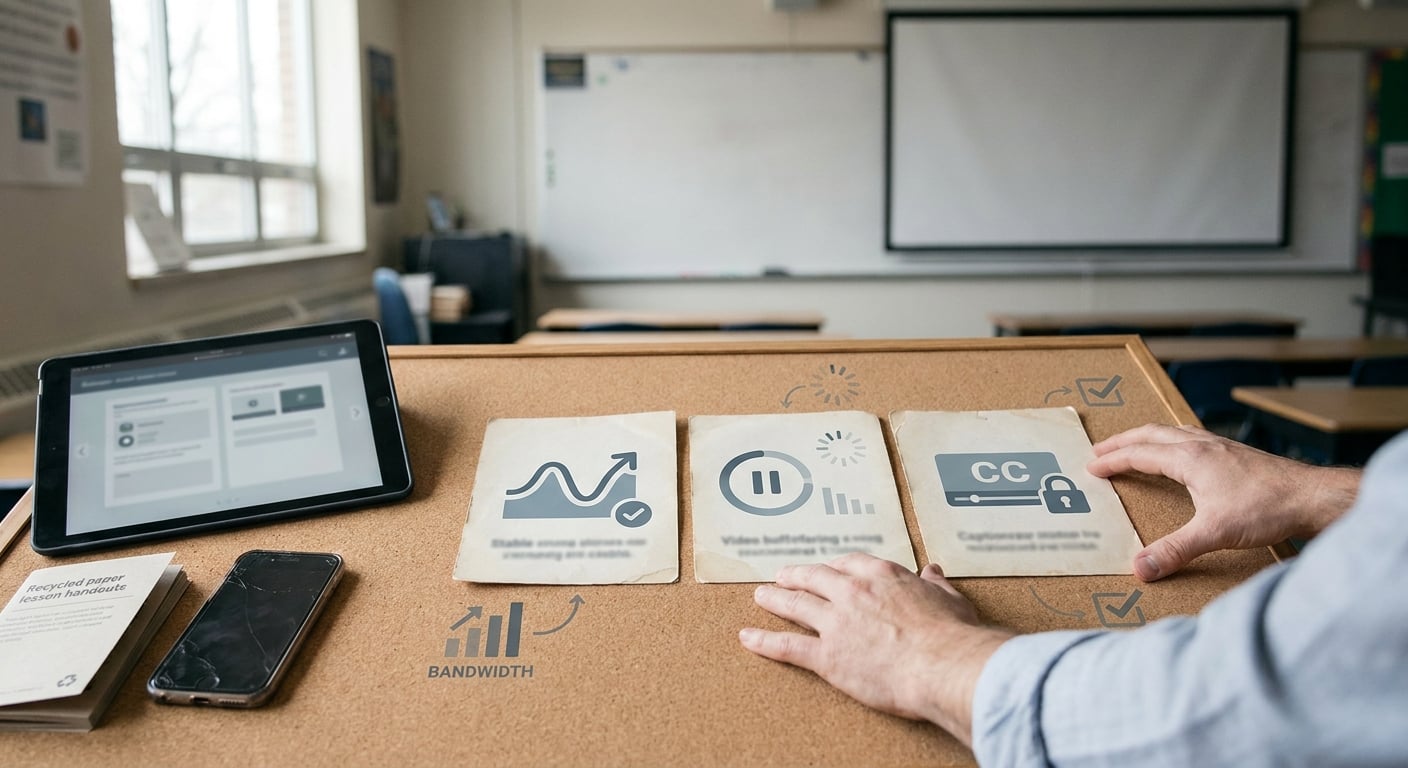
A compact proof callout summarizing the three decision drivers for EdTech video delivery: classroom reliability, mobile playback on weak networks, and learner controls like captions and DRM.
Here is the thing: "works on my laptop" is not the bar. In practice, EdTech video succeeds when it behaves predictably across school networks, mixed devices, and compliance expectations.
- Live class latency vs resilience: Lower latency can improve turn-taking, but it is often less forgiving on constrained Wi-Fi. Look for reconnect behavior, recording, and a fallback mode for locked-down environments.
- Playback on Chromebooks and older phones: ABR and player quality matter more than 4K. One dependency to plan for is hardware decode limits on some Chromebook models, which can force you to adjust renditions and max bitrates.
- Accessibility and captions: Captions are frequently required, but accuracy still needs QA (STEM terms, names, accents). If you promise captions, you may also need a captioning SLA and an escalation path when they fail.
- Security and auditability: Signed playback, access controls, and logs are common asks. Timeline varies widely with district privacy reviews, vendor security questionnaires, and data retention policies.
- Diagnosability: Analytics and error telemetry reduce mean time to resolution, but only if someone owns dashboards, alerting, and a basic runbook.
When you move from outline to execution, 7 AI Video Editing Apps That Make You Look Pro Instantly helps close common gaps teams hit here.
Which video streaming option is best for your EdTech operating model?
Quick-fit comparison by EdTech operating model
| Operating model | Best-fit solution type | Typical time-to-first-production (estimate) | Key risks and constraints |
|---|---|---|---|
| Live tutoring, cohorts, instructor-led sessions | Live-class-first platform (for example Fermion) | 1-4 weeks | Less freedom for deep UX customization; moderation and recording workflows still need QA; school networks can surprise you (Fermion Live-Streaming for EdTech) |
| Recorded lessons, searchable library, reuse across cohorts | API-first video infrastructure (for example Mux) | 2-6+ weeks | More engineering and on-call responsibility; auth and player edge cases take time (Mux Features) |
| Need to ship quickly with minimal video ops | Managed video platform | 1-3 weeks | Less control; costs can rise with usage; vendor outages and roadmap dependencies |
| Highly customized learning platform with senior video engineers | Infra or open-source core | 6-12+ weeks | Highest maintenance burden; harder QA and incident response; long-tail device issues |
One thing worth noting: timelines above assume you already have app release pipelines and basic observability. If compliance scope is heavy (minors, district procurement, SSO, retention), add lead time for reviews and rework.
Talk to Fermion about low-latency live classes
Get a practical recommendation for your format (tutoring, cohorts, webinars) and what it takes to launch safely (QA, moderation, recording, and admin controls).
Explore Fermion live streaming
A complementary angle worth comparing lives in AI Remix Apps Taking Over the App Store in 2026.
What to expect from each category (without the hype)
Managed video platforms (fastest launch)
You typically get hosting, playback, recording, captions, and admin tooling out of the box. Realistically, allow 1-3 weeks for integration, player UX alignment, device QA, and at least one security review cycle. The tradeoff is less control over player behavior and backend workflows, and pricing often becomes more sensitive as usage grows.API-first video infrastructure (best for custom products)
Developer-first services like Mux provide APIs for encoding, playback, delivery, and analytics you embed into your stack (Mux Features). Plan 2-6+ weeks, longer if you have complex entitlements, SSO, LMS integration, or custom reporting. The upside is tighter product integration, but you still own integration bugs, incident response, and the hard edges of school networks.Live-class-first platforms (best for tutoring and cohorts)
Tools tuned for low-latency video plus interaction and facilitation features can reduce "classroom ops" work (see Fermion Live-Streaming for EdTech). Expect 1-4 weeks to integrate, validate moderation workflows, and test recordings and replays. The tradeoff is that deeply custom analytics and UX may be harder than with an API-first build.
For tradeoffs, checklists, and edge cases, How to Create App Preview Videos for App Store rounds out this section.
How should an EdTech app choose the right streaming solution?
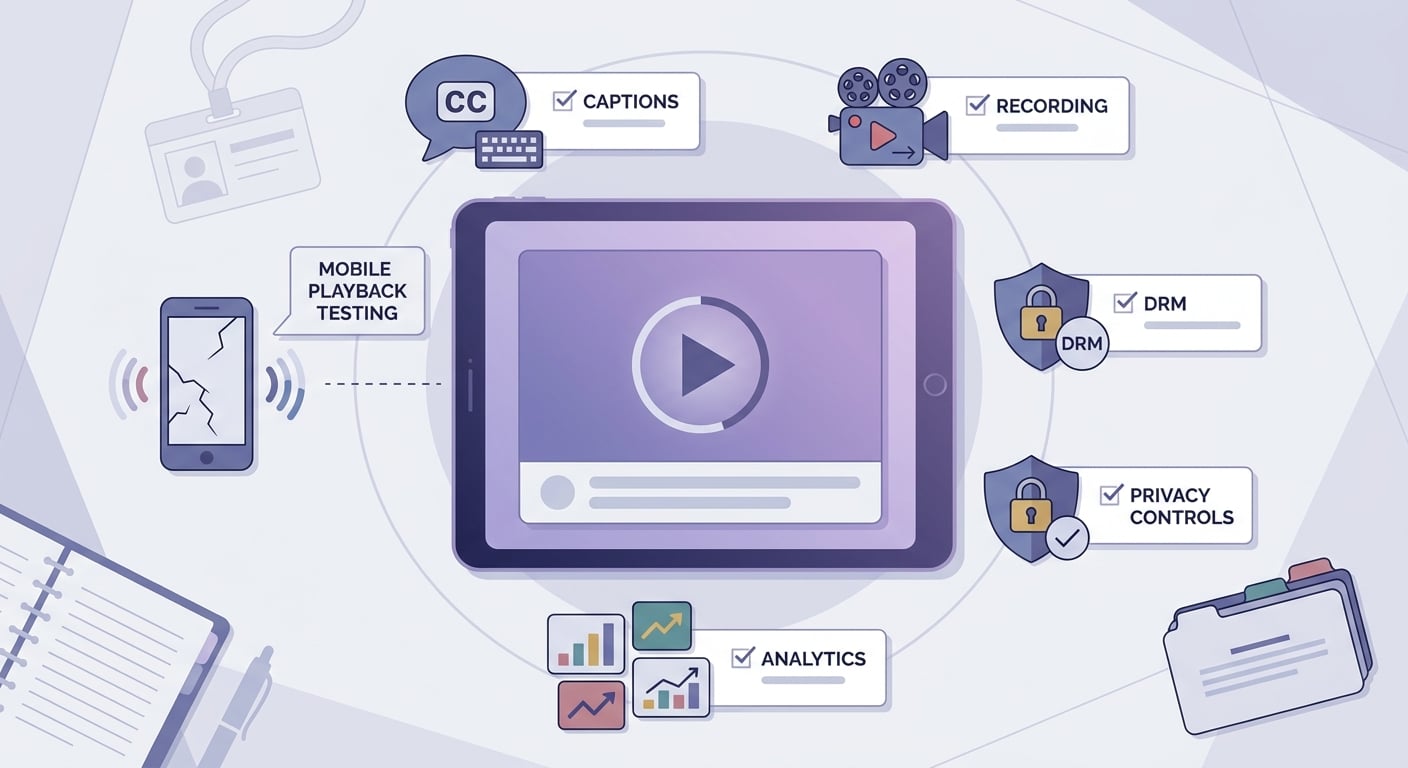
A pre-launch checklist block for EdTech teams covering mobile playback testing, captions, recording, DRM, privacy controls, and analytics before choosing a streaming solution.
A practical workflow: instrument first, then tune what students feel
Define 3 reliability targets (before debating vendors)
Pick targets you can measure and act on. A common set is VOD startup time, rebuffer rate, and live join success rate.
Instrument playback analytics and error telemetry
For example, enable Mux Data and tag sessions by device family, app version, and region (and by school or district only if privacy policies allow). Expect a few hours to a couple of days to get clean, trustworthy dimensions and baseline dashboards.
Set alerts and a lightweight runbook
Alert wiring can be quick, but a usable runbook usually takes a couple of iterations after real incidents. Plan time for ownership, including who gets paged during live classes and what "stop the bleeding" action is acceptable (cap bitrate, switch profiles, fail over).
Concrete mini-example: one alert rule + response steps
| Item | Practical starting point | First response checks (10-30 minutes) |
|---|---|---|
| Alert: rebuffer spike on Chromebooks | Trigger when rebuffer rate exceeds your baseline by +1.0 percentage point for Chromebook sessions over 15 minutes | 1) Correlate with a new app release or player config change. 2) Check CDN status by region. 3) Compare bitrate ladder/rendition availability. 4) Validate token auth and clock skew issues. 5) If needed, temporarily cap max bitrate or switch to a more conservative ABR profile. |
Compare Mux for VOD and analytics-driven streaming
See how an API-first approach fits if you need custom UX, strong analytics, and control over encoding and delivery workflows.
Review Mux features
Top 3 Alternatives to TestFlight for Beta Testing reframes the same problem with a slightly different lens - useful before you finalize.

