Use the Google Play "What’s new" field as a deliberate conversion lever: teams often treat it like a changelog, which dilutes discovery messaging and slows releases. After reading you'll have a short checklist and a 2-4 week experiment plan to test CTR and install lift, plus realistic effort and risk notes.
| Platform | Visible snippet in discovery | Suggested first-line hook length |
|---|---|---|
| Google Play | Often shows only the first line or first 80-120 characters in discovery flows | 80 characters (benefit-focused) |
| App Store | Shows more of the "What’s New" area on many surfaces | Align short description (80 chars) and use longer details in full notes |
| Practical test signal | CTR and install CVR typically reflect the visible snippet behavior | Test changes for 2-4 weeks to collect stable signal |
Explanation: this table highlights where wording matters and where to invest editing time.
Interpretation: on Play, the first 80-120 characters act like a micro-headline and should state the single biggest user benefit.
Business impact: expect modest, variable uplifts in CTR and installs by category and traffic; run experiments rather than assuming large gains.
App Name, Subtitle, and Keywords: ASO Guide for First Launch goes deeper on the ideas above and adds concrete next steps.
Why lead with an 80-character benefit hook instead of a changelog?
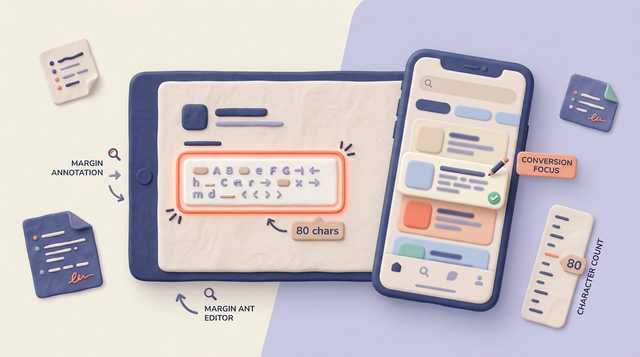
Make the first ~80 characters of Play "What’s new" a conversion-focused headline rather than a full changelog.
What this means in practice: write one clear benefit line, keep supporting lines short, and move detailed technical notes to a canonical changelog outside the store listing. The tradeoff is extra maintenance for that external changelog and potential longer review cycles if you translate many locales.
When you move from outline to execution, Google Play Short Description: Examples and Checklist helps close common gaps teams hit here.
How do I run a Store Listing Experiment with an 80-character hook?
Run a controlled Store Listing Experiment for 2-4 weeks comparing your current release-note snippet to a benefit-first variant.
In practice: A short experiment will show directional signal on CTR and installs, but noise is common. Rule of thumb for basic test power: aim for roughly 1,000 installs per variant or about 20,000 impressions per variant to detect a 2-5% relative uplift; if you cannot reach that, extend duration or pool similar markets.
A complementary angle worth comparing lives in What are the rules for keywords in App Store?.
What are Google Play release notes limits and visible surfaces?
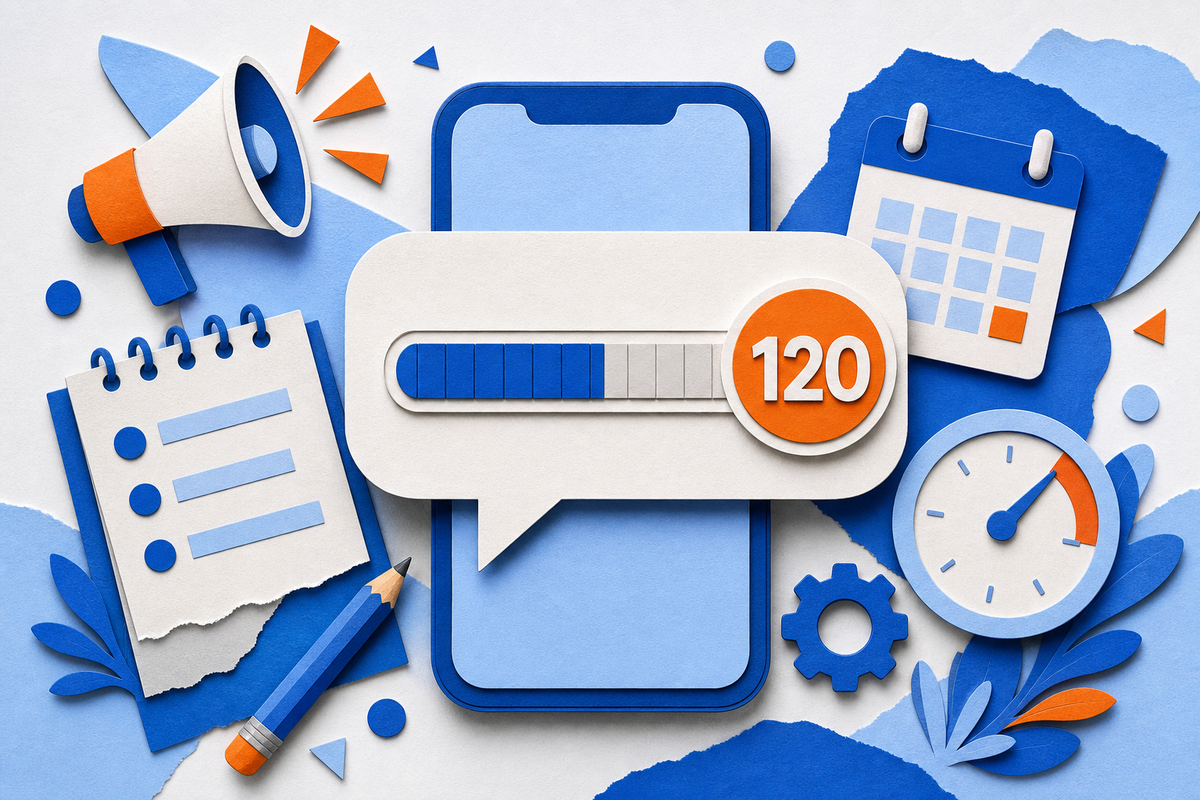
Play discovery surfaces often show only the first 80-120 characters, so prioritize that window as the headline area.
Short description (80 chars) and full description (~4,000 chars) serve different roles: align the 80-char headline with the short description; use the full description for SEO and detailed info. Localization and legal review add time and may constrain phrasing.
For tradeoffs, checklists, and edge cases, How much does it cost to publish your app on the Google Play Store? rounds out this section.
How to edit and publish release notes in Play Console

A step-flow diagram showing: Open Play Console → Select App & Track → Create Release → Edit 'What’s new' per language → Preview listing → Staged rollout / Experiment → Monitor CVR/retention - annotated with where to add translations and where to preview snippet.
Open the Play Console and choose your app
Go to Release - Production (or your target track) and click Create Release.
Edit the "What’s new" field per language
Paste per-language release notes and use the Console counter or a plain editor to keep within limits.
Preview the store listing
Use Console preview and check on real devices or emulators to confirm truncation behavior.
Roll out the release
Use a staged rollout to limit exposure while testing messaging and catch issues early.
App Store Connect vs Google Play Console: Key Differences reframes the same problem with a slightly different lens - useful before you finalize.
How to measure impact and set a test
Run a Store Listing Experiment comparing baseline vs benefit-first hook, measure listing CTR, installs, and short-term retention.
Metrics and rules: track listing CTR, installs attributed to the listing, and 7-day retention. Use Firebase or your analytics to tag source. Expect to iterate over 1-3 releases; require consistent, directional gains before standardizing across markets.
Practical effort and risk notes
A single-language wording change typically takes under an hour for a writer to draft and an engineer or PM to push. Translating 5+ locales and running legal reviews can add 1-5 business days depending on workflows.
Risks and dependencies: legal or compliance sign-off can delay rollouts, and translations or localized approvals are common bottlenecks. Uplifts are usually small and noisy; low-traffic listings may need longer tests or pooled markets to reach usable power.
Strategic implications, counter-arguments, and an executable checklist

A compact checklist block with items: craft 80-char hook, compress supporting points, localize priority languages, preview per-locale, run Store Listing Experiment, instrument analytics, and plan staged rollout - each item with a one-line reasoning or expected outcome.
Optimize release notes for conversion where it matters, while balancing transparency, localization overhead, and compliance.
Common objections and mitigations:
Objection: We need a full changelog for transparency.
Mitigation: publish a canonical changelog on your site or in-app and link to it from support or an in-app banner.Objection: Translations slow releases.
Mitigation: prioritize top markets, use plain phrasing that translates quickly, and add a 24-48 hour buffer for reviewer time.Objection: Policy or compliance limits phrasing.
Mitigation: include a compliance sign-off step in the release checklist and avoid absolute marketing claims.
Practical pre-release checklist
Write the 80-character hook
State the single biggest user benefit clearly; aim for readability on small screens.
Compress supporting lines
Keep 2-3 short sentences or bullets that fit remaining characters per language.
Localize priority locales first
Translate and review top markets; add a 24-48 hour buffer for reviewer time.
Preview on device and run a staged rollout
Confirm truncation behavior and limit exposure while testing.
Measure and iterate
Run the Store Listing Experiment for 2-4 weeks, review metrics, and iterate across 1-3 releases.
Pitfalls and edge cases
Legal and regulatory wording requires early review to avoid delayed releases. Add a compliance check to the checklist for any claim that could be interpreted as medical, financial, or otherwise regulated.
Low-traffic listings are underpowered for small lifts; either extend the test to 4+ weeks, pool similar markets, or accept higher uncertainty. Seasonal traffic or concurrent marketing campaigns can confound results; avoid running tests during major promotions when possible.