If your Google Play short description feels like a throwaway line, you are likely leaving both search visibility and install conversion on the table in one of the store's most constrained, often indexed fields. You have 80 characters above the fold to set expectations, earn the next scroll, and signal relevance without sounding spammy. This write-up breaks down what tends to work in practice, with realistic constraints and a simple workflow you can actually test in Play Console.
Google Play App Rejected for Misleading Claims: Fix Guide goes deeper on the ideas above and adds concrete next steps.
What makes a Google Play short description work?
Directional comparison: vague vs. specific wording
| Pattern | Example short description | What a scanner learns fast | Likely outcome (directional) |
|---|---|---|---|
| Vague promise | "Manage your tasks faster" | Generic category fit, unclear use case | More drop-off because users must infer value |
| Specific outcome | "Track shifts, deadlines, and team updates in one place" | Concrete jobs-to-be-done and audience | Higher intent to tap through to screenshots and reviews |
This is a benchmark pattern, not a universal statistic. Category norms, audience sophistication, and whether your screenshots and ratings support the promise will heavily influence results.
Explanation (why specificity often wins): above the fold, users are pattern-matching in seconds. Specific language reduces ambiguity, helps them self-qualify ("this is for me"), and makes the promise easier to verify against screenshots and reviews.
Interpretation (what to change): aim for one concrete outcome plus one natural keyword. Avoid stacking multiple benefits that compete for attention inside 80 characters.
Reader impact (what to measure): watch Store listing conversion rate (visitors-to-installs) in Play Console. Give it at least 7-14 days for a directional read, and longer if traffic is low, split across many countries, or heavily influenced by paid campaigns.
When you move from outline to execution, What the App Store Review Team Actually Tests helps close common gaps teams hit here.
Why does the Google Play short description matter?
The practical question is simple: what should your Google Play short description communicate so users understand the value fast and are more likely to continue into the listing and install. Google positions store listing assets as things you can improve and test over time, so this field is operational, not ornamental (Play Console Help).
In practice, teams ship this copy under real constraints: 80 characters, brand voice, legal review, localization costs, and A-B tests that need enough traffic to be interpretable. Expect the first solid draft to take 30-90 minutes, then anywhere from a day to a couple of weeks to clear reviews and translations, depending on your process.
Where the short description sits in the Google Play listing
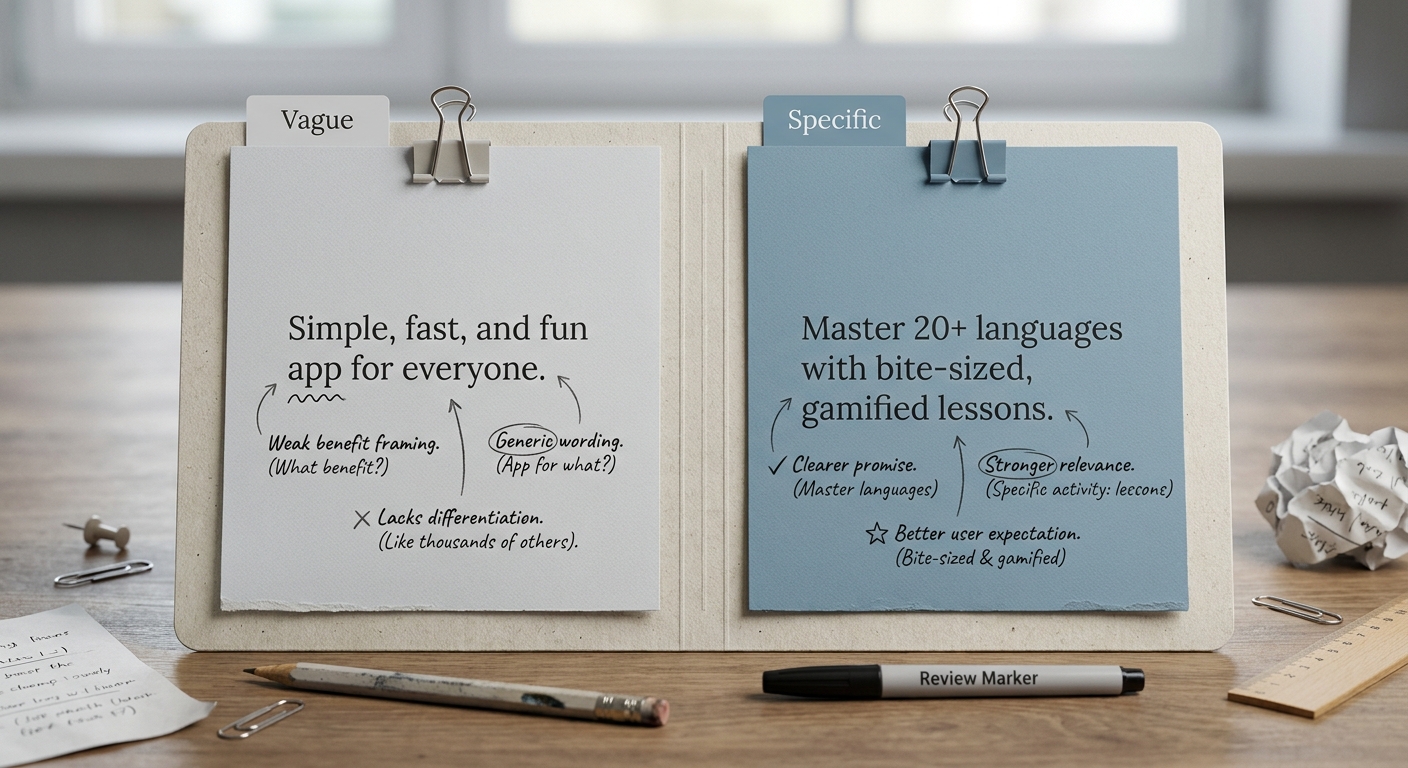
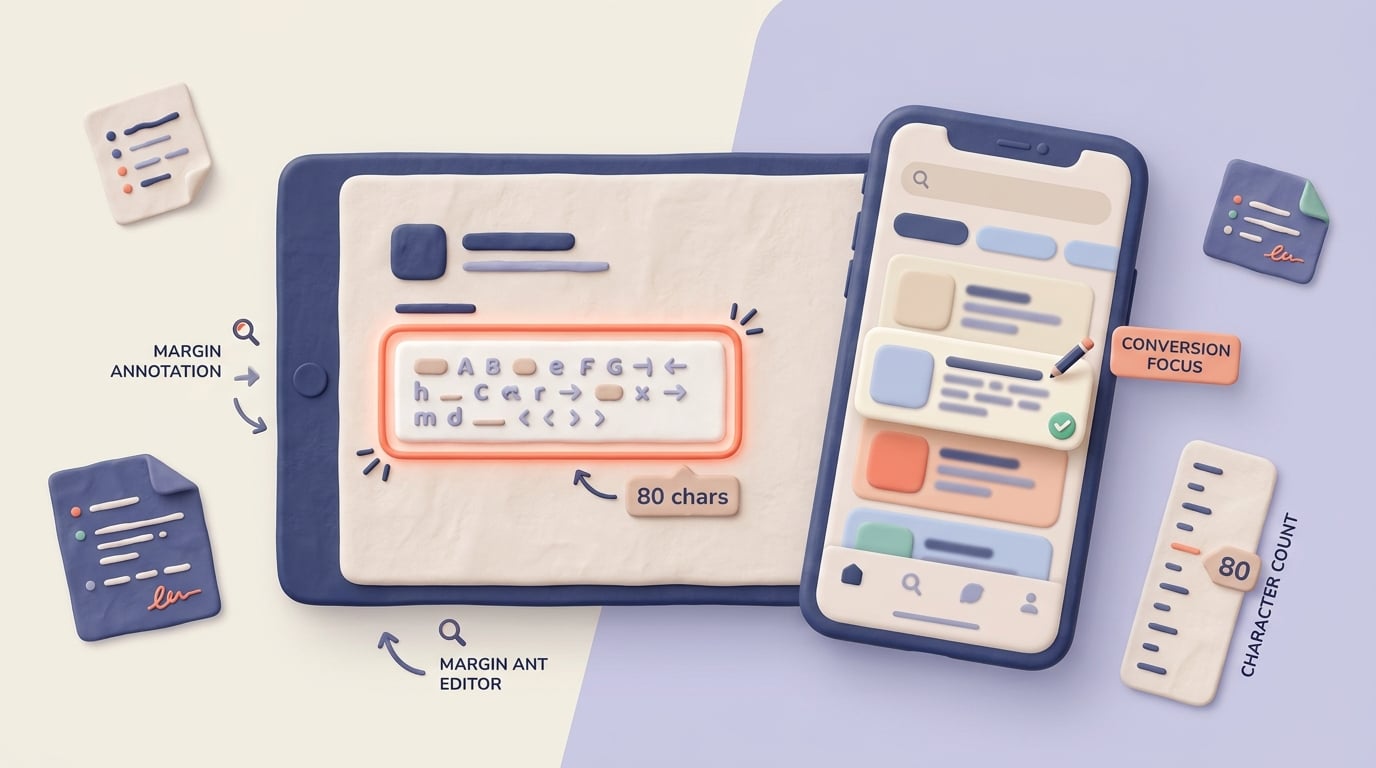
A compact comparison block showing two Google Play short description examples side by side: one vague and one specific, with annotated notes about clarity, benefit framing, and likely user response in the store listing.
- It appears under the app title and is often visible above the fold, alongside early visual assets (Play Console Help).
- It is capped at 80 characters, so word choice matters and tradeoffs are inevitable (benefit vs. qualifier vs. keyword) (Gummicube).
- It is not a feature list. The job is usually to earn the next action (scroll, tap, install), while staying consistent with what the listing can prove.
Scope and limitations of the guidance
Scope note: Play Store behavior varies by category, geography, traffic source (ads vs. organic), and creative quality. Examples here are illustrative and should be validated with your own data using Play Console experiments. The checklist is designed for teams preparing or updating a live listing, not reverse engineering Google's ranking system. method
A complementary angle worth comparing lives in How to Write an App Description Reviewers Understand in 10 Seconds.
Examples and a checklist for writing stronger Google Play short descriptions
Example patterns that fit the Play Store format
Treat the short description as a single outcome statement with one clear keyword, aligned to Play's guidance on clarity and consistency (Play Console Help). These patterns stay readable while still being indexable.
- Problem-solution (utility): "Stop spam calls fast - block numbers and report scams."
- Audience-specific (B2B/team): "For field teams: log jobs, capture photos, and invoice faster."
- Differentiator-led (one big edge): "Offline notes that sync later - fast search, no signal needed."
- AI assist (if real): "Draft emails in seconds with AI - customize tone and templates."
One thing worth noting: tighter copy can backfire if your promise raises expectations your product cannot meet (or your reviews contradict). A common real-world blocker is legal review forcing vaguer language, which can reduce clarity; in those cases, compensate with sharper first screenshot text and tighter feature bullets.
Checklist before you publish the short description
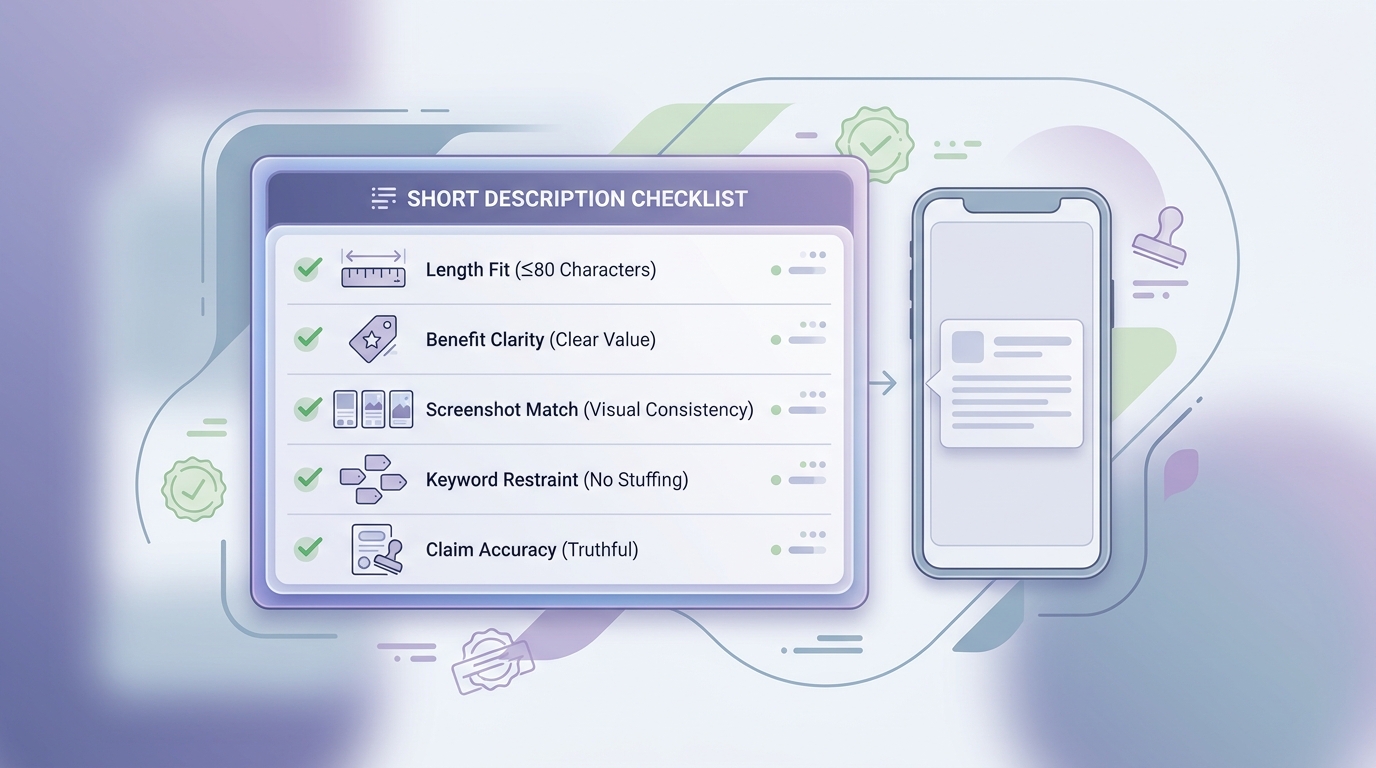
A mobile-friendly checklist graphic for Google Play short descriptions covering length fit, benefit clarity, screenshot match, keyword restraint, and claim accuracy before publishing.
Lead with the core value in plain language
If the first 5-7 words do not explain the win, rewrite.
Match what the listing proves
Ensure the promise is obvious in screenshots, features, and category expectations.
Cut filler and unprovable claims
Remove repeated keywords, "best," and anything users will not experience immediately.
Common failure modes to avoid
- Keyword stuffing that reads unnatural (high intent users notice fast).
- Vague "all-in-one" claims that do not anchor to a real job-to-be-done.
- Promising features that are not clearly in-product or not obvious above the fold.
- Over-optimizing for keywords while your visuals tell a different story.
For tradeoffs, checklists, and edge cases, How to Write an App Description Reviewers Understand in 10 Seconds rounds out this section.
How do you check and test a Google Play short description?
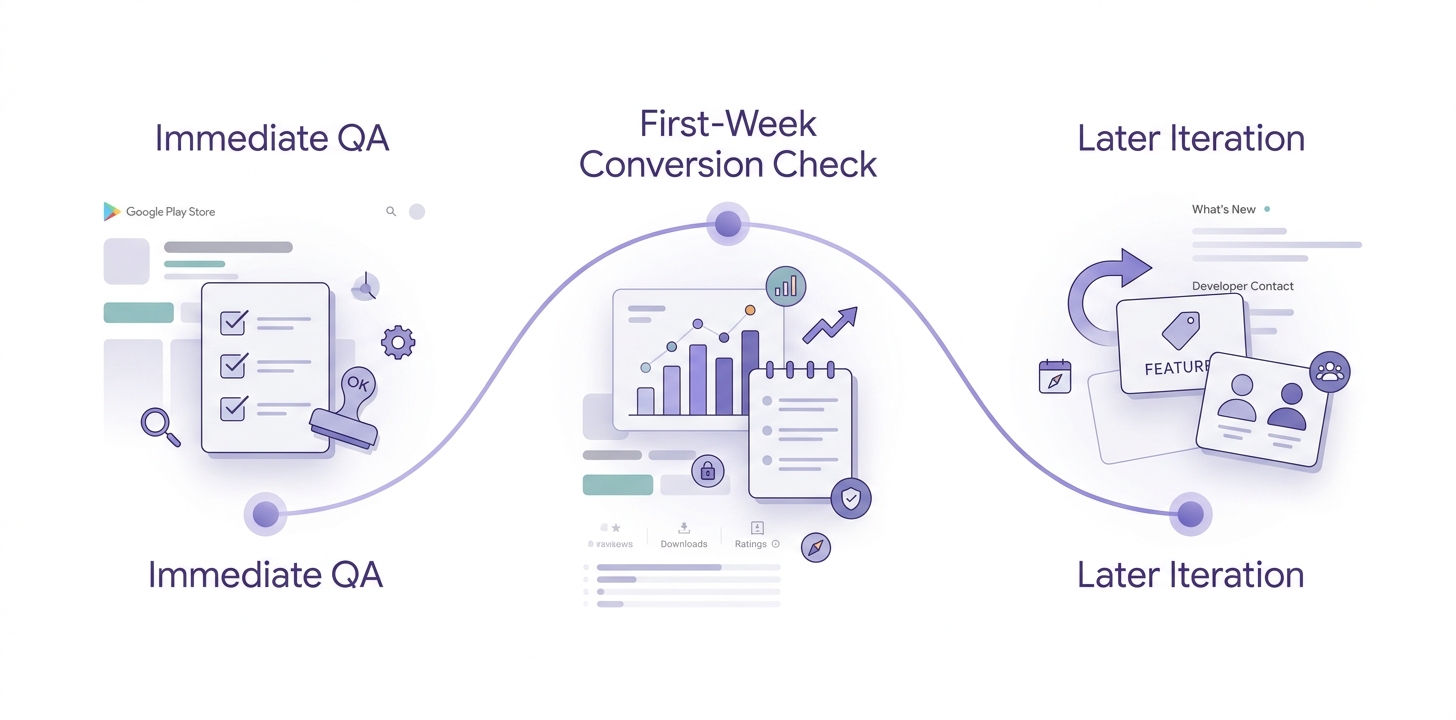
A simple post-launch timeline showing when to review Google Play short description performance after updating a listing: immediate QA, first-week conversion check, and later iteration after feature or audience changes.
A quick pre-launch review
- Confirm message alignment across app title, short description, long description, and the first screenshot so the above-the-fold story is consistent.
- Run a 5-second read test with someone unfamiliar with the app: can they repeat the core benefit in plain words?
- Check for redundancy: do not restate the title, and avoid filler that crowds out the benefit in an 80-character field.
- Choose a control version before you change anything so you can attribute movement, especially if you plan an experiment.
Minimal A-B workflow (so you can measure, not guess)
Set a control and a single variant
Keep changes isolated to the short description so the result is interpretable.
Run a store listing experiment
In Play Console, run a Store listing experiment long enough to reduce noise (often 7-14 days; 3-4 weeks is common for low-traffic apps).
Review one primary metric, then sanity-check
Use Store listing conversion rate (visitors-to-installs) as the primary read, then spot-check by country and traffic source so you do not over-interpret a mix shift.
One operational dependency: if you do not have enough traffic, small changes may look like noise, and seasonality or a country mix shift can dominate the result. Mitigation: estimate a minimum detectable effect before you start, avoid running simultaneous creative changes, and keep the experiment limited to one variable when possible.
Minimum Functionality: Avoid the 'Feels Like a Demo' Rejection reframes the same problem with a slightly different lens - useful before you finalize.