Last Monday, I opened our iOS dashboard and realized our usual keyword wins were not failing because the product got worse, but because the App Store had quietly shifted what it was rewarding that week. With a two-person team and a fixed $500 weekly testing budget, we could not afford to chase every spike or panic at every dip, especially when rankings move faster than roadmaps. This case study shows what likely rose, what likely fell, and how to turn a noisy weekly swing into a small set of decisions you can execute in the next seven to fourteen days.
App Store vs Google Play: Where Should You Launch First goes deeper on the ideas above and adds concrete next steps.
What changed in the App Store this week?
This is not measured reporting, and ranks are not installs or revenue. Treat it as an operator-style snapshot of what you might see when you scan trend lists, then verify with your own pulls and funnel data before acting.
| Proof element | What it is (scope) | What it may indicate | Reader impact | How to validate in ~30 minutes |
|---|---|---|---|---|
| Directional segment map | Illustrative examples of segments that often show up as movers week to week | Short-term shifts in user intent, creative patterns, or featuring | Helps you form 1-2 testable hypotheses instead of rewriting everything | Pick 1 market (ex: US iPhone). Pull top 200 in your category for 2 dates (7 days apart). Note net new entrants, screenshot patterns, and top keywords in titles/subtitles. |
| Failure modes to keep in mind | Trackers disagree; category definitions vary; ranks lag; featuring can mask demand | A "trend" can be tooling noise or a temporary placement | Prevents overreacting on thin data | Compare two sources (ex: AppSieve vs Apptopia) and sanity-check against your impressions, installs, and ASA query shifts. |
| Segment (illustrative) | Prior 7 days | Last 7 days | Likely driver (common) | Publisher impact (realistic) |
|---|---|---|---|---|
| AI photo and avatar | ↔ | ↑ | curiosity loops + shareable outputs | more browse traffic, but paywall friction can cancel gains |
| Video editor templates | ↔ | ↑ | seasonal content bursts + intermittent featuring | impressions can spike fast; expect volatility week to week |
| Habit and micro fitness | ↓ | ↑ | "reset" behavior + low-friction onboarding | better keyword headroom, but retention still decides LTV |
| Generic VPN | ↑ | ↓ | saturation + trust friction | harder to differentiate; paid can get expensive quickly |
| Wallpaper packs | ↑ | ↓ | novelty wore off | short half-life; weak repeat usage hurts ranking signals |
What this means in practice: the store may temporarily reward apps that match current intent (creation, self-optimization, quick utility). The constraint is that one-week reads are often inconclusive on low volume, and even on higher volume you can be looking at a lagged effect from an earlier placement or campaign.
When you move from outline to execution, Top Productivity Apps That Hit #1 on App Store This Month helps close common gaps teams hit here.
Why did these apps rise or fall this week?
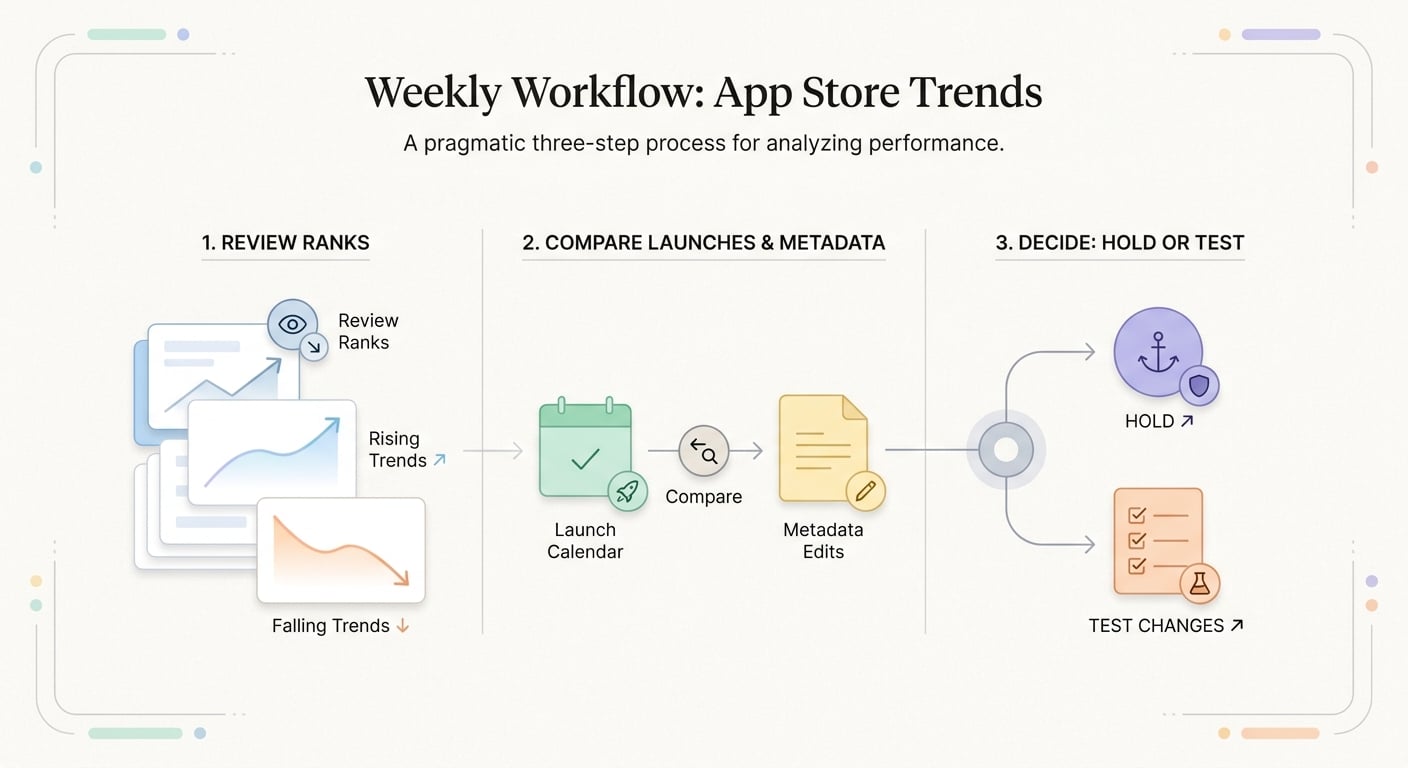
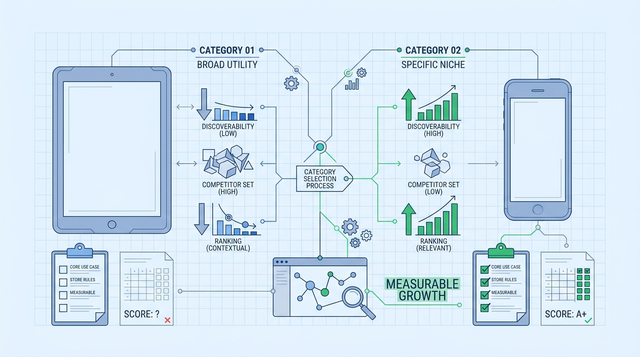
A simple process diagram showing the weekly publisher workflow for App Store trend response: review ranks, compare against launches or metadata edits, then decide whether to hold or test changes.
Instead of long narratives, I use a simple operator map: trigger, signal, then what to check inside your own data. The point is not to "predict the store" but to decide what is worth time this week.
| Situation | Trigger | Signal you might see | What to check before acting |
|---|---|---|---|
| "Risers" in creation tools | creator shoutout, template trend, feature drop | quick rank lift + higher browse impressions | store listing clarity (first 2 screenshots), crash rate, review mix after the spike |
| "Risers" in self-improvement | seasonal reset behavior, low-friction onboarding | steadier keyword lift vs a single jump | day 1 and day 7 retention, subscription trial starts, onboarding drop-off |
| "Slippers" in saturated utilities | pricing pressure, trust fatigue, sameness | paid efficiency drops before ranks fall | ASA CPA trend, refund/chargeback notes, review text themes |
| "Slippers" in novelty bundles | meme cycle ends, copycats flood | brief spikes then decay | repeat usage, session frequency, and whether users come back after day 1 |
One thing worth noting: a falling rank does not always mean falling revenue, especially for subscription apps with retained cohorts. The practical takeaway is to anchor decisions on conversion and retention, not rank alone.
The operator takeaway from the shift
A durable move usually holds at least two of these signals, but volume is the dependency. If you are under roughly a few hundred store product page views a day, expect a lot of tests to be noisy or take 2-3 weeks to call.
| Signal to watch | Simple threshold (practical) | Action this week |
|---|---|---|
| Conversion rate (impression to install) | up or down for 2-3 days after a change (with similar traffic) | adjust first 2 screenshots and subtitle; avoid full rebuilds |
| Keyword rank stability | holds direction for 3-7 days | expand into adjacent intents; add 1-2 keywords, not 20 |
| Review velocity and sentiment | sustained lift (not a single burst) | prompt satisfied users; fix the top complaint first |
A complementary angle worth comparing lives in Top 5 Ways to Monetize Your First iOS App.
How I would react as a publisher watching these trends
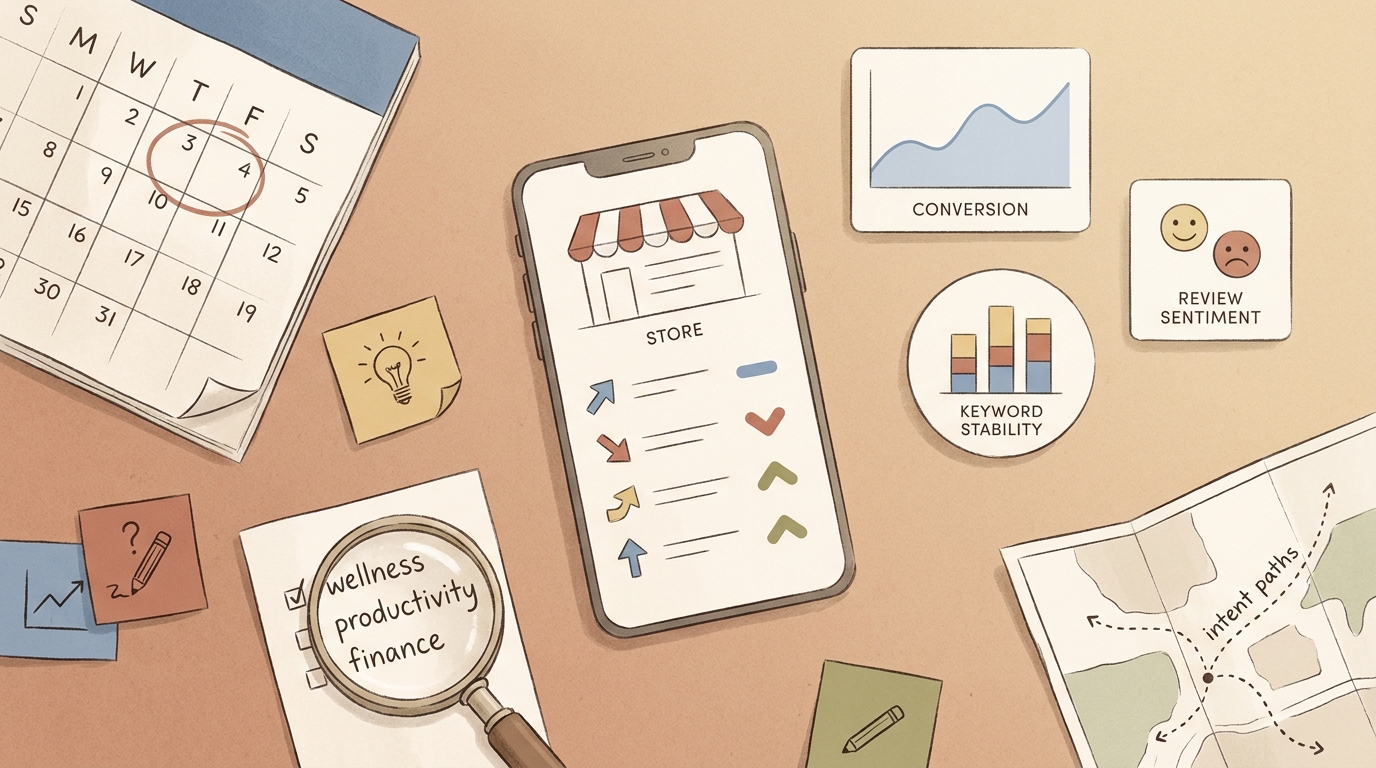
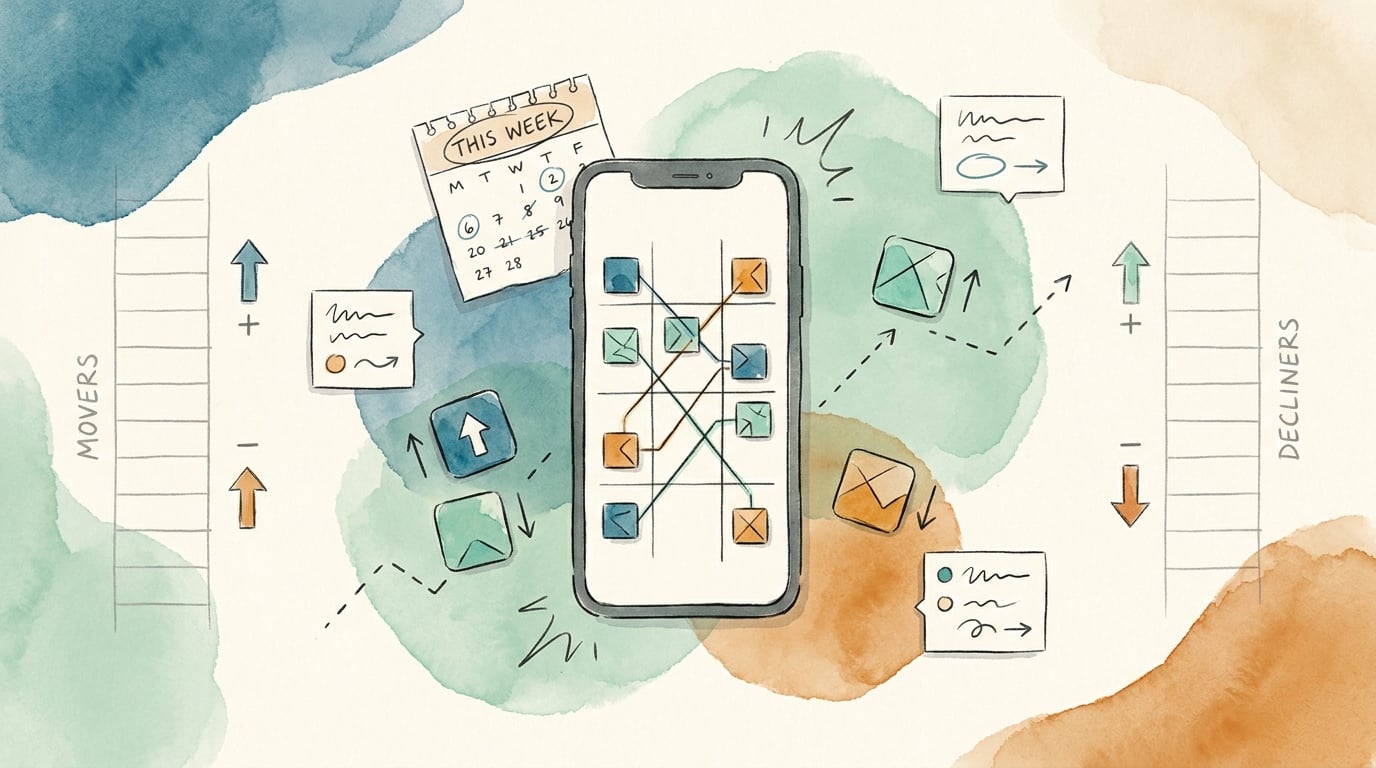
Editorial visual supporting Early proof: what changed in the App Store this week?.
A three-step weekly response loop
Snapshot the store on one fixed day
Pull ranks, keyword visibility, and category movement on the same morning every week. Budget 30-60 minutes if tooling is set up; 1-2 hours if you are exporting and cleaning manually. You are looking for direction, not arguing about a single position.
Explain the movement with your own change log
Line shifts up against what you actually changed: releases, paywall tweaks, metadata edits, and campaigns. If the curve moved without a corresponding change, assume demand, competitor action, or featuring. Expect messy causality and plan to be wrong at least some of the time.
Make one decision: hold, adjust, or test
If signals are mixed, hold for another week. If conversion is down, adjust the listing. If a keyword is climbing but you are not capturing it, test a new listing variant before the next cycle. With a two-person team, a realistic weekly capacity is usually 1 listing test plus 1 small product change, assuming no surprise bugs and no App Review delays.
Operational drag is real: new assets and localization can take a day; App Review or phased release timing can push a "7-day" plan into 10-14 days. Build that into your calendar so you do not thrash mid-week.
What to update first in the store listing
Category: Outcomes
Statistic: 38%
Label: First-pass approval rate
Context: When metadata is complete upfront
Category: How to verify
Statistic: ~30 min
Label: To validate the snapshot
Context: Pull top-200 ranks 7 days apart in one market and cross-check two trackers plus your funnel
Category: Speed
Statistic: 4 hrs
Label: Median fix time
Context: After a store rejection notice
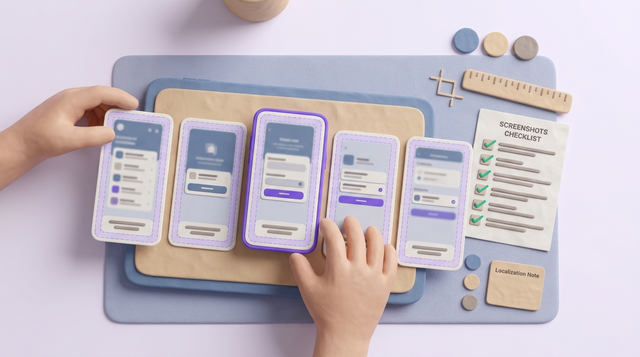
- Screenshots: start with the first two. Expect 2-4 hours for copy and layout if you have templates; longer if you need new renders or new localization.
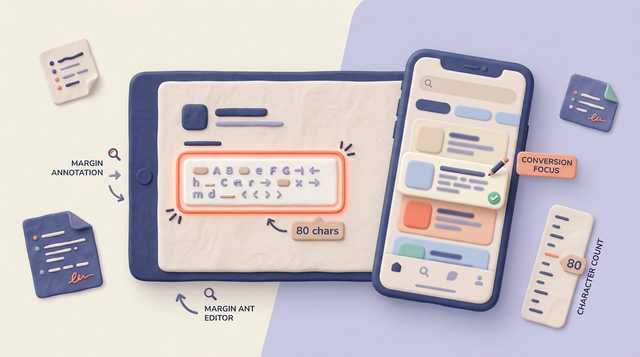
- Subtitle and first lines of description: match the intent you want to win without overpromising. A tight edit is often 30-60 minutes plus internal review.
- Keyword alignment: validate with Apple Search Ads query data or stable organic rankings before rewriting everything.
- Icon: only if you can run a clean test and wait for enough installs to learn. On low traffic, results can stay noisy for weeks.
- Broader rewrites: defer until you see the same pattern two weeks in a row. Weekly thrashing can erase learnings and confuse returning users.
CTA: get a second set of eyes on your weekly read
Share your top 3 keywords, current screenshots, and last two releases, and I will help you turn the signal into a realistic next test plan (including where the data is too thin to act).
Request a quick review
For tradeoffs, checklists, and edge cases, When and How to Update Your App Without Hurting Rankings rounds out this section.
What should app publishers do in the next 7 days?
Use this as an operating cadence, not a promise of rank gains. The goal is learning you can trust, within the constraints of your traffic, creative bandwidth, and release schedule.
Pick one intent to defend and one to explore
Defend the keyword or use case that already pays your bills, then explore one adjacent intent from the weekly movement. If the new intent requires a major feature, treat it as backlog input, not this week's sprint.
Ship one listing test, not five
Change one thing users see early (first two screenshots or subtitle). Multiple edits at once make attribution harder, and if your volume is modest you can burn 2 weeks without a clear read.
Predefine your stop rule
Decide what "good enough" looks like (example: conversion up for 3 days with similar traffic, or keyword stability for a week). If traffic is low, accept that you may need 2-3 weeks to learn, and some tests will stay inconclusive.
CTA: turn this week’s movers into next week’s test plan
Review your top 3 keywords, compare them to this week’s rising intents, and write down one hypothesis you can test in your next release window.
Build your 7-day test plan
App Store Keywords: The Only Guide You Actually Need reframes the same problem with a slightly different lens - useful before you finalize.