App Store screenshots are one of the easiest assets to ship and one of the easiest to get wrong. They can fail review on a technicality, look unreadable on real devices, or bury your value prop so installs stall. This guide is a practical checklist you can run in about 30 to 90 minutes for a first pass (longer if you need multiple device exports, localization QA, updated in-app screens from engineering, or a legal copy review), so your screenshots are more likely to pass requirements and communicate value fast.
| What to check (explanation) | Pass means (interpretation) | Why it matters (impact) |
|---|---|---|
| Required slots + exact pixels in App Store Connect | Every required device bucket has an upload that matches pixel specs | Avoids review delays and last-minute re-exports when you discover missing slots |
| Thumbnail legibility by previewing at a small thumbnail size (for example, ~120 to 140 px wide in Figma, or a quick zoomed-out phone screenshot) | Headline is readable without pinching, and the UI still looks intentional | In search and browse, users decide in seconds; unreadable frames reduce tap-through |
| Frame 1 to 5 story order (one idea per frame) | The first frame states a concrete benefit, and the next frames support it | A clear narrative often beats a collage of features, but the only way to know is testing |
This is not a guarantee of performance, but it is a practical preflight that catches common issues before you spend time polishing visuals. If any row fails, fix that first because polish rarely saves a missing slot, unreadable type, or confusing message order.
Screenshot Storytelling: Turn 8 Screens into a Conversion Funnel goes deeper on the ideas above and adds concrete next steps.
Why do App Store screenshots fail review or underperform?
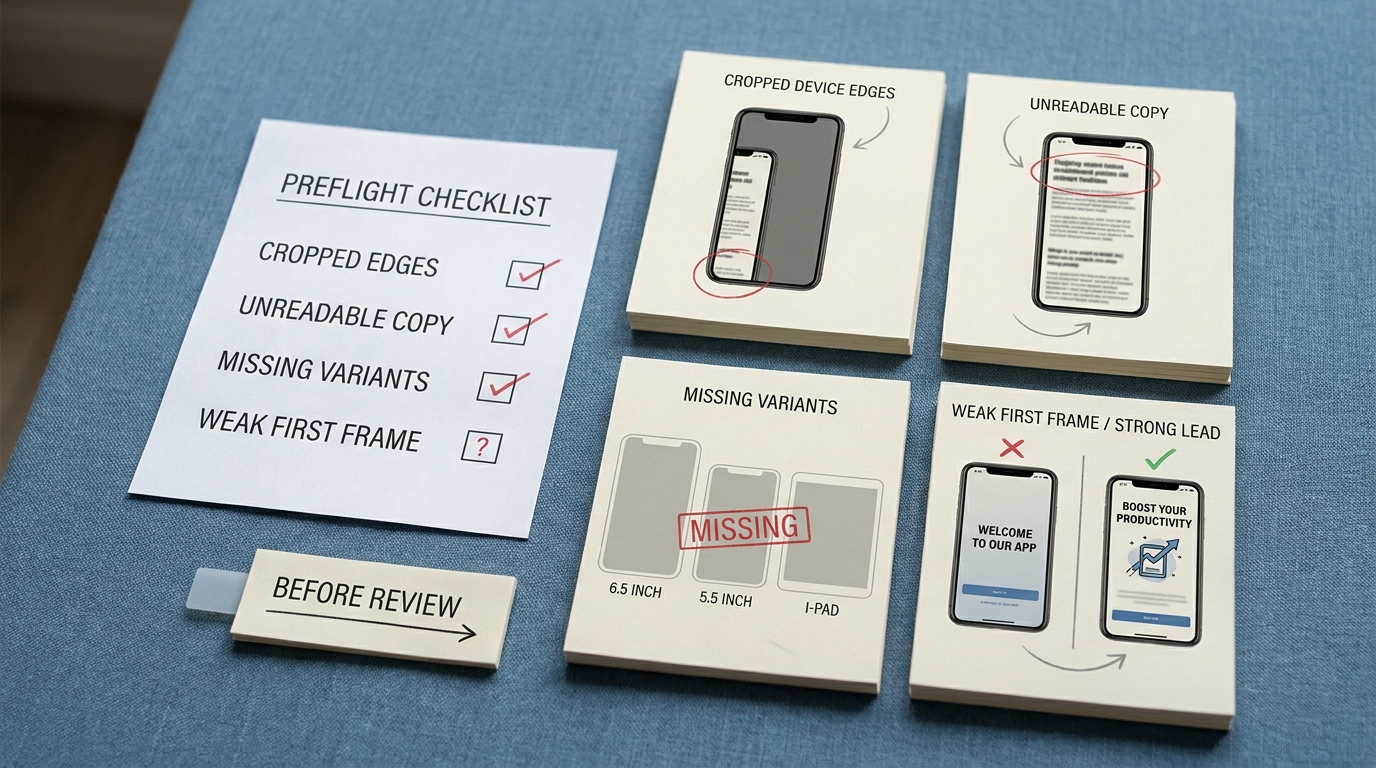
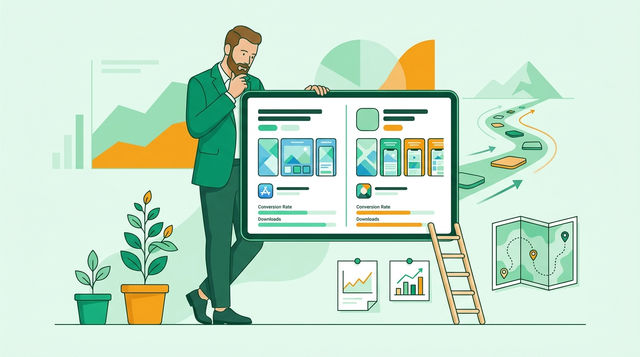
A compact proof callout listing the most common App Store screenshot failure modes: cropped device edges, unreadable copy, missing size variants, and weak first-frame messaging. The callout should visually suggest a before-review checklist rather than a marketing statistic.
- Size variants get skipped. A set that looks correct for one device can break on other required slots, forcing last-minute exports or a reject if required screenshots are missing per Apple’s spec list (Apple).
- Copy becomes unreadable in-store. Headlines that look fine at full size can turn into tiny text at thumbnail size, so the first frame fails to explain the benefit and tap-through drops.
- Cropping creates broken frames. Device edges, UI, or key features get clipped when safe areas are ignored, making the set feel sloppy and reducing trust.
- Review becomes the debugging step. Fixing after submission costs time because each revision adds coordination overhead (design, product, engineering, legal), and release timelines can slip.
One thing worth noting: the more device sizes and localizations you support, the more this becomes a workflow problem, not just a design problem. Budget time for translation checks and a quick sanity pass on each language because line breaks and text expansion can break layouts.
When you move from outline to execution, How to Publish Your Bolt-Generated Mobile App helps close common gaps teams hit here.
What strong App Store screenshots usually get right
- The first screenshot does one job well. It states a single, specific benefit in plain language, then shows UI that backs it up.
- They follow a consistent story. Core benefit first, then key features, then differentiation or proof.
- They stay honest and review-friendly. Claim-heavy copy (pricing, rankings, health, earnings) can trigger extra scrutiny, and approvals can take days in some orgs.
A practical benchmark: if you cannot explain frame 1 in one sentence, it is probably trying to do too much.
A complementary angle worth comparing lives in App Store Optimization in 2026: What Actually Moves the Needle.
How do you build an App Store screenshots checklist?
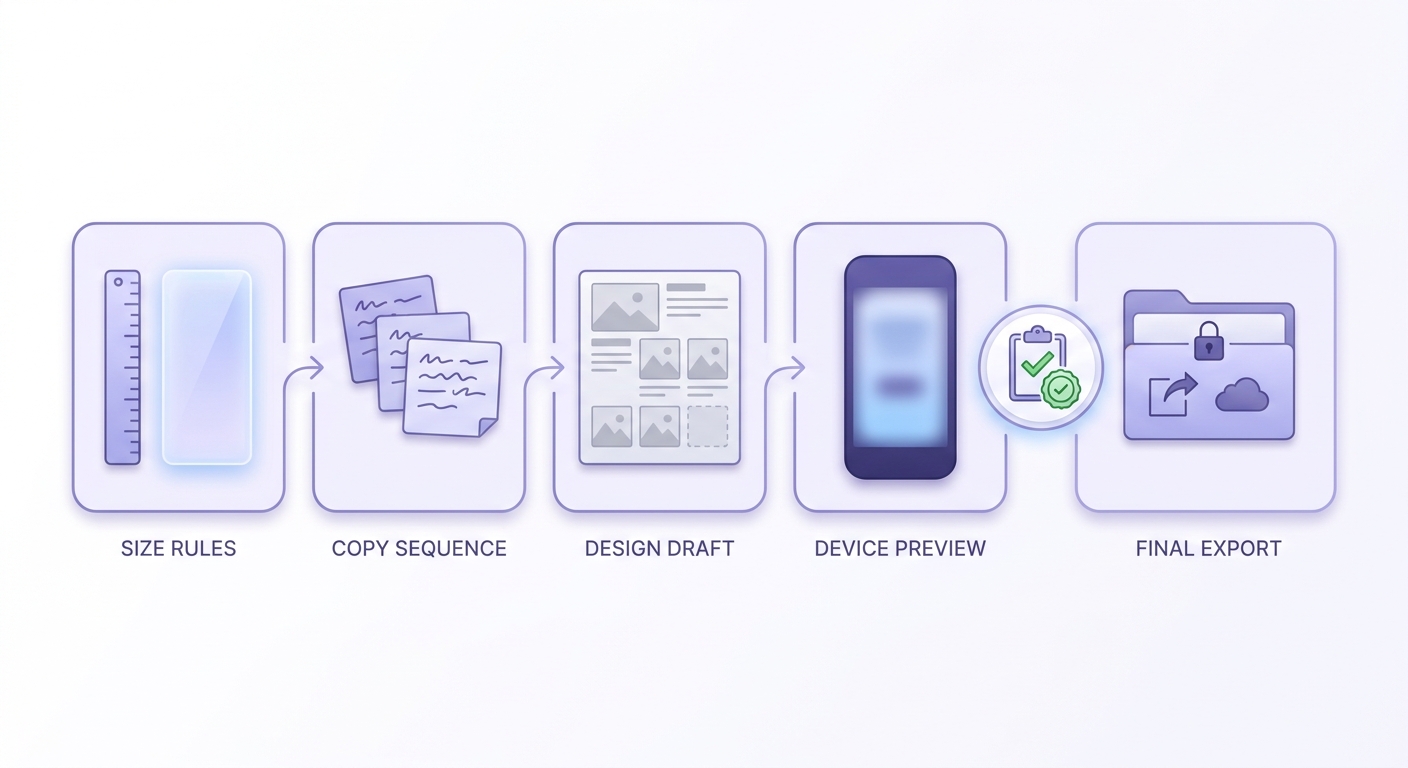
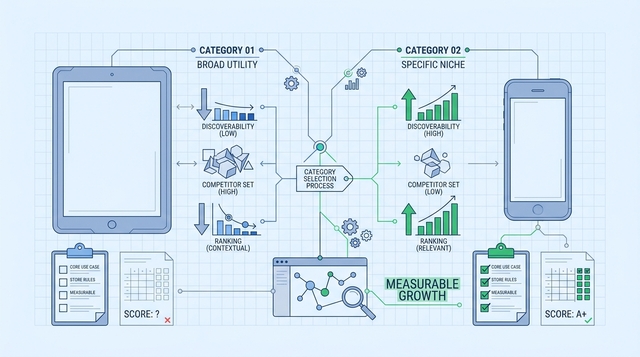
A simple workflow timeline showing the screenshot process from sizing rules to copy sequence, design draft, device preview, and final export for App Store Connect. The visual should emphasize the order of tasks and the validation checkpoint before upload.
Lock the App Store Connect slots first
Start in App Store Connect and list the required screenshot slots for your app. Use Apple’s current specification page as the source of truth, because slots can change over time (Apple screenshot specifications). Decide upfront whether you are shipping portrait, landscape, or both, and keep orientation consistent per set.
Draft the 1 to 5 frame story in plain text
Write one sentence per frame before design. A simple default: Benefit, Feature 1, Feature 2, Differentiator, Proof (only if you can support it). This usually takes 10 to 20 minutes and saves hours of redesign when the message is unclear.
Check thumbnail readability early (then accept the tradeoff)
In Figma, scale frames down to a small thumbnail size (for example, ~120 to 140 px wide) and check headline weight and contrast. If you need to increase type size, you will often have to simplify the UI crop or reduce background detail, which is a normal tradeoff.
Export with presets and label everything
Use Figma or Sketch export presets per device size, then save into a clearly labeled folder like
iPhone_6.7,iPhone_6.5,iPad_12.9. Expect exports and verification to take 20 to 45 minutes the first time, longer if UI is still changing between builds or you are waiting on a new TestFlight build for accurate screens.Plan for a few common failure modes: localized text can reflow unexpectedly, UI can drift between capture and submission, and policy or legal review can stall copy changes. None of these are hard problems, but they add coordination and QA time.
For tradeoffs, checklists, and edge cases, App Privacy Policy Generator - What You Need Before App Store Submission rounds out this section.
What should you check before upload and after launch?
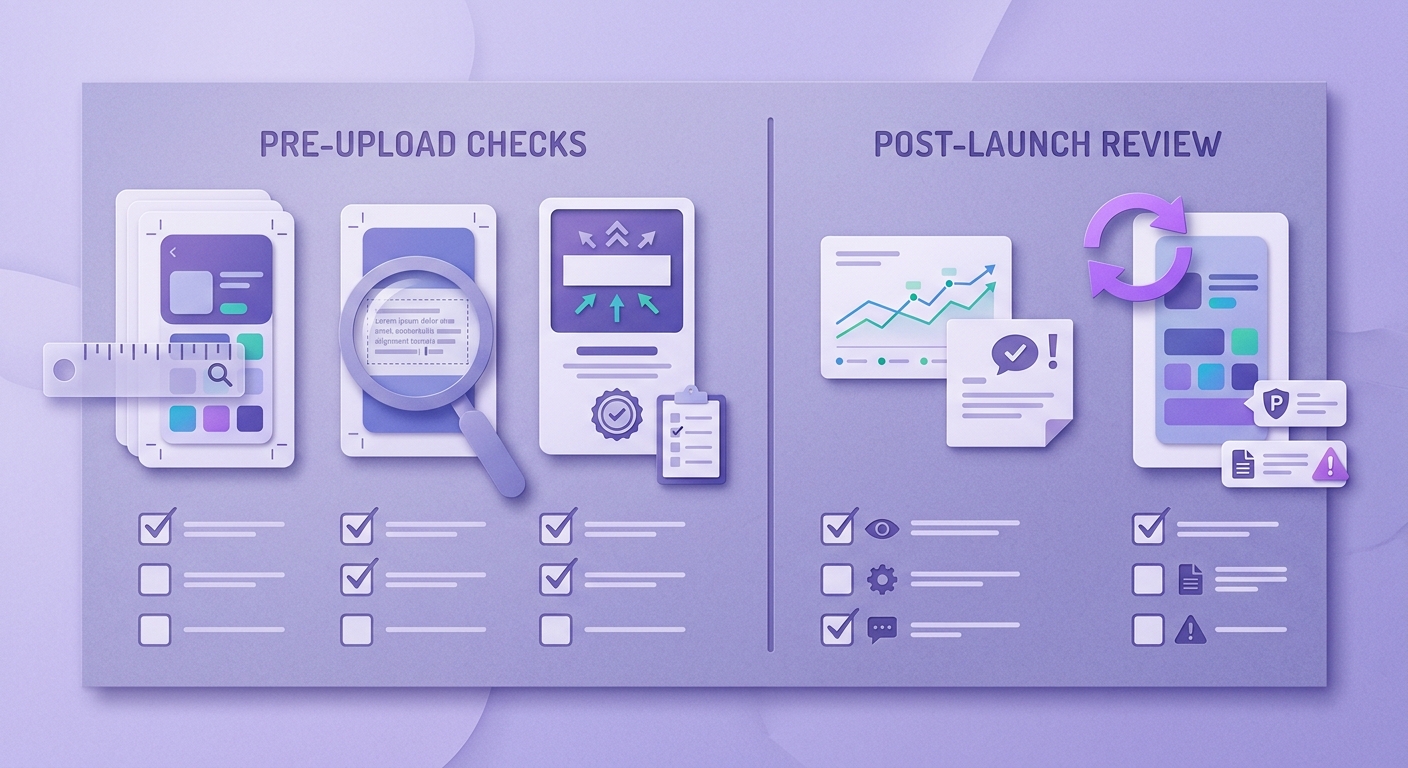
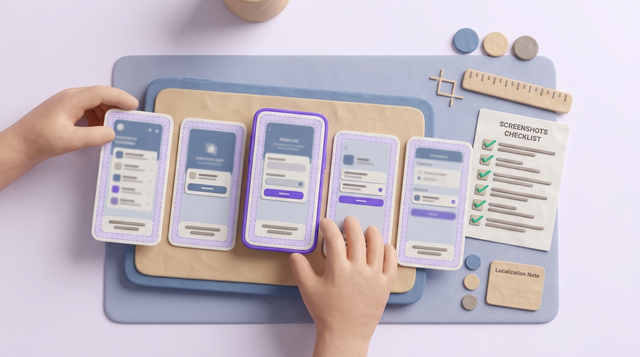
A practical checklist block split into pre-upload checks and post-launch follow-up items for App Store screenshots. It should highlight size verification, first-frame messaging, spelling review, and a reminder to refresh screenshots when the app UI changes.
Use this as your single checklist section to avoid rework.
| Phase | What to check | Common risk if you skip it |
|---|---|---|
| Pre-upload (compliance + clarity) | Correct pixel sizes per required slot, consistent orientation, frame 1 benefit is obvious, safe margins, spelling and alignment, UI matches current build | Rejection, delays, or a set that reads poorly in-store |
| Pre-upload (copy + policy) | Avoid unsupported claims; verify pricing, rankings, health or fitness promises, and any promotions with whoever owns compliance | Review questions, forced edits, or misleading marketing that hurts trust |
| Post-launch (performance + accuracy) | Track Product Page conversion rate in App Store Connect, watch for reviews mentioning mismatch or confusion, update screenshots when UI changes | Flat conversion, or a credibility hit when screenshots no longer match the product |
Dependencies to plan for: Apple can update slot requirements, your UI may drift during a sprint, and localized screenshots add a real QA loop. Build a lightweight habit of checking slots before each release, not only when you refresh visuals.
Want a reusable checklist doc?
Copy this section into your release template and add your app’s exact required slots.
Download the checklist
How to Publish a Replit-Built Mobile App reframes the same problem with a slightly different lens - useful before you finalize.
FAQ
Do I need separate screenshot sets for every iPhone and iPad size?
What are the most common App Store screenshot rejection causes?
How many screenshots should I use, and what should the first one say?
What is a quick way to test if my headlines are readable?
Can I reuse the same design style across apps?
> Block 60 to 90 minutes, run the audit table, then export exactly to the required slots in App Store Connect.
> [Run the checklist now](#)