Ship a narrowly scoped, privacy-first Android AI companion MVP fast to validate user value while avoiding common Play Store review delays. This guide gives a compact preflight checklist, a build-and-submit playbook, and practical post-launch thresholds so you can get meaningful feedback in weeks instead of months.
What is the AI policy for Google Play? goes deeper on the ideas above and adds concrete next steps.
What is the best approach to ship a privacy-first Android AI companion quickly?
Category: Stability
Statistic: 98%
Label: Crash-free sessions target
Context: Critical for user trust
Category: Engagement
Statistic: %
Label: Day-1 retention benchmark
Context: Measures initial utility
Category: Safety
Statistic: ≤0.5%
Label: Abuse-report rate threshold
Context: Pause gate for canary
Ship a tightly scoped MVP and treat reviewer-facing privacy artifacts as part of product work, not optional paperwork. Align runtime behavior, listing text, and Data Safety entries up front to reduce review cycles and avoid rework.
| Metric | Rough target | Practical implication |
|---|---|---|
| Crash-free rate | ~98% or higher | Shows basic stability; interpret with sample-size context before acting. |
| Canary size | ~5-10% or a two-week cohort | Limits blast radius; for very low MAU expect to run longer cohorts or a larger percent to get reliable signal. |
| Abuse-report rate | Signal around 0.5% | Use as an investigative threshold, not an automatic kill-switch; small samples create noisy rates. |
What this means: these are starting targets, not guarantees. Variability is common by app type, region, and sample size. Expect 1-3 weeks of monitoring and triage to interpret signals reliably.
When you move from outline to execution, Guide to Publish a Personal AI Companion App helps close common gaps teams hit here.
Why should founders prioritize a narrow MVP now?
Doing reviewer-facing privacy work early typically shortens overall calendar time versus iterating through repeated review failures. Expect to spend 1-2 sprints (2-4 weeks) if you need legal sign-off; legal review may also surface language that adds reviewer follow-ups and hence extra calendar days.
The practical outcome is a limited, defensible MVP: single modality (voice or text), a handful of intents, and explicit bans (for example, no medical or crisis advice). Drafting that scope with product and counsel typically takes 1-3 days and reduces ambiguous review feedback.
A complementary angle worth comparing lives in My App Uses AI to Generate Answers: What Should I Disclose?.
How do I run the preflight, build, and post-launch playbook?
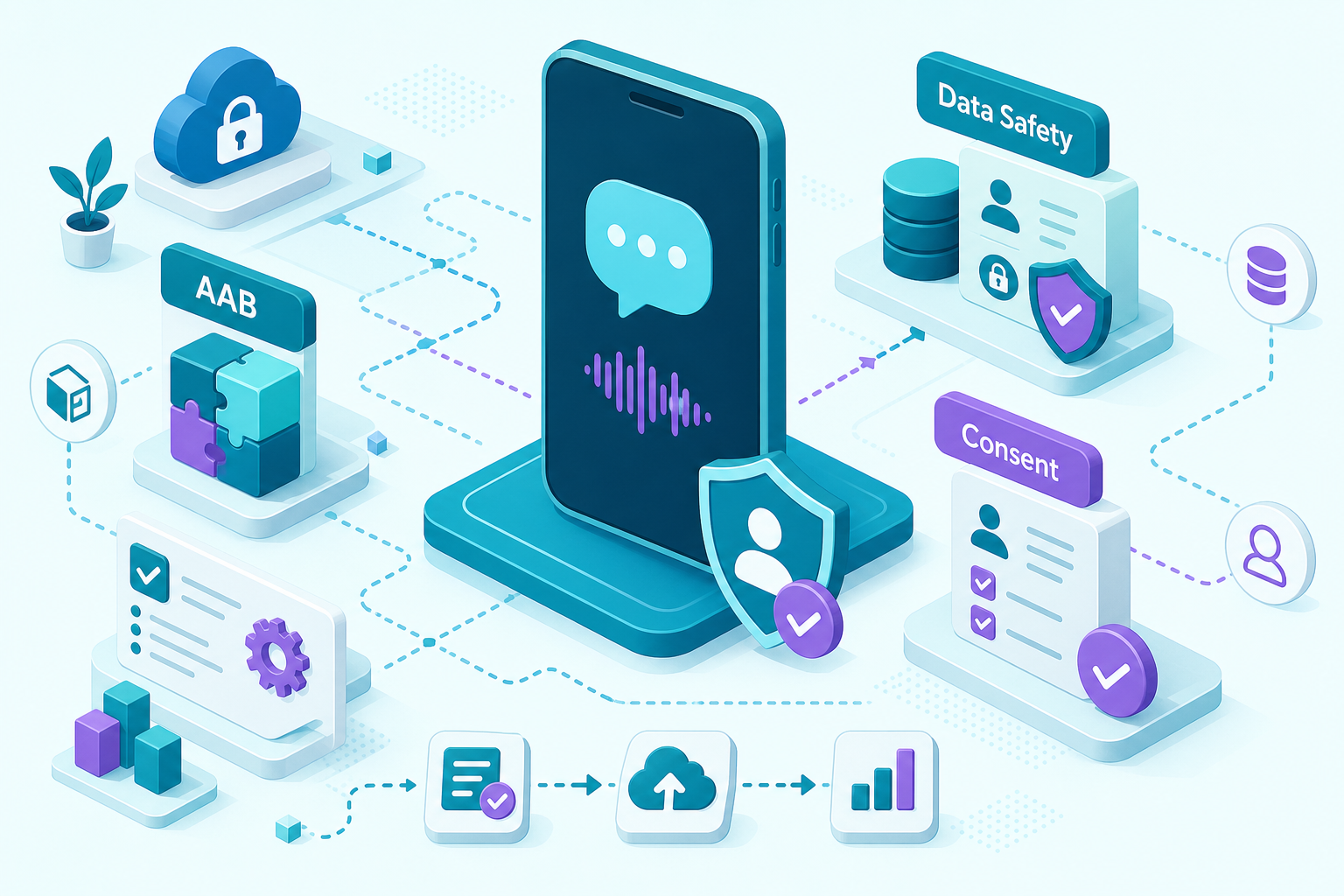
A step diagram specific to publishing an AI companion: (1) prepare .aab and enable Play App Signing, (2) add manifest permission string with RECORD_AUDIO justification, (3) capture consent screenshots, (4) complete Data Safety form entries for audio/transcripts, (5) add privacy URL and listing notes, (6) submit to internal → closed → production staged rollout. Each node calls out the exact Play Console field or artifact to attach.
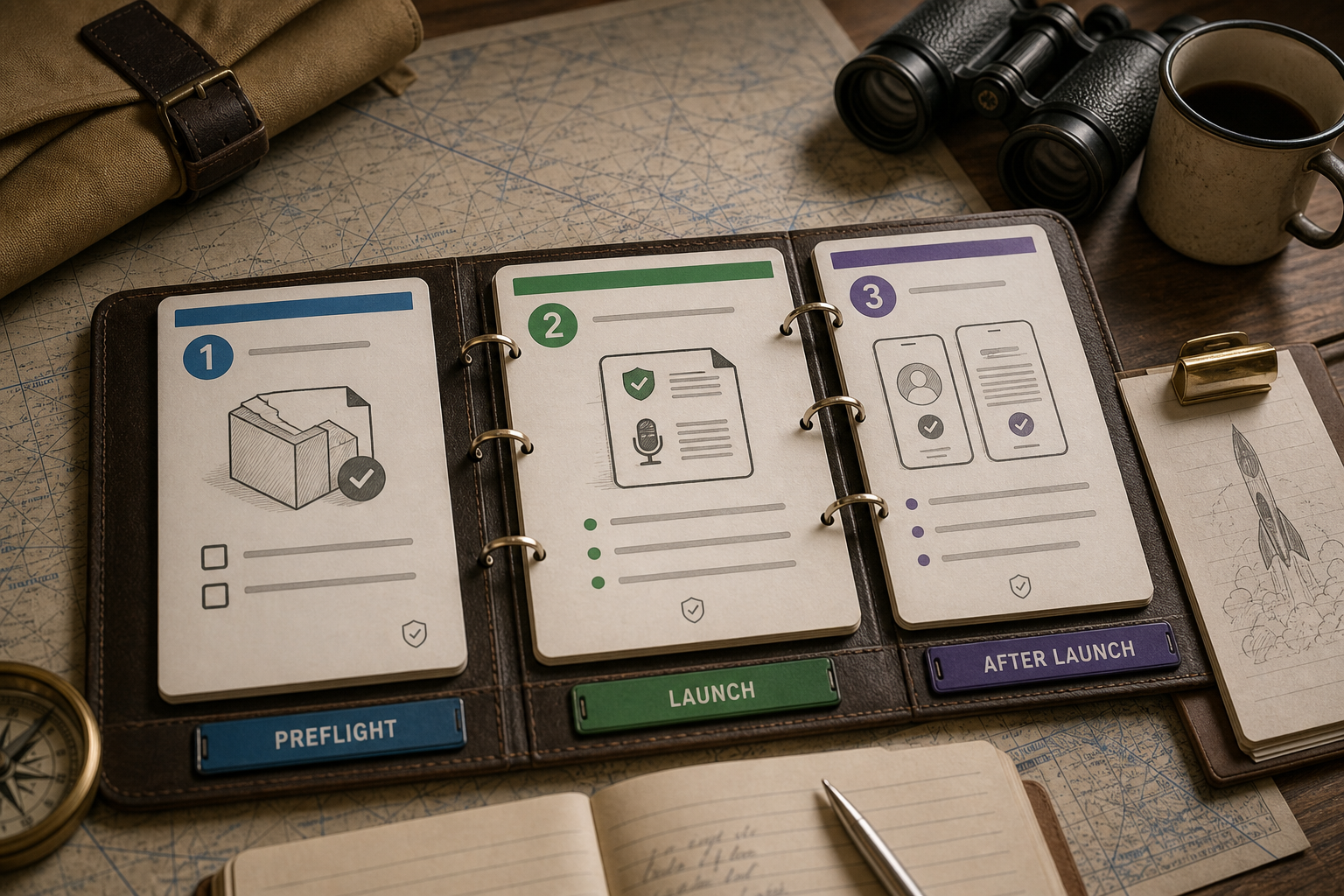
Ship in three phases and accept tradeoffs: faster launches increase monitoring needs; tighter privacy limits some iteration speed.
Preflight: scope, hosting choice, and privacy artifacts
One-page scope spec
Create a signed spec listing allowed intents, banned topics, and safety constraints. Timeline: 1-3 days with product and legal.
Hosting choice and cost estimate
Choose on-device, hybrid cloud, or third-party LLM and run a tokens-per-response cost model with a 20% buffer. Timeline: 1-2 days. Note tradeoffs: on-device increases engineering and testing; cloud raises per-MAU costs and Data Safety complexity.
Privacy policy and consent UI
Publish a privacy URL and build an in-app consent modal that explains recordings, retention (for example, 30 days), third-party sharing, and an opt-out toggle. Timeline: about 1 week including UX and review. Expect reviewers to sometimes request clarifications.
Build & submit: package, permissions, listing, and reviewer notes
AAB, Play App Signing, and smoke tests
Produce a signed .aab, enable Play App Signing, and validate installs on internal-track devices. Timebox: 2-5 days, with buffer for device-specific bugs.
Runtime permission flow and screenshots
Request RECORD_AUDIO with a clear justification string and show the consent modal before first use. Test on 3-5 device profiles and capture reviewer screenshots of the flow; clear screenshots reduce follow-up questions.
Data Safety form and reviewer notes
Complete the Data Safety form with audio, transcripts, identifiers, purposes, retention, and third-party sharing. Add the privacy URL and a short reviewer note summarizing allowed intents and triage SLAs; accuracy here lowers manual review escalation but does not eliminate manual checks.
Post-launch ops: rollout, monitoring, and abuse handling
Canary rollout and changelog
Start small - commonly 5-10% or a two-week cohort - and gather metrics for 1-3 weeks. For low-MAU apps expect slower signal accumulation and plan longer canaries or a larger percent to reach statistical power.
Monitoring ownership and targets
Enable Crashlytics and Play vitals; aim for ~98% crash-free initially and track trends. Assign 1-2 engineers for monitoring and expect to spend roughly 0.1-0.5 FTE on on-call triage during the first month while you tune alerts.
Abuse handling SLA
Add an in-app report button, public support contact, and a 24-72 hour triage SLA with block/ban flows. Treat an abuse-report rate near 0.5% as a red flag that requires pattern analysis, not an automatic shutdown; common false positives include profanity spikes, benign repeated phrases, and simulated mentions that look like self-harm.
For tradeoffs, checklists, and edge cases, Can You Publish an AI-Built App to Google Play? rounds out this section.
Reviewer pitfalls, tradeoffs, and practical counter-arguments
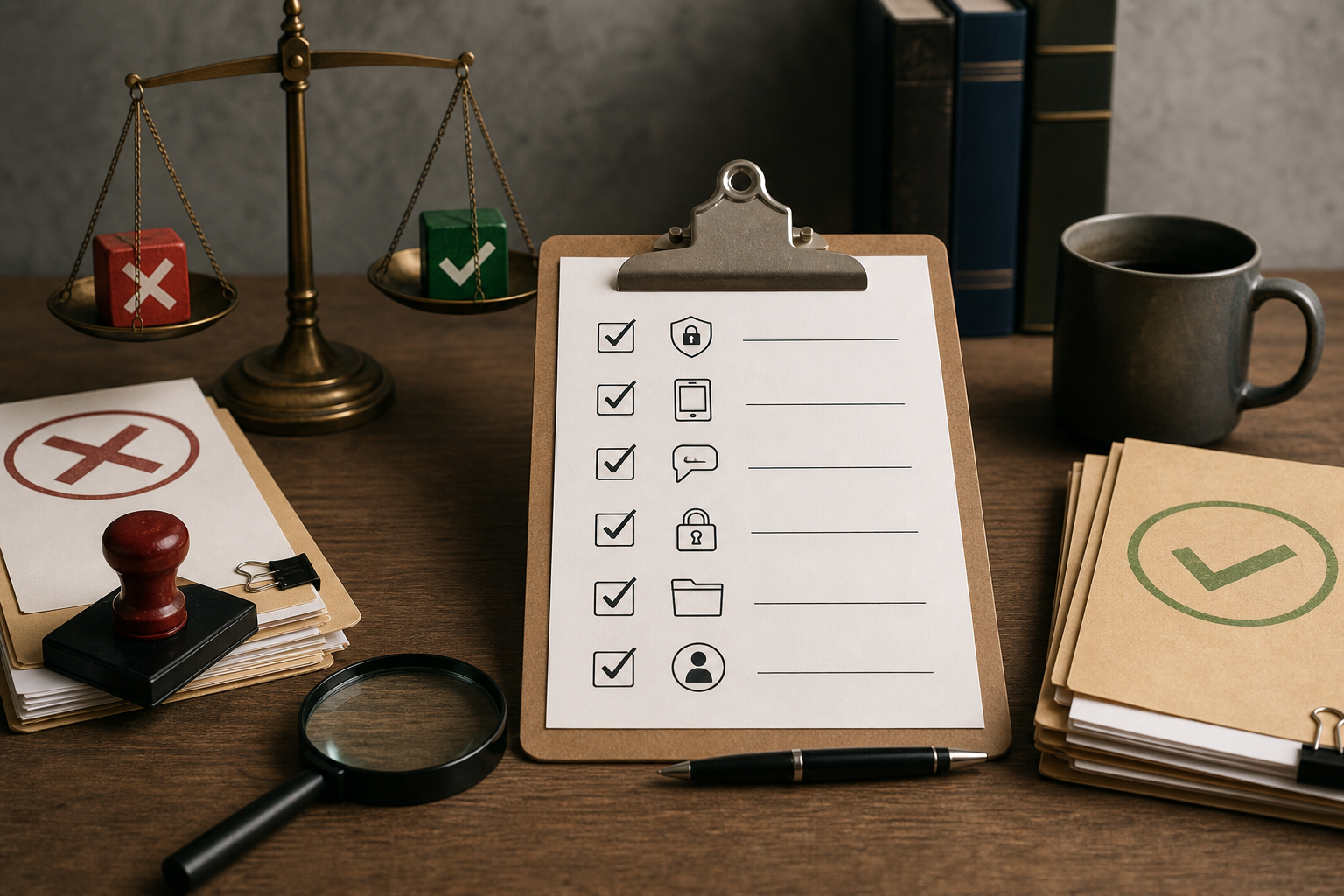
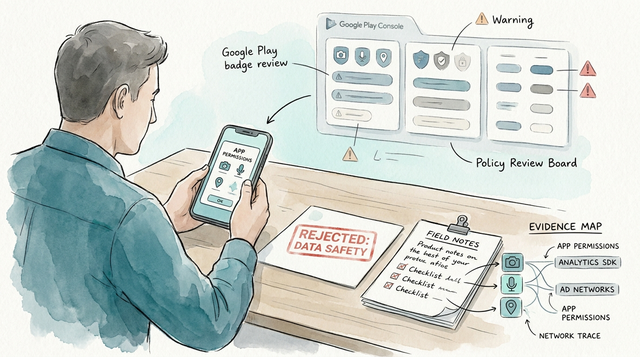
A compact checklist focused on reviewer fixes: explicit Data Safety entries (audio/transcript/identifiers + retention), pre-permission consent screenshots, in-app report button and support contact, and Play Console submission notes describing retention and triage SLA.
Doing minimal compliance up front usually reduces rework, but it costs time and coordination. Expect legal and UX effort and occasional back-and-forth with reviewers. Here are common triggers and realistic fixes.
Top Play reviewer triggers and how to fix them
- Vague Data Safety entries: enumerate data types, retention windows, and third-party sharing.
- Missing pre-record consent: add a modal before RECORD_AUDIO and include reviewer screenshots.
- No abuse plan: provide an in-app report button, a public support contact, and a short reviewer note describing your 24-72 hour triage process.
Attach permission screenshots, the privacy URL, Data Safety export, and a concise reviewer note that matches runtime behavior. One thing worth noting: reviewer timelines can be unpredictable, especially for sensitive categories, so factor a few extra days into launch plans.
Tradeoffs founders should budget for
- On-device reduces third-party sharing entries but can add 2-6 weeks of engineering and device testing.
- Hybrid/cloud ships faster but raises per-MAU costs; run a 30-day cost projection before submission.
- Legal sign-off reduces ambiguous language that triggers reviewer delays but commonly costs 1-2 sprints and may still result in reviewer follow-ups.
The Future of App Publishing: Where AI Agents Are Taking It reframes the same problem with a slightly different lens - useful before you finalize.