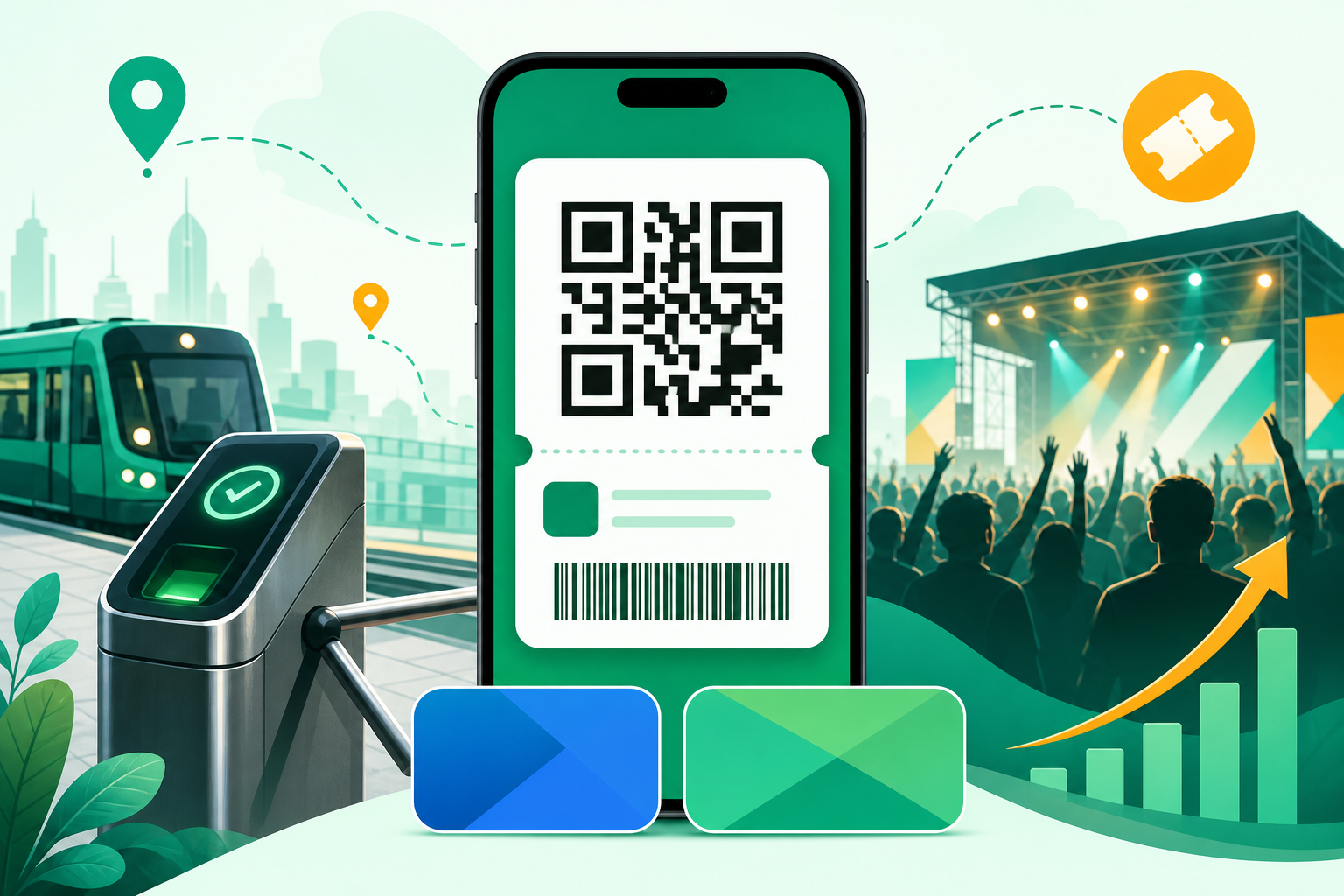
Publish now only if you can commit engineering and ops time to platform-specific wallet and payment flows; a native ticketing app gives better control of on-site validation and lifecycle signals but adds work like refund automation and reviewer support. This short guide gives a submission checklist, integration choices, and a pragmatic 90-day MVP roadmap so founders can decide and act within one quarter.
| Signal | What it means | Business impact |
|---|---|---|
| Platform guidance | Apple and Google have clearer wallet/pass notes | You can often avoid forcing purchases through in-app billing, but you must document reviewer flows |
| Scan-first pilots | Venues and transit operators ran QR and NFC pilots recently | Native apps simplify provisioning and on-site validation versus web tickets when implemented properly |
| Operator feedback | Early operators report fewer gate delays when provisioning is reliable | Treat provisioning success and scan reliability as product KPIs tied to fewer refunds and lower support volume |
Explanation: these signals are directional, not guarantees. Interpretation: native apps help when you can instrument and own provisioning; benefits shrink if you cannot staff ops or coordinate vendors. Reader impact: expect 4-12 weeks of focused engineering and ops work to reach a useful pilot, with vendor or operator timelines potentially adding weeks to months.
How to Publish a Mobile Ticketing App on the App Store and Google Play (2026) goes deeper on the ideas above and adds concrete next steps.
Why publish a mobile ticketing app in 2026?
Publish a native mobile ticketing app when you can operationalize payments, reviewer advocacy, and provisioning; it gives better control of conversion, retention, and on-site validation than marketplaces alone. Owning the mobile path preserves pricing control and direct access to scan and lifecycle signals, but it increases operational responsibilities like refund automation, device compatibility testing, and handling reviewer questions.
What this means: if you lack ops bandwidth, start with a QR/web checkout to reduce upfront risk. If you can staff platform review and payments, expect better long-term signal and control - at the cost of 2-3x more operational tasks in the first quarter.
When you move from outline to execution, How to Publish a Mobile Ticketing App with QR Codes helps close common gaps teams hit here.
How do you publish a ticketing app on App Store and Google Play?
Publish by shipping wallet-ready passes, a reproducible provisioning flow, and clear reviewer artifacts; complete the platform console forms and permission rationales so reviewers can validate gate flows without back-and-forth.
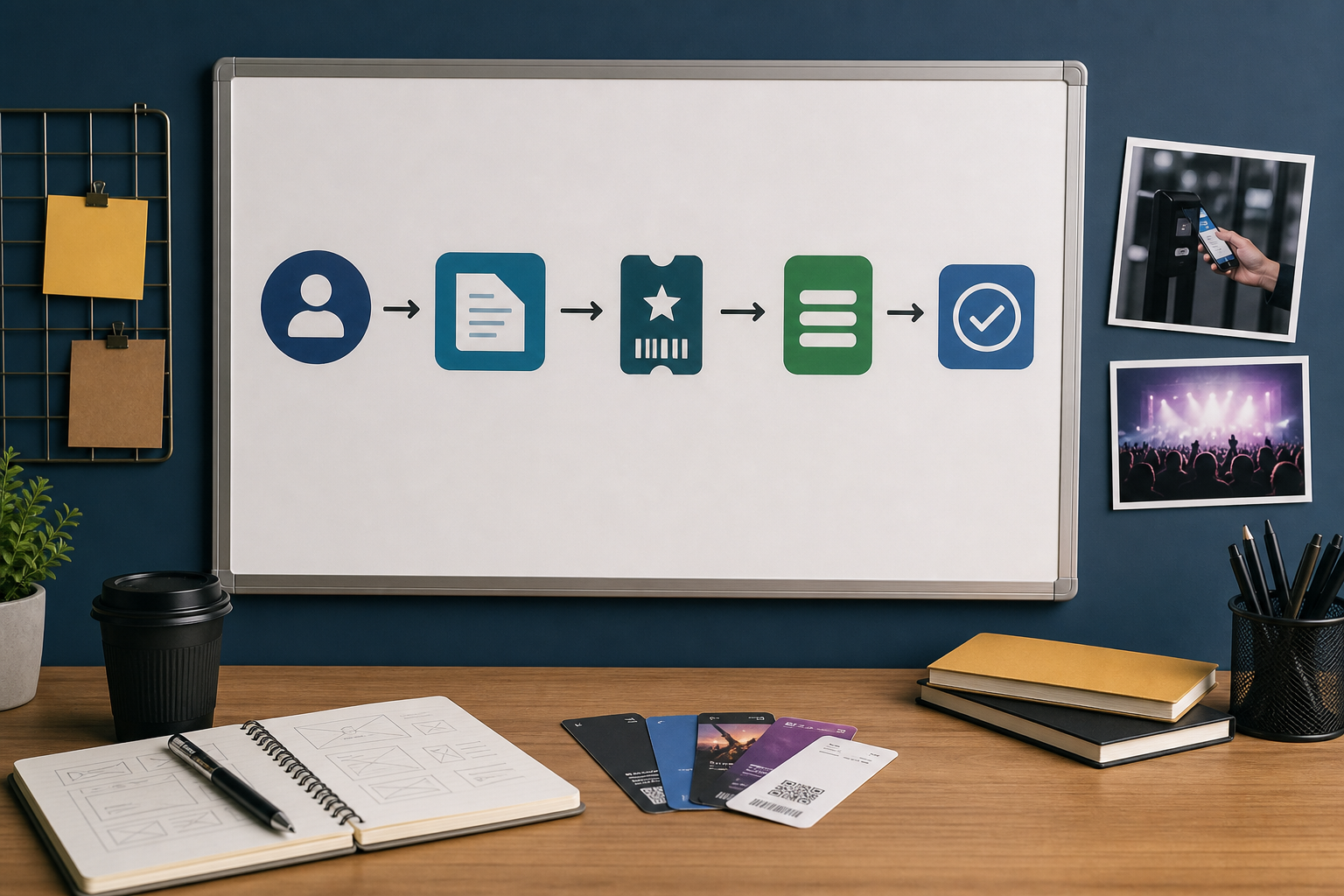
Step-by-step flow diagram for App Store submissions for ticketing apps: Developer account setup → App Store Connect metadata → PassKit asset and sample pass → Payment & refund endpoints documented → App Review notes with test artifacts → Release and pass provisioning.
Category: Outcomes
Statistic: 38%
Label: First-pass approval rate
Context: When metadata is complete upfront
Category: Operations
Statistic: Minutes saved per event
Label: Faster gates with wallet passes
Context: Pass-based entry reduces friction vs. manual lookups and helps shorten lines
Category: Adoption
Statistic: Growing pilot wave
Label: Mobile scanning trials expanding
Context: More venues and transit agencies are piloting app-based or wallet-based validation
Prepare reviewer artifacts and a reproducible provisioning flow before submission; reviewers want test credentials and step-by-step validation more than marketing copy.
1. App Store submission checklist
Apple Developer account and legal setup
Create and verify your Apple Developer account, add your org, and complete banking and tax info. Expect setup to take days to a few weeks if paperwork needs fixes.
Prepare PassKit assets and sample passes
Generate pass.json, sign assets, and include example passes plus a one-paragraph "how to validate" guide. Add screenshots of passes and a minimal test pass so reviewers see the end-to-end flow.
Document payment and provisioning flow
State whether you use Apple IAP or an external checkout, add a simple flow diagram, and attach server-side validation and refund endpoints. Clear refund examples cut common follow-ups.
Provide test credentials and validation steps
Include demo accounts, sample QR/NFC tokens, and step-by-step reproduction notes so reviewers can validate gate flows quickly. This reduces back-and-forth and speeds approval.
2. Google Play submission checklist
Play Console and data forms
Register your Play Console, complete the Data safety form, and enable Play Integrity if required. Incomplete forms are a frequent delay.
Declare permissions and explain usage
Declare camera and NFC permissions and give short, precise rationales showing scanning is core to the app. Reviewers expect minimal, direct explanations.
Attach sample passes and provisioning steps
Include Google Wallet samples and clear reviewer notes describing provisioning and validation. Provide test tokens and reproducible steps for validation.
Commerce and refunds documentation
Choose Play Billing or an external flow per policy and attach your refund and reconciliation process. Be explicit about how refunds are issued and logged.
A complementary angle worth comparing lives in Why Publishing Requires Structured Execution, Not Guesswork.
Which payments, scanning, and integrations should you choose?
Choose dependable providers and expect integrations to take weeks, not days; plan tradeoffs between speed, cost, and operational overhead. Payments and scanning are the two biggest effort drivers and the main sources of post-launch support volume.
- Payments: pick a provider with tokenization and server-side reconciliation; plan 2-4 weeks for basic integration and end-to-end tests. Complex payout or marketplace rules add more time.
- Scanning stack: commercial SDKs reduce tuning and device variance and can save several weeks; open-source requires more engineering to reach production reliability. Instrument scan success rate from day one.
- Operator integrations: NFC tokenization and gate hardware typically require contracts and weeks to months of coordination. If operator agreements are not in place, scope a QR-first MVP to reduce upfront risk.
For tradeoffs, checklists, and edge cases, Step-by-Step Guide to Publishing Your First Mobile App rounds out this section.
Counter-arguments, strategic implications, and final recommendation
Build a wallet-centric native app if you can operationalize refunds and provisioning; otherwise validate with a QR-only MVP and a web checkout to reduce upfront risk. The tradeoff is time and ops complexity versus control and signal access.
Counter-arguments & real tradeoffs
- Platform fees and policy complexity are real; splitting flows - native wallet for validation and web checkout for payment - is a reasonable compromise when you need to limit review friction. This hybrid increases surface area to support.
- NFC and transit integrations usually add weeks to months of coordination and testing; budget vendor and operator work beyond core engineering and accept a phased rollout. Contracts and hardware availability are common blockers.
- Compliance, refunds, and reviewer readiness require automation and documentation; plan for additional QA and a reviewer advocacy role to reduce resubmissions. Expect ongoing review questions after initial approval.
One thing worth noting: common failure scenarios include server provisioning bugs, device-specific NFC issues, and reviewer misunderstandings. Mitigations: add end-to-end test accounts, reproducible scripts, a device compatibility matrix, and a concise reviewer playbook attached to submissions.
Strategic implications: what your product and ops teams must change
- Treat pass provisioning and lifecycle as a product area with owners and SLAs. Assign one person to own provisioning errors and escalations.
- Allocate about 8-12 weeks for a QR pass MVP, plus 4-8 weeks more for wallet/NFC and operator onboarding depending on contracts and hardware availability. These are median ranges; vendor delays can extend timelines.
- Assign or hire a platform review specialist and a payments engineer to own reconciliation and disputes. That role materially reduces resubmission cycles.
Final position and 90-day roadmap

A 90-day timeline block tailored to a ticketing app: Week 1 - 4 core ticket flow & backend, Week 5 - 8 payments and wallet provisioning, Week 9 - 12 pilot with one venue/operator, submission to stores and monitoring post-launch.
Ship a QR + wallet-pass MVP if you can commit to operational ownership; defer full NFC integration until operator agreements and device testing are in place.
Weeks 1-4
Build core ticket flow, pass generation, backend APIs, and QR scanning. Add basic monitoring for pass delivery and error rates.
Weeks 5-8
Integrate payment provider and wallet provisioning. Automate server-side reconciliation and simple refund flows and run integration tests.
Weeks 9-12
Pilot with one venue, instrument provisioning and scan metrics, collect support data, and submit to stores with reviewer artifacts. Iterate on failures and document fixes.
Immediate next steps: run a 2-week policy and test-plan audit, prepare sample passes and reviewer notes, and schedule a technical review with your payments partner.
How to Publish a ChatGPT-Style Mobile App reframes the same problem with a slightly different lens - useful before you finalize.