
You built a Glide app that works in a browser, but now users are asking for a real install button and you are stuck between a PWA shortcut and the expectations of the Apple App Store and Google Play. Publishing Glide as a store app is usually an operational workflow problem, not a coding problem. This guide gives you a realistic path to ship a submit-ready iOS and Android wrapper with fewer surprises, clearer ownership, and more predictable timelines.
| Early proof (directional) | What it is | What it means | Reader impact |
|---|---|---|---|
| Missing developer accounts | Apple Developer and Google Play Console are not set up, verified, or owned by the right entity | You cannot submit until legal, billing, tax, and 2FA are sorted | Commonly adds days to weeks due to verification, D-U-N-S issues, or internal approvals |
| Missing review path | No reviewer login, demo mode, or test credentials prepared | Reviewers cannot access core value, so apps get rejected or stalled | Prevents "cannot log in" loops that reset the review clock |
| Metadata and privacy mismatch | Listing claims do not match in-app behavior (data collection, permissions, screenshots) | Stores treat mismatch as risk and ask for changes | Reduces back and forth and re-submission cycles |
| Wrapper-specific behavior not tested | Packaged app behaves differently than mobile browser (permissions, links, auth redirects) | Issues surface only after you build the wrapper | Avoids late discoveries when fixes are slower and reviews are queued |
Explanation: Glide apps are PWAs by default, so app store publishing usually requires a wrapper plus store assets and compliance work. Glide notes app store publishing is not officially supported and approval is not guaranteed, so readiness and expectations matter. Source: Glide Help Center
Interpretation: Most delays come from missing inputs and unclear ownership, not from Glide screens.
Business impact: If mobile distribution is a growth or adoption lever, your critical path is calendar time and review loops. A clean submission package reduces idle time waiting on reviews, rejections, or account access.
Publishing Apps Built With Flutter, React Native, or Native goes deeper on the ideas above and adds concrete next steps.
Why publish a Glide app as a mobile app?
Glide can get you to a usable mobile experience quickly, but stores add constraints: identity verification, policy compliance, and reviewability. A browser link can be fine, yet many users expect a store install flow, an icon, and updates that feel like "real apps."
The practical takeaway: store distribution is a tradeoff. You gain discoverability and a familiar install pattern, but you take on wrapper limitations, approval uncertainty, and slower iteration because builds and reviews have queues.
When you move from outline to execution, How to Publish a Bubble Mobile App to App Store and Google Play helps close common gaps teams hit here.
What do you need before you publish a Glide app?
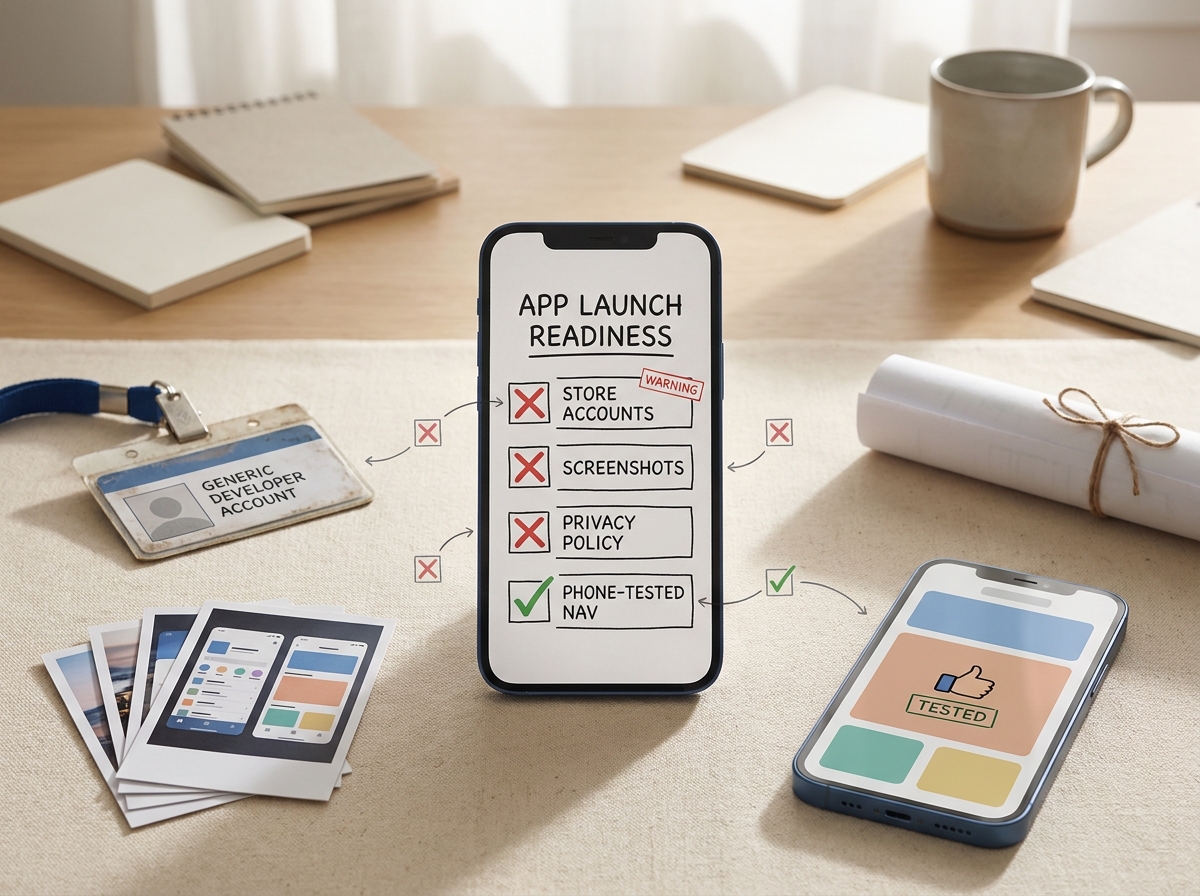
A concise proof callout showing a Glide app publishing readiness checklist with the main blockers highlighted: store accounts, screenshots, privacy policy, and phone-tested navigation.
Accounts, assets, and ownership (realistic timing)
- Apple Developer account
- Typical setup time: 1-7 days for individuals, often 1-3+ weeks for organizations if D-U-N-S or legal entity details need fixes
- Google Play Console developer account
- Typical setup time: 1-3 days, sometimes longer with payment profile or identity checks
- Release owner
- Name one person (and a backup) who can manage 2FA, upload builds, and reply to store questions within 24-48 hours
- Store assets
- Icon (1024x1024), screenshots (per device family), short and full descriptions
- Effort: 2-6 hours if design and copy exist, 1-2 days if you need new screen captures and positioning
- Public URLs
- Privacy policy URL and support URL that will stay live after launch (avoid temporary doc links that might be locked later)
Tradeoff to accept: rushing with incomplete assets can create a longer overall timeline because stores will pause review until you provide missing or corrected materials.
One validation checkpoint before moving on (acceptance criteria)
Before you package anything, define pass/fail on real phones:
- Core journey passes on at least 3 devices (example: iPhone, mid-range Android, small-screen Android)
- Reviewer can reach a meaningful screen in under 60 seconds (demo login or clear onboarding)
- Basic QA targets (practical, measurable):
- Crash-free sessions: aim for 99%+ during internal testing
- Login success rate: aim for 95%+ across 10+ fresh installs by testers
If a critical flow is flaky on mobile, fix it now. Late fixes cost more because wrapper rebuilds and store reviews add lead time.
A complementary angle worth comparing lives in Why Publishing Requires Structured Execution, Not Guesswork.
Step-by-step: publish the Glide app as a mobile app
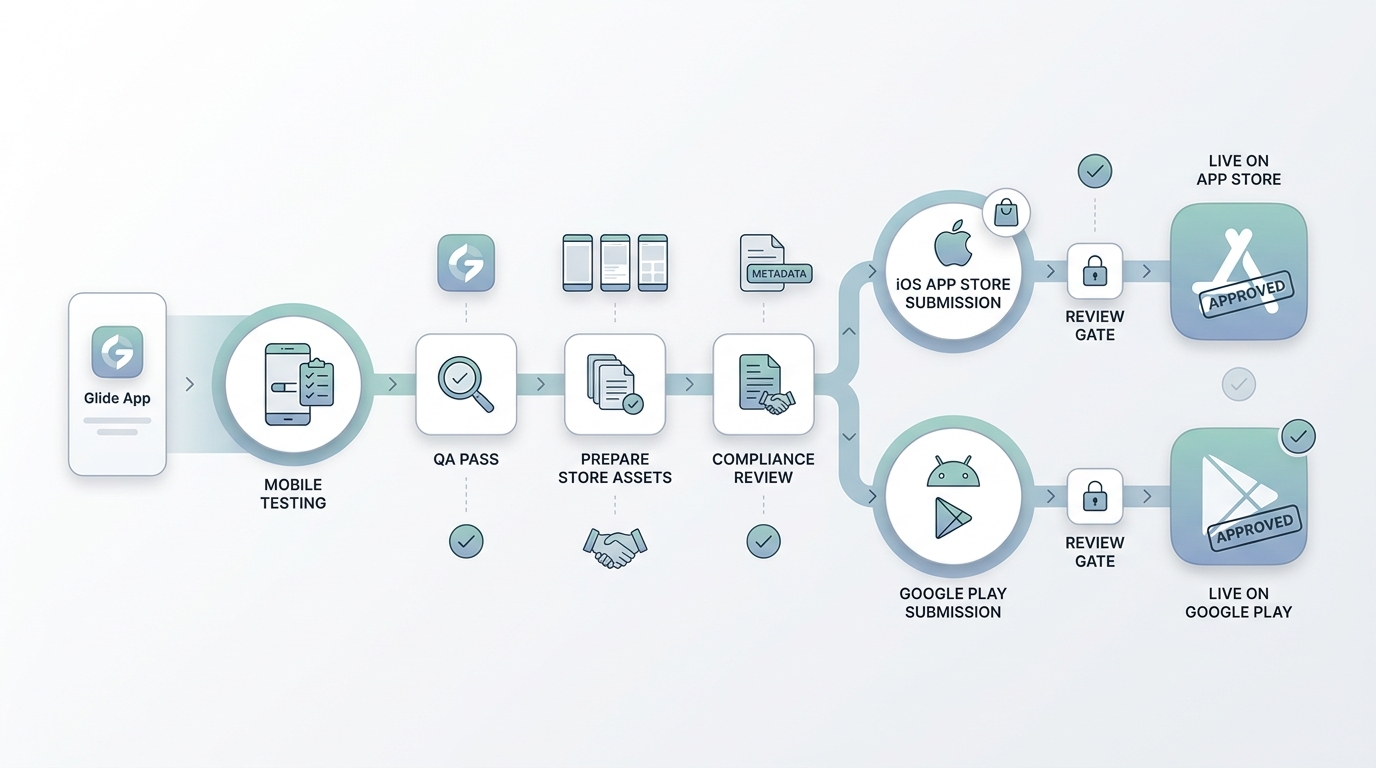
A simple workflow diagram showing the Glide app moving from mobile testing to App Store and Google Play submission branches, with review checkpoints and store-ready assets along the path.
1. Prepare the Glide app for mobile distribution (half day to 2 days)
Mobile layout and tap targets
Test on multiple phone sizes and clean up desktop-only patterns. Look for clipped text, tiny buttons, and cards that require precise taps.
Finishable core flows
Re-run sign-in, navigation, and every data-entry path end to end. Pay extra attention to file uploads, camera capture, and required fields.
Stability over polish
Freeze new feature work for a short window. Every last-minute change can force another wrapper build and restart review time.
2. Choose a packaging path (decision point)
You typically have three options, each with different cost, time, and risk profiles.
| Option | Time to ship (typical) | Ongoing effort | Store acceptance risk | Notes |
|---|---|---|---|---|
| PWA (no stores) | Hours to 2 days | Low | None | Fastest. No store listing. OS support and prompts vary, and users can still lose the shortcut. |
| Wrapper (stores) | 3 days to 3+ weeks | Medium | Medium to high | Enables store distribution but depends on wrapper limits and store policy interpretation. |
| Native rewrite | 6-12+ weeks | High | Lower (if well built) | More control long term, but higher cost and engineering dependencies. |
Dependency caveat: wrapper vendors vary on webview behavior, auth redirects, deep linking, push notifications, and background tasks. Also, store policies can change with limited notice, so plan for at least one iteration even if the first build looks fine.
3. Build the wrapper and run packaged testing (half day to 3 days)
This is where "works in Safari/Chrome" becomes "works as an installed app."
- Concrete wrapper example: Capacitor-based wrappers are a common approach; some teams use a wrapper service such as GoNative to generate store-ready builds. Your choice affects link handling, permissions, and upgrade workflow.
- iOS testing path: TestFlight (via App Store Connect)
- Android testing path: Internal testing track (via Google Play Console)
Minimum packaged test plan:
- Install from TestFlight/Internal testing (not a home screen shortcut)
- Login works for a brand-new tester (not just the builder)
- Auth redirects and external links do not trap users in a blank webview
- File upload and camera capture work (or fail gracefully with clear messaging)
- Links open correctly (in-app vs external browser) and return the user to the app as expected
What can go wrong (plan for it):
- SSO, magic links, or invite-only access can fail in review if steps are unclear or emails are filtered.
- Deep links and push notifications may be limited or require extra native configuration.
- Some wrappers handle downloads, third-party cookies, or file pickers differently than mobile browsers.
4. Prepare App Store Connect and Google Play Console submissions (2 to 6 hours)
Create a single "launch folder" so submission is repeatable:
/store/ios/screenshots/and/store/android/screenshots//store/copy/description.txt/legal/privacy-policy-url.txtand/support/support-url.txt/review/demo-credentials.txt
Submission checklist (keep it tight and consistent):
- App Store Connect: app record, bundle ID, screenshots, privacy details, review notes (include demo login), and any export compliance prompts.
- Google Play Console: app content declarations, data safety form, screenshots, and your testing track promotion plan.
Concrete example: reviewer credentials note (keep it plain):
- Login:
reviewer@example.com - Password:
ExamplePassword123 - Steps: Open app - tap "Sign in" - use credentials above - go to "Orders" to see sample data
- Notes: No payment required. Camera permission is optional; deny to continue.
5. Submit, respond to review, and plan the loop (2 to 10+ days)
Review timelines vary by region, app type, account history, and reviewer workload. Approval is probabilistic, and iteration is common:
- Reply to reviewer questions within 24-48 hours when possible (this is why ownership matters)
- Keep changes small between re-submissions to avoid introducing new issues
- If you change permissions or data handling, update both the app behavior and the disclosures
Practical takeaway: the fastest path is often "consistent and testable" rather than "perfect." Over-optimizing the first submission can delay launch more than it reduces rejection risk.
For tradeoffs, checklists, and edge cases, Step-by-Step Guide to Publishing Your First Mobile App rounds out this section.
Common mistakes when publishing a Glide app
- No reviewer path: reviewers cannot sign in, cannot see sample data, or do not know what to test.
- Thin or unclear purpose: the first screen looks like a generic table with no context, which can trigger questions about value and audience.
- Screenshots mismatch: desktop-looking screenshots or builder-only views that do not match the packaged experience.
- Privacy and permissions mismatch: disclosures say one thing, but the app requests or uses something else, leading to review delays.
- Link and auth edge cases: external browser handoffs, redirect loops, or "open in browser" behavior that breaks the core journey.
One thing worth noting: because Glide does not officially support app store publishing, you are relying on wrapper behavior and your own submission hygiene. That does not mean it will fail, but it does mean you should budget time for iteration and policy interpretation. Source: Glide Help Center
The Last Step AI App Builders Don't Solve: Publishing reframes the same problem with a slightly different lens - useful before you finalize.
Final launch checklist for publishing a Glide app
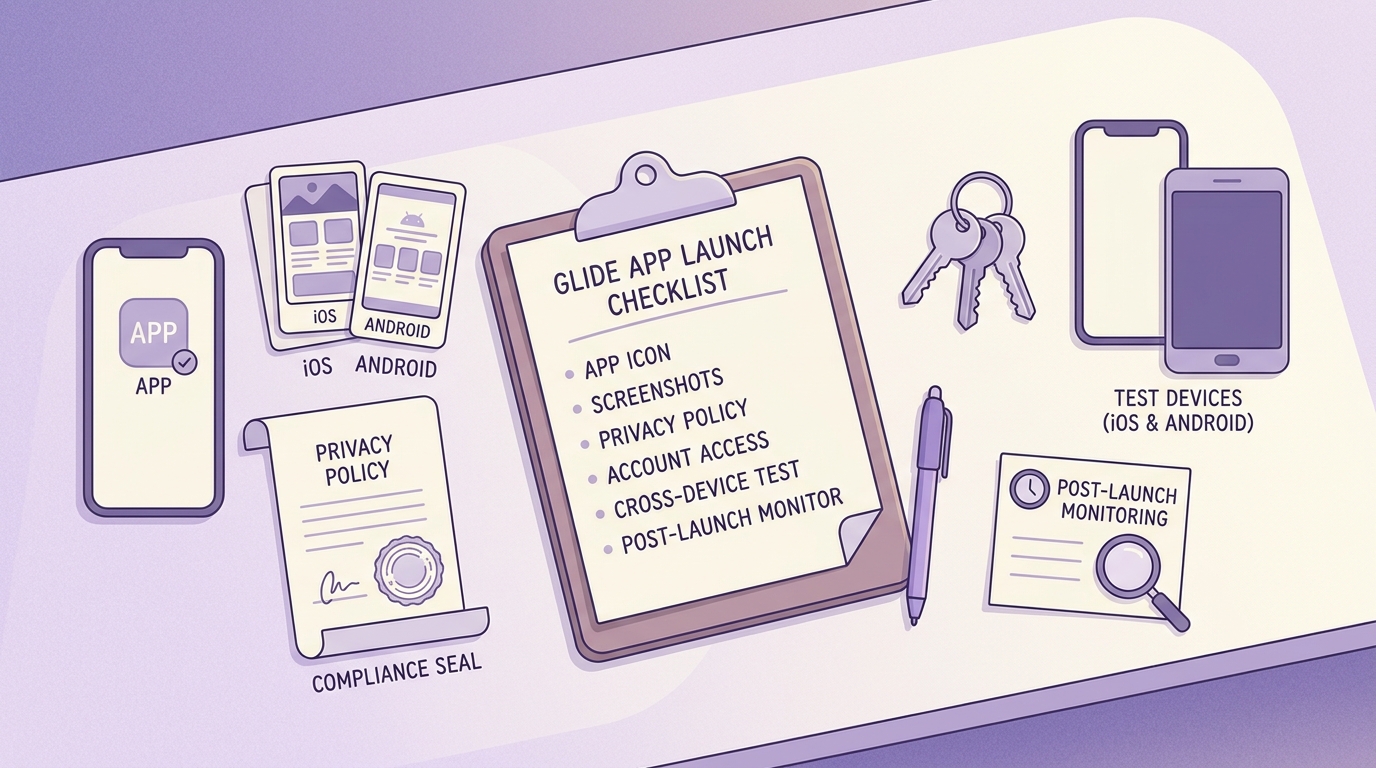
A mobile-friendly pre-launch checklist focused on Glide app publishing, including icon, screenshots, privacy policy, account access, phone testing, and post-launch monitoring.
| Check | Acceptance criterion | Why it matters |
|---|---|---|
| Core journey | Passes on 3 real devices | Prevents review stalls and early churn |
| Reviewer access | Reviewer reaches value in under 60 seconds | Reduces rejection risk |
| Metadata match | Screenshots and claims match the app | Avoids rework and delays |
| Ownership | Release owner can respond within 24-48 hours | Keeps reviews moving |
Post-launch (first 48 hours):
- Install the live listing on iPhone and Android, then re-test login and key flows
- Monitor sign-in failures and support tickets (wrapper issues surface quickly)
- Plan updates around review lead time (often days), not just Glide iteration speed (often hours)


