You can have a finished app and still miss your launch date because the app stores reject submissions for avoidable, non-code details like privacy setup, metadata, screenshots, or uploading the wrong build. If you are a non-technical founder, the risk is not whether your product works, it is whether you can gather the right inputs and submit them in the right order. This guide turns publishing into a practical checklist so you can coordinate with developers or contractors and submit with fewer surprises.
Everything You Need to Know Before Building Your First App goes deeper on the ideas above and adds concrete next steps.
Early proof: what actually delays first submissions (observational)
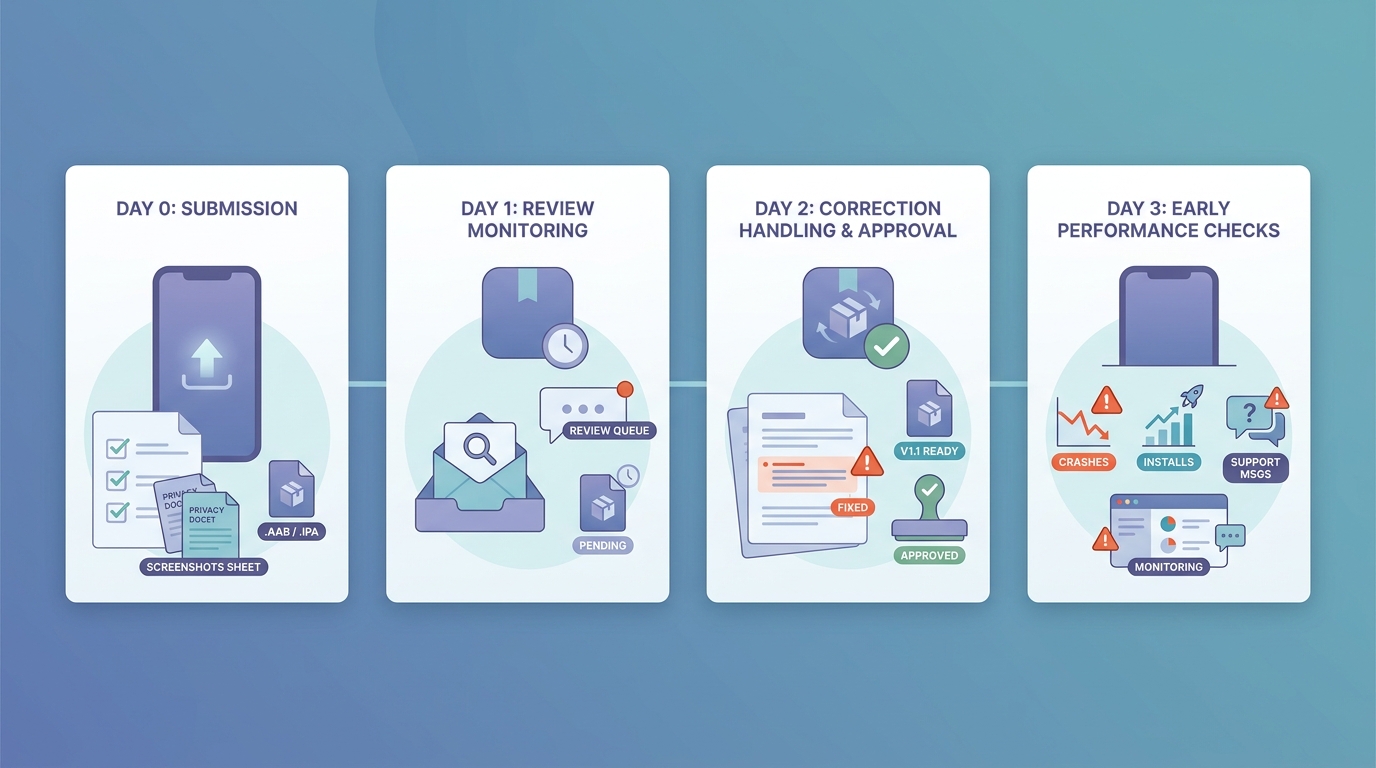
A post-launch timeline for a first app release showing day 0 submission, day 1 review monitoring, day 2 correction handling, and day 3 early performance checks such as crashes, installs, and support messages.
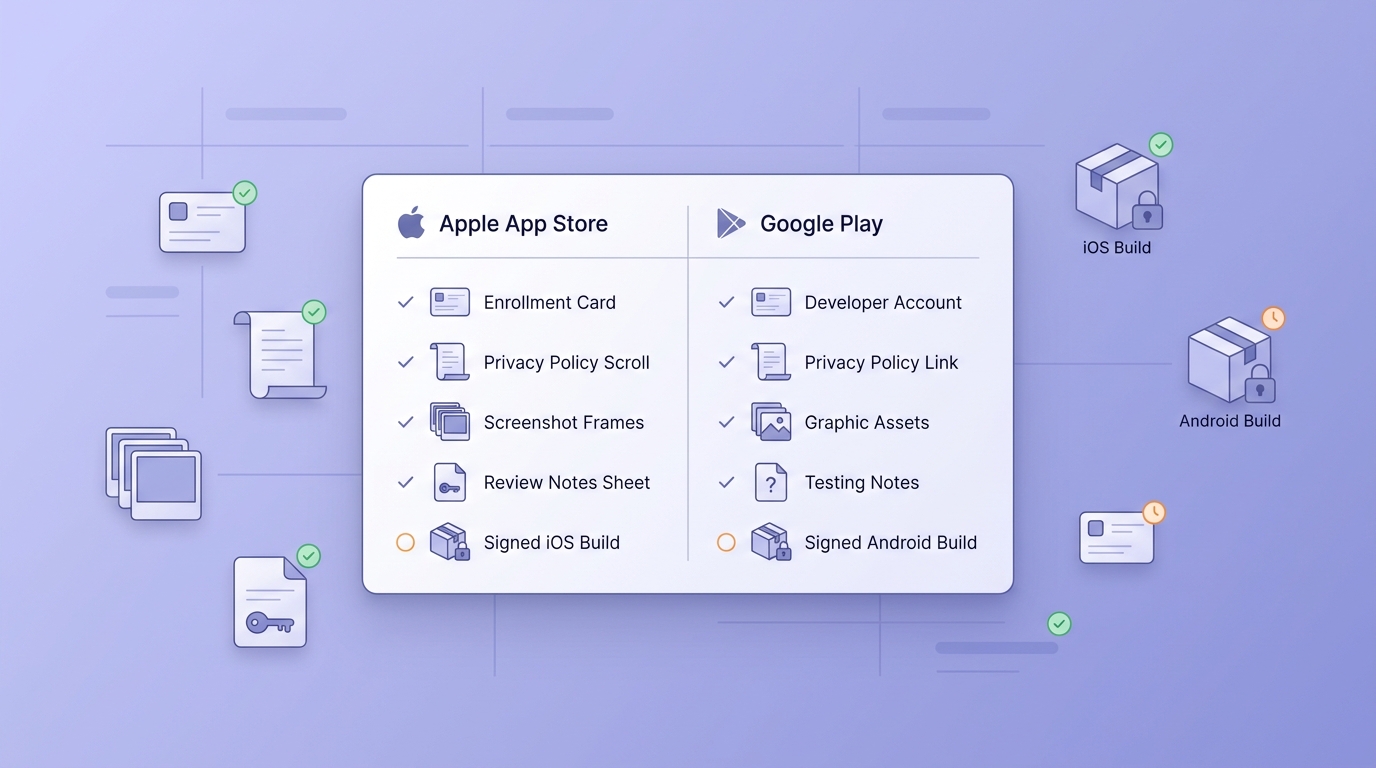
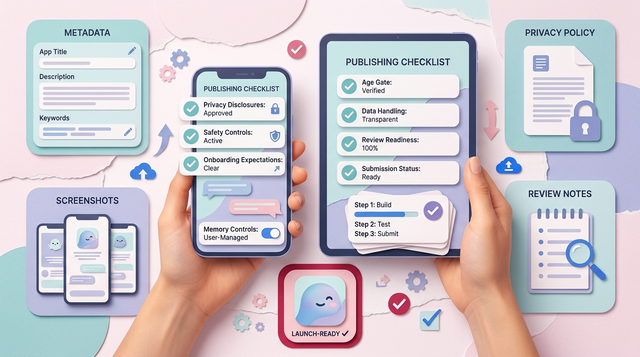
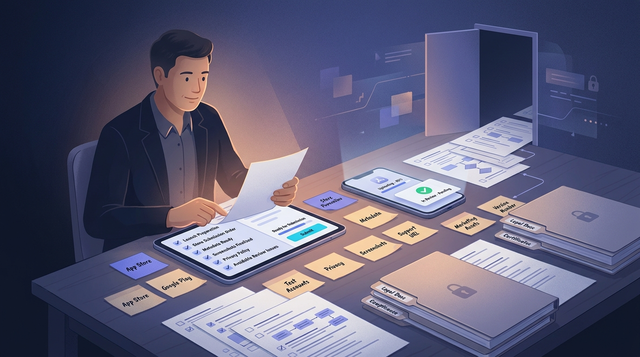
A compact checklist block comparing App Store and Google Play launch prerequisites for a first-time founder, including account setup, screenshots, privacy policy, app review notes, and build upload status.
Launch-readiness snapshot for first submissions
| Readiness item | Apple App Store | Google Play |
|---|---|---|
| Developer account | Apple Developer enrollment | Play Console developer account |
| App identity | App name, bundle ID | App name, package name |
| Legal | Privacy policy URL | Privacy policy link (commonly required) |
| Store listing | Screenshots, description | Screenshots, description |
| Build file | Signed iOS build uploaded | Signed Android build uploaded (AAB) |
| Review support | Review notes, demo login if needed | Tester access, release track choice |
Directional benchmark (from first-submission reviews): The most common avoidable back-and-forth tends to be (1) missing or non-working reviewer credentials, (2) privacy policy or data disclosures that do not match the app behavior, and (3) screenshot or device-size mismatches. This is not a guarantee, but it is a reliable pattern across many first launches.
Explanation: First-time delays are often missing inputs, not missing code. Reviewers can only evaluate what you provide: identity, policy links, listing assets, a valid build, and a way to access key features.
Interpretation: If login is required, include a reviewer account plus exact steps (email, password, any OTP bypass, and what screen to start from). If your build points at the wrong backend environment (test vs production) or relies on region-specific verification (SMS, ID checks), call that out and provide a workable reviewer path.
Reader impact: Collect these items early, then verify them against the exact build you plan to submit. That reduces last-minute scrambling and lowers the odds of a preventable rejection loop.
When you move from outline to execution, Why Publishing Requires Structured Execution, Not Guesswork helps close common gaps teams hit here.
Why does first-time app publishing feel risky for non-technical founders?
What usually goes wrong before the first release
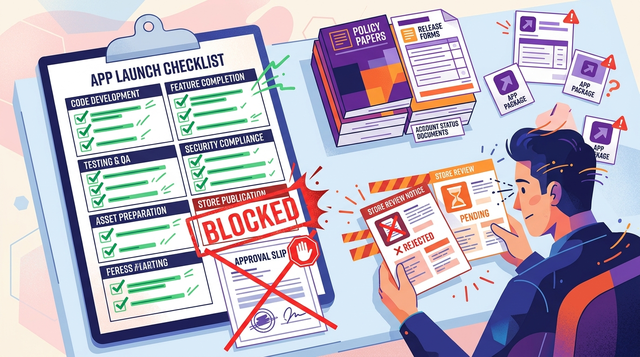
First-time submissions fail for small operational reasons, not big product flaws. Typical blockers include:
- Missing or wrong-sized icons, splash assets, or screenshots (packaging issues)
- Screenshots that do not match the current UI, or omit a required device size
- Privacy policy URL is missing, broken, or disclosures do not match actual data use
- No reviewer test credentials, or a login flow that fails without internal access
- A build that crashes on first launch, or points at a staging backend
One thing worth noting: some delays have nothing to do with your build. Account verification, tax and banking setup, trademark concerns, and certain policy flags can add days depending on region and timing.
Why this checklist is different from a generic startup launch plan
This is not marketing strategy. It is the store workflow: account setup, version upload, metadata, and review submission.
You do not need to open Xcode or Android Studio, but you do need access and coordination. Plan on 3 to 6 hours of founder time spread across 1 to 2 weeks, plus dependencies on developer bandwidth, design updates, and legal review turnaround.
A complementary angle worth comparing lives in Step-by-Step Guide to Publishing Your First Mobile App.
What is the first mobile app publishing checklist?
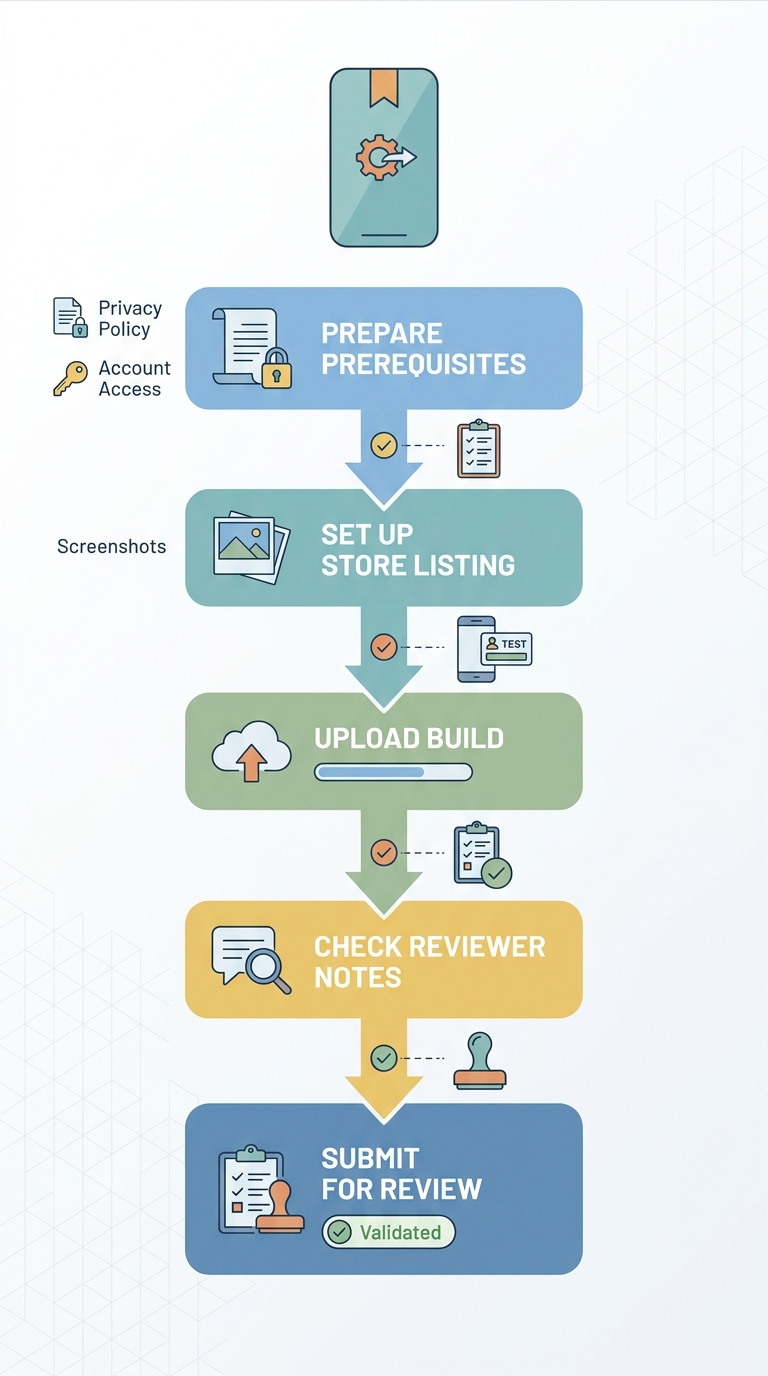
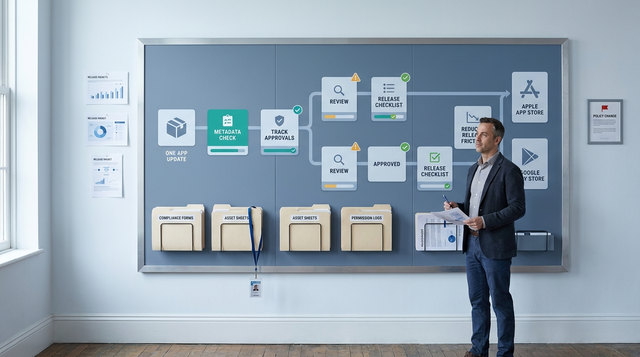
A simple process diagram showing the path from prerequisites to store listing setup, build upload, reviewer notes, and final submission, with checkpoints for metadata review and smoke testing.
Step 1: gather the launch prerequisites before you touch the store console
Collect the non-negotiables in one place
Gather: final app name, company and legal entity name, developer account access, support email, privacy policy URL, and a test login if your app requires one. If you miss an item, you may stall mid-form and start guessing, which increases rejection risk.
Assign owners so nothing gets dropped
Founders usually own naming, legal entity details, and support contact. Legal or ops often owns the privacy policy. Your developer or agency owns build signing and upload, and should provide reviewer notes and demo credentials.
Plan for delays: enrollment, identity verification, and tax steps can take longer than you expect, especially for new entities or certain regions.
Use a simple launch tracker with links and dates
Do not rely on chat threads. Use a Notion table, Airtable, or Google Sheet with columns like Owner, Asset link, Store field, Status, Due date, Notes.
This takes 30 to 45 minutes to set up, but it usually saves hours when you hit a missing asset late in the process.
For tradeoffs, checklists, and edge cases, Should You Publish Your App Yourself or Use an App Publishing Tool? rounds out this section.
Before you submit: the mistakes that often delay a first release
Metadata and policy mistakes that trigger avoidable rejections
- Mismatch between app name and the build: if the binary and listing disagree, reviewers may pause to verify intent.
- Screenshots that do not match the current UI: outdated screens can look misleading, especially if key flows changed.
- Missing privacy policy URL or incomplete disclosures: higher risk if you collect personal data or use analytics. Google Play calls out incomplete or unclear store listing details as a common submission problem (Play Console Help).
- Broken support links: dead links reduce reviewer trust and can trigger follow-up questions.
Practical prevention: open the listing draft next to the current build and check every field and link. Budget 30 to 60 minutes if your assets are already organized, longer if you are still generating screenshots.
Product and access issues that make reviewers pause
If a reviewer cannot reach your core value quickly, they may assume users cannot either.
Common blockers include a login wall with no test account, onboarding that hides the main feature, placeholder content, or a crash on first launch. Review timing varies, and "rejection roundups" are best treated as examples, not proof.
Make the reviewer path easy:
- Provide test credentials and confirm they work in the submitted build
- Add clear reviewer notes for paywalls, permissions, and key flows
- Decide a stability bar you can actually hit for v1 (at minimum, no crash on launch in internal testing on a few representative devices)
Also keep the tradeoff in mind: some fixes require a new build and a new review cycle. If you are close to launch, it is often better to ship a smaller, stable scope than to rush a risky feature into the first submission (even though it can feel uncomfortable to cut scope).
Turn this checklist into your own launch tracker
Create a shared Notion or Google Sheet tracker with owners, links, and due dates before your submission window.
Make a launch tracker
How a Solo Founder Prepared Their App for Launch Without Hiring an Agency reframes the same problem with a slightly different lens - useful before you finalize.
What should you check before and after submitting the app?
A compact workflow for submit day through the first 72 hours
| When | What to check | Owner | Why it matters |
|---|---|---|---|
| 24 to 48 hours before submit | Account access, legal entity details, pricing, age rating, support contact | Founder or ops | Fixing account details under review pressure is slow and error-prone |
| 24 hours before submit | Build version and release notes match the uploaded binary | Developer | Prevents "wrong build" confusion and resubmits |
| 24 hours before submit | Screenshots, description, keywords, category match the current UI | Founder or design | Avoids misleading listing flags and reduces reviewer questions |
| 24 hours before submit | Privacy policy URL works and disclosures match actual data use | Founder plus legal | Policy mismatches are a frequent rejection cause |
| Submit day | Reviewer instructions: test account, paywall notes, key flows, any region or environment caveats | Founder plus developer | Helps reviewers access the product without guessing |
| First 72 hours | Monitor status, reply to questions, watch crashes or ANRs, scan support inbox and reviews | Founder plus developer | Early issues are easier to fix before you scale acquisition |
Go-no-go rule: if access, privacy, or the correct build is uncertain, it is often faster to wait a day and submit clean than to submit and repair while a review is in progress.
Get a second set of eyes before you submit
Share your draft listing, reviewer notes, and your readiness tracker. If I have availability, I can skim them and flag likely gaps (privacy links, access notes, screenshot mismatches). This is not a guarantee of approval.
Request a pre-submit review