
Shipping a buggy app to the App Store can quietly sabotage your launch. Early users are less forgiving, reviews stick around, and you end up doing support and damage control instead of shipping improvements. This guide shows you how to run a practical TestFlight beta that catches the real problems early and helps you make a more grounded launch-ready call.
Early proof block: a workable beta in one page (directional, not a performance guarantee)
| Phase | What you do | What you learn | Business impact |
|---|---|---|---|
| Build upload | Archive in Xcode, upload to App Store Connect, wait for processing | Whether signing, versioning, and metadata are acceptable | Fewer last-minute submission blockers |
| Internal test | Share with your team (fast access) | Obvious crashes, broken onboarding, regressions | Protects tester goodwill and reduces rework |
| External test | Invite real users (after Apple review for external) | Real device and real behavior issues | Fewer surprises when marketing starts |
| Triage loop | Track issues, ship new builds, re-test core flows | Whether fixes actually resolve the problem | Clearer "ship vs one more pass" decisions |
- Explanation: A small team can run this loop without dedicated QA, but you still need time for build processing, review timing, and daily triage (TestFlight - Apple Developer, TestFlight overview).
- Interpretation: The point is not collecting opinions, it is tightening the build-feedback-fix cycle around the flows that matter.
- Reader impact: If you can invest a focused window (often 3 to 10 days, depending on team size and Apple review timing), you reduce the odds that launch week turns into a support fire drill. Results depend on tester quality and your backend stability.
TestFlight and Google Play Testing: Using Beta Tracks goes deeper on the ideas above and adds concrete next steps.
Why TestFlight matters before you ship to the App Store
A public App Store release is not the moment to discover that login fails on a specific iOS version, onboarding traps users, or purchases do not complete. TestFlight gives you a safer audience and faster iteration, but it still takes planning and follow-through.
Here is the tradeoff: you add a pre-launch phase (commonly 3 to 10 days for a small team) to lower the chance of a messy first impression. It will not guarantee a smooth launch, but it can surface the riskiest failures earlier, when they are cheaper to fix.
The launch mistake this guide helps you avoid
- Shipping a crashy first version that collects 1-star reviews before marketing ramps
- Burning early adopters on broken onboarding, paywalls, or navigation dead ends
- Creating an avoidable support queue for a team of one or two
- Losing trust from users who might have become advocates
What TestFlight gives you that ad hoc testing does not
| Approach | Distribution | Feedback | Control | Practical downside |
|---|---|---|---|---|
| Random IPA sharing | Informal and fragile | Scattered in DMs, email, chat | Low | Easy to lose context and build provenance |
| Screenshot-only reviews | No real device use | Opinion-heavy | Medium | Misses crashes, performance, edge cases |
| TestFlight | Apple-supported install path | Centralized feedback and crash info | High | External testing can require Apple review |
TestFlight is Apple’s official beta path for distributing pre-release builds and collecting tester feedback in one place (TestFlight - Apple Developer, TestFlight overview). It is not magic QA, but it does give you a consistent pipeline and better artifacts.
When you move from outline to execution, Everything You Need to Know About Apple and Google Developer Accounts helps close common gaps teams hit here.
How do you run a TestFlight beta from first build to launch-ready verdict?
Category: Speed
Statistic: 0 days
Label: Internal access after upload
Context: Starts testing as soon as the build is processed in App Store Connect
Category: Reach
Statistic: Up to 10000 testers
Label: External beta audience cap
Context: Scale beyond your team for broader device and user coverage
Category: Review
Statistic: Apple review required
Label: External builds before invites
Context: External testing can’t begin until Apple approves the build for TestFlight
This assumes you have an Apple Developer account and can build your app in Xcode. Everything else is workflow, communication, and leaving slack for Apple and humans.
A realistic cadence for a small team is 2 to 4 builds across 1 to 2 weeks. Faster can overwhelm testers and you, and slower makes retesting unreliable because people forget what changed.
Prepare the build and App Store Connect basics
Create or verify the app record in App Store Connect, then archive and upload a build from Xcode. Build processing can take minutes to hours and occasionally stalls, so do your first upload earlier than you think, ideally a day before you plan to invite anyone (Get Started - App Store, TestFlight overview).
If processing fails, re-archive, bump the build number, and try again. This is common enough that you should not schedule your first tester invite for the same afternoon.
Write Test Information like you are onboarding a stranger
Add what to test, known issues, and any login details in App Store Connect. Expect to spend 20 to 40 minutes here the first time, and a few minutes each build afterward (Provide test information).
If export compliance, privacy prompts, or required metadata are missing, setup can get blocked. Plan extra time if you have encryption, payments, or accounts.
Start internal, then go external only when the app is survivable
Internal testers (team, close collaborators) should catch obvious crashes and dead ends fast. Move to external testers once onboarding and your main value action work end-to-end on real devices.
Dependency to plan for: external testing can require Apple review and timing varies. If review delays hit, keep momentum with an internal round and better tester instructions instead of waiting idle (TestFlight overview).
Run a tight triage loop with a simple severity rubric
Ask testers for device model, iOS version, and steps to reproduce. Put everything into one tracker (Linear, Jira, GitHub Issues, Notion) so nothing disappears into DMs.
Plan 15 to 30 minutes per day to triage during the beta window, more if you have lots of testers or a complex backend. If you cannot afford that time, reduce tester count and narrow the scope to one or two critical flows.
Here is an example severity rubric and turnaround. Adjust to your product and capacity.
Severity Definition (example) Ship rule (example) Target turnaround (example) P0 Crash on launch, cannot log in, cannot pay, data loss Must fix before release Same day to 48 hours P1 Core flow breaks for some users, severe performance Fix before release if reproducible 1 to 3 days P2 UI bugs, copy issues, minor edge cases Can ship with patch plan Next release cycle One thing worth noting: some failures are not app bugs. Backend incidents, flaky environments, or analytics blind spots can waste days if you misdiagnose them.
Know when to stop (within your risk tolerance)
Use a ship gate you can actually measure. Example thresholds that many teams use as a starting point (not guarantees): crash-free sessions at or above 99%, zero open P0 bugs, and a high completion rate for onboarding (for example 80%+ among testers who start it).
If you still see repeat failures in onboarding, login, or payment, that is usually a signal for one more focused pass. Also consider non-code risks like Apple review delays or a payment provider issue that could slip your date even if the app is stable.
A complementary angle worth comparing lives in Test Builds Without Chaos: Clean Beta Process Guide.
What common TestFlight mistakes can wreck a launch?
Most TestFlight problems are not technical, they are operational.
Inviting too many testers too early
If onboarding is failing, you will burn your best testers and get noisy feedback. Fix obvious dead ends first, then widen the net.
Treating opinions like bug reports
Keep two buckets: "preference feedback" and "cannot complete task." Both matter, but only the second one should block a release.
Flying blind on instrumentation
If you do not have basic analytics or logs for the critical path, you will rely on memory and vague reports. Even lightweight events for onboarding completion and purchase start-to-finish can change the quality of your decisions.
For tradeoffs, checklists, and edge cases, How to Get Your First 1,000 Users for Your iOS App rounds out this section.
Execution checklist for your next TestFlight beta
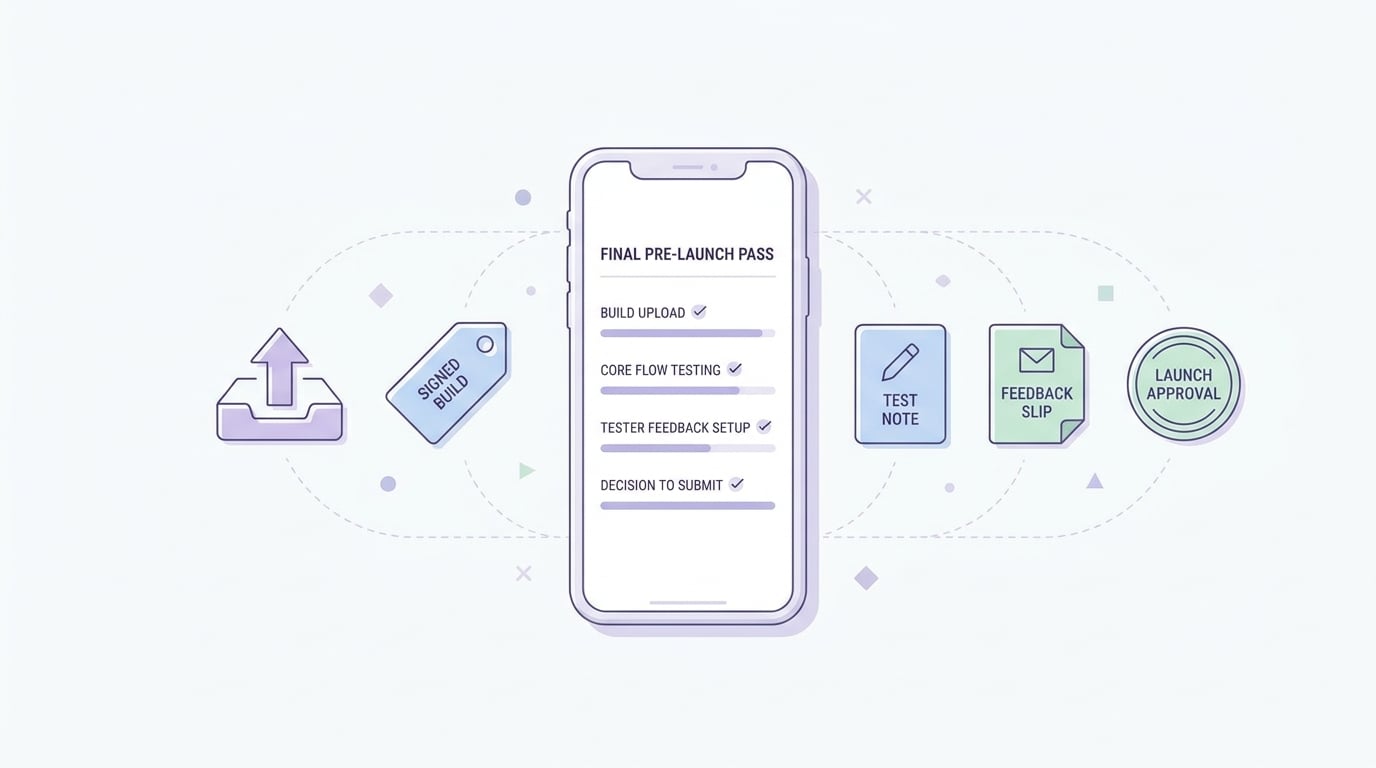
A mobile-friendly checklist block for the final TestFlight pre-launch pass, covering build upload, core flow validation, tester feedback setup, and the decision to submit to the App Store.
Keep this visible while you work.
- Upload a build and confirm it finishes processing in App Store Connect (TestFlight overview)
- Verify versioning, signing, export compliance, and required prompts before inviting external users
- Confirm the app reaches the core value path on a real device (not just Simulator)
- Write Test Information: goal, steps, known issues, login details (Provide test information)
- Start internal testers first, then add a small external cohort once stable
- Triage daily during the test window and ship follow-up builds for verified fixes (TestFlight - Apple Developer)
How to Publish Your Dreamflow App: Store Submission Done Right reframes the same problem with a slightly different lens - useful before you finalize.
FAQ
Do external TestFlight testers require Apple review?
How many testers do I need for a useful beta?
What should I ask testers to do?
What metrics can I use to decide if we are ready to ship?
What can still go wrong even with a good TestFlight beta?
FAQ
### Why should I use TestFlight before launching on the App Store? TestFlight helps you catch crashes, broken onboarding, and device specific issues before public reviews start accumulating. It adds a short pre-launch phase (often 3 to 10 days) to reduce the risk of a messy first impression.What is the difference between internal and external TestFlight testing?
Internal testing is for your team and close collaborators and can start as soon as the build is processed in App Store Connect. External testing is for real users at scale (up to 10,000 testers) and can require Apple review before invites go out.
How long does a practical TestFlight beta usually take for a small team?
A common cadence is 1 to 2 weeks with 2 to 4 builds, plus daily triage time. Build processing and external review timing can add delays, so plan slack.
What should I include in the Test Information for testers?
Include what to test, known issues, and any login or account details needed to complete key flows. Clear instructions reduce vague feedback and help you reproduce problems faster.
How do I keep feedback from getting lost during a TestFlight beta?
Ask testers to include device model, iOS version, and steps to reproduce, then centralize everything in one tracker instead of DMs. Set aside 15 to 30 minutes per day to triage and ship follow-up builds.


