
Vibe coding is becoming a common way indie founders build iOS apps: start with a prompt, get a working UI, then iterate until it is shippable. The catch is that many tools look great in demos but get messy when you need exportable SwiftUI, reliable local builds, and a realistic App Store path. This ranked roundup compares 7 tools that can help you go from prompt to iPhone app faster, with tradeoffs so you can pick one without tooling regret.
How to Publish Your Vibe-Coded App (Without Getting Rejected) goes deeper on the ideas above and adds concrete next steps.
What we tested and why these 7 tools made the cut
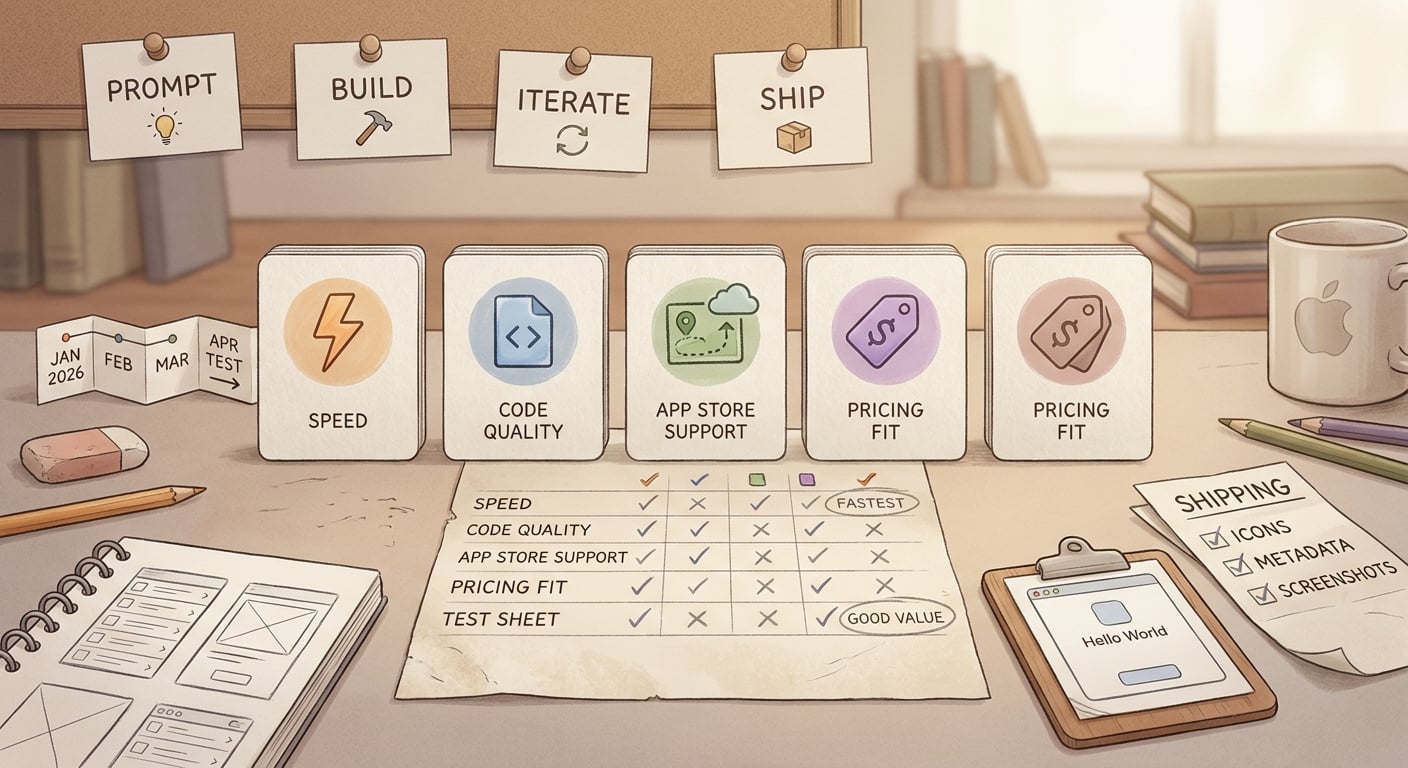
Reserved for the uploaded screenshot that documents the 2026 tool-testing process and the rationale behind the seven tools selected.
This list is editorially ranked by fit for indie founders, not a comprehensive lab benchmark. We focused on the bottlenecks that decide whether you ship: local builds, export paths, and how much cleanup happens after the first wow moment.
| Proof item | What we did | Interpretation | Reader impact |
|---|---|---|---|
| Same prompt set across tools | Used one 3-screen prompt set (onboarding, list-detail, settings) | Keeps comparisons directionally fair, even if models change week to week | You can replicate this exact test in an afternoon before committing |
| Speed to first preview | Measured time to a believable preview/runnable demo in normal usage | In our runs, time-to-first-preview was ~2 to 15 minutes depending on tool and load | Fast demos are real, but not always predictive of shipping speed |
| Path to local Xcode build | When possible, exported or created a repo and attempted a clean local build | Time-to-first-local-Xcode-build was often ~45 to 120 minutes due to setup, dependencies, and SwiftUI fixes | If a tool cannot reliably hand off to Xcode, treat it as prototype-only |
| Failure modes we hit | Noted the issues that cost real time (outages, compile errors, signing) | None are impossible, but they can burn an evening if discovered late | Do a week-1 build and signing check to avoid week-4 surprises |
What this means in practice: the fastest prompt-to-demo tool is not always the fastest path to TestFlight. If you need Apple-only features (push, background modes, HealthKit, IAP, camera), start in a real Xcode project earlier.
The 7-tool shortlist at a glance
| Rank | Tool | Best for | iOS output style | Export / handoff | Publishing help | Price position |
|---|---|---|---|---|---|---|
| 1 | Replit Agent | Fast prototypes and tight iteration loops | Code-first with guidance | Yes, repo export | Limited | Mid-range |
| 2 | Cursor | iOS-native workflow in real project files | Swift/SwiftUI in-place edits | Yes | Indirect (you do Xcode steps) | Mid-range |
| 3 | GitHub Copilot | Maintainable Swift in your IDE | Assisted coding | Yes | Indirect | Mid-range |
| 4 | Windsurf | Multi-file refactors and glue work | Agentic edits | Yes | Indirect | Mid-range |
| 5 | Vercel v0 | UI exploration and screen scaffolds | Web-first patterns; translate | Partial | Minimal | Free tier to mid-range |
| 6 | Bolt.new | Quick flow prototypes | Web-first; adapt to iOS | Partial | Minimal | Free tier to mid-range |
| 7 | Lovable | Product-shaped prototypes | Web-first; translate to iOS | Partial | Minimal | Mid-range |
One thing worth noting: App Store constraints are real. Even if you have a working product, review, policy, entitlements, and privacy expectations can force rework, especially for apps built quickly without iOS-native guardrails (TechCrunch).
When you move from outline to execution, Top 10 Mobile App Development Tools You Need in 2026 helps close common gaps teams hit here.
Ranked recommendations: the top 7 vibe coding tools for building iOS apps fast
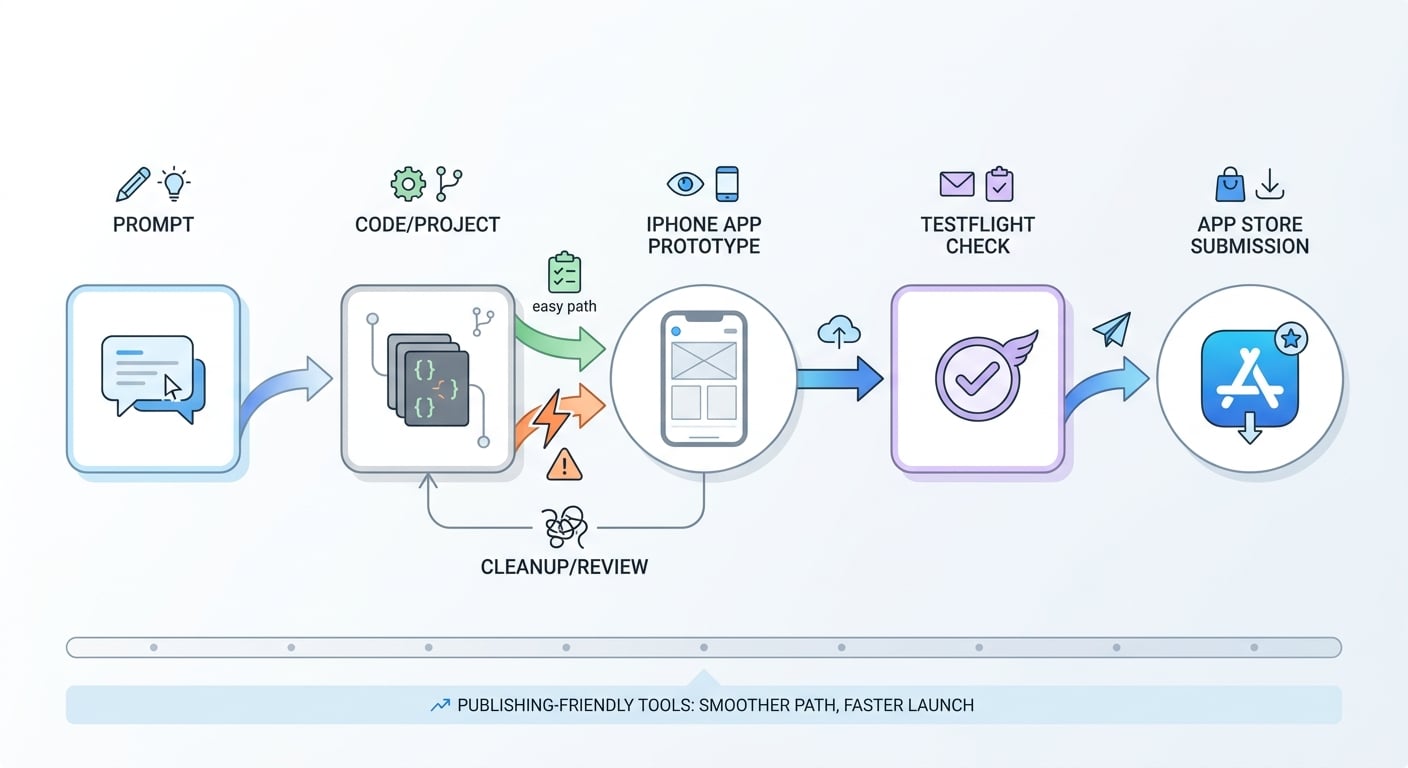
A simple workflow diagram showing the path from prompt to working iOS app, then to TestFlight, then to App Store submission, highlighting where publishing-friendly vibe coding tools reduce friction.
These rankings are based on founder-fit: speed to a working demo, cleanup effort, how realistic the App Store path is, and how pricing feels over 4 to 8 weeks of iteration. Your best choice depends on whether you are validating, shipping an MVP, or maintaining a codebase.
1. Replit Agent (fastest to momentum, usually)
Replit Agent is strong when you want momentum fast and you do not want day-1 setup friction. In our workflow it was one of the quickest ways to get a coherent flow you can click through, then iterate on copy and layout (Fabricate).
| Pros | Cons |
|---|---|
| Fast iteration loop | iOS shipping is not the default path |
| Low setup overhead | Expect export-to-Xcode work and some re-architecture |
| Good for wiring basic flows | Apple-specific features still require native work |
Realistic effort note: plan 1 to 3 hours to get a convincing demo flow. If you need a clean Xcode project, budget half a day to a couple days depending on how much maps cleanly to SwiftUI, plus any Apple capabilities you need.
2. Cursor (best when "shippable SwiftUI" is the goal)
Cursor is best when you want the app to live in real files from day one. It will not do App Store steps for you, but working inside an actual SwiftUI project keeps the hard parts visible and easier to debug.
| Pros | Cons |
|---|---|
| Strong multi-file edits in a real repo | Slower to first demo if starting from zero |
| Better control over architecture | You still do Xcode, signing, and release tasks |
| Easier path to "builds on my machine" | Requires basic iOS tooling comfort (or time to relearn) |
Realistic effort note: if you are rusty, expect 60 to 120 minutes to get a project created, building, and showing your first screen. After that, iteration is often faster because you are not translating output into SwiftUI.
Prompt used (Onboarding)
"Create a SwiftUI onboarding screen for an iPhone app called PantryPilot. Include: a headline, 2 sentence subtitle, 3 bullet benefits with SF Symbols, a primary button 'Continue', a secondary button 'Skip for now'. Use a simple light theme, good spacing, and accessibility labels. Provide a single
OnboardingViewand a preview."What broke and what we changed to compile
In our run, we still had to do small fixes: add a
NavigationStack, correct a UIKit color bridge, and re-add an import after a refactor. This is normal, and it is why a real build check matters early.
3. GitHub Copilot (best baseline for maintainable Swift)
Copilot is the steady option when you already have a SwiftUI project and want to move faster without handing the steering wheel away. It shines on view models, networking glue, state handling, and repetitive UI patterns.
| Pros | Cons |
|---|---|
| Strong autocomplete for common Swift patterns | You still own architecture and product decisions |
| Works across IDEs | Not a "generate my whole app" tool |
| Helpful for long-term maintainability | Needs review, tests, and occasional rewrites |
Realistic effort note: it saves the most time on the 20th small change, not the first big prompt. Budget extra review time around concurrency, persistence migrations, and anything that can corrupt user data.
4. Windsurf (best for agentic refactors and glue work)
Windsurf is most valuable after the first prototype, when the work becomes integration and cleanup across many files. This is also where mistakes get subtle, so scoping and diffs matter.
| Pros | Cons |
|---|---|
| Coordinated multi-file changes | Learning curve vs simple autocomplete |
| Good for fixes, refactors, migrations | Requires careful review and testing |
| Helpful when requirements shift | Can make wrong assumptions without context |
Realistic effort note: plan a few focused sessions to learn how to constrain edits. If you accept large changes blindly, you can lose hours to "it compiles but behaves weird" bugs.
5. Vercel v0 (best for UI exploration)
v0 is useful for exploring layouts, copy, and interaction ideas quickly. For native iOS, treat it as a design and scaffolding tool, not your final pipeline (TechRadar).
| Pros | Cons |
|---|---|
| Quick screen exploration | Usually web-first; native port required |
| Good for validating flow and content | App Store workflow is on you |
| Useful for lightweight user tests | Easy to create throwaway code |
Dependency caveat: if your product depends on Apple-specific APIs (HealthKit, Bluetooth, camera, notifications, IAP), expect a larger rewrite because those constraints rarely map cleanly from web scaffolds.
6. Bolt.new (best for quick flow prototypes)
Bolt.new is handy when you want to prototype a flow fast and pressure-test the product idea. For iOS shipping, assume you will re-implement core screens and state management in SwiftUI.
| Pros | Cons |
|---|---|
| Fast to a clickable prototype | Translation to SwiftUI is real work |
| Good for early feedback loops | Native performance and accessibility work still needed |
| Useful for exploring edge-case flows | Easy to overbuild before you validate export path |
Realistic effort note: budget a few hours for a solid prototype, then 1 to 3 days to port a small subset into SwiftUI (depending on complexity and how many screens you keep).
7. Lovable (best for opinionated product prototypes)
Lovable can produce product-shaped prototypes quickly, which is great for early validation and alignment. For iOS shipping, assume you will translate a meaningful portion into a native SwiftUI project.
| Pros | Cons |
|---|---|
| Fast to a cohesive-looking prototype | Not a direct Xcode-native path |
| Opinionated flows reduce decision fatigue | Translation and polish can be non-trivial |
| Useful for early user tests | Easy to invest before export is proven |
Tradeoff: the more you optimize for speed and prototype polish, the more you should assume some rewrite later. If you cannot afford that rewrite, start iOS-native earlier.
A complementary angle worth comparing lives in How to Publish Your Lovable App: From Export to Approval.
How do you choose the right vibe coding tool for your iPhone app?
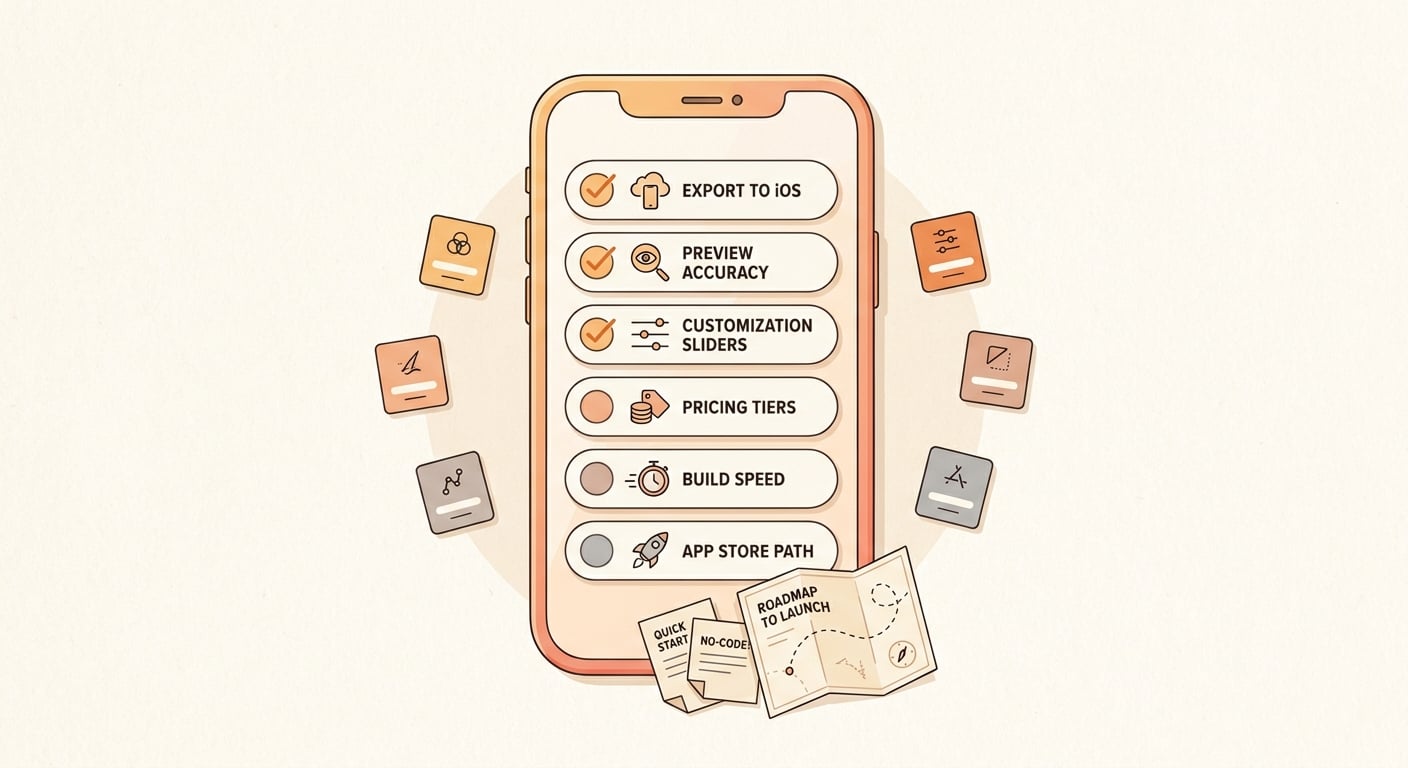
Use a short decision checklist to compare vibe coding tools by iPhone export support, preview quality, customization depth, pricing, and how quickly each one turns an idea into a usable prototype.
The main decision is not which AI is smartest. It is where you are in the build and how soon you need to clear Apple’s real-world constraints.
Match the tool to your current iOS stage
Need a demo in days (validation stage)
Pick a speed-first tool (Replit Agent) or a prototype-first builder (Lovable, Bolt.new). Optimize for learning, and assume you may rewrite parts once the concept is proven.
Need TestFlight soon (MVP shipping stage)
Pick an iOS-native workflow tool (Cursor). The earlier you get a clean local build, the less likely you are to hit a painful port right before submission.
Need a codebase you can extend or hand off (scale-up stage)
Pick a quality-first assistant (GitHub Copilot) or an agentic editor (Windsurf). Invest in clean architecture and a stable pipeline, even if your first demo takes longer.
Check the three friction points before you commit
| Friction point | Quick check | Why it matters |
|---|---|---|
| Exportability | Can you get a repo and build locally in Xcode? | If not, treat it as prototype-only |
| Publishing reality | Does it help with signing, entitlements, privacy strings, review issues? | Many tools stop at screens (TechCrunch) |
| Pricing vs iteration volume | Can you afford your prompt volume for 4 to 8 weeks? | Avoid throttling momentum mid-sprint |
Realistic timeline note: even with great tooling, review time, unexpected rejections, and certificate/provisioning issues can add days. Build buffer, and assume you will do at least one week of QA, privacy copy, and edge-case fixes.
For tradeoffs, checklists, and edge cases, Top 10 Productivity Apps Launched This Week on App Store rounds out this section.


