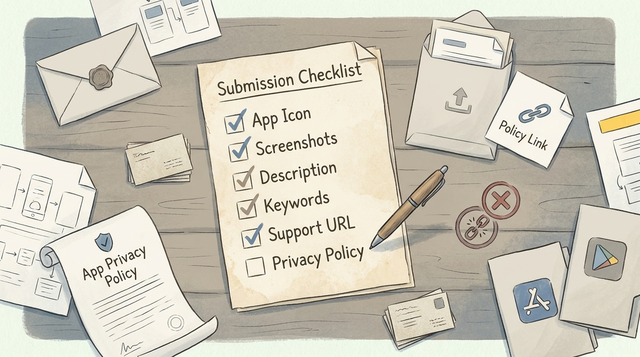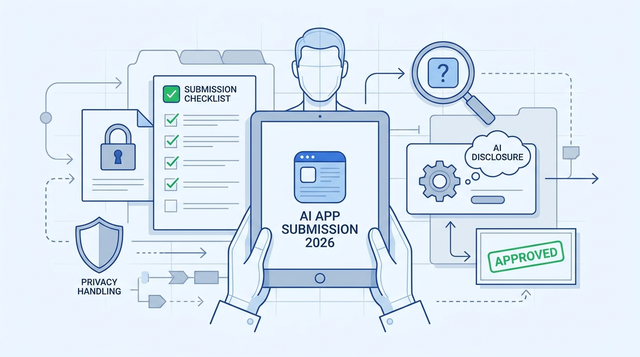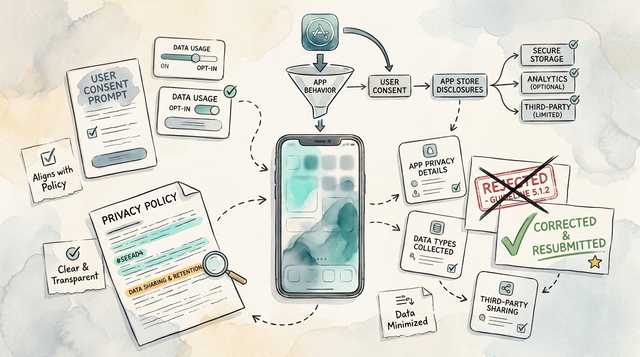
A 5.1.2 Data Use and Sharing rejection usually means Apple observed data collection or sharing that does not line up with your disclosures or consent flow. Rewriting your privacy policy alone rarely fixes it. The practical goal is to align what the app does, what you declare in App Store Connect, and what users see at the moment data starts flowing.
How to Fix App Store Guideline 5.1.1 Privacy Rejection goes deeper on the ideas above and adds concrete next steps.
Early proof: a fast consistency check that exposes the mismatch
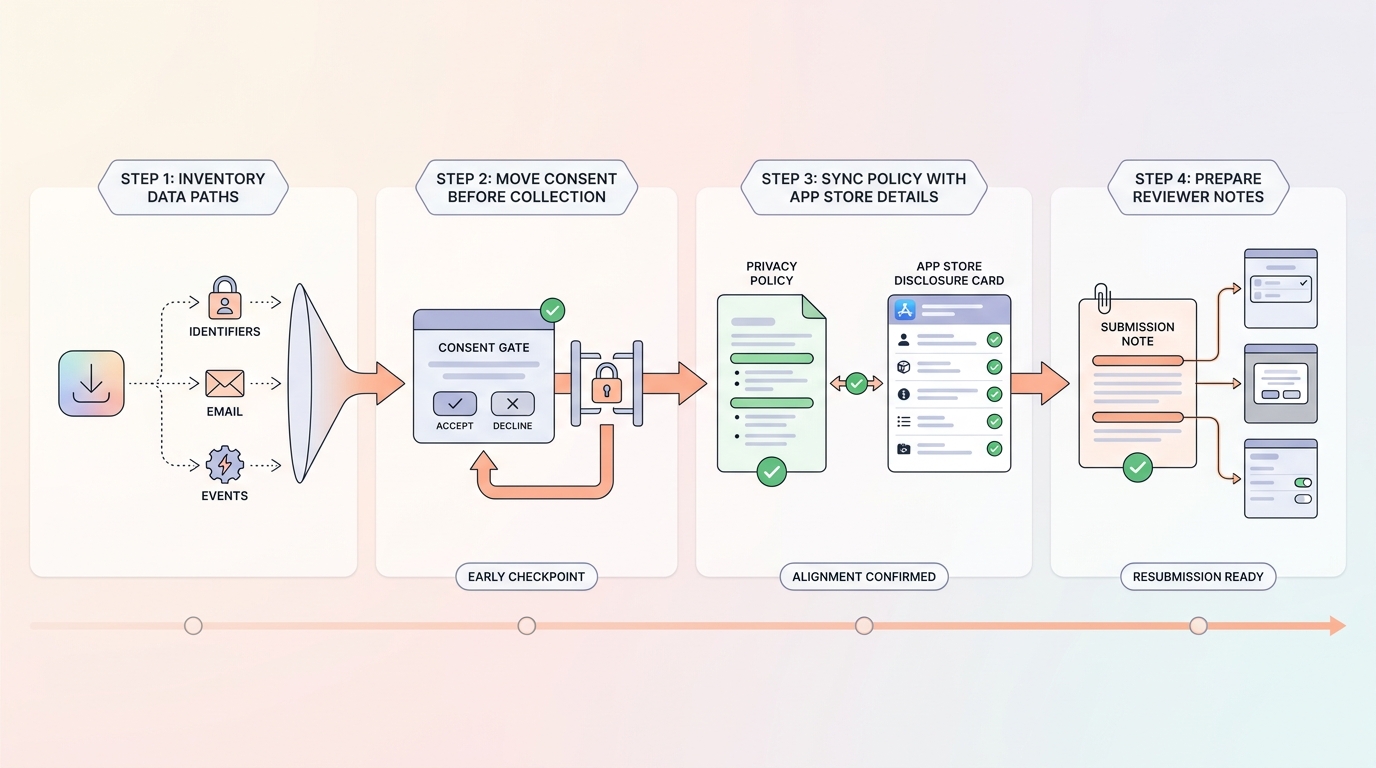
A process diagram for fixing App Store Guideline 5.1.2 that shows the correct order: inventory data paths, move consent ahead of collection, sync the privacy policy and App Store privacy details, then submit reviewer notes with the exact screens changed.
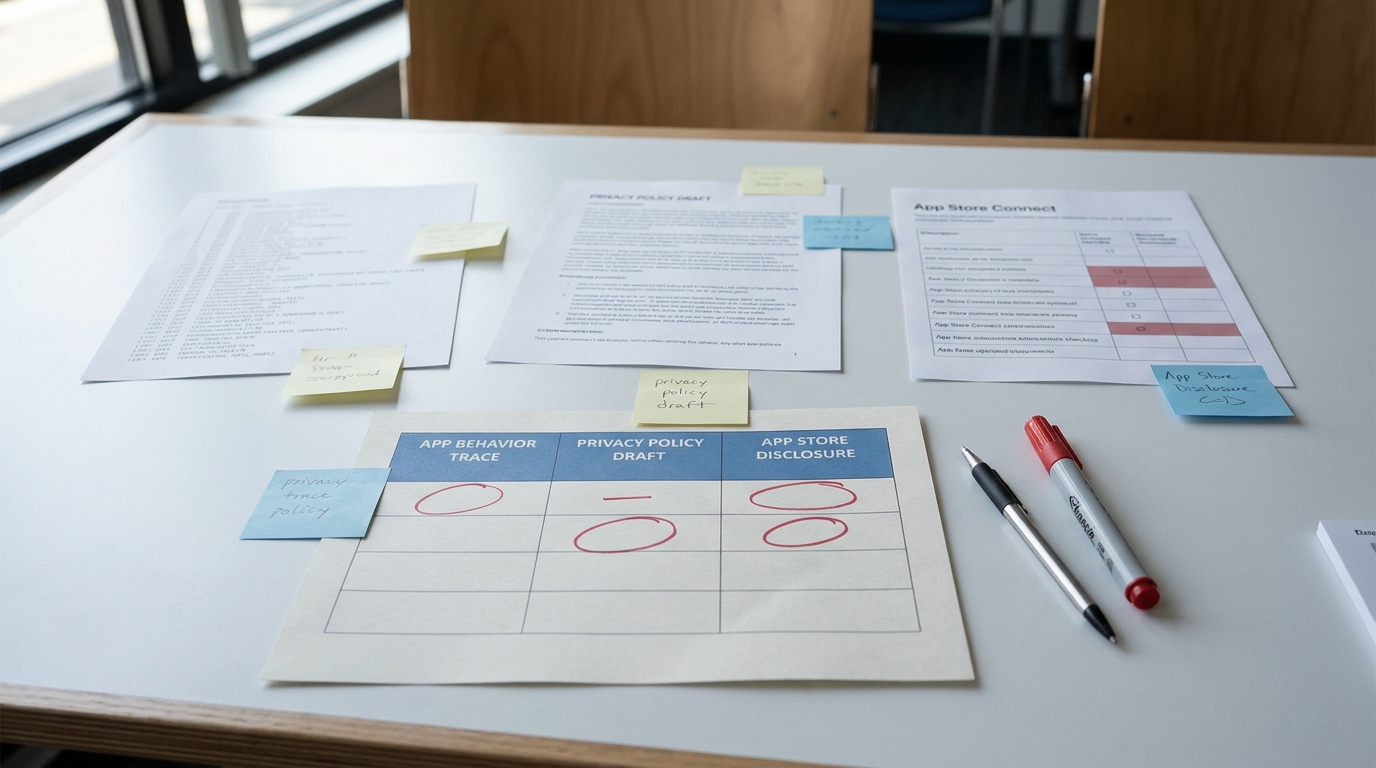
A three-column comparison table showing actual app data behavior, privacy policy wording, and App Store privacy disclosure entries for an app facing Guideline 5.1.2 rejection, with mismatch cells highlighted to reveal the exact compliance gap.
| What happens in the binary (fresh install) | What your privacy policy says (plain English) | What App Store Connect privacy details say |
|---|---|---|
| SDK sends device identifiers on launch | "We may improve services" | "Analytics" only, no identifiers |
| Email collected at signup | "We collect email to create your account" | "Contact Info" marked optional |
| Ad partner receives events | Not mentioned | "Data linked to you: No" |
This table is an example of the mismatch Apple is looking for, not a universal claim about your app. You are trying to produce your own 3-row snapshot that you can point to while you fix the underlying behavior and metadata.
How to build your snapshot in 30 minutes:
- Do a fresh install on a real device and complete only the first 1-2 minutes of onboarding.
- Capture outbound requests (proxy tool or backend request logs) and list your top 5 domains/endpoints that fire on first run.
- Pick the 3 riskiest calls (analytics, ads/attribution, identity) and fill one row per call across the three columns.
Practical interpretation: if any row disagrees across the three columns, you are more likely to see a repeat 5.1.2 rejection because reviewers compare these surfaces against each other (App Review Guidelines). Your fix is either to change the binary behavior or to update disclosures and reviewer notes so they match what actually happens.
Impact: this snapshot often takes 30-90 minutes (longer if you need vendor docs) and helps you avoid resubmitting blind. It cannot guarantee approval, but it makes your changes easier for a reviewer to verify.
Pass/fail gate to aim for (fresh install):
- 0 analytics or ad/attribution requests before your disclosure screen is shown and any required prompt is handled.
When you move from outline to execution, How to Fix App Store Guideline 2.1 Rejection helps close common gaps teams hit here.
Why does Apple reject apps for Guideline 5.1.2?
A 5.1.2 rejection is usually not about a single sentence in your policy. It is about the reviewer seeing collection or sharing that feels undisclosed, surprising, or inconsistent with what you declared (User Privacy and Data Use).
What Apple commonly checks on first pass:
- First-run order: disclosures appear before data collection starts (not after).
- Permission prompts are contextual and match what the app is doing.
- An opt-out or control path exists later (settings toggles, logout, delete account).
- App Store Connect data types and purposes match observed behavior.
- Third-party SDK behavior is reflected in disclosures (including defaults).
One thing worth noting: reviewers do not always follow your happy path. They may skip sign-up, deny prompts, test offline first run, or hit a web view that loads different tags than you see in staging.
A complementary angle worth comparing lives in What to Do If Your App Gets Rejected by Apple.
How do you fix an App Store Guideline 5.1.2 rejection?
Realistic effort: a first audit is often 2-6 hours depending on SDK count and whether you have good logging. If you need to delay SDK initialization, add controls, or restructure onboarding, expect another half day to a few days plus QA time. Vendor SDK quirks and cached consent can add time, so plan at least one clean-install retest after changes.
Step 1: Inventory every data source and sharing path
Map collection points to destinations
List where data is collected or generated (sign-up, analytics events, crash logs, support forms) and where it goes (your API, analytics vendor, attribution, ad network, crash reporter, web view content).
Tag each path by purpose and user choice
For each path, note purpose, data types, and whether the user can decline without breaking the core experience. The practical takeaway: anything that transmits identifiers or user-linked events before disclosure is a 5.1.2 risk (App Review Guidelines).
Dependencies and caveats:
- You may need vendor documentation to confirm what is sent by default and how to disable it.
- Some SDKs cache consent state. Test both fresh install and upgrade, or your review device may behave differently than your test device.
Step 2: Fix the consent and initialization order (before first sensitive event)
Move the explanation and choice ahead of SDK startup
Put a plain-language privacy screen before you initialize analytics, attribution, or ad SDKs (or configure them in a no-collection mode until consent). In practice, this can mean reordering app startup, delaying SDK init, or splitting "essential" telemetry from optional analytics.
Separate ATT from general privacy controls
Show App Tracking Transparency only when tracking is relevant, and keep it distinct from your general data use explanation. Ensure the user can revisit choices later in Settings, because reviewers look for ongoing control, not a one-time modal.
Tradeoffs to acknowledge: delaying SDKs can reduce attribution quality and create holes in funnels for users who decline. That may be acceptable, but you should align with marketing and analytics stakeholders so the data loss is understood and intentional.
Get the reviewer-ready checklist A short, practical preflight you can run in about 30 minutes to catch the most common 5.1.2 mismatches before you resubmit. Get the checklist
Step 3: Sync policy, App Store details, and reviewer notes
Replace vague policy language with concrete categories
Swap "we may collect information" for specific buckets (usage analytics, device identifiers, crash data, advertising/attribution data) and state the purpose for each (User Privacy and Data Use). Keep it readable, but specific enough that a reviewer can map it to network behavior.
Make App Store Connect disclosures match, then guide the reviewer
Update App Store Connect privacy details to mirror the same categories, purposes, and sharing. In App Review notes, point to exact screens and toggles, and call out any edge cases like guest mode or "Skip sign-up" so verification is faster.
Risk to call out (early, not as a surprise): even with good alignment, approval is not guaranteed because reviewer interpretation and test paths vary. Your goal is to remove preventable inconsistencies and make your implementation easy to verify.
For tradeoffs, checklists, and edge cases, How to Publish Your Bubble Mobile App: Launch Without Review Loops rounds out this section.
What are the most common 5.1.2 mistakes?
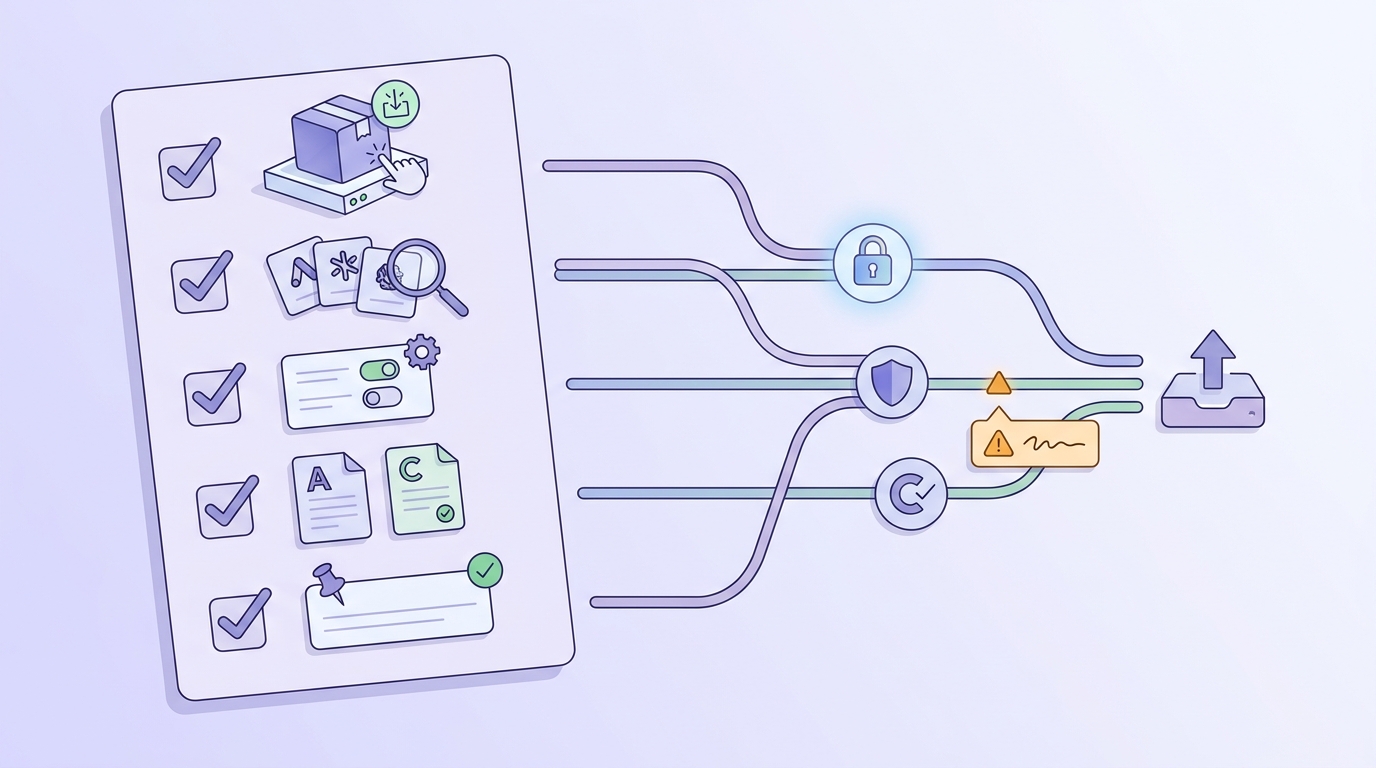
A preflight checklist block for the final resubmission pass, covering fresh-install testing, SDK review, settings controls, policy alignment, and reviewer note completeness before sending the app back to App Store review.
Common mistakes that cause repeat cycles:
- Shipping copy updates while the binary still sends data early (the reviewer will trust the binary).
- Describing purposes too broadly ("improve the experience") instead of stating what data and why.
- Resubmitting before retesting clean install, denied prompts, skipped sign-up, and offline first run.
Practical preflight (30-60 minutes):
- Fresh install on a physical device.
- Exercise only the first-run flow the reviewer will see (including deny/skip paths).
- Check the pass/fail gate: 0 analytics or ad/attribution requests before your disclosure screen and any required prompt.
Want feedback on your 5.1.2 resubmission package Share your three-way consistency snapshot and reviewer notes, and I will suggest the highest-leverage fixes to reduce repeat rejection risk. Request a review