An Apple rejection can feel like a launch-stopping black box. In practice, it is often a small set of issues that map to a few App Review guideline areas. This write-up shows how to treat the rejection notice as evidence, separate policy from implementation problems, and turn it into a realistic resubmission plan without burning time on guesswork.
Top App Store Rejection Reasons and What to Do About Them goes deeper on the ideas above and adds concrete next steps.
Early proof: most rejections become manageable after you bucket them
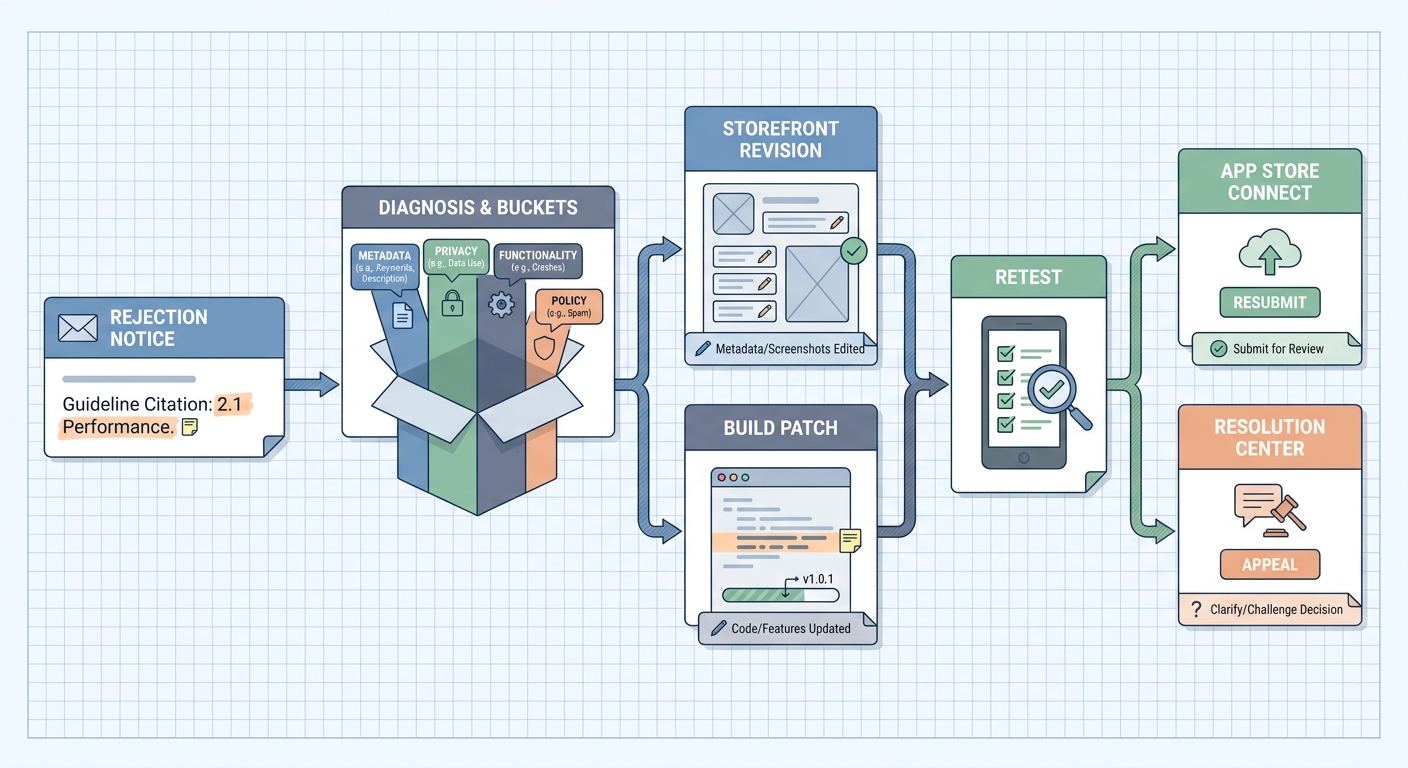
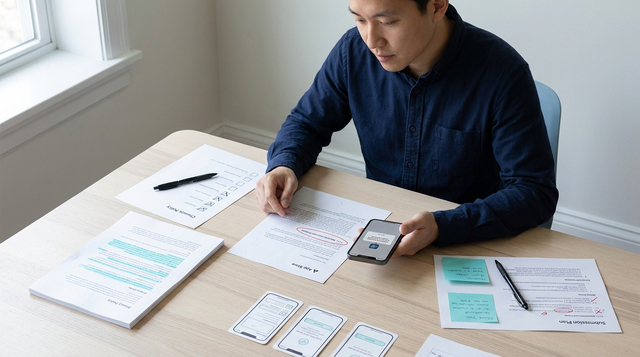
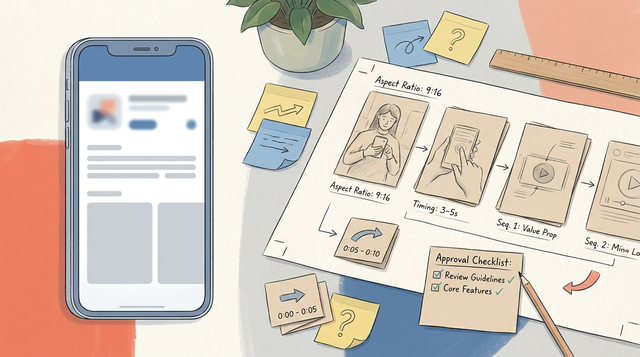
A step-by-step Apple rejection recovery flow showing: read the guideline citation, classify the issue, edit metadata or patch the build, retest on an Apple device, then resubmit through App Store Connect or appeal in Resolution Center if the guideline call seems wrong.
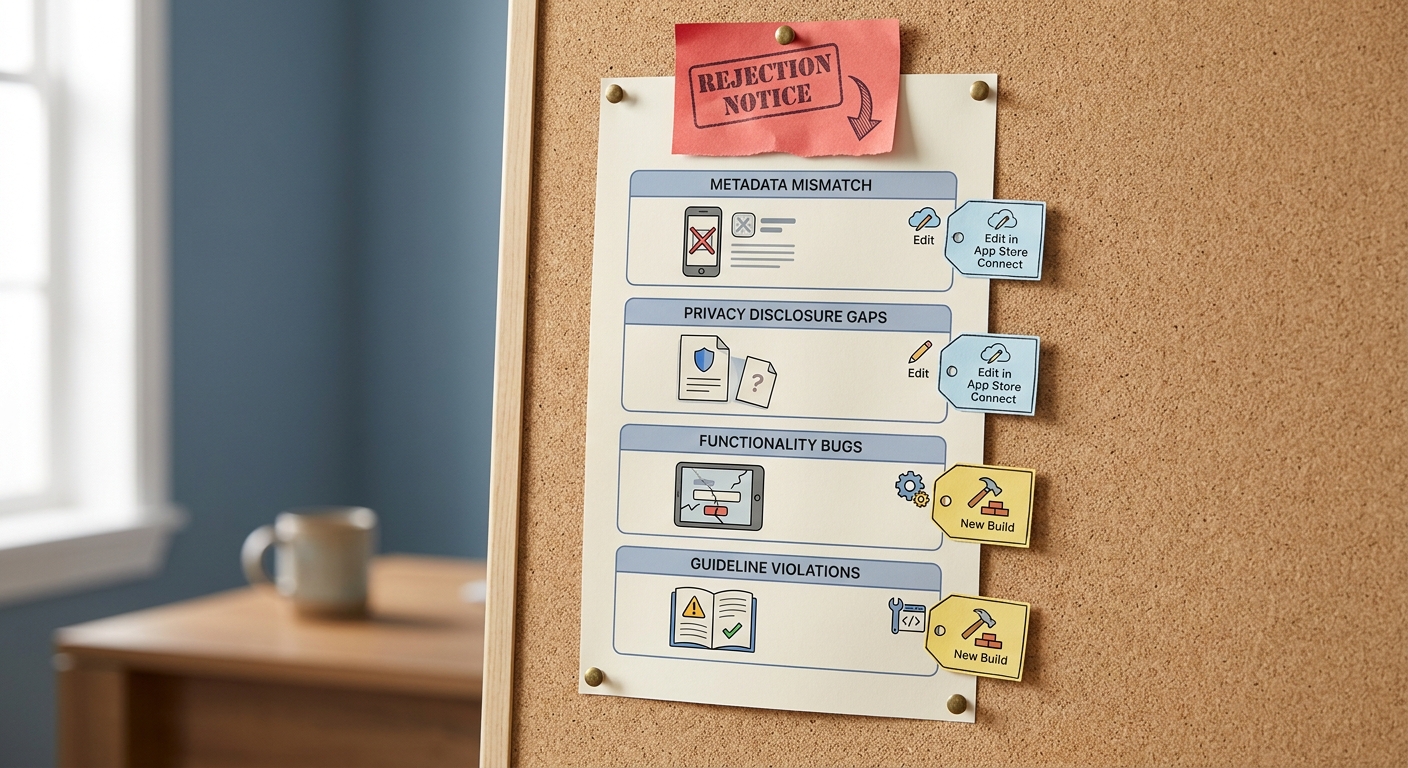
A compact proof block showing the most common Apple rejection buckets: metadata mismatch, privacy disclosure gaps, functionality bugs, and guideline violations, with a short note on whether each usually requires App Store Connect edits or a new build.
| Rejection bucket | What Apple typically flags | Often fixable via | Fastest first check |
|---|---|---|---|
| Metadata | Screenshots, description, keywords, age rating mismatch | App Store Connect edits | Compare store listing claims vs in-app behavior |
| Privacy | Missing disclosures, unclear data use, tracking prompts | Edits plus code | Audit privacy nutrition label, consent flows, and prompts |
| Functionality | Crashes, broken login, placeholder content | New build | Reproduce on a clean device and common network states |
| Guideline compliance | Payments, UGC moderation, account requirements | New build plus policy update | Map reviewer note to the cited guideline and your exact flow |
Team-internal operational datapoint (from teams I have run, not an industry benchmark):
- Explanation: We tag each rejection by bucket and track review cycles per release. If we can confidently tag the issue in ~30-60 minutes, we can pick a fix path without a lot of thrash.
- Interpretation: Metadata and setup issues are often 1-3 hours including verification. Functionality or compliance issues more often take 1-3 working days because you need engineering time, QA, and you are back on the review clock.
- Impact: Bucketing does not guarantee a pass, but it reduces wasted changes and lowers the odds you spend a full review cycle fixing the wrong thing.
This matches how Apple’s guidelines are written: reviewer feedback usually points to a guideline area, not a vague quality judgment (Apple; App Review Checker). The practical takeaway: name the bucket, then make the minimum change that addresses the reviewer’s exact complaint.
When you move from outline to execution, How App Store Review Actually Works - A Step-by-Step Breakdown helps close common gaps teams hit here.
Research goal: turn a rejection into a faster resubmission plan
A rejection is not just a developer inconvenience - it is a schedule slip. One extra review cycle can push a release by days, disrupt planned marketing, and increase support load when customers are waiting on an update.
The goal is not perfection. It is a clean, testable change set plus a reviewer-ready explanation so you are less likely to repeat the same rejection.
Before you touch code, answer three questions:
What did Apple actually flag?
Classify it as metadata, binary behavior, payments, privacy/data use, or broader guideline compliance.
Is this fixable without a new build?
Some issues are App Store Connect edits; others require a resubmitted binary (and a fresh review clock).
What is the shortest next move?
Decide between asking one scoped clarification question, shipping a patch build, or writing a precise Resolution Center response with evidence.
One thing worth noting: even with the correct fix, timing can still slip due to dependencies. Intermittent bugs, reviewer environment differences, region-specific rules, expired test credentials, privacy or payments compliance, and backend instability can all add days. Also consider opportunity cost: engineering time, QA time, and review-clock risk are often more expensive than the fix itself, and appeals can be slower than a clean revision.
A complementary angle worth comparing lives in What Happens When Your App Gets Rejected - and How to Respond.
How do you diagnose and resubmit after an Apple rejection?
Read the rejection reason like a reviewer
- Map the cited guideline to one bucket: functionality, content, payments, account setup, or privacy/disclosure (start here: https://developer.apple.com/app-store/review/guidelines).
- Assume they tried the shortest path first: App Store Connect metadata, screenshots, age rating answers, permissions prompts, and IAP configuration.
- Use Resolution Center for clarification only when the note is genuinely ambiguous. Ask one concrete question and reference the exact screen or step.
Many teams jump straight to code changes, but a meaningful share of rejections are store-claim mismatches or incomplete configuration (sign-in requirements, IAP setup, missing demo account).
Choose the right fix path for the issue type
Metadata or setup issues
Update screenshots, description, support links, age rating, privacy details, or IAP records in App Store Connect, then resubmit. Budget 30-90 minutes to re-read your listing line-by-line against actual in-app behavior.
Build or flow failures
Patch the app, reproduce on real devices, and submit a new build with clear reviewer notes and test credentials. Plan for a half day to a couple days depending on QA coverage, release train constraints, and whether the issue is intermittent or tied to backend work.
Policy disputes
Appeal with evidence: exact steps, expected vs actual behavior, and your interpretation of the guideline. Factor in response latency and the real possibility the outcome is still "revise anyway."
Mini workflow: what to capture for a reviewer-ready response
| Artifact | Tooling example | Time cost (typical) | Why it helps |
|---|---|---|---|
| Screen recording of the fixed flow | iOS built-in screen recorder | 5-15 min | Makes "what changed" obvious |
| Network capture (if login/payments fail) | Proxyman or Charles Proxy | 20-60 min | Shows API errors without debating |
| Crash or repro logs | Crashlytics + device console logs | 15-45 min | Helps with device/OS-specific issues |
| Build notes template | TestFlight "What to Test" | 10-20 min | Gives reviewers a short verification path |
Dependency caveat: you may need a reviewer-safe test account, working sandbox IAP products, stable backend environments, and region-appropriate content. If any of those are missing, a correct code fix can still fail review, and the fastest path might be fixing setup first.
Preflight before resubmission
Re-test login, subscriptions, account deletion, and privacy prompts; verify metadata matches in-app behavior; run a short checklist to prevent repeat rejections.
preflight
For tradeoffs, checklists, and edge cases, How a Founder Fixed an App Store Rejection in 4 Hours rounds out this section.
What should your Apple rejection recovery checklist include?
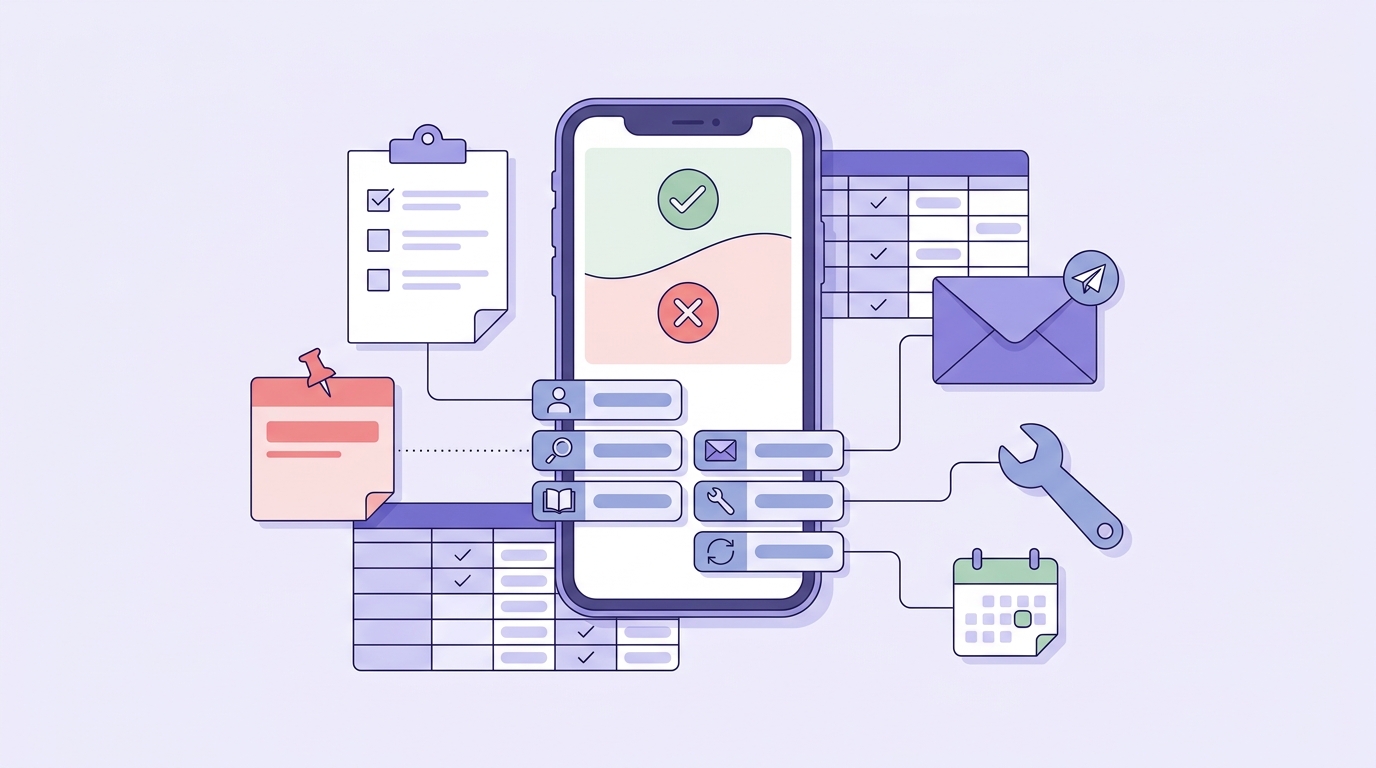
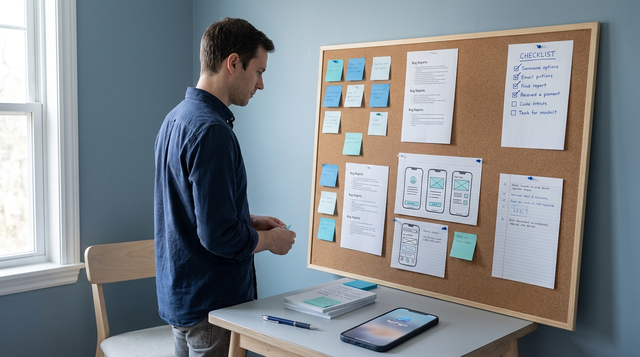
A mobile-friendly checklist for the first day after an Apple rejection: assign owner, isolate issue type, verify App Store Connect metadata, document the cited guideline, choose appeal versus revise, and schedule retest before resubmission.
Your first 24 hours after rejection
Assign owners (first 1-2 hours)
One person parses the rejection note and guideline. One reproduces on a clean device (current iOS if possible). One audits App Store Connect metadata for mismatches.
Decide: same-day fix vs new build (same day)
If it is metadata/setup, you can often correct and resubmit in a few hours. If it is reproducible behavior or compliance, assume 1-3 working days to patch, QA, and prepare reviewer notes (longer if payments, privacy, or legal review is involved).
Write the reviewer story (30-60 minutes)
Document: guideline number, what changed, exact steps to verify, and working test credentials. Keep it short and testable.
A practical constraint: do not change everything at once. If you modify the binary, metadata, and server behavior simultaneously, you lose the causal link and it becomes harder to know what actually fixed it.
Mistakes that turn a rejection into a longer outage
- Resubmitting before reproducing on Apple hardware and the current OS, then replying based on assumptions.
- Changing multiple variables at once, then needing another cycle to isolate the true cause.
- Treating privacy, account deletion, and purchase flow compliance as "later" work; these areas often trigger follow-ups.
- Shipping a fix that depends on reviewer behavior (special config, hidden gestures) without clearly explaining it in notes.
- Over-relying on bucketing: even if your diagnosis is correct, the submission can still fail if the reviewer cannot access the intended path or reproduce the fix.
When to appeal, when to revise, and when to wait
Appeal when you can show likely reviewer error with clear evidence (video, steps, test account) and the behavior is genuinely compliant. Revise when the issue is clear and reproducible, especially around privacy, account requirements, or payments where exceptions are rare.
Wait when rushing increases risk: you lack stable test credentials, your fix depends on backend changes not yet deployed, or the issue is intermittent and you cannot reproduce it reliably. In those cases, an extra half day of investigation is often cheaper than another full review cycle.
Get a reviewer-ready resubmission plan
Share your rejection text and current reviewer notes, and I will help you bucket it, pick the minimum fix path, and draft a testable Resolution Center response.
preflight
The Last Step AI App Builders Don't Solve: Publishing reframes the same problem with a slightly different lens - useful before you finalize.