Broken login during App Store or Google Play review is often not a one-off bug. It tends to be a release-process gap that only shows up on a clean device, an unknown network, or a different risk profile. Reviewers will not debug your auth stack, and if login is the gate, they cannot evaluate anything behind it. This covers common review-only login breakpoints and practical fixes you can apply without guessing.
| Early proof (operator reality) | What it looks like | Reader impact |
|---|---|---|
| Evidence / proof | Apple states reviewers must be able to access app features, including providing credentials when login is required (App Review Guidelines - Apple Developer). Operator experience: many review stalls happen when credentials, MFA, risk checks, or environment wiring fail on a clean install. | You can lose a review cycle on something QA missed, because reviewers typically stop at the first hard block. |
What this means: review devices have no cached sessions and may come from networks and device settings your anti-abuse tooling treats differently. In practice, a dependable reviewer path is usually more effective than trying to explain a flaky auth flow after the fact, and it is often faster than another rebuild plus resubmit.
How to Fix App Store Guideline 2.1 Rejection goes deeper on the ideas above and adds concrete next steps.
Why is broken login a release blocker?
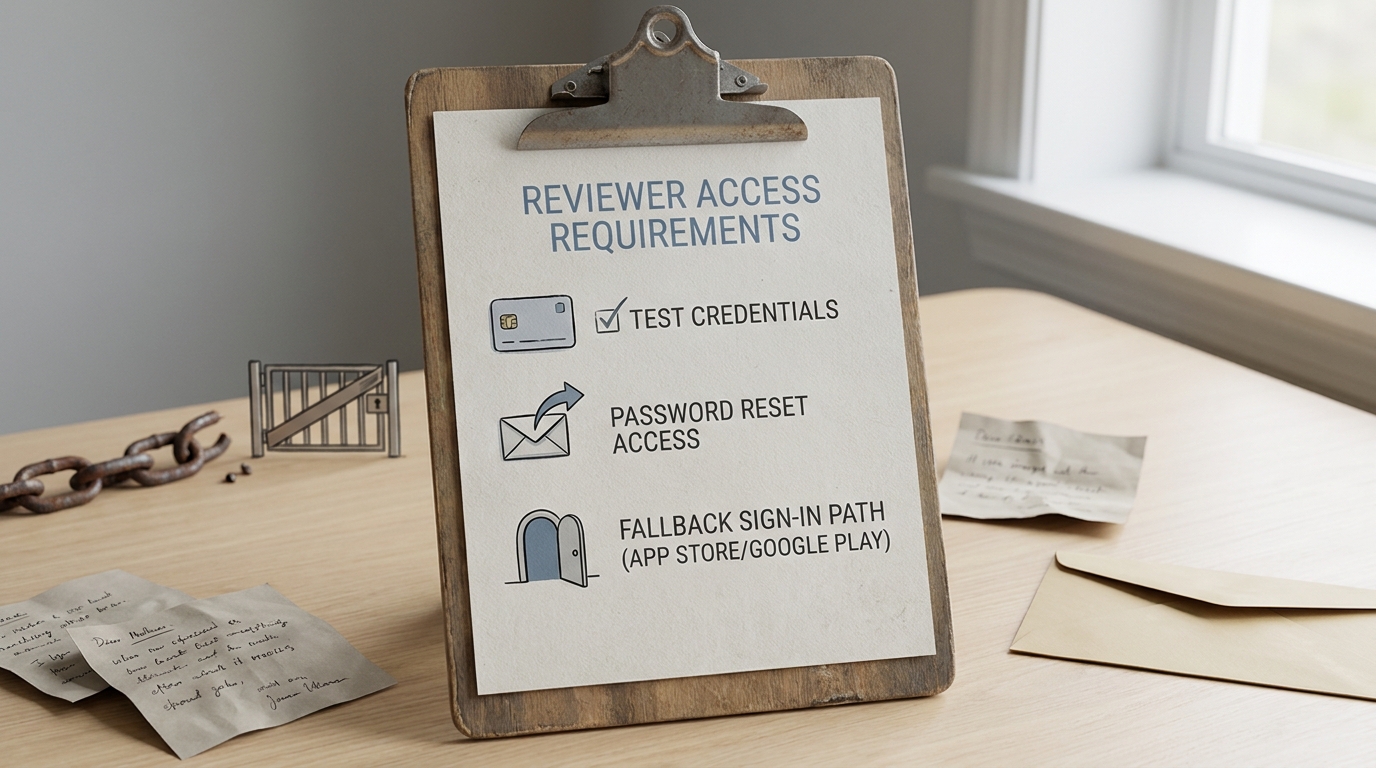
A compact proof callout showing the minimum reviewer access requirements for app review: working test credentials, password reset access, and a fallback sign-in path for App Store or Google Play.
If reviewers cannot authenticate, your app is effectively not reviewable. That is not a polish issue; review is a linear flow and login is often the first gate.
One thing worth noting: a rejection or request for changes usually adds calendar time through rebuild, resubmit, and turnaround. Even when the queue does not fully reset, you still lose momentum and context.
When you move from outline to execution, App Rejected Because of Missing Demo Account: How to Fix It helps close common gaps teams hit here.
What usually breaks login during app review?
Here is a quick mapping of failure mode to what the reviewer sees, plus the fastest check that catches it.
| Failure mode | Symptom reviewer sees | Quick check |
|---|---|---|
| Test vs production mismatch | "Invalid login" or spinner after submit | Confirm API base URL, auth issuer, redirect URLs, remote config, and build flavor point to production |
| Missing or bad seed account | "Wrong password" or "user not found" | Log in to production with the exact creds; confirm password is not expired/rotated |
| MFA or OTP deliverability | "Never got code" or code arrives too late | Check OTP provider logs, throttles, and spam filters; test on a non-company number/email |
| Risk engine, CAPTCHA, or rate limiting | CAPTCHA loop, "suspicious activity", 429 | Look for 429/blocked events; confirm rules are not over-triggering on new device/IP |
| Account state or entitlements | Login succeeds then blank screen or loop | Verify role/org/subscription in production; check region/age/locale gates |
| SSO or IdP dependencies | SSO cannot complete, managed-device assumptions | Confirm IdP app config, redirect URIs, and reviewer account provisioning; expect security/IT tickets |
One constraint to plan for: you often cannot reliably allowlist reviewer IPs, and some CAPTCHAs or bot checks are policy-mandated by security teams. Also, OTP deliverability depends on carriers and email providers, so "works for us" is not the same as "works for a reviewer right now."
A complementary angle worth comparing lives in The Onboarding Audit: 7 Moments Reviewers Most Often Get Stuck.
How do you fix broken login before resubmitting?
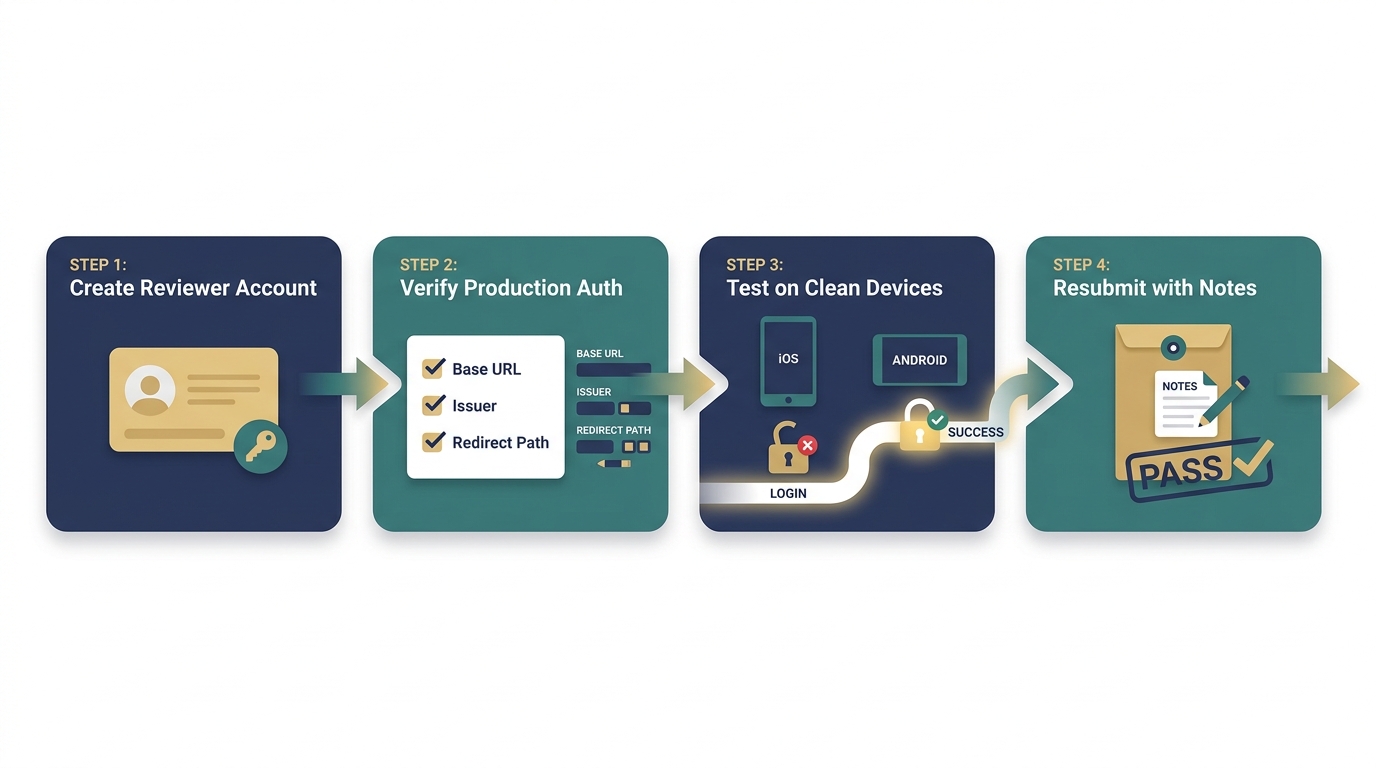
A simple workflow diagram showing the review-login fix path: create reviewer account, verify production-like auth, test on clean iOS and Android devices, then submit with notes that explain the login route.
How do you build a reviewer access path first?
Create a dedicated review account
Use stable credentials with only the permissions needed to reach the core flow. Seed it with realistic data so the first screen is not empty. Expect 15-30 minutes if your admin tooling is solid; longer if you need backend scripts, production approvals, or manual data setup.
Add a self-serve recovery route
Include password reset or an alternate login path that does not require a teammate to intervene. If recovery depends on internal admin tools, reviewers cannot use it, and your team will feel that pain on a deadline.
Test like a reviewer (clean install plus network change)
Do a clean install on at least one iOS device and one Android device using the exact release build. Budget 30-60 minutes including installs, switching Wi-Fi and cellular, and writing down the steps exactly as a reviewer would see them.
How do you trace the failure across build, backend, and policy?
Use this as a tight checklist. None of it is hard, but it is easy to skip when you are rushing.
- Confirm environment wiring: API base URL, auth issuer, redirect URLs, bundle IDs, signing, and any remote config values. Often a 10-minute check, but it can stretch if config is split across CI, remote config, and app code.
- Watch backend truth: find the reviewer attempt in logs (Sentry, Datadog, CloudWatch, or server logs). Look for 401/403/429 patterns, missing user records, wrong tenant/org, or OTP provider errors.
- Make requirements reviewable: if MFA, SSO, invites, or region selection is required, write the steps in review notes and provide what is needed. This does not guarantee approval, but it reduces avoidable dead ends.
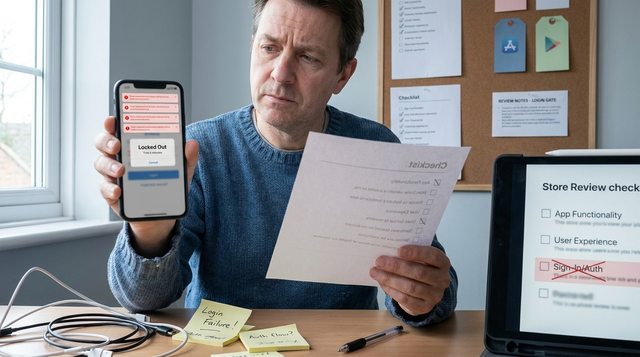
Explicit failure mode to plan for: a reviewer can get locked out by a risk engine or repeated attempts that trigger 429. Mitigations usually require coordination: temporarily tuning a risk rule, adding a scoped allowlist at your fraud provider (if possible), or providing an alternate sign-in path that still respects your security policy.
Title: Get the pre-submit login checklist
Description: A practical 10-minute checklist for reviewer creds, recovery paths, clean-install tests, and review notes.
Download
For tradeoffs, checklists, and edge cases, How to Publish Your Dreamflow App: Store Submission Done Right rounds out this section.
How do you treat review login like a launch dependency (without extra ceremony)?
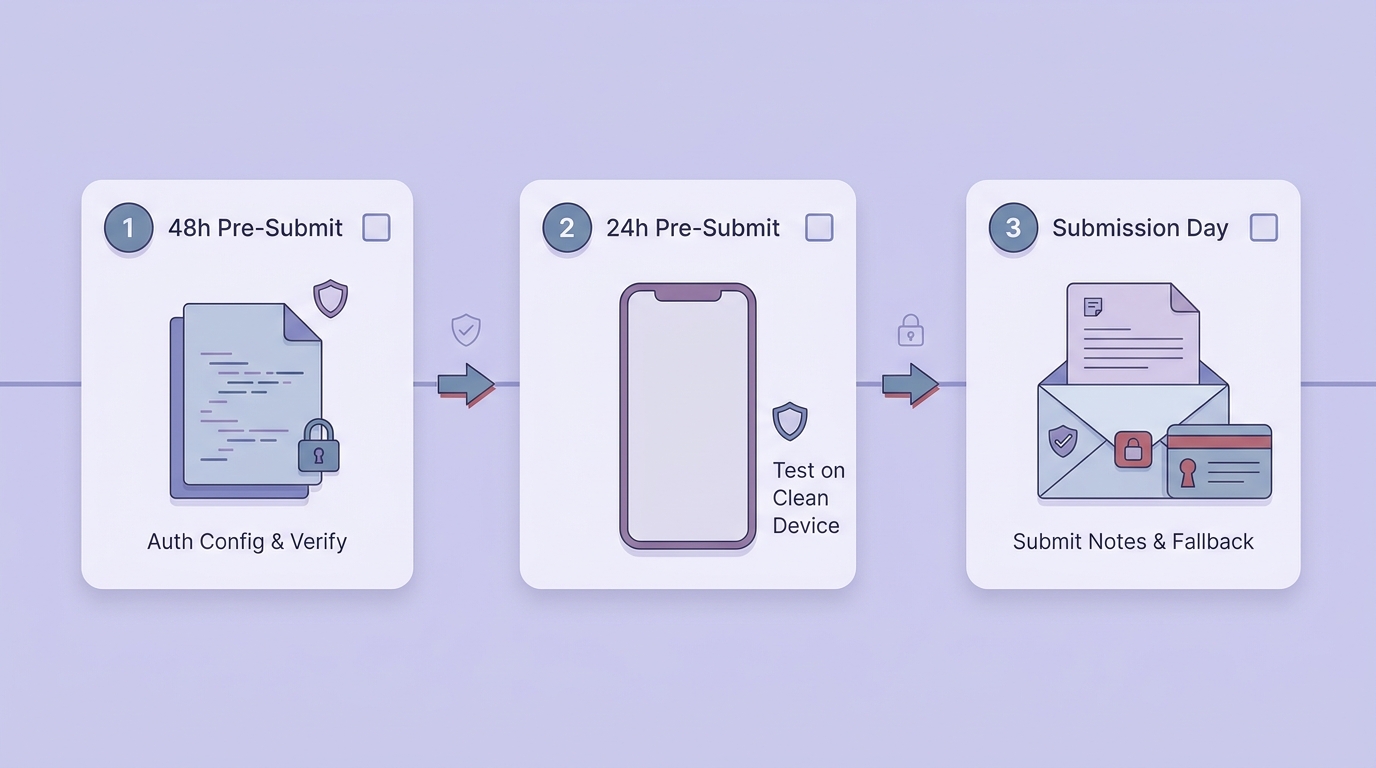
A short launch-readiness timeline showing the sequence before upload: 48 hours out verify auth environment, 24 hours out test reviewer credentials on a clean device, submission day include review notes and fallback access.
If review access depends on luck (OTP timing), tribal knowledge (which region to pick), or hidden allowlists (office IPs), many teams eventually burn a release on it. The practical takeaway is to treat reviewer access as a release artifact: owned, tested, and documented.
A lightweight schedule most teams can actually stick to:
| When | What to verify | Typical effort |
|---|---|---|
| 48h before submit | Release config points to the correct env | 10-30 min |
| 24h before submit | Clean-install login on iOS + Android (Wi-Fi + cellular) | 30-60 min |
| Submit time | Review notes include steps, credentials, and a fallback | 10-15 min |
Tradeoffs and constraints matter here. If your app must use SSO only (policy or compliance), you may not be able to offer an alternate sign-in, and IdP changes may require security/IT tickets and lead time. Plan 1-3 days if you need auth product changes (SSO settings, risk scoring rules, OTP provider changes), plus possible vendor coordination.
Title: Set an owner and a rollback plan
Description: Assign one owner for reviewer creds and review notes, then document how any review-only access will be disabled after approval.
Lock it in
What the App Store Review Team Actually Tests reframes the same problem with a slightly different lens - useful before you finalize.