Shipping a security or authenticator app is less about your crypto or UI polish and more about surviving two gatekeepers that assume high risk by default. Apple and Google are tightening review around privacy, sensitive permissions, account integrity, and anti-fraud signals, and small documentation gaps can still create days of slip if you hit re-review. This write-up translates common enforcement patterns into a practical publishing plan so you can reduce rejection risk, set realistic timelines, and get to approval with fewer surprises.
How to Protect Your App Store and Google Play Accounts goes deeper on the ideas above and adds concrete next steps.
Why do security apps get rejected?
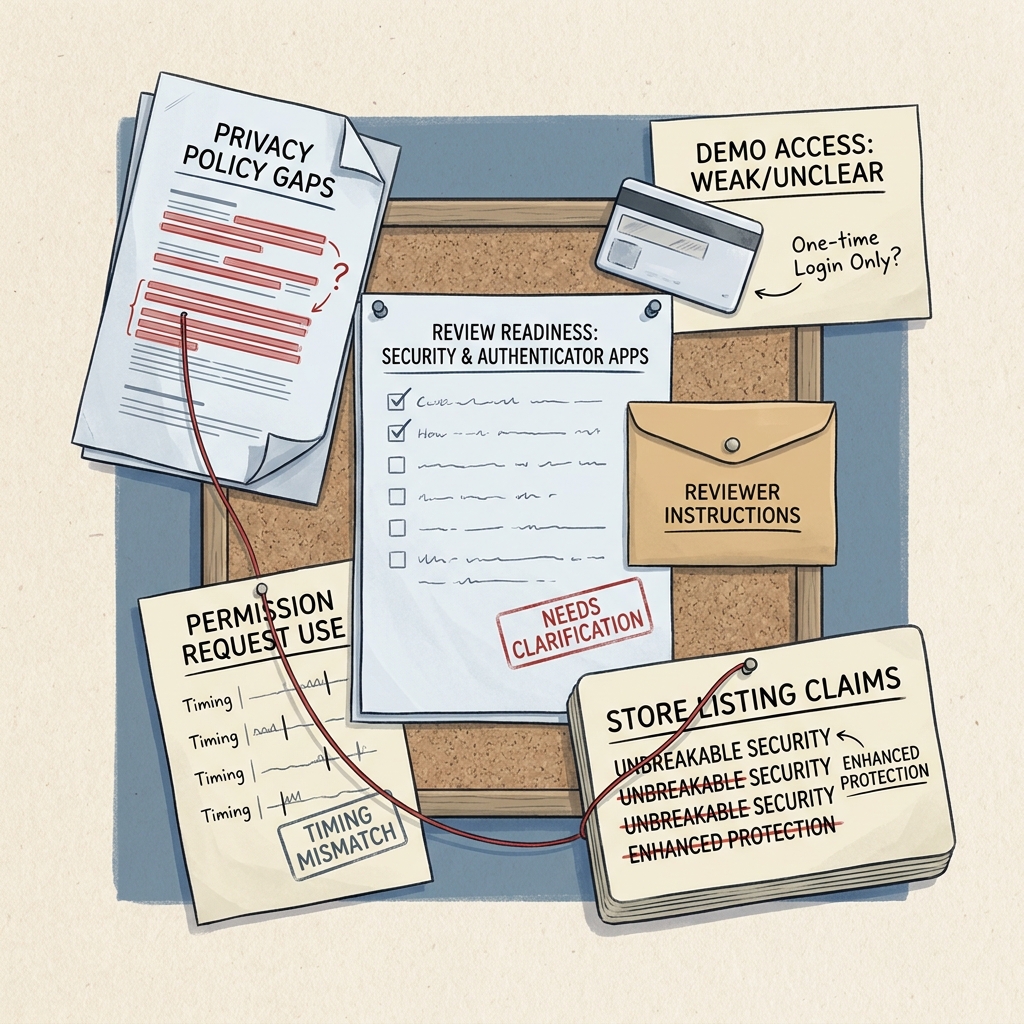
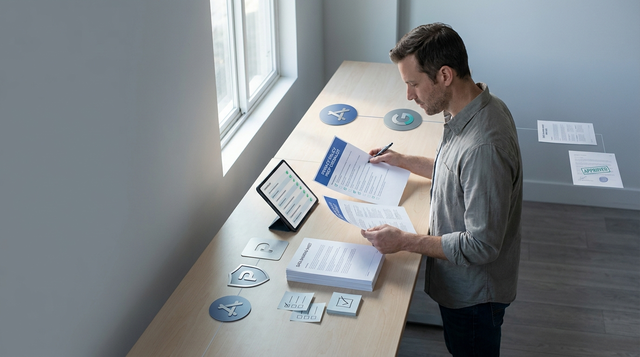
A compact launch-readiness callout showing the main review blockers for security and authenticator apps: privacy policy gaps, weak demo access, unclear permission use, and mismatched store listing claims.
| Where reviews commonly break (directional, from my launches and support threads) | Why reviewers flag it | Practical impact on your launch |
|---|---|---|
| Reviewer cannot complete first-run or login | "Cannot verify" and account-access requirements | Often triggers at least one back-and-forth loop; plan time for resubmission and re-review |
| Sensitive permissions feel unmotivated | Privacy and safety scrutiny for high-risk categories | You may need to refactor prompt timing or add justification screens |
| Privacy policy and in-app behavior do not match | Policy mismatch and ambiguous data handling | Listing edits and sometimes a new binary |
| Claims cannot be validated ("protects everything", "unhackable") | Misleading marketing concerns | Screenshot and description rewrites; slower approval |
| Enterprise IdP or regional dependencies fail | Reviewer environment differs from yours | Random failures that look like app bugs |
- Explanation: Heuristics are not published and outcomes vary, but security apps are often treated like "prove it" products because they touch identity, fraud, and sensitive permissions.
- Interpretation: Treat review like an audit of access, permissions, and truthful claims, not a feature demo.
- Reader impact: A few hours of upfront prep can reduce review ping-pong, but you still cannot control queue time, reviewer device/region, or edge-case policy calls.
When you move from outline to execution, The Security Risks of Manual App Publishing helps close common gaps teams hit here.
What does it take to publish a security or authenticator app?
This is about submission readiness for apps that protect logins with OTP, passkeys, device binding, or account recovery, including enterprise flows. It is not a deep dive on cryptography or architecture.
The practical goal: get reviewers through your core flow on a clean device, with clear explanations of what data you collect and why, and with permission prompts that feel justified. Budget 4-12 hours the first time to assemble artifacts and test the reviewer path, and plan 2-4 more hours for fixes if you get a first-round rejection.
One tradeoff worth naming: optimizing for reviewer convenience (demo accounts, bypasses, relaxed checks) can become security debt if it ships broadly or lingers. If you do it, keep it review-scoped, monitored, and easy to revoke, and expect some ongoing maintenance as policies and reviewer expectations shift.
A complementary angle worth comparing lives in Should You Publish Your App Yourself or Hire Someone?.
What evidence and platform rules shape approvals?
Reviewers mostly validate three things: can they access features, do claims match reality, and do permissions and data use look proportional. Security apps get less benefit of the doubt because both stores are under pressure to block fraud and policy abuse.
Enforcement varies by region, reviewer, and category (authenticator vs VPN vs security suite). Plan for variance, not a deterministic outcome, especially if you use enterprise login, device posture checks, or anything that looks like remote access.
Submission artifacts reviewers expect (and where to put them)
| Artifact | Where to add it | Owner (who actually does it) |
|---|---|---|
| Demo account or reviewer access steps | App Store Connect Review Notes; Play Console App Access | Founder or PM, verified by QA |
| Step-by-step test script (first-run, enroll, verify, recovery) | Same fields; link a short doc if needed | QA or Eng Lead |
| Privacy policy that matches real behavior | Store listing URL + in-app link | Founder with legal review (as needed) |
| Permission justification (what, when, why) | In-app pre-permission screen + notes | Mobile engineer + designer |
| Support contact that responds during review | Store listing + auto-reply with troubleshooting | Ops or support |
If you only do one thing, do the app access + test script. Many "security app rejections" are simply "reviewer cannot complete the flow."
For tradeoffs, checklists, and edge cases, Why Code Signing Is the Most Confusing Part of iOS Publishing rounds out this section.
How should you prepare the app for App Store and Google Play review?
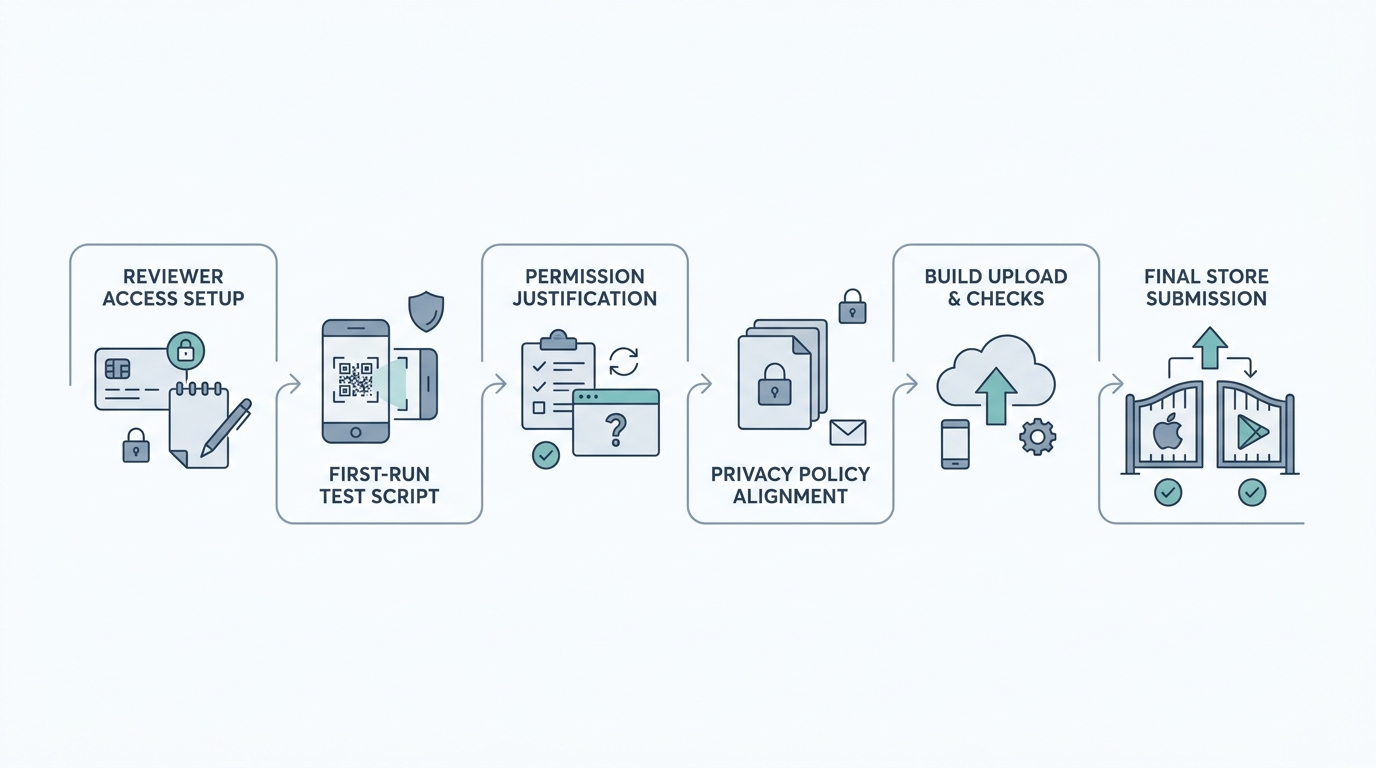
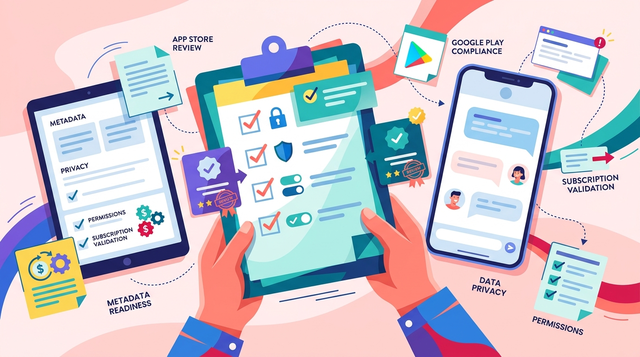
A step-by-step submission workflow for a security or authenticator app, moving from reviewer account setup to build upload, permission checks, metadata alignment, and store submission on App Store or Google Play.
Make the first-run path deterministic
Test on a fresh device state (no prior accounts, no cached tokens) and at least one non-office network. Provide a demo account or exact steps that work without special corporate access. If you require an enterprise IdP, assume reviewers cannot use it unless you provide a working test tenant and credentials.
Time sensitive permissions after an in-app explanation
Push notifications, camera scanning (QR), biometrics, clipboard access, accessibility, device admin, or VPN-style routing can be valid, but they need context. Add a short "why we ask" screen before the OS prompt, and ensure declining does not dead-end the reviewer unless the permission is truly required for core value.
Align binary behavior with metadata
If your listing implies passkeys, device binding, or account recovery, reviewers should be able to reach those screens in a few taps. Avoid absolutes like "unbreakable" or "protects everything" and stick to verifiable, plain-language claims that match what the build actually does.
One measurable check that helps catch surprises: run the reviewer script 3/3 times clean on fresh devices (no cached state) before you submit.
Example: a reviewer script that removes ambiguity
| Field | iOS (App Store Connect Review Notes) | Android (Play Console App Access) |
|---|---|---|
| Demo credentials | Email: reviewer+ios@yourapp.com / Password: ... | Email: reviewer+android@yourapp.com / Password: ... |
| MFA seed or fallback | OTP secret (Base32): ... or "Use in-app codes tab" | Same, plus note if copy/paste is needed |
| Steps | 1) Sign in 2) Tap Enroll 3) Scan QR 4) Enter OTP 5) Test Recovery | Same, plus any device-specific setup |
| Known constraints | "SMS does not work in some regions; use email fallback" | "Requires Google Play Services; tested on Pixel and Samsung" |
Keep this short. The goal is to make the reviewer path boring and reliable, not impressive.
Concrete tooling that helps (not magic, just practical):
- iOS: TestFlight + App Store Connect Review Notes (paste the same script in both places if you have to).
- Android: Play Console Pre-launch report to catch crashes and device-specific issues before a human reviewer hits them.
Step-by-Step Guide to Publishing Your First Mobile App reframes the same problem with a slightly different lens - useful before you finalize.
How long does security app review take?
If everything is clean, you can sometimes get through quickly, but "security + account access" apps are more likely to trigger clarification and resubmission than a basic consumer app. Also plan for the human realities: time zones, weekends, and the fact that some fixes require rebuilding, re-signing, and waiting on CI.
A realistic baseline for a first submission:
- Prep time: 4-12 hours to assemble access, notes, privacy links, and permission explanations.
- Review time: depends on queue, region, and complexity; assume you might need at least one revision cycle.
- Buffer: add 5-10 business days around your target launch date if timing matters (press, customers, or coordinated releases).
Dependencies that derail review (and quick mitigations):
| Risk | Mitigation |
|---|---|
| Demo account gets locked, rate-limited, or geo-blocked | Use reviewer-specific accounts, loosen rate limits for those users, and monitor sign-in attempts during review |
| SMS or phone verification fails in reviewer geos | Offer email-based fallback for review builds and document it in review notes |
| Enterprise IdP, SSO policy, or device posture blocks reviewer | Provide a dedicated reviewer tenant with predictable policies, plus exact steps and support contact |
| Network or OS variance triggers flaky flows | Test on at least 2 devices/OS versions and one non-office network before submit |
Choose your launch sequence
Ship one store first if you want lower operational risk, or parallel submit if you can support two review loops at once.
Choose your sequence
What mistakes delay security and authenticator app launches?
Rejection triggers to avoid
- No reviewer path through login or MFA: If the reviewer cannot enroll, verify, and recover, you are likely to get "cannot verify." Provide credentials, exact steps, and a fallback path.
- Privacy policy gaps for sensitive flows: Describe identifiers, device signals, and verification artifacts in plain language. If you say "we do not collect data" but you log device identifiers for fraud prevention, expect follow-ups.
- Permissions too early: Asking for notifications, accessibility, or device access before the user sees value looks like overreach. Request later, with a reason tied to the feature.
Pre-flight checklist before pressing submit
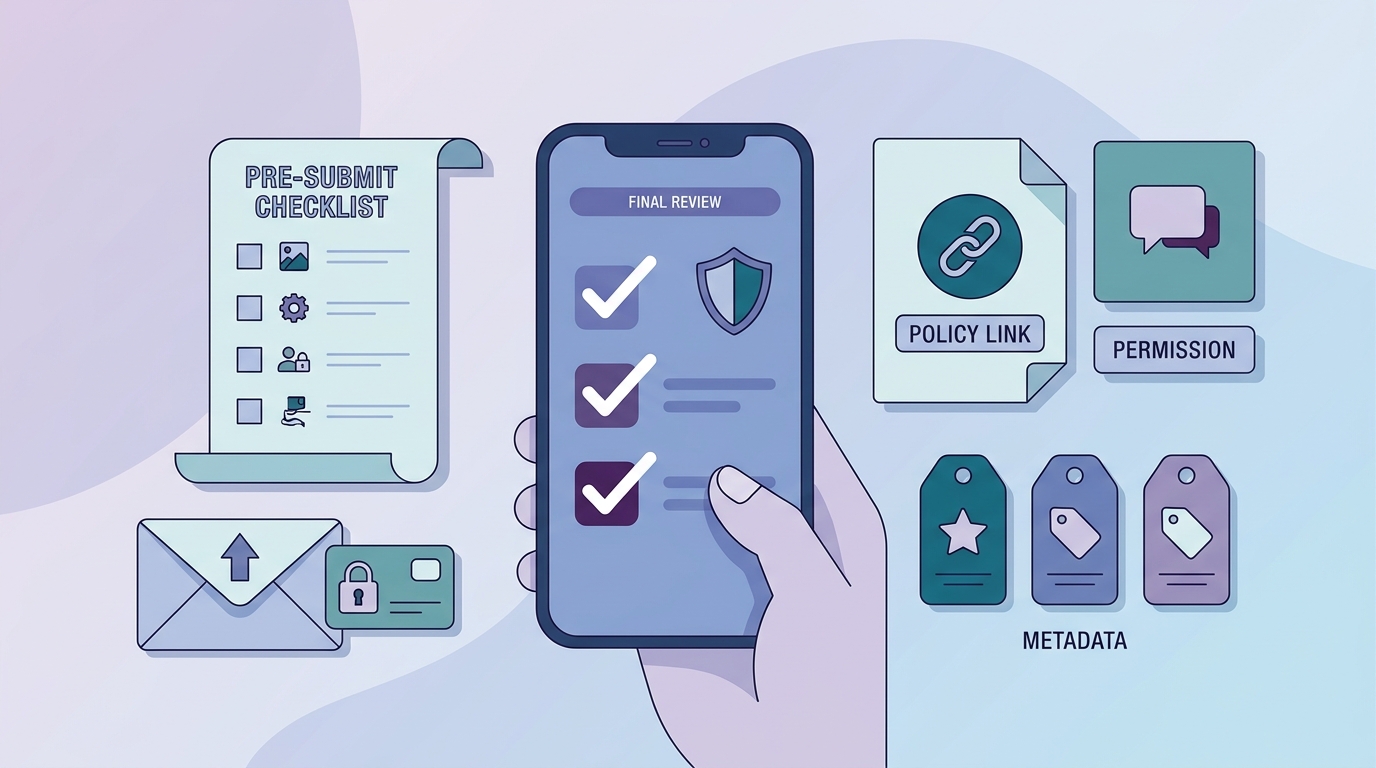
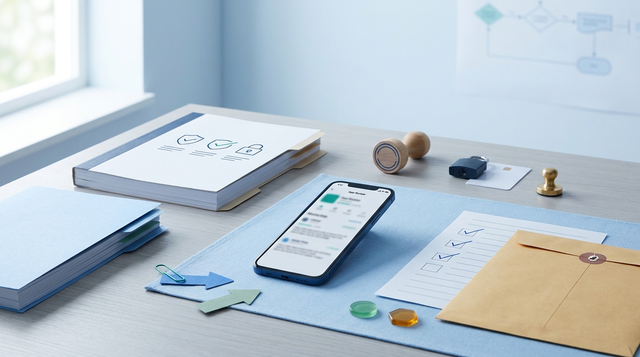
A mobile-friendly checklist for final review of a security or authenticator app, covering login verification, recovery paths, privacy policy links, store metadata consistency, and permission prompts.
- Run the reviewer script end-to-end on a clean device and network (budget 30-60 minutes).
- Verify enroll, verify, recovery, and lockout behavior (budget 60-90 minutes).
- Confirm metadata consistency: screenshots, privacy labels, support links, and claims (budget 30-45 minutes).
One thing worth noting: "reviewer tenants" can drift from production over time. Add a lightweight reminder (monthly or per release) to re-test the reviewer script so you do not discover broken credentials in the middle of review week.
Run a final internal review
Do one last reviewer run on a clean device, then paste the exact steps and credentials into App Store Connect and Play Console App Access.
Run a final internal review