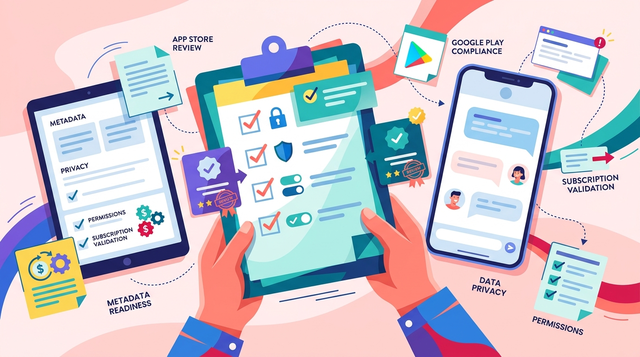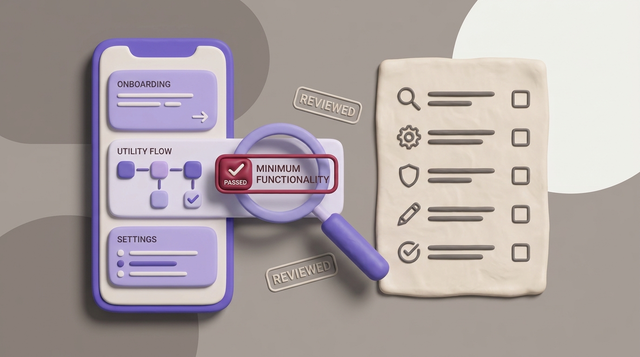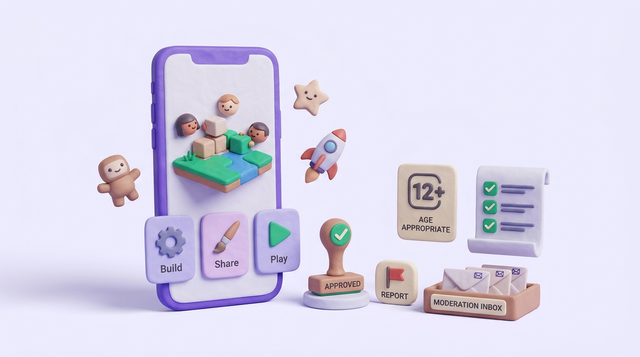
Publishing a user-generated game platform app is where many teams stall: the build works, but app store review treats you like a platform, not just a game. If moderation, reporting, or age gating are missing or hard to find, you can hit delays, rejections, or last-minute feature cuts. You will leave with a practical workflow and checklist to package policy, product controls, and submission details together, so reviews have fewer avoidable surprises.
How to Add Gamification to Your Educational App goes deeper on the ideas above and adds concrete next steps.
What Do App Store Reviewers Expect to Find in a UGC Game App?
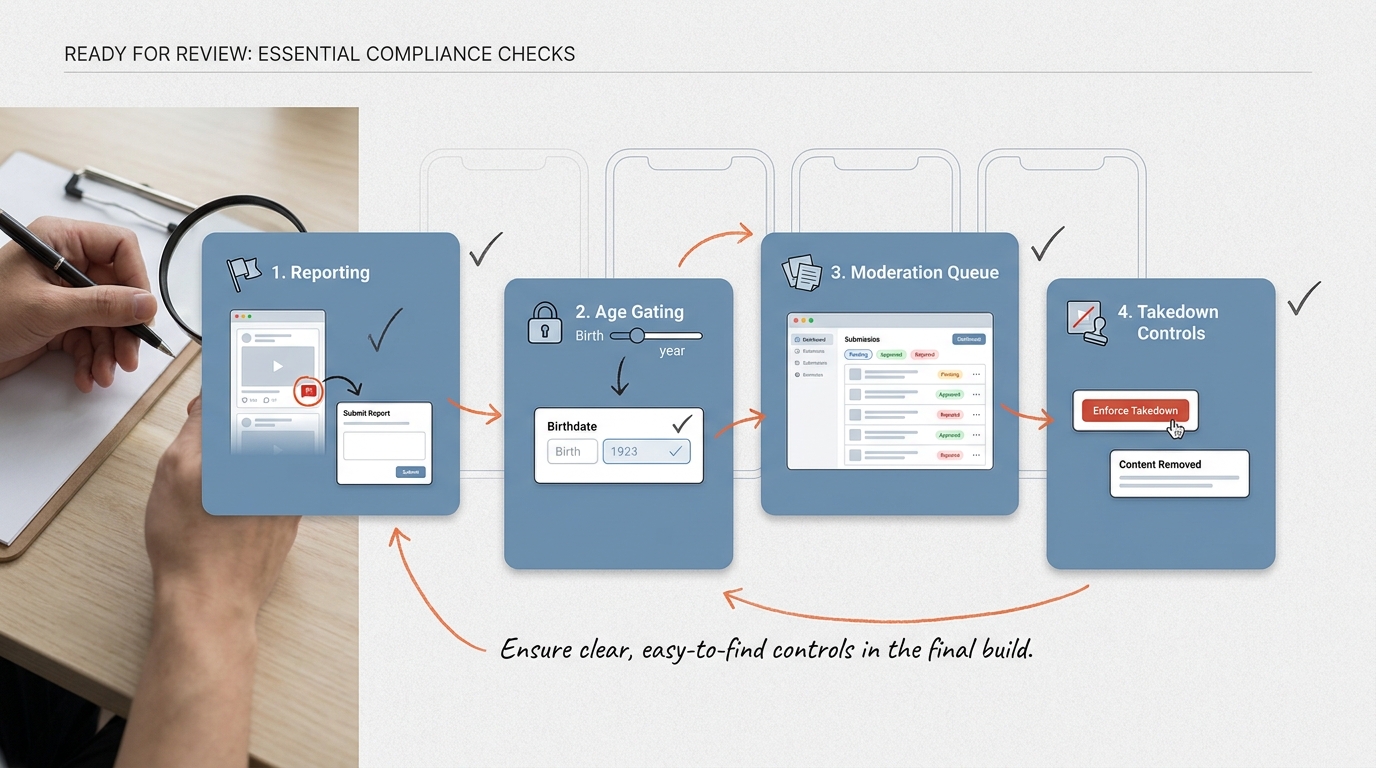
A compact readiness callout showing the required moderation, reporting, age gating, and takedown controls for a user-generated game platform app before App Store or Google Play submission.
This proof block is a reviewer-style checklist you can validate in a test build. It is not about having a policy document somewhere; it is about whether a reviewer can find and trigger the controls in-app in a few minutes.
| What reviewers look for | Where it lives in-app (examples) | Fast verification (1-2 minutes) |
|---|---|---|
| Report content and users | Level page, comment thread, profile, chat message menu | Creates or finds UGC, taps Report, sees categories and submit confirmation |
| Block or mute user | Profile and chat UI | Blocks a user and confirms content or messages stop appearing |
| Takedown path (removal or queue) | Moderation screen, admin tools, or support intake | Reports something and sees it removed or clearly queued with status |
| Rules and consequences | Settings, onboarding, upload or publish screen | Finds rules in-app and sees what happens after violations |
| Age alignment and gating (if needed) | Onboarding and account settings | Sets age, sees restricted features for minors or clear disclosure |
| Appeals or support entry point | Enforcement message, help center, settings | Gets a removal notice and sees an appeal or contact path |
- What it is + how to read it: A fast, in-app "show me" list that mirrors how reviewers commonly test UGC apps (Apple, Google Play). If any row is "cannot verify" on a fresh install, plan for at least one extra review loop.
- Impact (with caveats): Making these controls obvious can reduce preventable back-and-forth and last-minute patches. Review outcomes can still vary by reviewer, region, and your ops capacity to actually process reports.
Planned visual: 3 screenshots showing Report on a level, Block on a profile, and Rules in Settings.
When you move from outline to execution, How to Publish a Game on App Store - What's Different helps close common gaps teams hit here.
Why Is a User-Generated Game Platform Hard to Publish?
A user-generated game platform is not reviewed like a single-title game with fixed levels. You are shipping a creation and distribution layer, so reviewers assume content changes daily and can include unsafe uploads, harassment, or restricted media.
Here is the constraint: you cannot "policy doc" your way through this. Apple and Google expect enforceable controls in the build, plus an operational plan to act on reports. If your queue, staffing, or enforcement tools are not ready, you may need to narrow features for launch.
A complementary angle worth comparing lives in Why Publishing Requires Structured Execution, Not Guesswork.
Decision Table: UGC Surfaces and the Controls Reviewers Expect
Use this to avoid repeating the same work across features and to estimate ops load.
| UGC surface | Minimum controls to ship | Ops burden and gotchas |
|---|---|---|
| Public levels or games | Report, takedown, creator notification, basic appeal or support | Expect daily queue work; caching can make removals look inconsistent if not handled everywhere |
| Comments or text | Report, block, filters for obvious slurs or spam, rate limits | False positives happen; you need an override or appeal path |
| Usernames and profiles | Report, profile edit flow, enforcement message | Renames can be abused; add cooldowns and audit logs if you can |
| Chat (1:1 or public) | Report, block, mute, anti-spam throttles, escalation categories | High volume during spikes; backlog risk is real without coverage |
| Media upload (images, audio) | Report, removal, basic scanning where feasible, strict default privacy | Scanning and storage add cost; be explicit about limitations in review notes |
For tradeoffs, checklists, and edge cases, Step-by-Step Guide to Publishing Your First Mobile App rounds out this section.
How Do You Publish a UGC Game App to the App Store and Google Play?
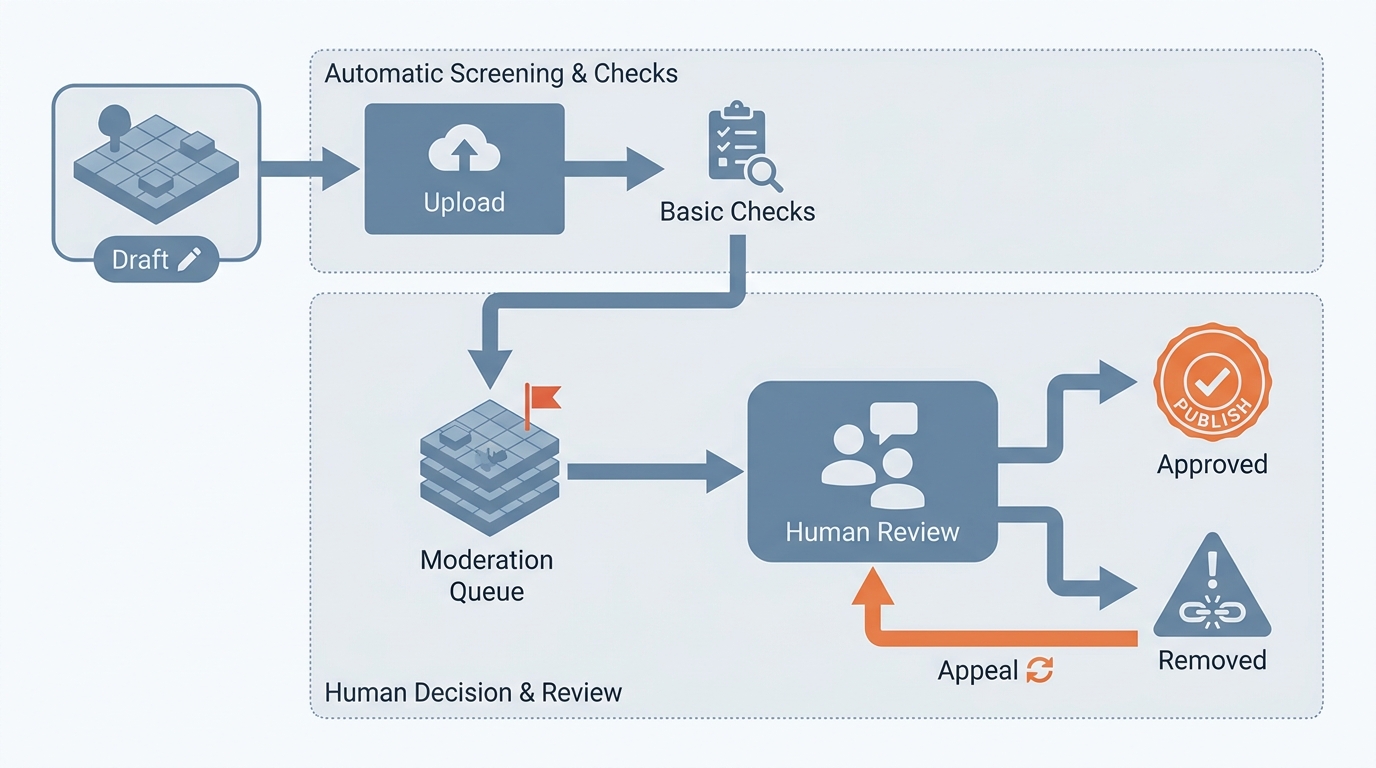
A simple process diagram showing a player-created level moving from draft to publishable content, then through report, review, approval, or removal states inside the game platform app.
This workflow assumes at least one engineer and one product owner engaged, plus someone accountable for moderation decisions. For a small team, budget 1-2 weeks to ship minimum controls if UGC already exists, and 3-6 weeks if you are adding chat or media uploads plus a queue from scratch. Reviews can add more time, so avoid scheduling launch week around "approval will be quick."
Lock the rules and enforcement scope
Draft user-facing rules for maps, skins, text, voice, and profiles, with concrete examples. Expect 2-6 hours to draft, then at least one iteration with legal or a policy-minded teammate.
Ship the in-app safety actions where users will look
Make Report and Block reachable from each UGC surface in 2 taps or less. If controls exist but are buried (or only on the web), reviewers may treat them as missing.
Implement a simple, auditable moderation state model
Use a small set of statuses (pending, approved, removed, rejected) and log who acted and why. This supports appeals, disputes, and internal consistency.
Connect reports to a real queue and an owner
Use something concrete: Zendesk, Jira Service Management, or an internal admin panel. If reports do not land somewhere a human can act on, reviewers may treat your flow as cosmetic.
Set an honest SLA you can staff. Many small teams start at 24-72 hours for normal reports and faster for severe categories, but only if someone is actually on-call.
Run a reviewer-style test script on each platform build
Create UGC, report it, action it, then confirm it disappears everywhere it can be discovered (feed, search, profile, deep links). Plan 60-120 minutes per platform build; the common failure mode is deletion not propagating due to caching or replication delays.
How to Publish an Emergent-Built Mobile App Successfully reframes the same problem with a slightly different lens - useful before you finalize.
Store Submission: What to Put in Listing and Review Notes
- Screenshots: include the creation UI plus at least one safety control (Report, Block, Rules entry point).
- Reviewer notes: describe how UGC is created, filtered, reviewed, and removed. Match the build behavior, including any delays (for example, "removals propagate within X minutes due to caching").
- Test accounts: provide at least one account and any role-based steps needed to see moderation or enforcement outcomes.
- Regional and age differences: call out locale-based restrictions or age-gated features since reviewers can test from different regions.
Quick review prep checklist
If you want a one-page reviewer script (what to click, what to expect, and how to verify enforcement), use my template.
Get the reviewer script template
Common Failure Modes (and how to reduce them)
- Controls exist, but reviewers cannot find them quickly. Put Report and Block on obvious UI elements (content menu, profile menu, chat message actions). Keep Rules reachable from Settings and from publishing flows.
- Reports submit, but nothing happens (or nothing looks like it happened). If you cannot action reports quickly yet, show "queued" status plus a support entry point, then improve response time after launch.
- Moderation backlog during spikes. Events can multiply report volume. If you are understaffed, consider temporary pre-moderation on the highest-risk surfaces (public chat, public galleries) until volume stabilizes.
- Over-blocking harms good creators. Strong filters reduce risk but can frustrate legitimate users. A basic appeal loop and manual override helps retain creators while keeping risk manageable.
Execution Checklist: Pre-Launch and Post-Launch Actions for a Safer Release
Pre-flight checks before App Store and Google Play submission
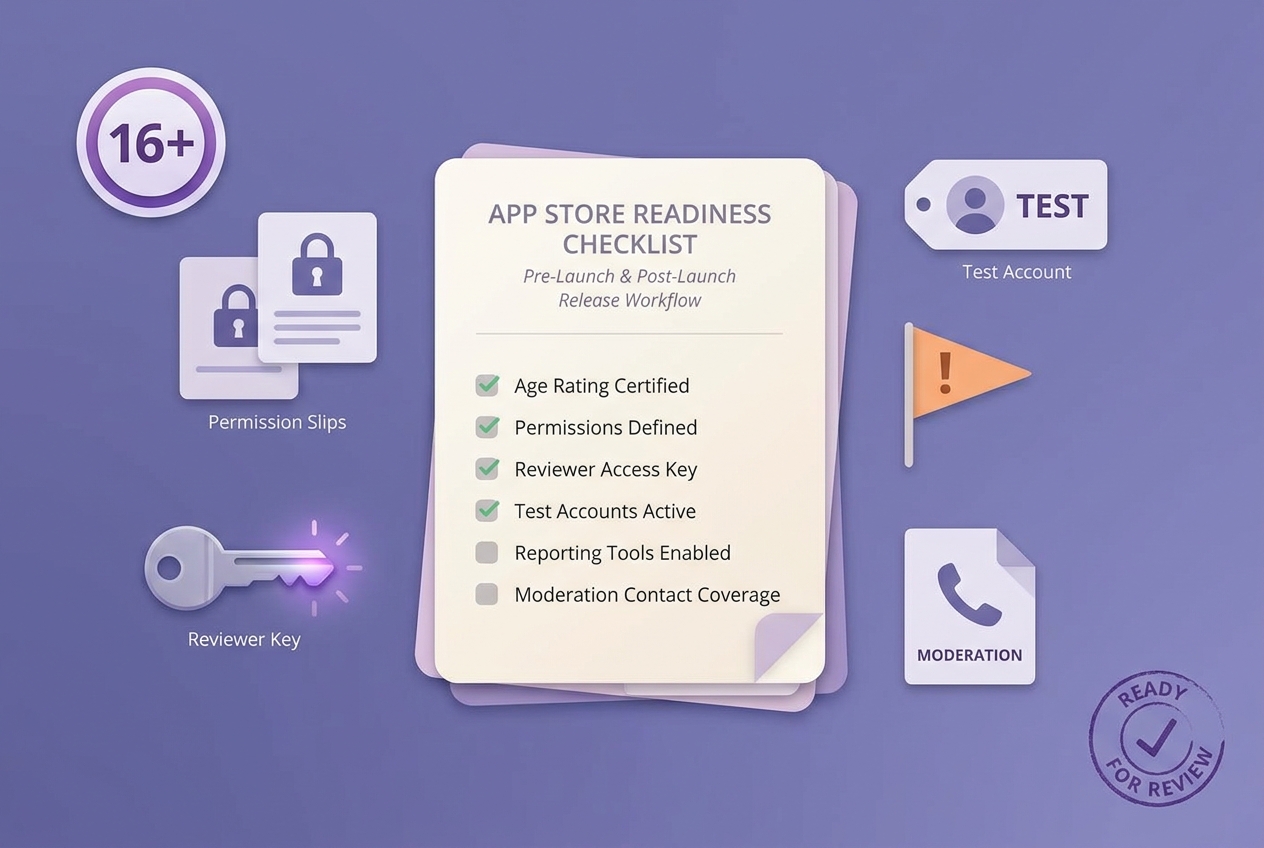
A mobile-friendly checklist block for final submission tasks: age rating, permissions, reviewer access, test accounts, reporting tools, and moderation contact coverage for a user-generated game platform app.
- Confirm age rating, permissions, and UGC disclosures match actual creator features (Apple, Google Play).
- On a fresh install, test Report, Block, takedown, and appeal or support end to end (common failure: reports never hit a queue).
- Add basic abuse throttles where abuse is cheap (example starting point: cap 5-10 public publishes per hour for new accounts, then tune).
- Provide reviewer steps, test accounts, and a human escalation contact.
First-week monitoring after approval
- Daily: report volume, median report-to-action time, removal rate, and appeal outcomes.
- Spot-check new submissions to catch repeated abuse patterns and broken filters.
- Patch quickly if any UGC surface lacks visible enforcement, but assume enforcement expectations can still vary by region and context (Google Play).
Want a launch-ready moderation runbook
I can help you pick a minimum viable queue, staffing model, and metrics so you are not guessing after you ship.
Request a moderation runbook